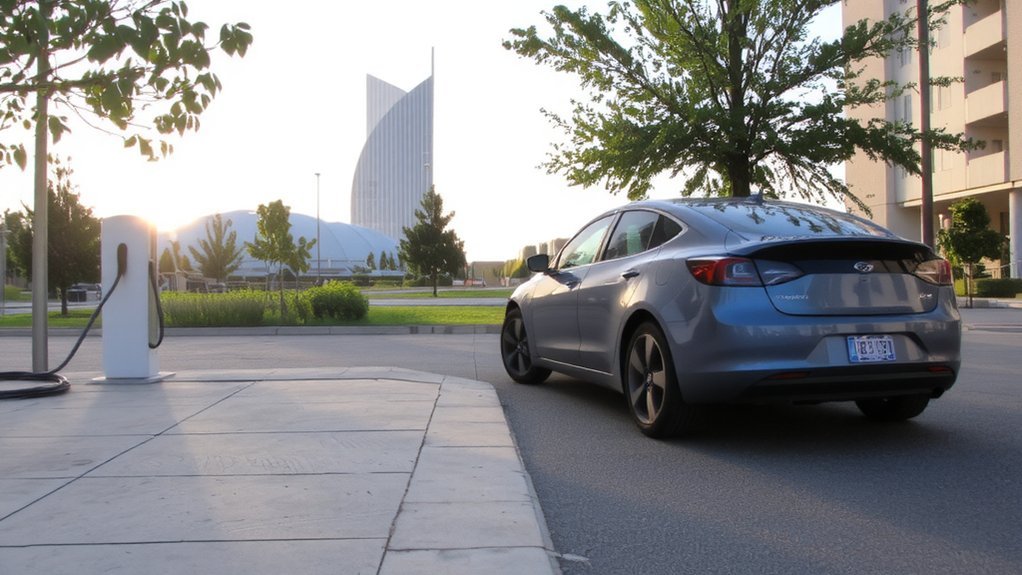
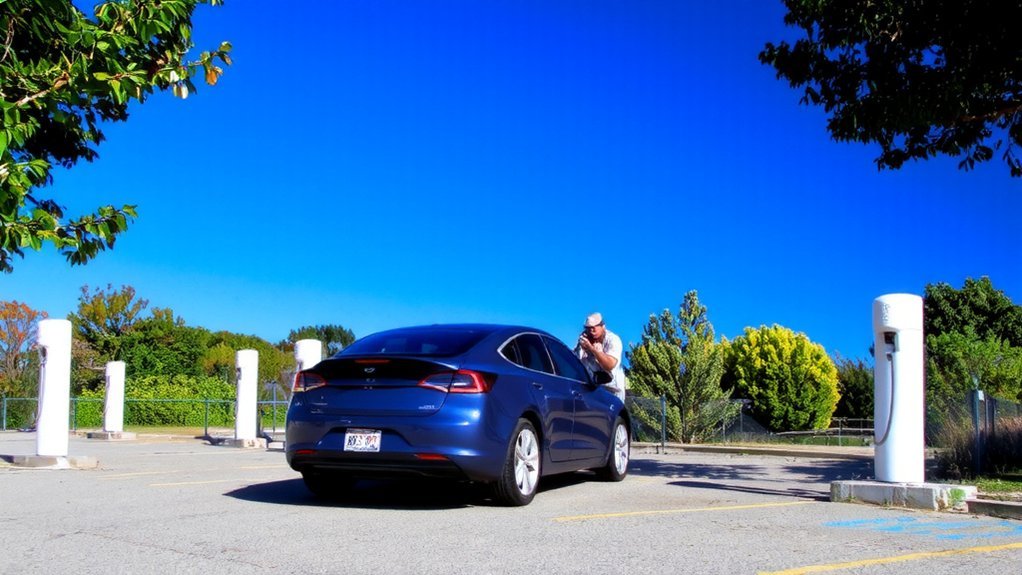
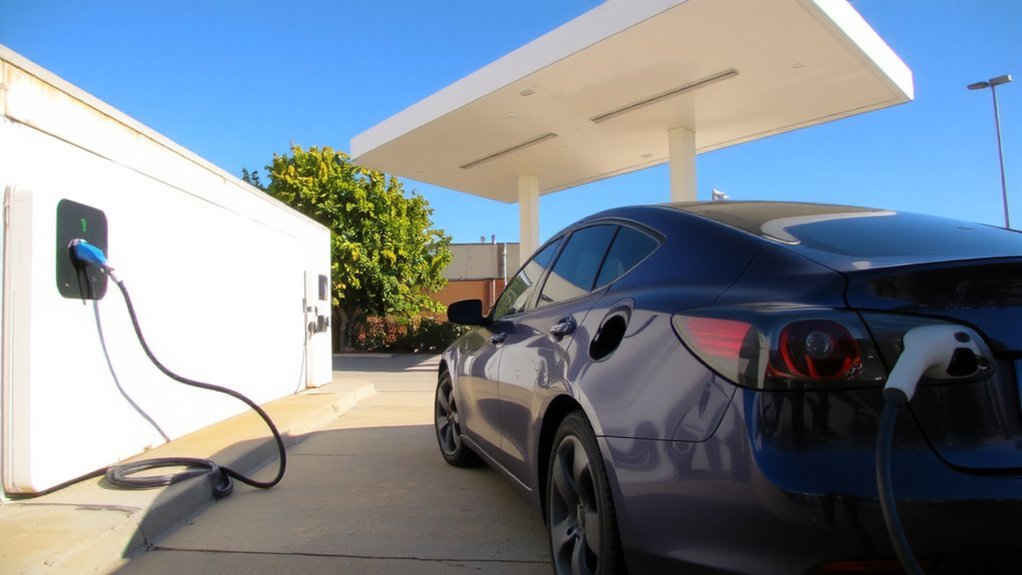
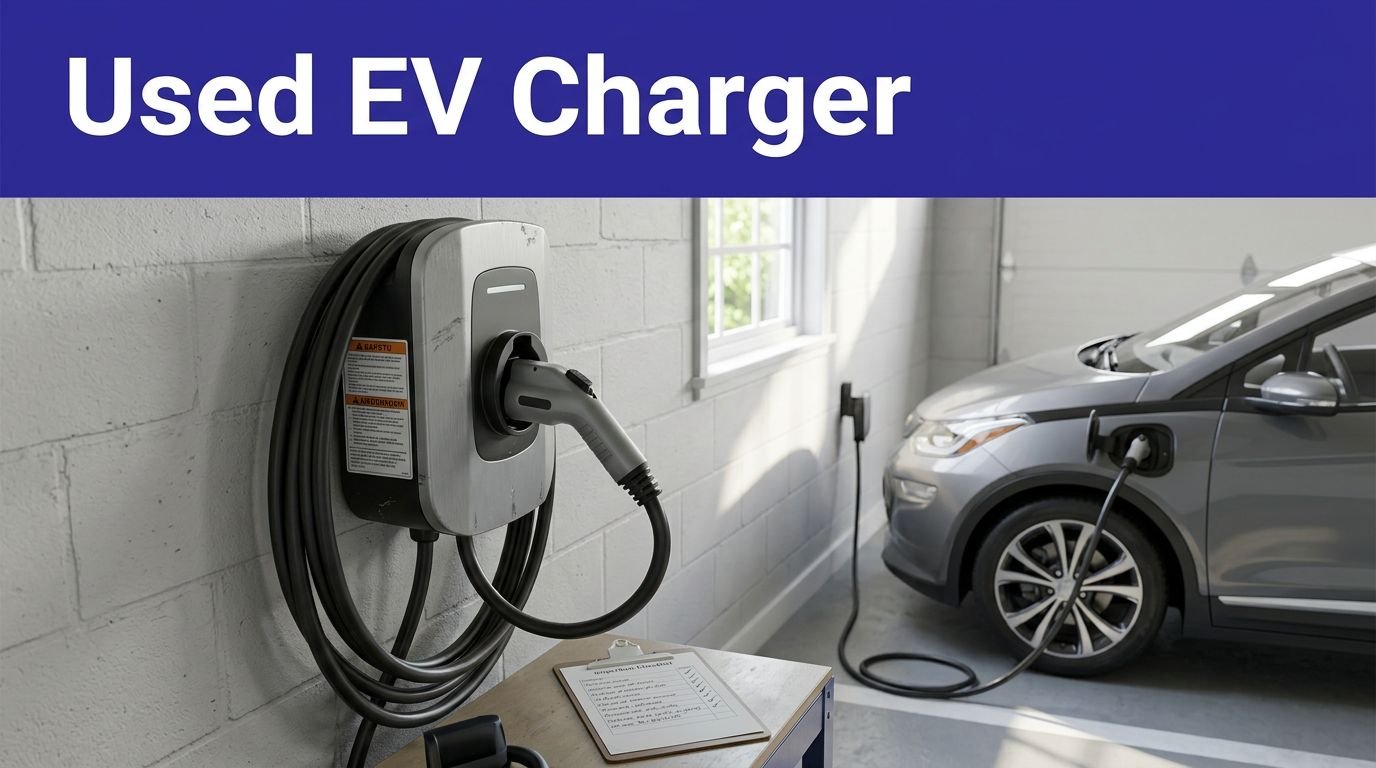
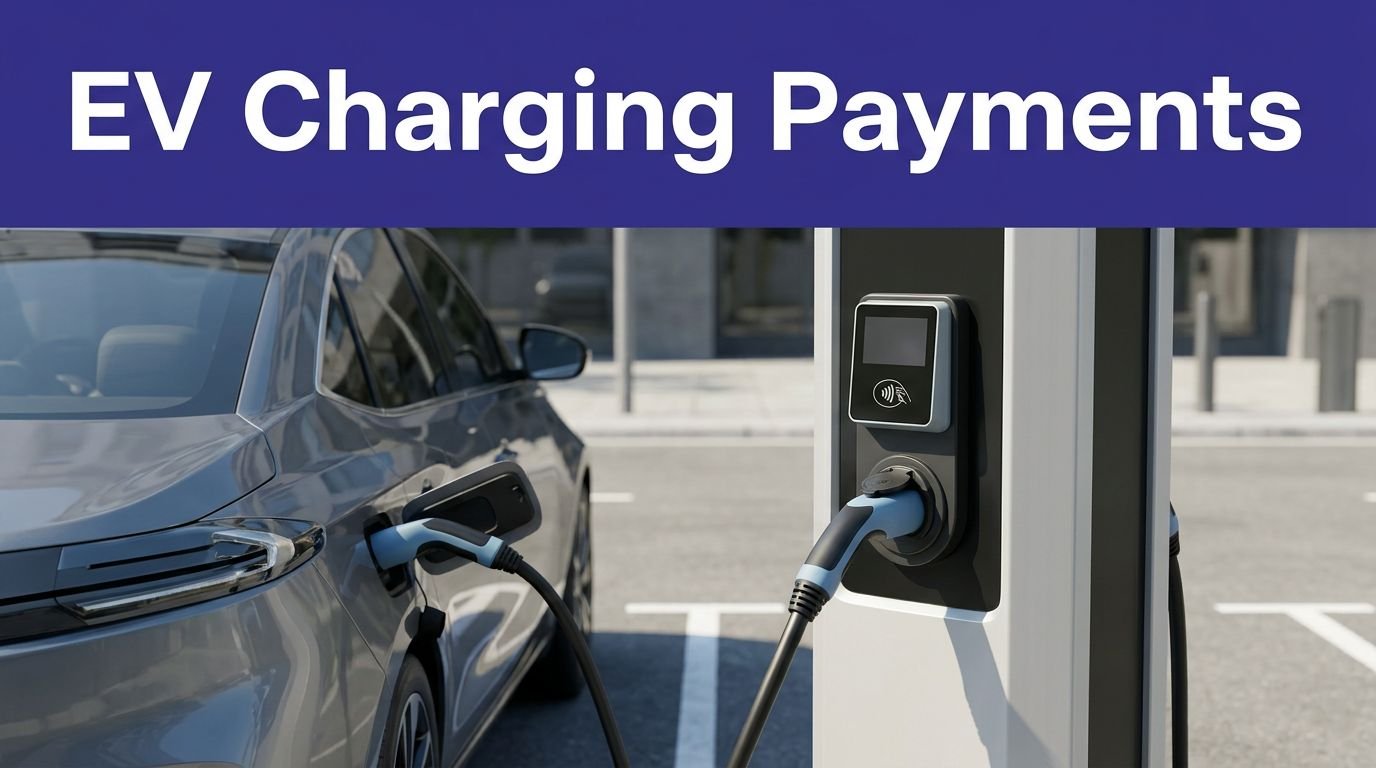
You rely on public chargers to keep your EV moving, so you should follow simple etiquette that saves time and prevents hassles. These rules cover when to stay at a stall, when to move, how to queue, and how to avoid costly disputes. Follow them and you’ll reduce wait times, help others, and protect your charger…
Key Takeaways
- Only occupy EV charging spots when actively charging and never park non-EVs.
- Move promptly when charging finishes and obey posted time limits and idle fees.
- On DC fast chargers during busy periods, limit charging to about 80% to free the stall.
- Use station apps or leave a visible note with return time and contact, and communicate with queued drivers.
- Report charger faults or damage, follow safety protocols, and keep access aisles clear for others.
Only Use Charging Spots When Actively Charging

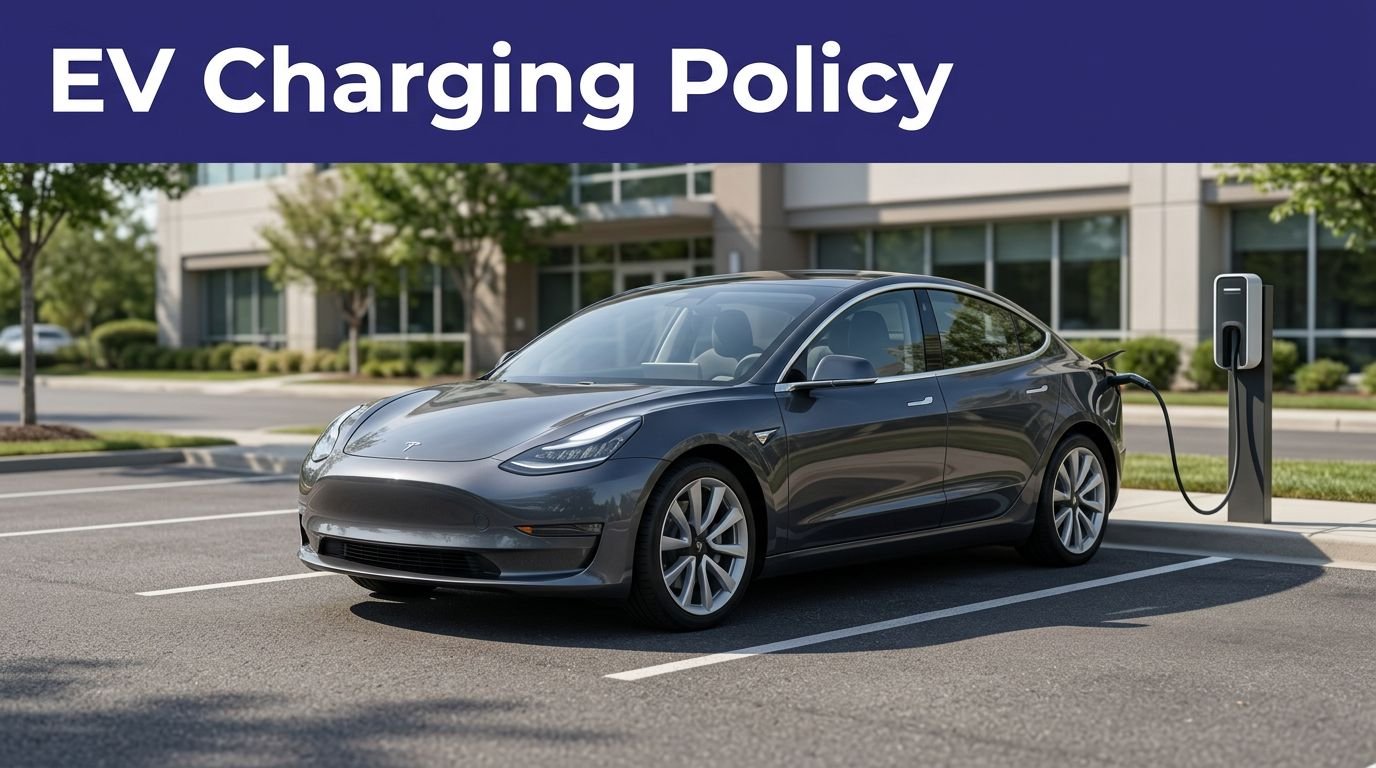
Because charging spots exist to supply power, only park there when you’re actively charging. Treat these spaces as functional infrastructure: they’re for EVs drawing power, not for errands, resting, or general parking. If you block a charger without charging, you prevent others from completing essential trips and may face fines, towing, or network penalties.
Always check signage for plug compatibility and station-specific rules like time limits; choosing the correct plug avoids wasting others’ time. Don’t occupy a charger with a non-EV or with an incompatible connector. Follow posted instructions and don’t ignore idle fees—doing so keeps traffic moving and reduces safety risks from congestion.
Be considerate: leave the spot available for drivers who actually need to charge. It’s safer and fairer for everyone now. As a rule, Only park in charging stalls when your vehicle is charging to keep stations available for others.
Move Promptly When Charging Is Complete
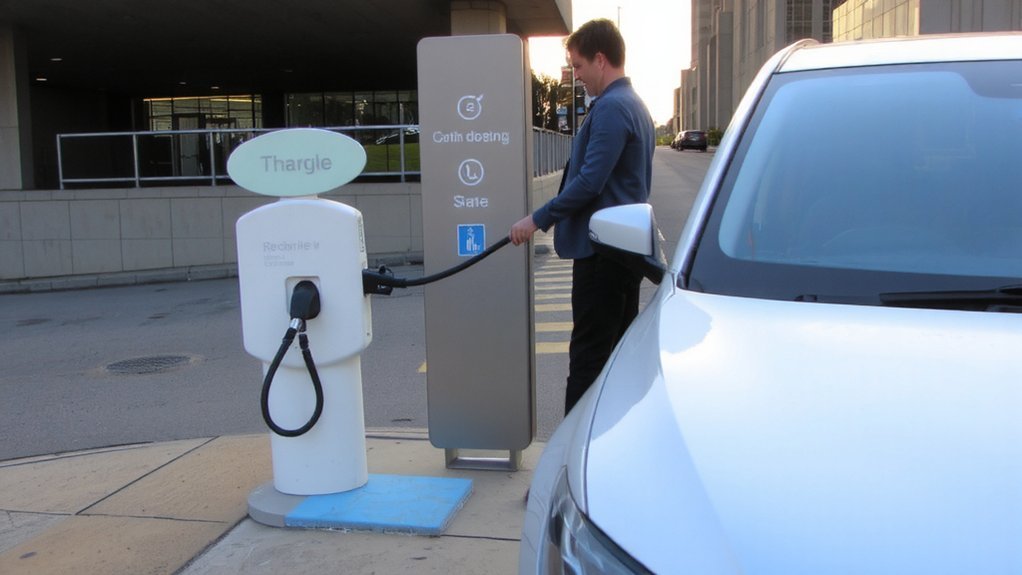
Use your vehicle or charger app to monitor charging progress and get alerts when the session finishes. When charging completes, move your car promptly to free the spot for others. Also, avoid parking in a designated EV charging bay when not charging — this practice is known as ICEing and prevents others from using the charger.
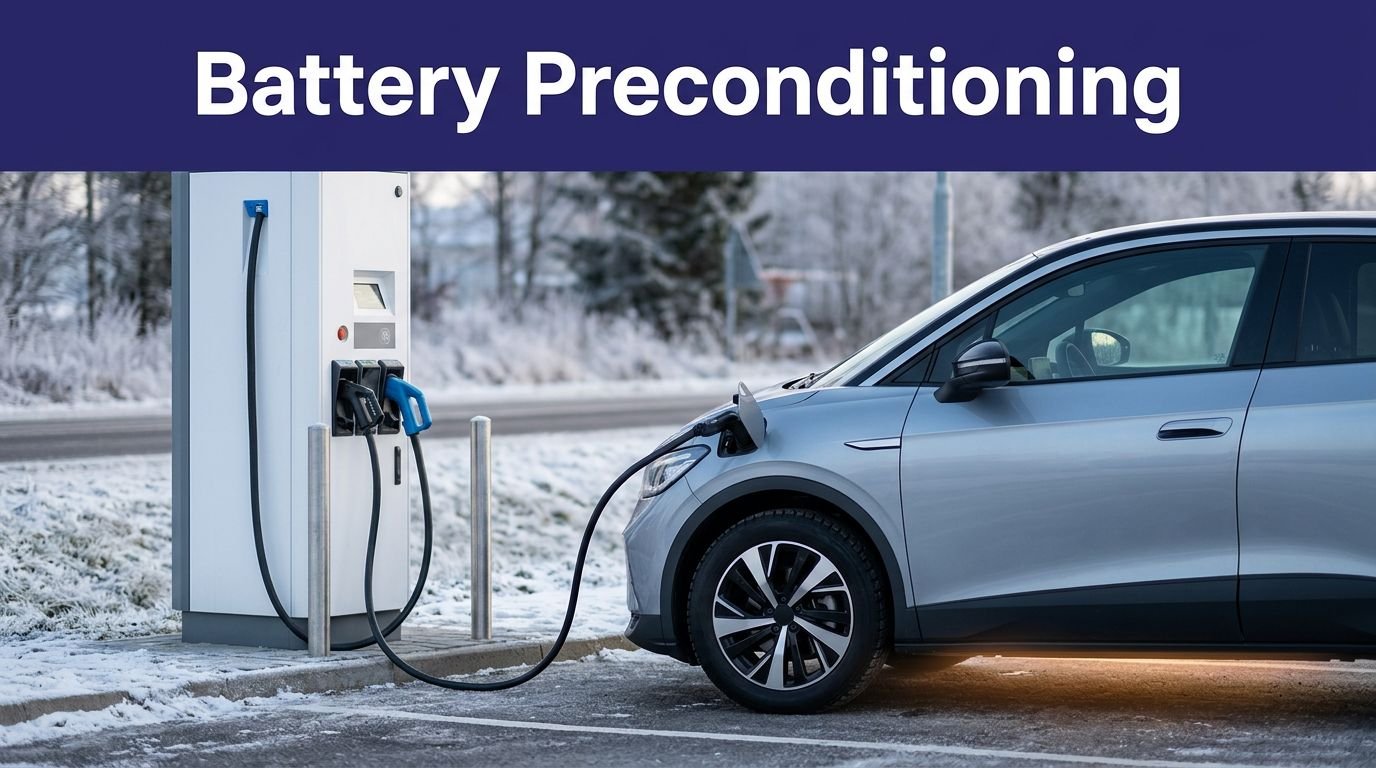
If a fast charger slows after about 80% SOC, plan to switch to a Level 2 or relocate as soon as practical.
Monitor Charge Completion
Real-time monitoring prevents overstays—enable your charging app or vehicle notifications and check the live status so you can unplug promptly when charging finishes. Also, Park only while charging to avoid blocking the space for others. Use app alerts, widgets or watch notifications to get immediate updates; many dashboards show live SOC, so glance remotely when you’re away. DC fast chargers taper after 80%, so monitor the final phase to avoid long slow charges and idle fees. Respect posted time limits and know network fee policies.
- Enable push notifications for finished sessions.
- Use widgets or watch alerts for quick checks.
- Set calendar reminders if you’ll be away.
- Verify local time-limit signs and grace periods.
Respond swiftly to completion, unplug cleanly, and store the cable to keep stations safe and available. You’ll protect others and avoid penalties respectfully.
Vacate Spot Quickly
When your charge finishes, move your vehicle promptly so someone else can use the station—public chargers are shared resources and lingering blocks access during peak times. You should unplug, stow cords, and relocate to a nearby legal spot immediately to keep traffic flowing and reduce safety risks from parked vehicles near equipment.
Observe posted time limits and network idle fees; many systems start fines after a short grace period. Don’t expect to occupy fast chargers for long—DC fast charging is for quick top-ups. If you must leave overnight, check local rules and get permission where required.
Being considerate prevents bottlenecks, lowers plug-rage incidents, and supports broader EV adoption while keeping stations safe and available. Use app alerts and timers to avoid overstaying, reliably today. Plan ahead and know where to charge by using apps and your vehicle’s navigation when making longer trips.
Respect Posted Time Limits and Idle Fees
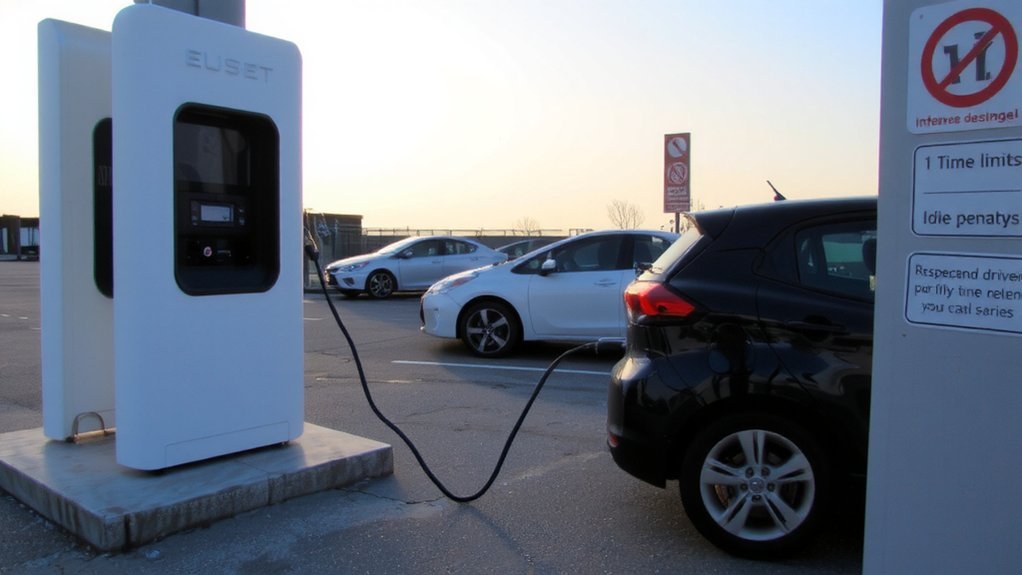
You should observe posted time limits at chargers to keep stations available for others. If your car finishes charging or the time limit expires, move it promptly to avoid idle fees and fines.
Use your charging app to monitor sessions so you can act quickly. Keep in mind that charging speeds vary — DC fast charging can add significant range in about 20 minutes while Level 1 may take over 50 hours for a full charge.
Observe Posted Time Limits
Because chargers are a shared resource, follow posted time limits and avoid idling so others can charge; limits typically run from about 30 minutes at fast DCFCs to 2–4 hours at Level 1/2 sites, and many operators apply per-minute idle fees once your session ends. You should check on signage, use apps to track progress, and plan shorter stops at high-demand sites. For reference, many public fast chargers are Level 3 units that can add 60–100 miles in about 20 minutes.
Idle fees often rise at busy DCFCs to discourage long occupancy and keep access fair. Treat charging like public infrastructure: safety-minded drivers respect rules that reduce congestion and hazards.
- Imagine a line of stranded drivers waiting in rain.
- Feel the frustration when a charger is blocked.
- Appreciate fair access for emergencies.
- Support safe, efficient public charging.
Follow limits to protect community safety.
Move Promptly After Charging
One clear rule keeps chargers available: move promptly once your session ends. Respect posted time limits and idle fees—these exist to discourage occupying a finished charger and to keep stations flowing. Plugging in and paying via the app is the cheapest and easiest way to charge.
Monitor charging via your car or the provider app, enable completion alerts, and return quickly when charging finishes. Most networks give a short grace period (5–10) minutes before idle fees apply; rates vary and are charged to your stored payment method automatically. Extended idle time can lead to steep charges, account penalties, or suspension, and it increases wait times for other drivers.
If you can’t return immediately, consider remote monitoring or alternative stations. Following this rule protects safety, reduces congestion, and supports fair access to charging. Be mindful; others depend on your cooperation.
Never Park Non-EVs in Charging Spaces
While it might seem harmless to leave a gas car in an EV charging bay, doing so can violate local rules and block drivers who actually need to recharge. You mustn’t park non-EVs in charger spaces: laws like NYC Local Law 55 and municipal policies reserve these spots for active charging, not convenience parking.
Don’t park gas cars in EV charging bays — they’re reserved for active charging.
Blocking chargers delays other drivers, undermines infrastructure growth, and can expose owners to fines or towing. Accessible charging must stay clear so disabled drivers can safely use equipment.
- It’s illegal in many garages and lots.
- Blocking chargers slows EV adoption.
- You may cause ADA access violations.
- Owners can lose revenue and incentive to install chargers.
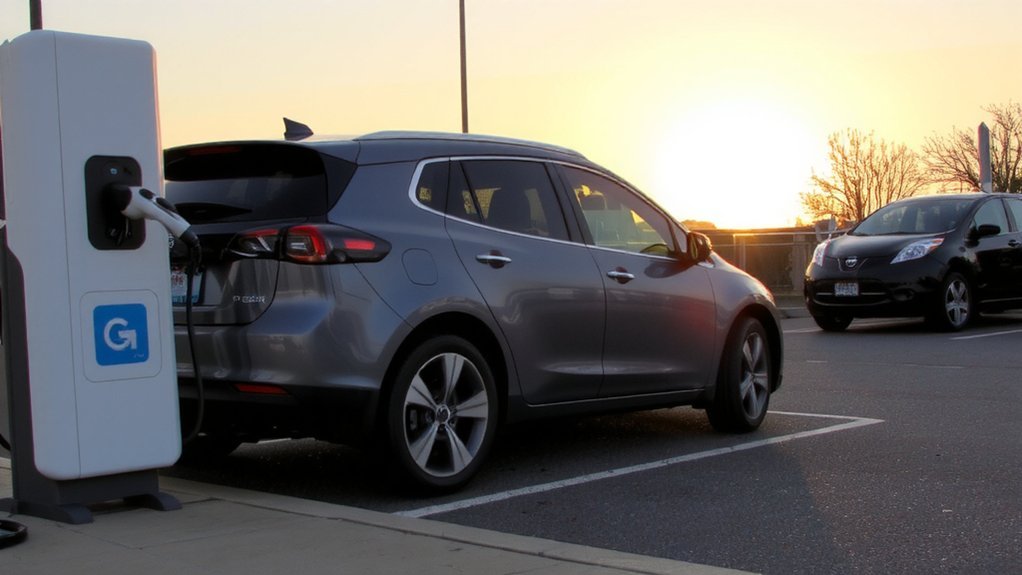
Respecting bays keeps charging reliable and safe for everyone. Local regulations increasingly require chargers and charger-ready spaces in parking facilities Local Law 55.
Follow the Queue and Communicate With Other Drivers
When chargers are busy, stay patient, check apps for availability, and join the line without blocking traffic lanes. You should allow extra travel time at peak periods and avoid forming unsafe queues that obstruct other vehicles.
Use station apps or group chats to see availability and signal your position; leave a contact number or app notification so others can coordinate. When you arrive, tell the next driver an estimated charging finish time and monitor your session remotely so you can move promptly at completion.
Aim to limit DC fast charging to about 80% during busy times to reduce congestion, and don’t unplug active sessions or attempt to jump the queue. If you must step away, leave a note or app alert indicating you’re returning. Remember that a single driver occupying a DCFC 20 minutes longer can delay up to three other drivers, so be mindful.
Choose the Right Charger Type and Cabinet
Because your driving patterns, vehicle charging acceptance, and installation constraints differ, choose a charger and cabinet that match the right power level, connector type, and physical space.
Pick Level 1 only if you rarely drive — it’s safest for occasional use but very slow. Level 2 suits most daily drivers; match amperage (16–50 A) to your vehicle and panel. For trips, rely on public DC fast chargers with CCS or CHAdeMO where supported. Most home installations use 240-volt AC for Level 2 chargers to balance speed and cost.
Size the cabinet for cable management, weather rating, and secure mounting to prevent trip hazards and vandalism. Consider smart features and locks for safety.
Think about:
- Relief: cables neatly stowed
- Confidence: weatherproof, tamper-resistant cabinets
- Control: adjustable amps and scheduling
- Peace: matched connector and installer compliance
Act now.
Unplug at 80% on DC Fast Chargers When Practical
You should aim to stop DC fast charging around 80% because charging speed drops sharply after that, saving time for you and others while reducing long-term battery stress. Time your unplug by setting your vehicle’s charge limit, watching the station or app notifications, or using a phone alert so you can return promptly.
When you’re on a long trip or need full range, you can charge to 100%, but prioritize 80% at busy stations. Also, move car promptly after charging to free up the station for other drivers.
Why 80% Matters
Why stop at 80%? You’ll save time and protect your battery by unplugging at about 80% on DC fast chargers when practical. Charging slows dramatically after 80%, so that last 20% takes much longer and adds heat that stresses cells. You’ll reduce wait times for others and lower grid strain by keeping sessions shorter. Most cars let you set an 80% limit in the app or controls, making it easy and safe. Also remember that charging efficiency decreases as the battery approaches full capacity.
Faster stops mean less exposure to high temperatures. You’ll help preserve battery health and capacity. Shorter sessions free chargers for others. You’ll reduce long‑term degradation and maintain resale value.
When you follow 80% practice, you’ll prioritize safety, efficiency, and fairness across the charging network. It’s a simple safety-minded habit with big benefits.
How to Time Unplugging
Since charging slows dramatically after about 80% SoC, plan to unplug around that mark on DC fast chargers whenever practical. Remember that charging slows dramatically past 80%. You’ll save time because the last 20% can take nearly twice as long and generates more heat, which stresses cells.
During long trips you can top off past 80% when needed, but do so sparingly and consult your owner’s manual for manufacturer guidance. Monitor your charging session, use network notifications or vehicle timers, and be ready to move when you hit 80% so others can charge.
Repeatedly finishing to 100% on DC fast chargers accelerates battery aging, so reserve full charges for trip prep. Prioritize safety: avoid rushing, park correctly, and follow station instructions while unplugging. Keep cables tidy and report faults to operators.
Inspect Equipment and Report Damage Immediately
When you inspect a charging station, look for visible damage, frayed or exposed cables, corroded contacts, malfunctioning retractors, and signs of tampering. Do a quick visual and functional check: confirm connectors lock and release, retractors work, screens and payment readers respond, and seals or vents aren’t compromised. If anything’s damaged or you detect burning smells, don’t use the unit—report it. Use the operator app or posted contact, include clear photos, and note location and time.
- If you spot exposed wiring or arcing, avoid the area and call for immediate shutdown.
- Broken seals or pry marks suggest vandalism; report it now.
- Unresponsive controls or loose connectors are hazards; document them.
- Even minor corrosion can worsen; photograph and document it.
Follow up to guarantee repairs are scheduled. If you must wait for technicians, ensure the station is de-energized per OEM and reported through the operator app so authorized personnel can apply proper lockout/tagout.
Stow Cables Properly and Don’t Unplug Others
After you’ve checked a charger for damage and reported problems, take a moment to stow the cable properly and respect other drivers’ sessions. Also, use a compatible charger to avoid damage and inefficient charging. Return the connector to its holster or hook so it stays off the ground, keeps debris away, and avoids trip hazards. Coil excess cable neatly without tangles so others can use the bay and you don’t block adjacent stalls.
Fully retract or secure cables when finished to prevent obstruction and equipment strain. Never unplug another vehicle’s cable—doing so can disrupt charging schedules, cause misunderstandings, and create safety risks. If a cable looks abandoned, ask the owner or operator before moving anything.
Good cable etiquette keeps stations safe, accessible, and reliable for everyone. Practice these habits every time you visit a charger.
Use Apps, Plan Off-Peak Stops, and Share Best Practices
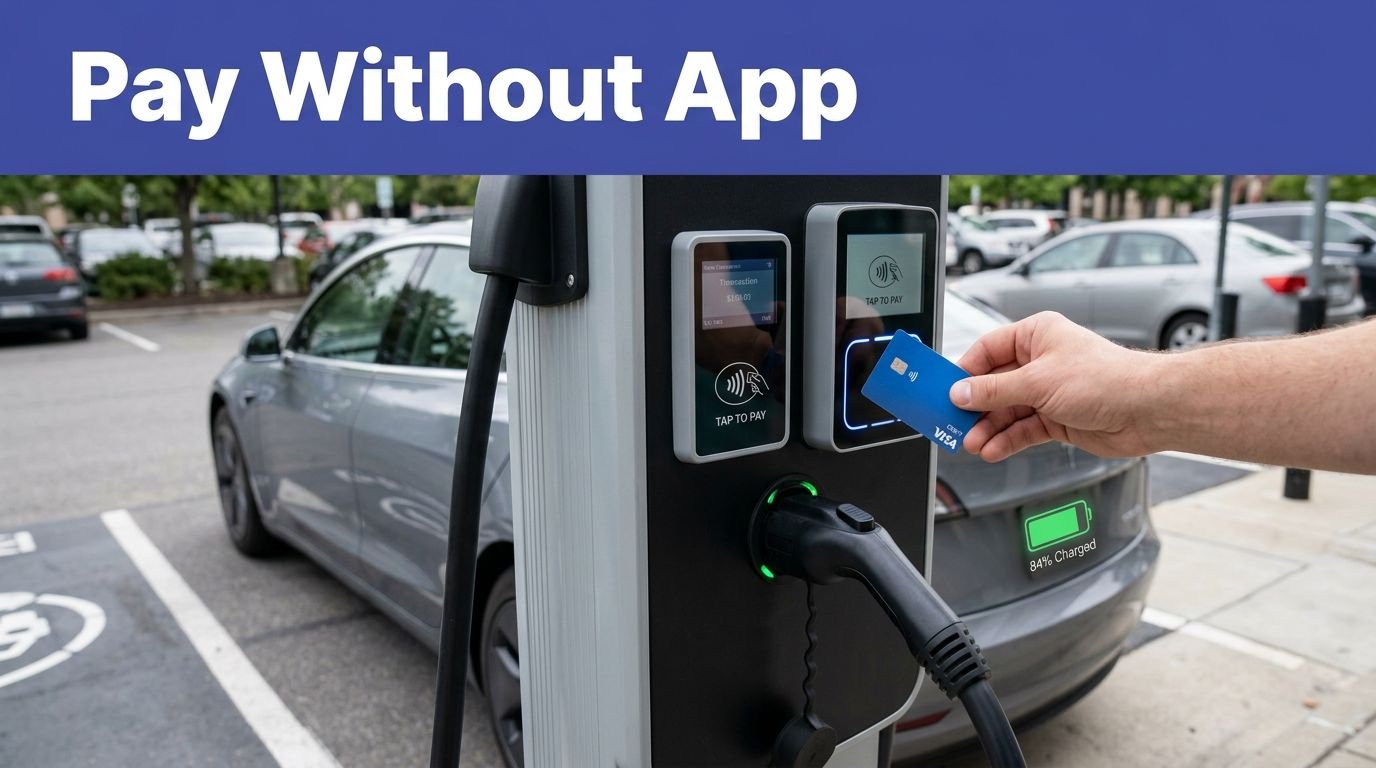
Most drivers use apps to start, monitor, and pay for charging remotely, letting you plan off-peak stops, avoid idle fees, and quickly share tips or station updates with other EV owners to keep chargers available and reliable. For longer trips, DC Fast Charging at Level 3 stations delivers much faster replenishment than Level 2 chargers. Use apps to monitor sessions, get completion alerts, and pay contactlessly so you won’t need to touch crowded screens. Plan stops during off-peak hours to reduce wait times and lower risk of blocked stalls; check local events and station amenities for safer, quicker visits.
Share best practices—like moving on at ~80% SOC and reporting faults—to protect fellow drivers.
- Relief: fewer waits, less stress
- Confidence: real-time status protects schedules
- Respect: prompt departures keep routes clear
- Safety: reported faults reduce hazards
Follow these habits to keep everyone safer today.
Conclusion
You’re the heroic EV driver in a drama of plugs and patience, so don’t hog chargers like they’re private islands. Charge when you need, move when you’re done, and don’t treat cables like decorative ropes. Be the considerate battery whisperer—inspect gear, follow queues, and unplug at 80% when busy. Use apps, plan off-peak, and leave a polite note if you step away. Do that, and the charging lot stops feeling like a slow-motion soap opera.