Most EV owners don’t know that charging speed depends as much on charger power and temperature management as on battery size. You can cut charge times greatly by using DC fast chargers, timing sessions, and preconditioning your car. These seven practical tips will get you back on the road sooner—starting with what to look for in a high‑power charger…
Key Takeaways
- Use Level 3 DC fast chargers (CCS/CHAdeMO/NACS) to recharge 20–90% in ~20–30 minutes when available.
- Prefer charging up to ~80–85% on fast chargers to reduce heat and slow tapering above 80–90%.
- Schedule routine charging during utility off-peak or smart-grid windows to save money and reduce grid congestion.
- Keep vehicle and charger firmware/software updated and enable automatic installs for performance, security, and interoperability fixes.
- Avoid frequent deep discharges (<5%) and constant 100% top-offs, especially in extreme hot or cold conditions.
Use DC Fast Chargers Whenever Possible
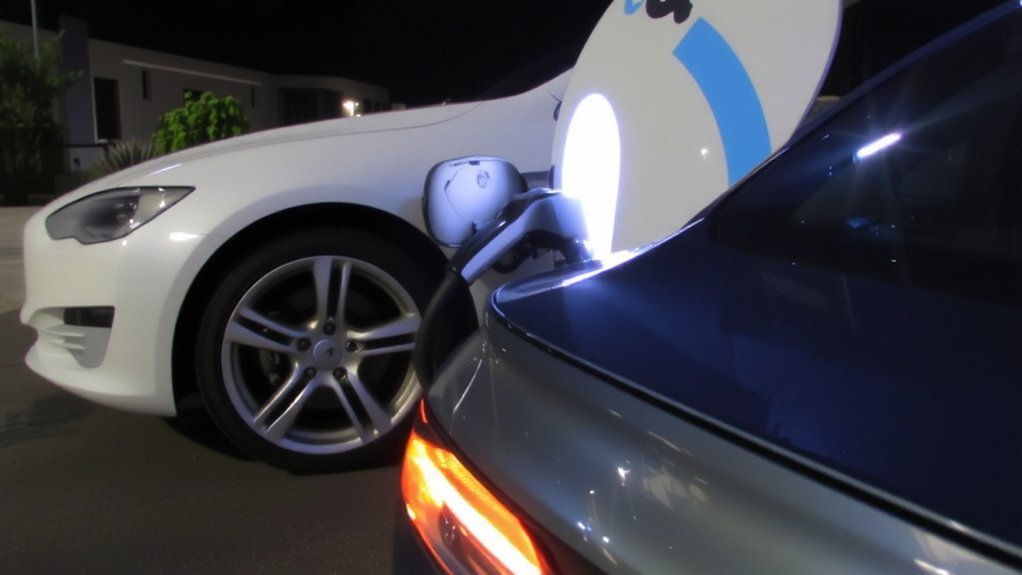
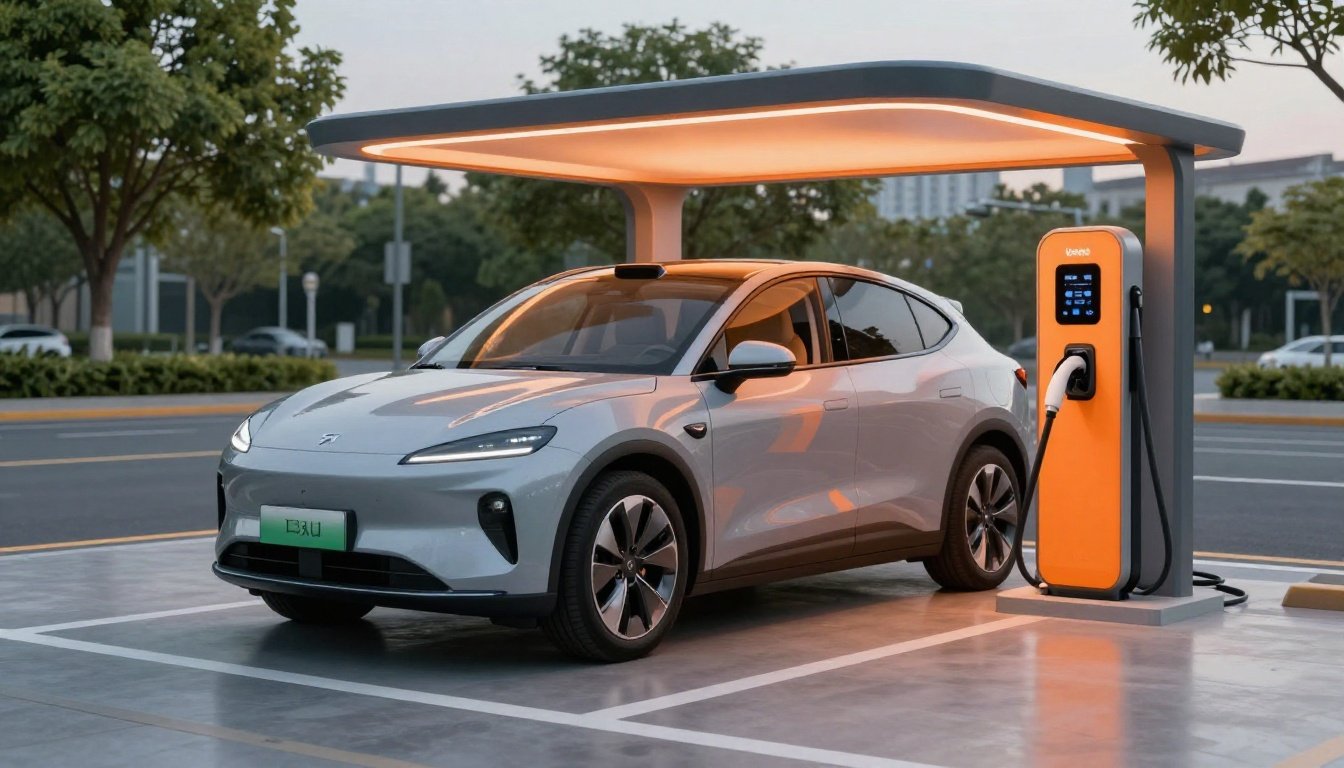
When you need a quick recharge, use a DC fast charger: it sends DC power straight to your battery (bypassing the onboard converter) and typically delivers 50–350 kW — enough to take most EVs from about 20% to 90% in 20–30 minutes. DC fast chargers provide direct current to the battery, bypassing the vehicle’s onboard converter for rapid power transfer.
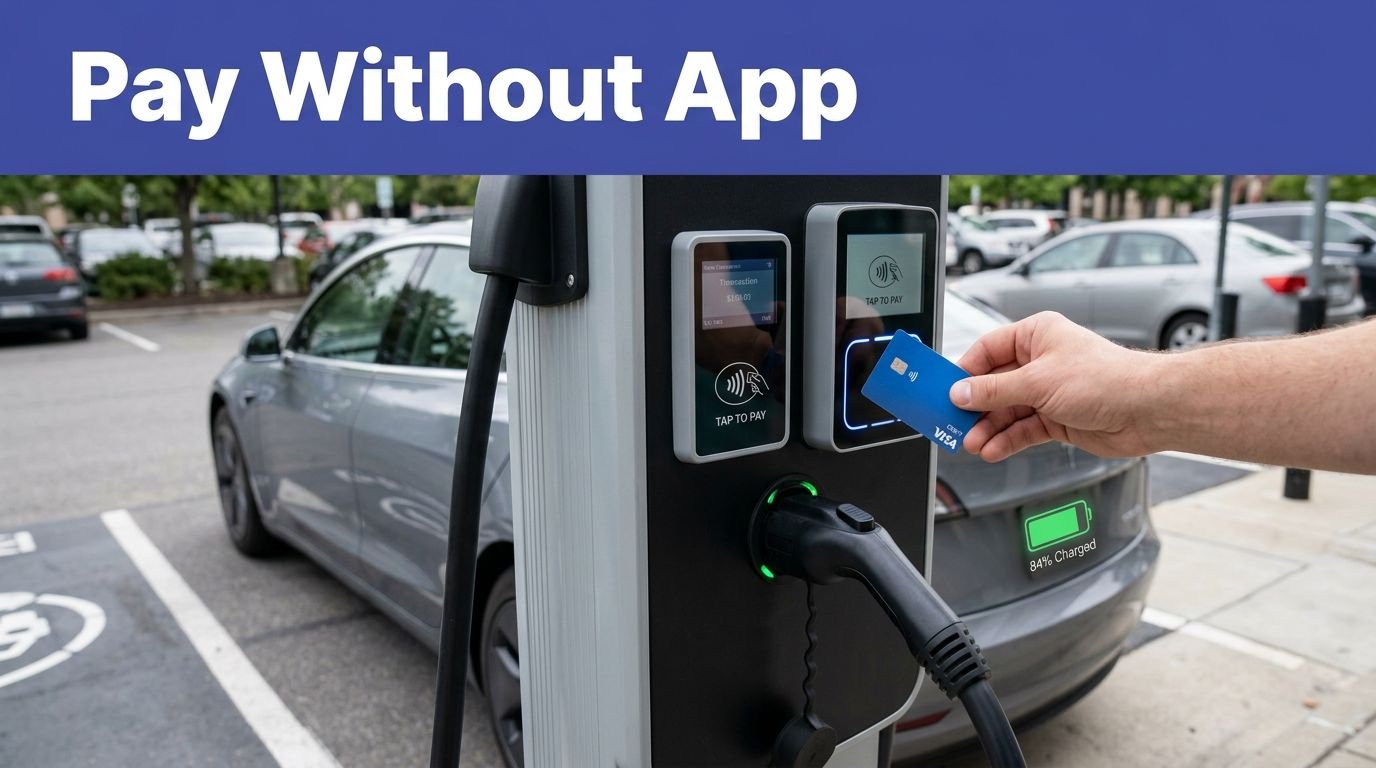
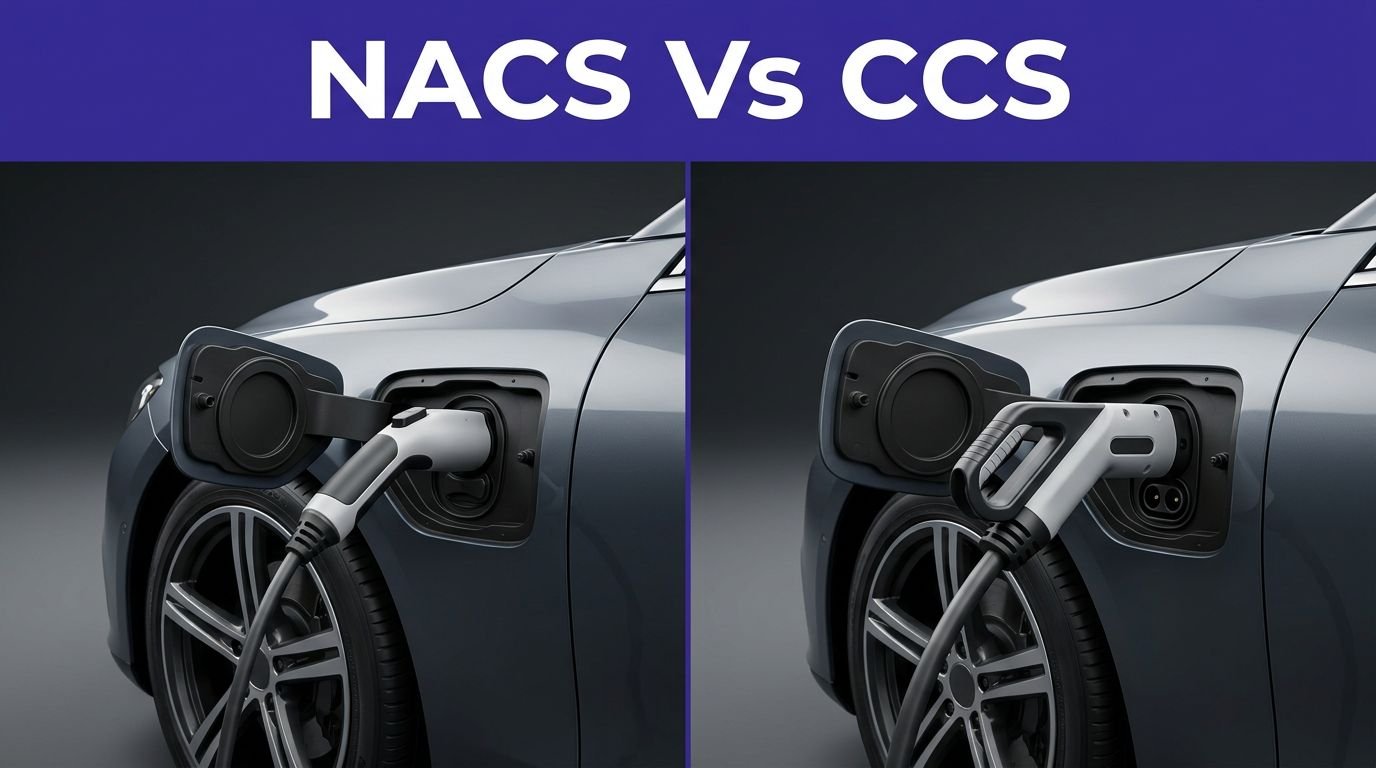
You’ll find Level 3 units at public stations, rest stops and highways; they require industrial‑grade power and aren’t suitable for most homes. Use the correct connector (CCS, CHAdeMO, or NACS) and follow on‑screen prompts, apps or RFID access to start charging safely.
Expect over 30 miles per 10 minutes in ideal conditions, with top 350 kW chargers adding hundreds of miles quickly for compatible vehicles. Charging slows near full to protect battery health; check manufacturer specs and avoid unnecessary repeated fast charges.
Schedule Charging for Off‑Peak and Smart Grid Windows
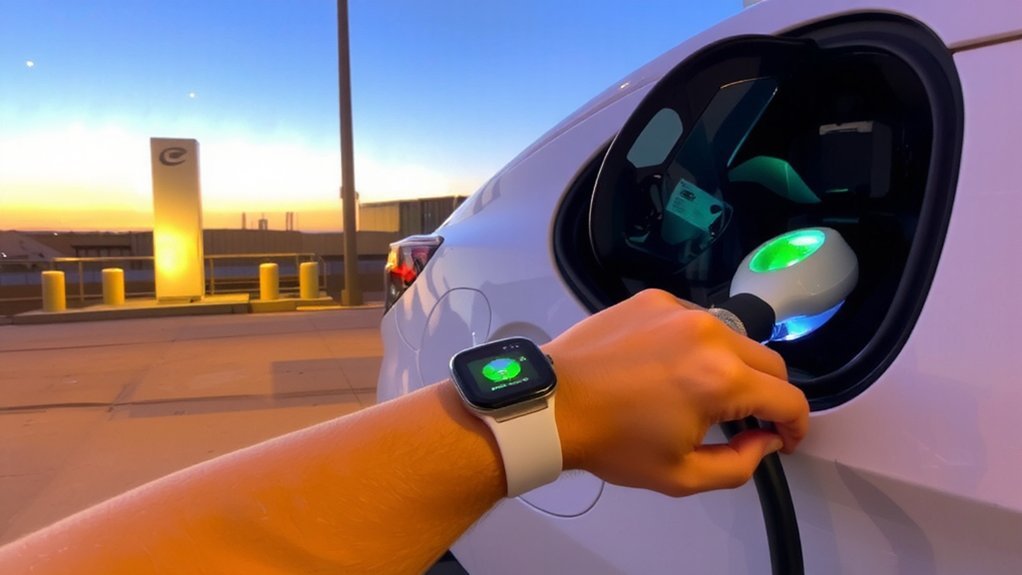
After using DC fast chargers for quick top‑ups, you can save money and reduce grid strain by scheduling routine charging during off‑peak or smart‑grid windows. Check your utility’s TOU or smart-rate schedules — off‑peak often runs late night to early morning (for example, 11 p.m.–5 a.m. or midnight–6 a.m.), though times vary. Set your charger or vehicle to start then, or enable smart charging to automatically avoid common weekday peaks (usually 4–9 p.m.).
When available, use super off‑peak or midday solar windows to further cut costs and use clean energy. Your utility plan may also offer off-peak rates on weekends and holidays, which can make charging even cheaper. Enroll in EV-specific TOU plans and any rebate programs to maximize savings.
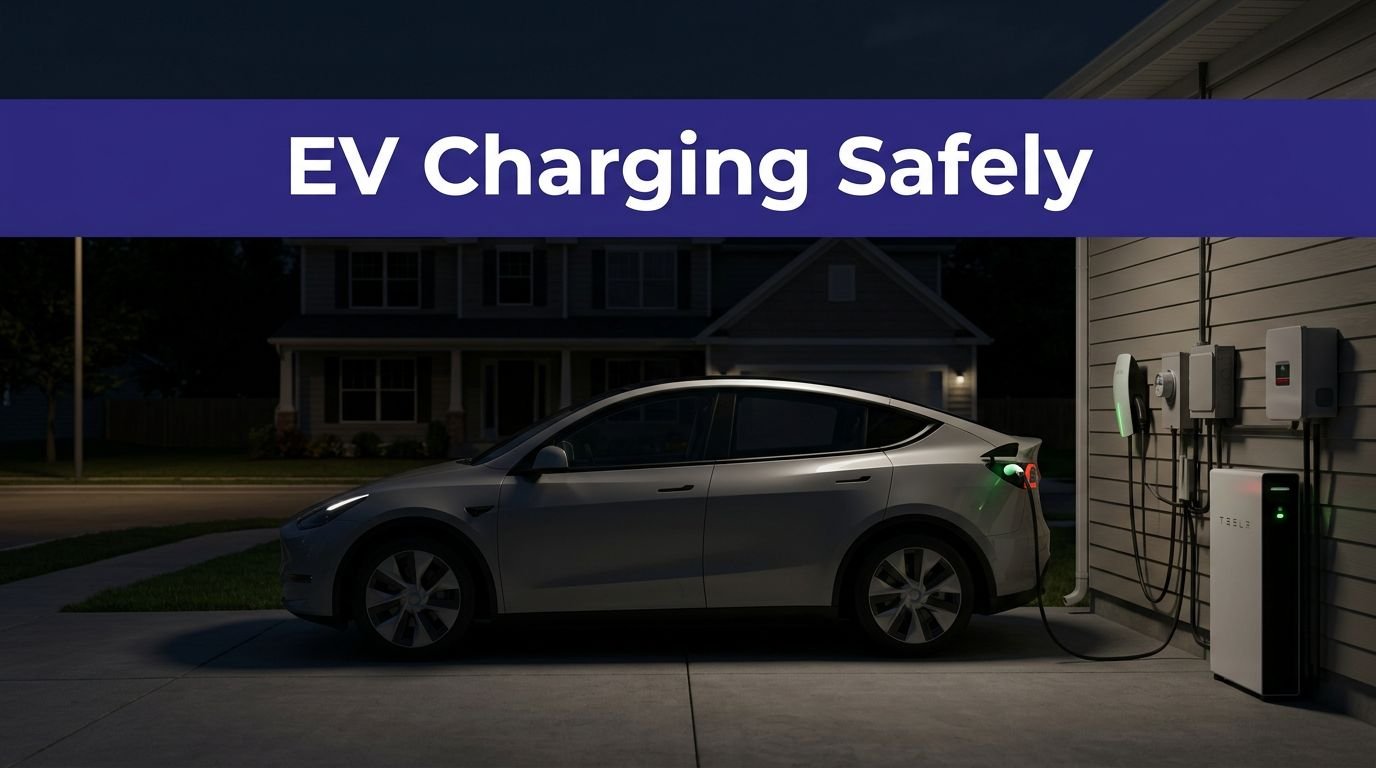
Prioritize safe charging: confirm proper grounding, avoid extension cords, and monitor sessions for faults or overheating. Contact your utility if you detect abnormal behavior.
Keep Firmware and Charging Software up to Date
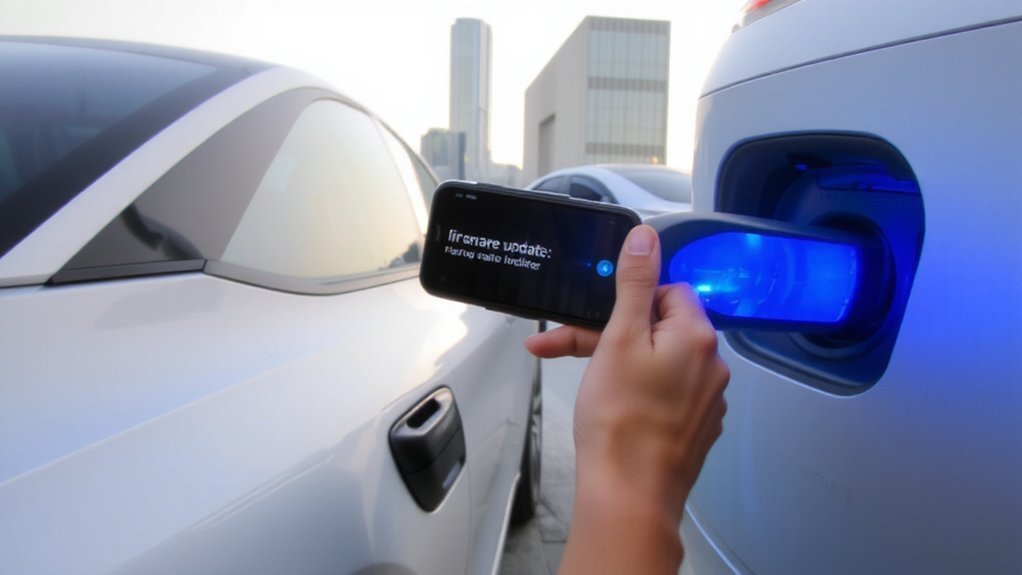
Check for EV and charging app updates regularly to get improvements to battery management and charging speed. Enable automatic installs so optimizations and security fixes apply without you having to remember.
Don’t forget to update your home or public charging station firmware too, so the EV‑charger handshake stays fast and compatible. Modern EVs depend on ongoing software updates to improve battery management, safety systems and charging compatibility.
Check for Updates Regularly
One simple habit can keep your charger faster, safer, and more reliable: install firmware and charging-software updates as they become available. Check for updates on your charger’s app or management portal at least monthly, and after major utility or vehicle software releases.
Read release notes to confirm fixes for overheating, security patches, or interoperability improvements so you prioritize critical updates. Verify updates come from your charger manufacturer or trusted network operator and use secure connections to avoid tampered packages.
Track update history and uptime metrics to spot recurring issues that need vendor support. For commercial operators, coordinate updates during low-use windows to limit downtime and maintain compliance with NEVI or other program requirements. Keep records so technicians can troubleshoot swiftly and preserve warranty coverage. Manufacturers regularly deliver OTA updates that add features, improve efficiency, and fix issues without on-site visits.
Enable Automatic Update Installs
When you enable automatic updates on your chargers, they’ll receive firmware and software improvements as soon as they’re released—boosting charging efficiency, fixing compatibility issues, and closing security gaps without manual intervention. You should turn on cloud-based automatic installs so chargers get performance and security patches remotely, removing manual delays and human error.
Centralized management platforms schedule rollouts, verify installs, and support vendor-agnostic updates, while secure transmission and cryptographic checks keep updates trustworthy. Intelligent monitoring detects outdated modules and triggers downloads, and smart APIs adapt charging to grid tariffs to speed sessions during off-peak windows. Configure retry and rollback options, and schedule updates outside peak demand to protect uptime and preserve safe, reliable charging for every user. Check logs regularly to confirm successful installations. Platforms often include Centralized Firmware Management to record and organize firmware across vendors and models and expose it in the back office and through a read-only API.
Update Charging Station Firmware
Why update your charging station firmware? You’ll keep charging speed, safety, and compliance current: updates optimize algorithms, add support for higher power and ISO 15118-20, and patch security holes. Don’t let old firmware limit rates or invite attacks. Manufacturers must implement mandatory cybersecurity protections for devices sold after 1 August 2025.
- Feel confident knowing your charger runs tested, stable firmware.
- Sleep easier when security patches close vulnerabilities.
- Be proud using features like Plug & Charge and bidirectional charging.
- Avoid frustration from compatibility failures with new EVs.
- Save time by scheduling OTA updates during off‑peak hours.
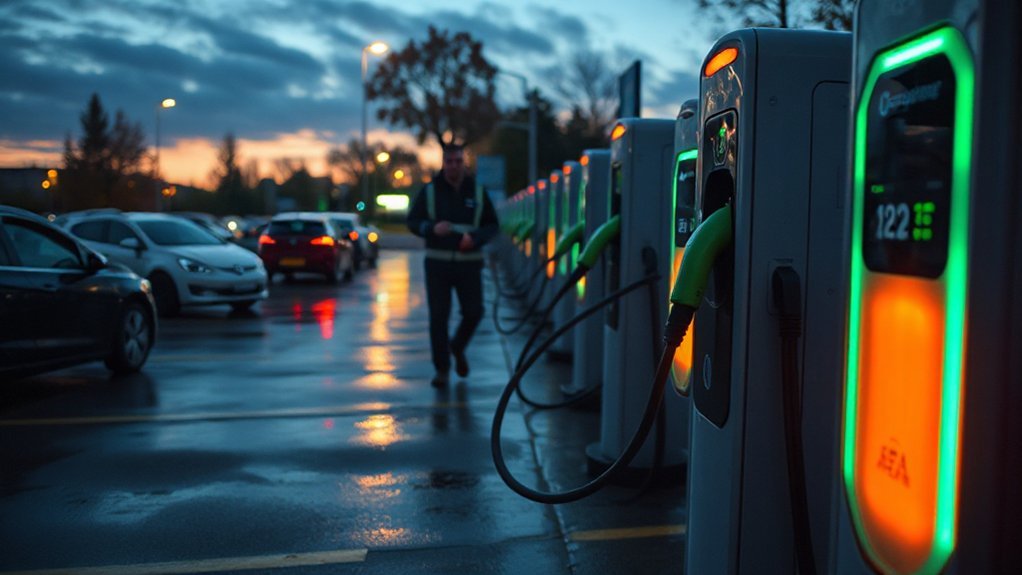
Always validate signatures/checksums, use a stable track for production, and log update results. If you manage multiple sites, use automated CSMS updates to reduce risk and downtime. Prioritize firmware now to protect users and guarantee the fastest, safest charging experience possible today.
Avoid Charging at Extreme State of Charge Levels
Although the BMS limits extreme conditions, charging at very low (<5%) or very high (>90%) state of charge still stresses lithium‑ion packs and accelerates capacity loss. Real-world data from 13,000 Teslas found no significant difference in degradation between frequent fast charging and other patterns. You should avoid frequent deep discharges and regular 100% top-offs: extremes boost internal chemical reactions, raise heat, and speed degradation.
Fast charging slows above ~80–90% and produces more heat for less added range, so end high-power sessions near 80–85% when practical. Use scheduled charging and charge-from-mid levels (20–40%) to keep sessions efficient and gentle on cells.
In hot or cold weather, be extra cautious—extreme temperatures magnify SoC stress despite thermal management. Occasional full or empty cycles are okay, but habitually charging at edges shortens battery life and reduces long‑term range retention. Monitor SoC and follow manufacturer charging guidance.
Choose Compatible High‑Power Connectors and Adapters
Pick the right high‑power connector and adapter and you’ll get the fastest, safest charges; that means matching your vehicle’s inlet to the regional standard (CCS1, CCS2 or NACS), checking the maximum current and voltage ratings, and choosing liquid‑cooled hardware for very high power levels.
If you have suggestions or issues, please Provide feedback to help shape ongoing initiatives to optimize the web experience.
Inspect connector specs: voltage (up to 1000 V), current (375 A+), IP67 and cooling details. Use adapters only if they match vehicle ratings, communication protocol and cooling. Prefer liquid‑cooled plugs for sustained high-power sessions. Verify insulation monitoring, temperature sensors and leak detection before use.
When in doubt, consult your vehicle manual or charger operator to confirm limits and safe operation. Always prioritize certified equipment.
- Protect your battery
- Avoid overheated cables
- Guarantee regional compatibility
- Maintain charging speed
- Reduce safety risks
Leverage Dynamic Load Balancing and Vehicle Preconditioning
You can speed up and stabilize charging by using dynamic load balancing to allocate available power among chargers in real time, preventing overloads and letting you run multiple Level 2 chargers on limited circuits.
Pair that with battery preconditioning so the pack’s temperature is optimized before charging, letting it accept power faster—especially in cold weather or for DC fast charging. Together, they’re the easiest way to maximize charging speed while protecting your home’s electrical system.
It continuously monitors energy consumption of all devices and adjusts power sent to the EV charger to prevent overloads and maintain a safe balance in your home’s electrical system, monitoring loads.
Dynamic Load Balancing
Dynamic load balancing (DLM) automatically shifts charging power across chargers in real time, monitoring household demand and reducing individual charger currents—often by 25–30%—to prevent overloads while keeping vehicles charging. It also integrates with broader site energy controls as part of load management to optimize consumption and incorporate renewables. You’ll rely on DLM to monitor appliances, lighting and EVs, using smart sensors and controllers that modulate charging speeds so circuits stay safe without stopping charging.
Prioritization lets you favor urgent vehicles or higher-capacity chargers, and APIs tie DLM into building energy systems to lower peak demand. It helps you avoid expensive electrical upgrades and reduces outage risk at home or work.
- Feel confident your system prevents overloads.
- Relax knowing chargers share power fairly.
- Trust priority charging when you need it most.
- Save money by avoiding upgrades.
- Sleep better with automated safety.
Stay proactive today.
Battery Preconditioning
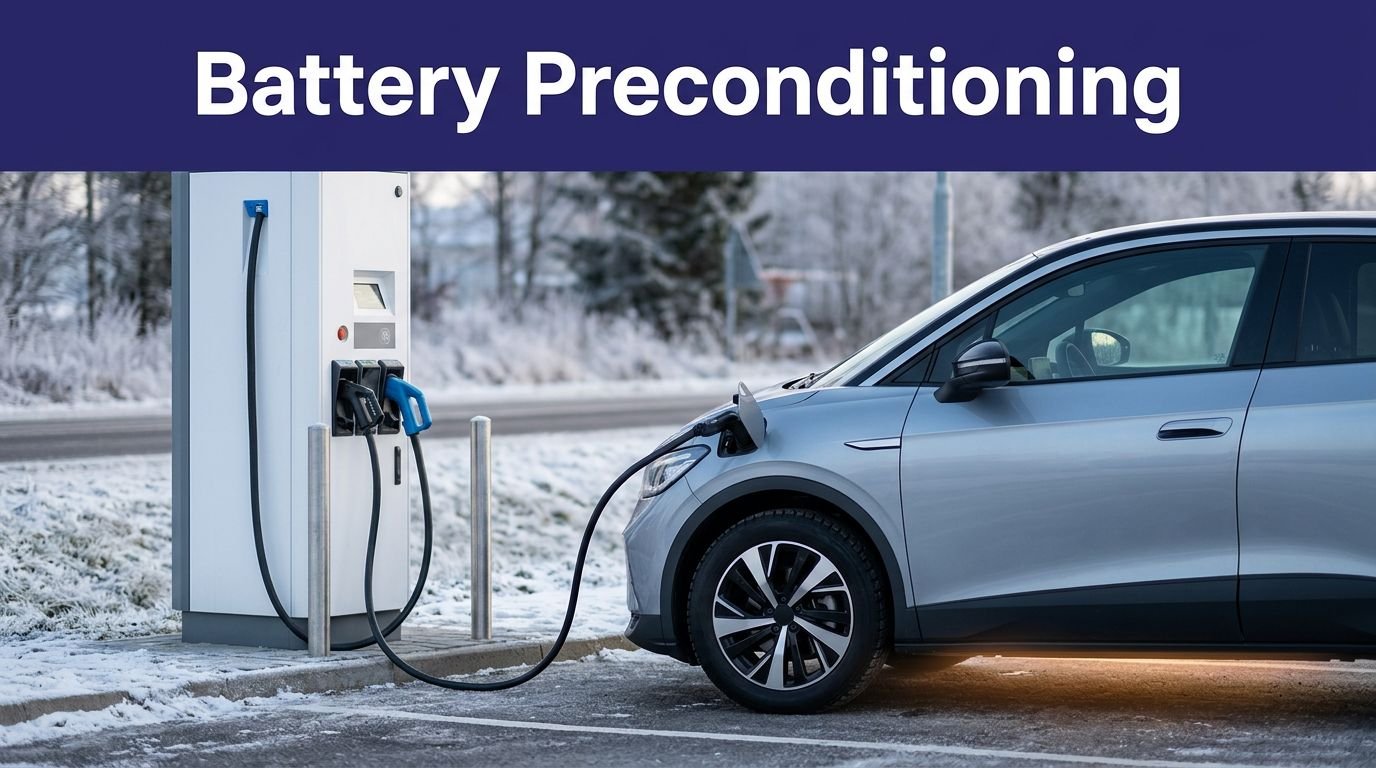
One effective way to speed up charging is to precondition your battery—raising or lowering its temperature into the ideal 15–35°C range before you plug in—so the car can accept higher current and charge more efficiently. You should enable automatic preconditioning via your vehicle app, departure time, or route to a DC fast charger so the thermal management system warms or cools using grid power instead of draining the battery.
That can cut charge time roughly 10–25% and reduces energy loss. Preconditioning also limits thermal stress, slows degradation, and improves safety during fast charging. Use remote controls to start preconditioning en route, and follow manufacturer guidance so systems run correctly and you maintain range and battery longevity and protect your investment every charging session safely. This process brings the battery to its optimal temperature before charging.
Plan Route Stops With High‑Power Hubs and Load‑Aware Stations
When planning long trips, prioritize high‑power hubs and load‑aware stations so you’ll spend less time waiting and more time driving. As of Q2 2025 the US fast charging network included 59,694 ports, helping reduce wait times at major hubs. Choose hubs with many fast ports and high uptime; they reduce queue risk and improve safety with well‑lit, amenity-rich sites.
Aim to arrive at 12–20% SoC and leave at 70–85% to avoid long taper periods and protect battery health. Use stations that manage grid load and include BESS or renewables to keep charging consistent during peak demand.
- Feel secure charging at reliable, well‑lit hubs.
- Enjoy faster sessions with clustered fast chargers.
- Avoid anxiety by planning arrival SoC.
- Trust load‑aware stations to prevent slowdowns.
- Prioritize locations with proven uptime and amenities.
Plan conservatively for elevation, temperature, and unexpected delays today.
Conclusion
You’ve got the power to cut charging time and protect your battery by choosing DC fast chargers, scheduling off‑peak windows, keeping software updated, and avoiding extreme state of charge. Pick compatible high‑power connectors, use dynamic load balancing and preconditioning, and plan stops at load‑aware hubs. Do it consistently, and your EV will feel like a horseless carriage racing the future — efficient, reliable, and ready whenever you need it day or night without extra fuss.