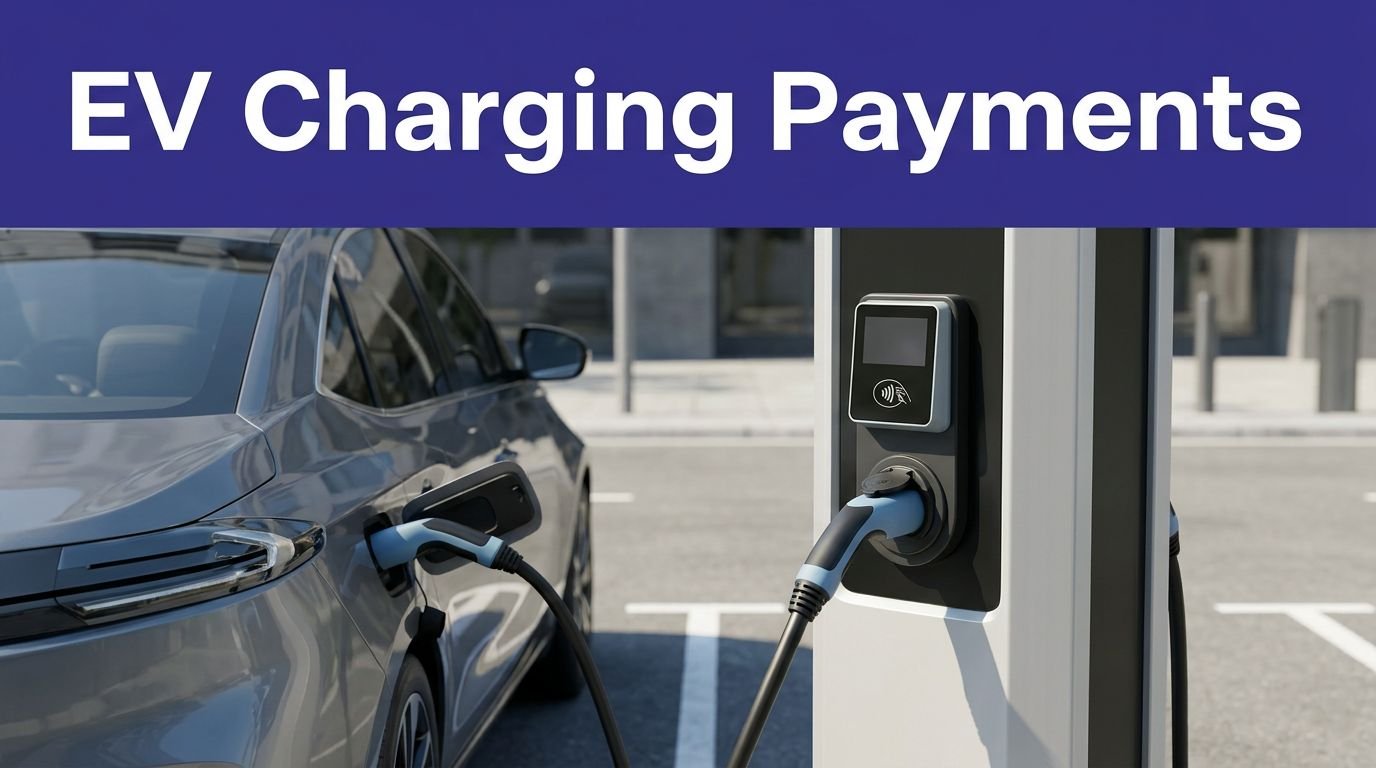
By 2026, EVs are expected to account for roughly 30% of new car sales. You’ll want a home charger that’s fast, reliable, and actually smart. This guide compares top Wi‑Fi, app‑controlled units and what features save you money and hassle. Keep going to find the few models that really stand out—and which one might fit your setup.
Key Takeaways
- Prioritize Wi‑Fi app control with secure TLS 1.3 authentication, remote scheduling, notifications, and ISO 15118 plug‑and‑charge support.
- Choose chargers with adjustable 16–50 A output and load‑management to match home circuit capacity and simultaneous EV loads.
- For Tesla owners, prefer NACS‑compatible units like the Tesla Wall Connector or adapters for J1772 chargers.
- Consider rugged NEMA 3R weatherproofing, 20–25+ ft cables, and phase‑aware dynamic load balancing for reliable outdoor installations.
- Compare total out‑the‑door cost: charger price, 240V circuit installation, rebates, and app features when selecting affordable smart chargers.
Top Picks for Home Wi‑Fi EV Chargers
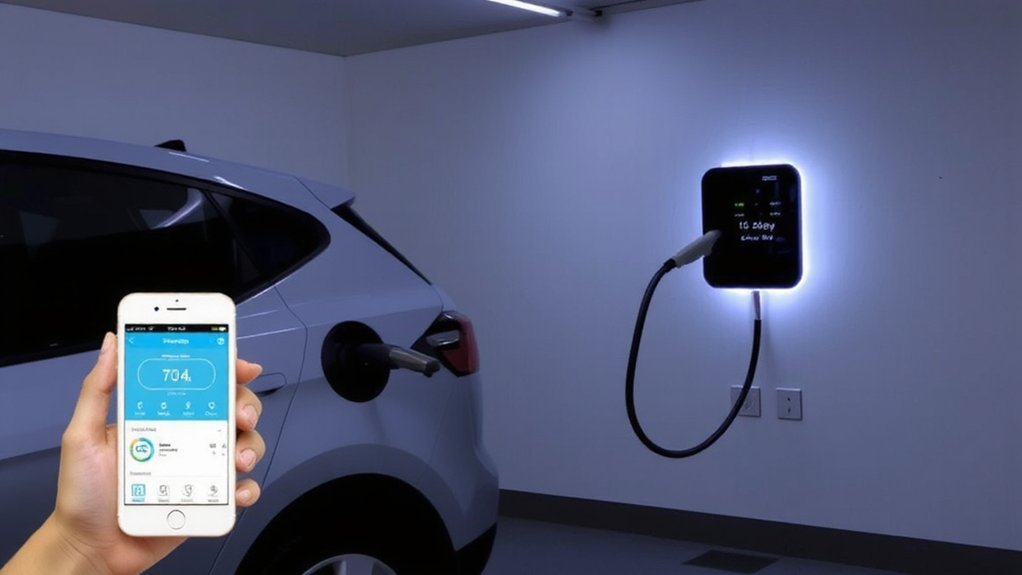
Looking for a reliable home Wi‑Fi EV charger? You’ll want units that combine safe, weatherproof construction with the right amperage and connector compatibility. ChargePoint Home Flex gives adjustable 16–50 A charging, 23‑ft cord management, NEMA 3R weatherproofing, and J1772 or NACS options for flexible, secure installations.
Tesla Universal Wall Connector supplies up to 48 A with a 24‑ft cable, NACS compatibility, and Tesla app integration for Tesla owners. Grizzl‑E Smart and Classic deliver rugged, weather‑resistant builds with 40 A output and 25‑ft cables; the Smart adds connectivity while the Classic focuses on durable simplicity. Emporia balances smart energy monitoring and around 40 A charging affordably. For occasional or backup charging, Lectron’s Level 1 Wi‑Fi unit offers portable, low‑power 120V charging with a 16‑ft cable. For Tesla owners, the Tesla Wall Connector (Generation 3) provides 48 amp charging and Wi‑Fi connectivity.
Features to Look for in App‑Controlled Chargers

When choosing an app‑controlled charger, you’ll want solid connectivity and protocol support—Wi‑Fi, Ethernet, and standards like OCPP guarantee reliable communication and third‑party compatibility. Look for load management features that balance power across circuits, prevent overloads, and let you prioritize vehicles or set charging caps. Finally, make sure the app gives remote start/stop, detailed scheduling for off‑peak rates, and clear session controls and notifications. Also, many models depend on smartphone apps to provide remote management and convenience.
Connectivity and Protocols
Many app‑controlled chargers give you choices for connectivity and protocols, so pick one that supports robust wireless (Wi‑Fi 802.11n at 2.4 GHz with good range and MIMO), fallback cellular or ethernet, and secure networking (VPNs, TLS 1.3, strong auth).
You should rely on 802.11n’s wider coverage and MIMO to keep real-time charge status and commands flowing up to about 150 feet, and leverage existing Wi‑Fi where available.
Prefer chargers that implement ISO 15118 for encrypted vehicle–charger messaging and plug‑and‑charge convenience, with TLS 1.3 mandatory in newer stacks.
For uptime and safety, choose devices offering ethernet or cellular fallback, multi‑SIM/redundant links, VPN tunneling, cloud registration for authenticated firmware updates, and app interfaces that give clear, timely fault and session alerts and strong password and role‑based access.
Recent government regulations often mandate the inclusion of Wi‑Fi for EV charging installations.
Load Management Features
You should prioritize chargers with smart load management so your installation uses existing electrical capacity safely and efficiently. Choose systems with Dynamic Load Management (DLM) that continuously monitor real‑time consumption and adjust charging power to prevent breaker trips while maximizing throughput.
Look for phase-aware management to balance L1/L2/L3 use, avoid phase‑blocking, and boost uptime for mixed fleets. Load sharing and power‑rerouting let multiple chargers share fixed panel capacity, instantly redistributing current as cars plug in or building loads shift.
Prefer DLM over static schemes: static allocations can prevent overloads but won’t adapt to changing demands. Guarantee the charger supports external metering and proven algorithms so you can safely scale charging without costly service upgrades.
Verify certifications, protection features, and installer recommendations before scaling deployments. Remember that load balancing is a subset of load management, so similar features may be described with different terms.
App Controls & Scheduling
Smart load management keeps your installation safe and efficient, and the charger app gives you the controls to capitalize on that capability: set and adjust charging schedules for off‑peak rates, start or stop sessions remotely, and get real‑time status and fault alerts so you can react quickly. Manufacturer apps vary in capability; for example, the Tesla app offers lots of advanced remote features, while some maker apps are slower or more minimal.
Use scheduling to automatically start/stop charging by tariff periods, prioritize completion times, and set recurring timers for predictable routines. Monitor current power, state of charge, session duration and energy use so you spot abnormalities early.
Configure push notifications for completion, interruptions or faults, and limit alerts to critical events to avoid alarm fatigue. Choose apps with clear dashboards, remote schedule edits, secure authentication and payment controls so you maintain safety, cost control and reliable readiness and compliance.
Best High‑Power Chargers (40–50A)
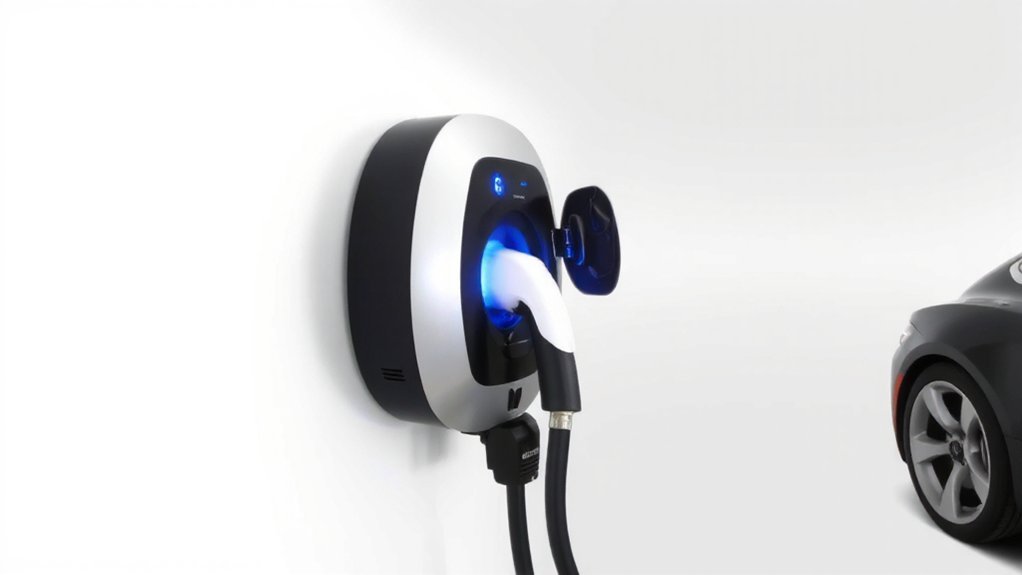
If you want substantially faster home charging, 40–50A WiFi‑enabled Level 2 chargers deliver roughly 9.6–12 kW on a 240V circuit, adding about 25–35 miles of range per hour and often finishing a full charge in 4–6 hours.
You’ll get universal SAE J1772 compatibility, typically 25‑ft cables and indoor/outdoor ratings. Expect a 50A unit to run near 40A continuous and a 40A unit near 32A, with actual speed limited by your vehicle and circuit.
Install on a dedicated 240V circuit using a breaker sized 25% above charger amperage and confirm panel capacity with a certified electrician. Look for adjustable amperage and load‑management features in models like Generac, FLO, MaxiCharger and Mopar to enhance safety and flexibility.
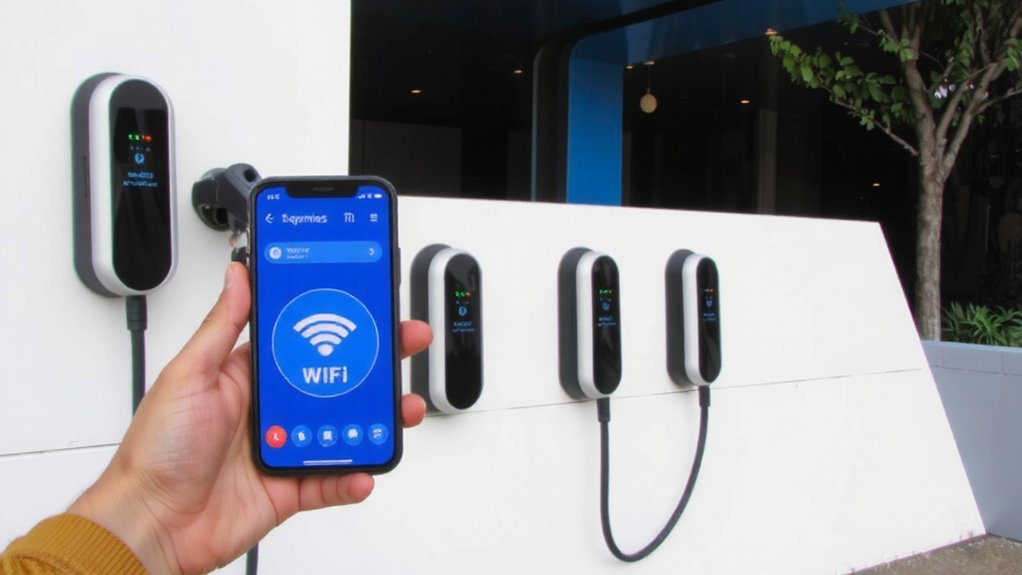
Avoid DIY electrical work unless you’re qualified; follow codes. Commercial units also use robust enclosures such as NEMA 3R housing to withstand the elements.
Most Affordable Smart Chargers
You can get basic smart charging without breaking the bank by choosing low-cost options like the Lectron Level 1 or the Emporia Level 2. But you’ll want to watch for hidden costs—installation, required 240V circuits or adapters, and rebate eligibility that can change the final price.
Compare features and total out-the-door cost so you know a cheaper unit still meets your needs. For example, the Emporia Classic Smart EV Charger is available new for Emporia Classic $429.
Budget-Friendly Options
When you’re prioritizing price over speed, budget smart chargers let you monitor, schedule, and control charging without breaking the bank. Most Level 2 chargers require a dedicated 240-volt outlet and a 40- or 50-amp circuit. You can choose a Lectron Level 1 for the lowest cost and simple plug‑and‑play use (120V, up to 12 amps), or step up to the Wallbox Pulsar Plus ($549.99–$599.99) or Emporia Classic (under $650) for faster Level 2 options and solid app control.
All three offer Wi‑Fi, scheduling, and basic amperage adjustment to protect your panel and save on electricity. Be cautious with very cheap third‑party units like some Feyree models — they may cut corners on reliability and app security. Prefer plug‑in models if you want safer DIY setup; consider pros for hardwired installs. Use app alerts and firmware updates to maintain safety.
Hidden Costs to Watch
Expect more than the charger price tag—installation, higher-than-expected electricity, maintenance, public‑charging premiums, and potential grid upgrades can push your total well past the initial $500–$700 hardware cost.
When planning, factor in professional installation ($1,000–$2,500), possible panel upgrades ($2,000–$4,000), trenching, permits, and inspections. Also remember that EV batteries typically degrade 1–2% per year, which can affect long-term range.
Watch electricity rates: home charging runs about $0.13–$0.25/kWh, peaks can be 50% higher, and some utilities add demand fees that spike bills. Budget for regular inspections, software updates, and occasional repairs; emergency visits get costly.
If you use public fast chargers, expect $0.30–$0.50/kWh or time‑based fees. For higher‑power or multiple chargers, consult your utility about grid upgrades to prevent unsafe overloads and surprise charges.
Compare utility rates, incentives, and warranty terms before buying so you won’t compromise safety or face avoidable costs.
Chargers With Advanced Load Management & Energy Monitoring
Because electricity costs and household demand change throughout the day, chargers with advanced load management and energy monitoring let you control charging times, rates, and energy sources to save money and avoid overloads.
You can schedule charging for off‑peak hours, set custom power limits, and use dynamic load balancing so multiple chargers or heavy appliances don’t trip breakers. Use the app to start, pause or stop sessions remotely, view real‑time consumption, and review historical energy reports to identify costly patterns.
Some chargers integrate solar inputs and estimate costs using local rates, helping you prioritize renewable energy. Configure alerts for errors or completed charges and enable user authentication to prevent unauthorized use. These features help you manage energy safely and reduce unexpected bills and outages.
Use a Wallbox power meter to unlock built-in energy management features.
Installation, Compatibility, and Weatherproofing Considerations
If you’re installing a smart EV charger, plan around electrical capacity, permits, and weather protection from the start: Level 2 units need a dedicated 240V circuit and may trigger a service‑panel upgrade or an emergency disconnect if loads exceed local rules.
Planning an EV charger? Account for 240V dedicated circuits, permits, panel capacity, and weatherproofing—upgrades or disconnects may be required.
You should hire a certified electrician to perform site assessment, load calculations, obtain permits, run conduit, mount the charger, install proper breaker and grounding, and arrange inspections.
Check panel capacity, breaker sizing, NEC compliance, and connector compatibility (J1772 or NACS/J3400). Place the unit to minimize cable length and accessibility, and future‑proof for extra chargers.
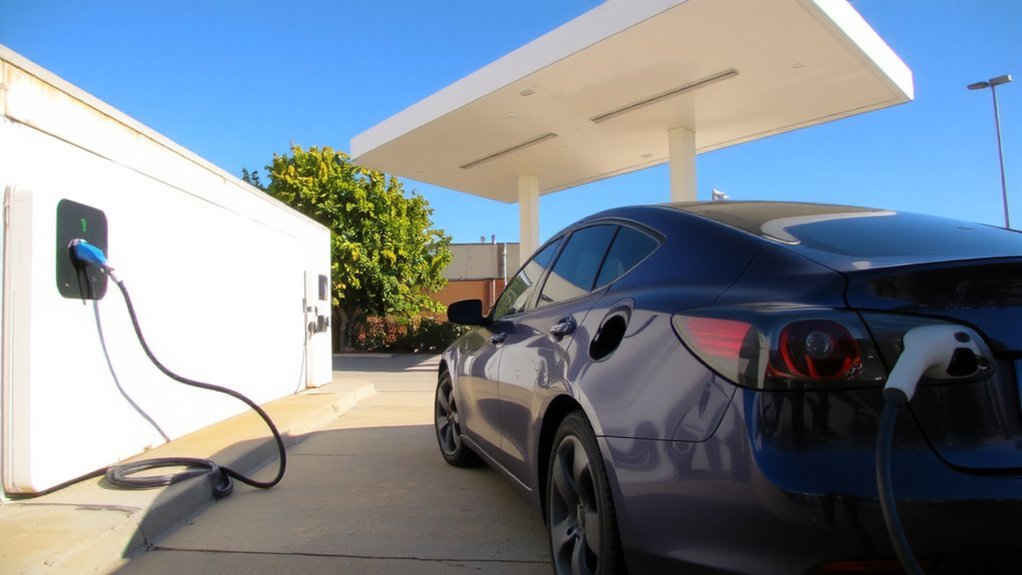
For outdoors, choose UL‑rated, IP65+ equipment, use weatherproof covers and quality hardware, and account for freeze/thaw to guarantee safe, durable operation.
Follow local codes and document the completed work. Note that Level 2 units require a dedicated 240V circuit.
Comparing Apps, Connectivity, and User Experience
Once your Level 2 unit is installed and inspected, you’ll use the charger’s app to control sessions, schedule off‑peak charging, and monitor status remotely. Choose apps that offer real‑time power, time‑remaining, and percent‑to‑target displays so you can spot faults early and avoid unsafe conditions. Favor platforms with notifications for completed sessions, availability changes, and error alerts.
Look for cost tracking, reservation features, and multi‑network access to thousands of public chargers, including fast chargers, so you can plan safe routes. PlugShare aggregates multiple charging networks and provides real‑time station info to simplify trip planning. Clear interfaces, filtering by connector and speed, and route planning reduce mistakes and delays. Consider Autocharge or Plug & Charge for hands‑free starts, and pick transparent pricing or suitable subscriptions to prevent billing surprises.
Prioritize apps with secure accounts, firmware updates regularly, and strong encryption.
Conclusion
You’ll get the most value by matching charger features to your needs: choose high‑power units for faster charging, affordable models for occasional use, and smart chargers with load management if you’ll optimize energy. Check installation, compatibility, and weatherproofing before buying, and test the app for responsiveness. With the right pick, home charging will feel as effortless as flipping a switch, and you’ll enjoy smarter, cleaner driving for years to come with minimal hassle and cost.