You want to avoid long lines and failed sessions. This guide cuts through the noise with route planning, real-time apps, charger choice, timing, and account prep. Follow simple, practical steps you can use on your next trip — and the first tactic might change how you charge.
Key Takeaways
- Arrive with 12–20% charge and plan to leave at 70–85% to minimize session time and reduce queuing risk.
- Use real-time apps (availability, live power, reservations, remote start) to pick open, compatible chargers before you detour.
- Prefer stations with 4+ DCFC ports and 150–400 kW chargers to lower outage and wait probabilities.
- Schedule stops before 8am, after 6pm, or mid-morning/mid-afternoon to avoid peak demand and holiday congestion.
- Choose networks and hubs with 98%+ uptime, thermal-managed cables, redundancy, and on-site amenities for reliable, faster turnarounds.
Understanding Fast-Charging Networks and Reliability
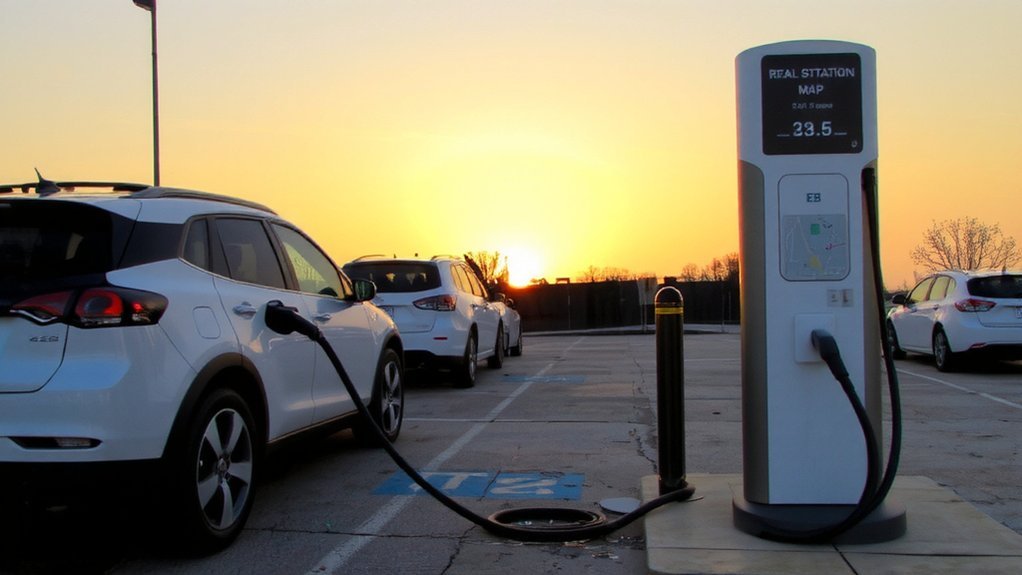
In Q2 2025 the US Fast Charging Reliability Index reached 85.5, reflecting four straight quarters of improvement driven by better first-time plug success and backend investments. The US fast charging network reported 59,694 ports in Q2 2025, underscoring rapid expansion. You should know failed charging attempts dropped from 19% in 2024 to 14% in 2025, yet about one in seven attempts still fails, mostly because chargers aren’t working or malfunctioning.
Reliability varies: the Pacific region shows the highest non-charge visits and waits, while East South Central performs best. Heat from high-current charging, aging hardware, and uneven station management cause many faults. Operators are expanding ports and improving monitoring to catch problems earlier.
When you charge, pick recently serviced stations with working cooling systems to reduce safety risks. Report faults promptly via the app or operator hotline every time.
Planning Your Route to Minimize Charging Delays
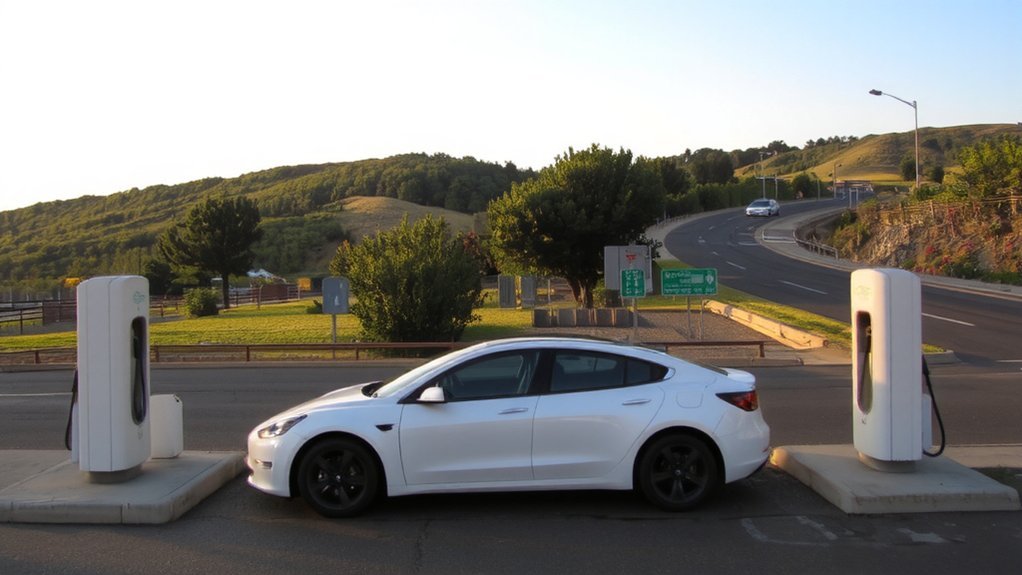
Start by planning legs so you arrive at chargers with about 12–20% state of charge and leave around 70–85%, which cuts overall charging time and lowers the risk of full-station congestion.
Map chargers within about half your vehicle’s range to keep options available and reduce risky detours. Prioritize stops on high-traffic corridors, near transit hubs or safe amenities so you and passengers can wait comfortably. Factor elevation, temperature, and realistic energy use into leg estimates to avoid surprises.
Favor stations with multiple stalls and proven uptime, and include redundancy so a single broken charger won’t strand you. If you manage fleets, center charging at hubs aligned with route patterns. Forecast demand growth when choosing stops to keep future operations safe and reliable and resilient. Remember that charger location is a critical first decision when mapping stops to avoid future relocations.
Using Real-Time Apps and Station Data Effectively
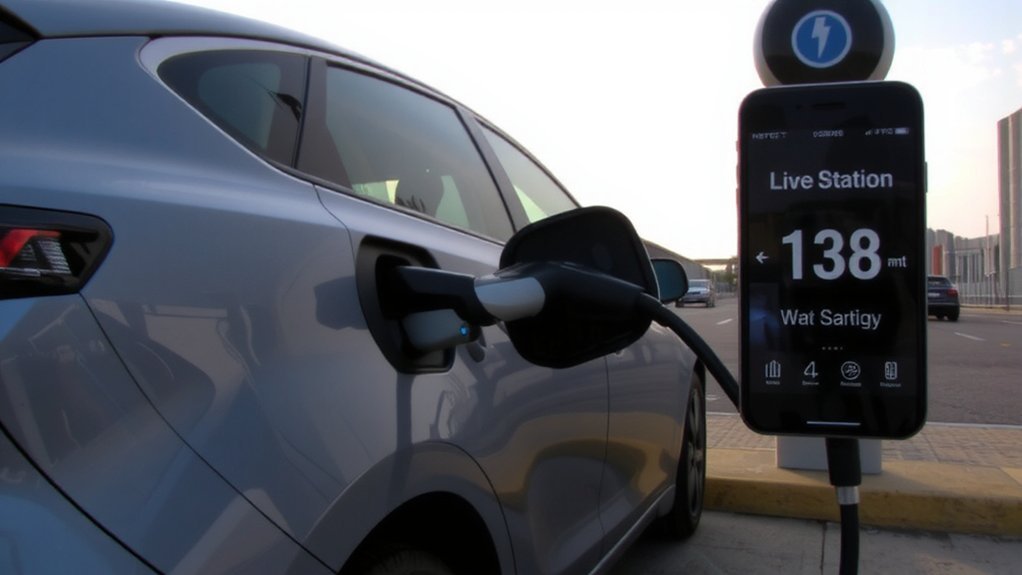
When you use real-time apps and station data, you get live prices, availability, connector compatibility, and power rates so you won’t arrive at an occupied or unexpectedly costly charger. Rely on apps like Chargeway, Electrify America, PlugShare, Zap-Map and ChargePoint to confirm open stalls, compare kWh rates, and verify connector fit before you stop. Chargeway Plus offers real-time pricing for a large portion of public stations across North America.
Use remote start/stop, session notifications, and reservations to limit time at stations and reduce contacts. Integrate apps with your car, Apple CarPlay or Android Auto to view status hands-free and follow safe reroutes to available chargers.
Enable contactless payment and unified passes so transactions finish quickly. Monitor session power flow to spot slowdowns and end charging promptly for safety and efficiency. Keep distance from other users and report hazards immediately.
Choosing Stations With High Capacity and Modern Chargers
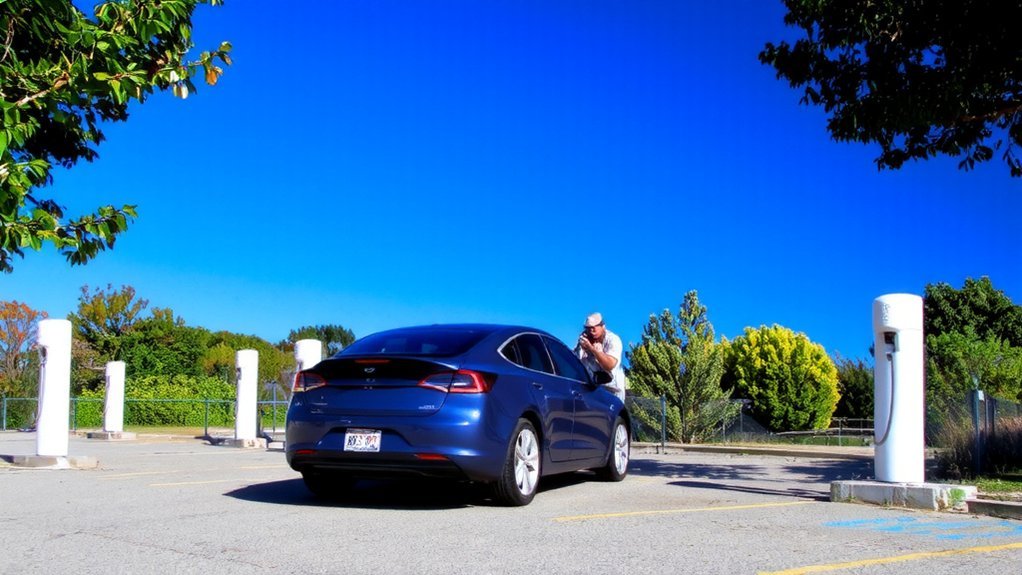
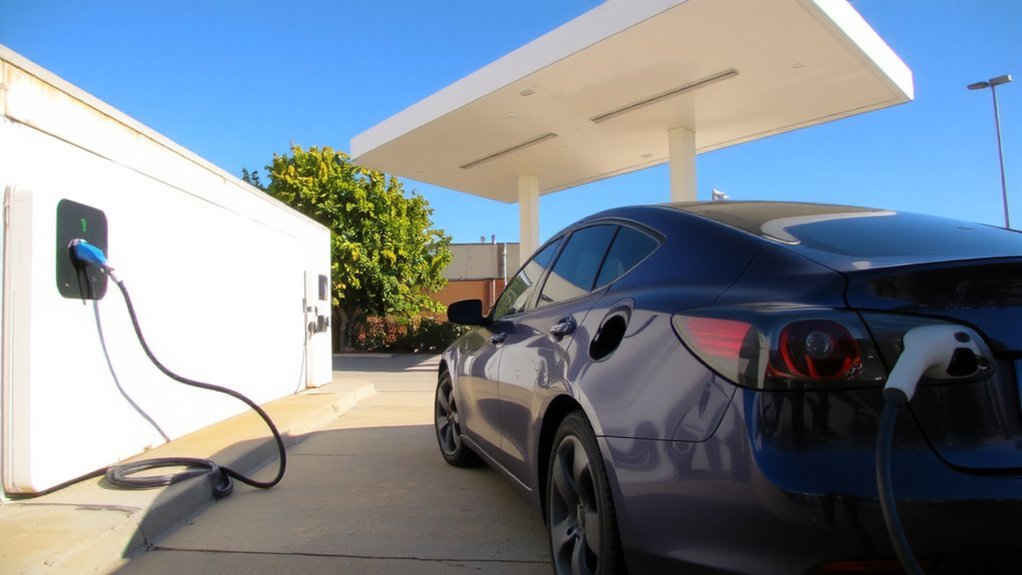
Most drivers now pick stations that offer multiple 150 kW+ DC fast chargers and recent-generation hardware, because those sites cut charging time, lower the chance of waiting, and sustain performance with thermal-managed cables and 98%+ uptime. Networks like ChargePoint and Tesla report 98%+ uptime. You should favor clustered sites and known networks to stay safe and mobile.
- Choose sites with 4+ DCFC ports to reduce queue and outage risk.
- Prefer 150–400 kW units for shorter sessions and reliable throughput.
- Select networks with 98%+ uptime (Tesla, Electrify America, ChargePoint).
- Verify thermal-managed cables and touchscreen/contactless features for safe use.
- Pick highway-adjacent, well-lit hubs with multiple stalls and security cameras.
Use network apps to confirm live power and avoid legacy slow units. Plan routes conservatively to maintain battery reserve and emergency options at all times.
Timing Your Charges: When to Plug In to Avoid Queues
Why plug in during lunch rush when you can avoid queues by timing your stops? Also, charging at 9am or 3pm is around 20% quieter than the 11am–1pm peaks. Plan to charge before 8am or after 6pm, when demand drops and chargers clear faster. If you must travel midday, aim for mid-morning (around 9am) or mid-afternoon (around 3pm) — roughly 20% quieter than 11am–1pm peaks.
On holidays and busy weekends expect extended midday congestion and schedule around those spikes. Favor stations with larger capacity or off-highway locations where competition is lower. Observe station policies: many end sessions at 85% SOC and allow a 10-minute move window before idle fees, so target shorter top-ups to keep bays available.
These timing choices reduce queues and improve safety by limiting roadside waits. Check live station status apps before you arrive today.
Preparing Your Vehicle and Account to Reduce Session Failures
Before you plug in, update your vehicle’s charging software and check for charger firmware notices to prevent protocol mismatches.
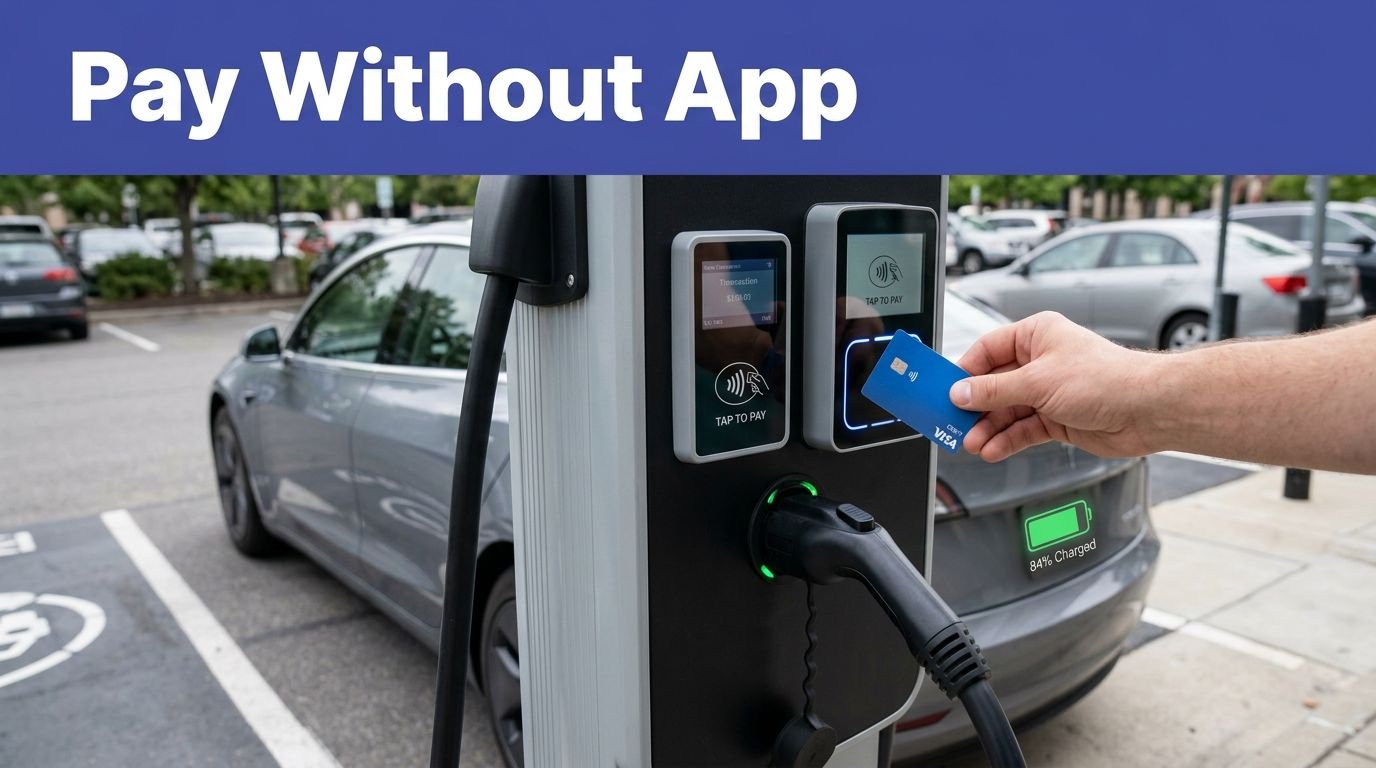
Also set up and preauthorize a reliable payment method in your charging network app or use RFID/card options to avoid transaction timeouts. These quick steps don’t just cut authorization failures; they get your session started faster. Recent data show that 14% of EV owners reported failed charging attempts in 2025.
Update Vehicle Software
Keeping your vehicle software up to date is one of the simplest steps you can take to reduce charging session failures: updates fix communication bugs, improve compatibility with new chargers, patch security flaws that can interrupt charging, and optimize charging and thermal management. You should install manufacturer updates promptly to guarantee reliable handshakes, correct power negotiation, and safer charging behavior. Additionally, keep charging station and vehicle software current by routinely updating firmware to maintain compatibility and security.
- Install over‑the‑air or dealer updates as soon as they’re available.
- Keep charging and vehicle firmware compatible with network standards.
- Apply security patches to prevent handshake hijacks and overheating.
- Use updates that improve thermal controls and charge‑rate limits.
- Enable enhanced diagnostics so apps and stations report faults early.
These steps reduce session drops and make charging safer and more predictable. Check updates before every trip.
Preauthorize Payment Method
Although it’s temporary, a pre‑authorisation hold on your payment card is a key step to make sure an EV charging session can start and finish without payment problems. Pre‑authorisation places a temporary hold—typically £10–£150 or local equivalent—so networks verify your card and reserve funds before charging. This process is essentially a temporary hold on your payment card to reserve funds before charging. Use a valid, non‑expired card with sufficient available balance to avoid session failures. Remember the hold isn’t a charge; the final amount posts after charging and the hold releases per your issuer (often 24–48 hours, sometimes up to 10 days). This prevents fraud, reduces chargebacks, and keeps sessions reliable. Check hold amounts for the network you’ll use, enable notifications for real‑time status, and contact support if a hold isn’t released promptly to protect your account and schedule.
Advocating for Better Local Infrastructure and Faster Permitting
If local governments prolong permitting, charger rollouts stall and you end up with long waits and patchy coverage, especially for DC fast chargers that cut travel delays. Recent data shows U.S. charging expansion has slowed, making local action more urgent charging expansion slowed. You should push officials to streamline permits, prioritize fast chargers, and fund grid upgrades so installations happen safely and promptly.
Push officials to speed permitting, prioritize DC fast chargers, and fund grid upgrades for safe, prompt installations.
Advocate standardized equipment rules, preapproved site plans, and trained installer programs to diminish hazards and construction time.
- Ask for expedited local permitting and clear timelines.
- Push for funding for utility upgrades and equitable site planning.
- Support preapproved designs and inspection checklists to guarantee safety.
- Recommend tax credits and rebates to lower installation barriers.
- Demand training programs and certification for safe, reliable installs.
Stay engaged with local leaders to close gaps and protect public safety right now.
Conclusion
You can turn charging from a headache into smooth sailing by planning routes, timing sessions, and using real‑time apps like a seasoned navigator. Pick high-capacity hubs, keep accounts primed, and plug in outside peak hours to skip lines. Think of the network as a living map you learn to read—every choice trims wait times and fuels freedom. Advocate locally so future stations charge faster and smarter for everyone, and reclaim minutes you’ll spend on adventures.