
One loose lug can turn a megawatt into a paperweight. You lockout/tagout, verify absence of voltage, and map the power path before touching a connector. You inspect terminations, grounding, and thermal hotspots, then measure CP/PP, capture logs, and compare against firmware baselines. You separate electrical from network faults with known‑good simulators. Do this, and you’ll isolate issues fast—but only if you avoid the trap that kills most “dead” stations…
Key Takeaways
- Start with safety: lockout/tagout, PPE, test-before-touch, and verify absence of voltage before opening panels or touching conductors.
- Map the power path end-to-end and confirm labeling, breaker ratings, grounding, phase rotation, and surge protection against one-line drawings.
- Verify supply under load, check connectors for heat, damage, debris, or moisture, and ensure proper latch engagement and strain relief.
- Interpret LEDs and fault codes before reset; treat red/amber warnings as stop-and-inspect, document patterns, timestamps, and escalate recurring errors.
- Validate CP/PP signaling and vehicle handshake; capture CP waveform, verify PWM current limits, and log PLC/ISO 15118 negotiation counters during stalls.
Safety-First Checks and Lockout/Tagout Basics
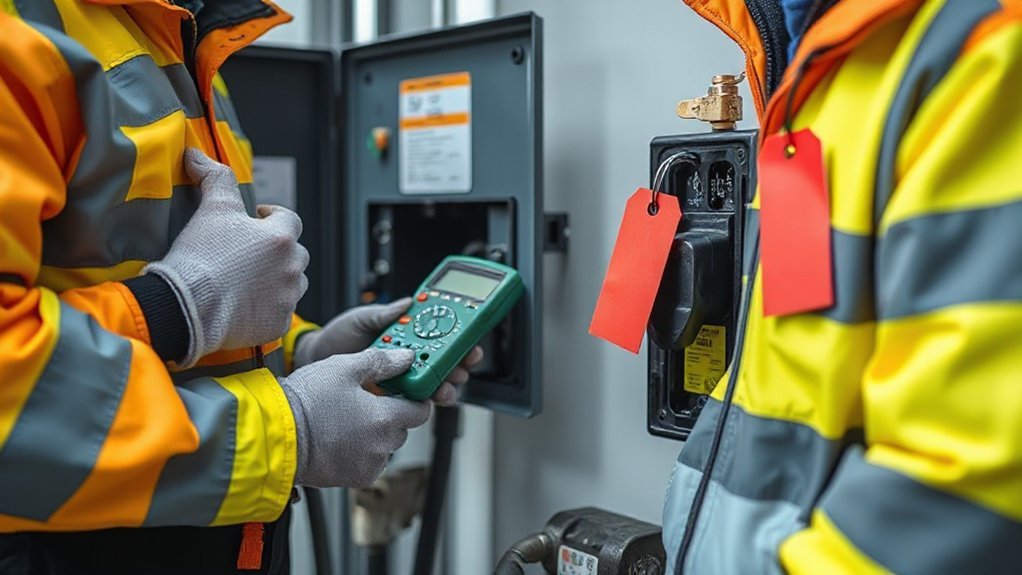
Before you touch an EV charger, pause and control the hazards. Verify site safety: cordon off the area, post signage, and check for energized parts, damaged cables, arcing, odors, and coolant leaks. Don appropriate PPE rated for the voltage class. Confirm Emergency Response access, extinguisher type, and spill kit availability. Perform a test-before-touch with a calibrated meter on a known source, then on the charger, then re-verify the meter. De-energize per LOTO: identify all energy sources, isolate breakers and disconnects, apply locks and tags with your contact info, release stored energy, and try-start to verify zero energy state. Document Regulatory Compliance, equipment status, and serials. Maintain control of keys. Brief coworkers, update permits, and stand by during re-energization. Record photos and isolate stray hazards.
Mapping the EV Charging Power Path
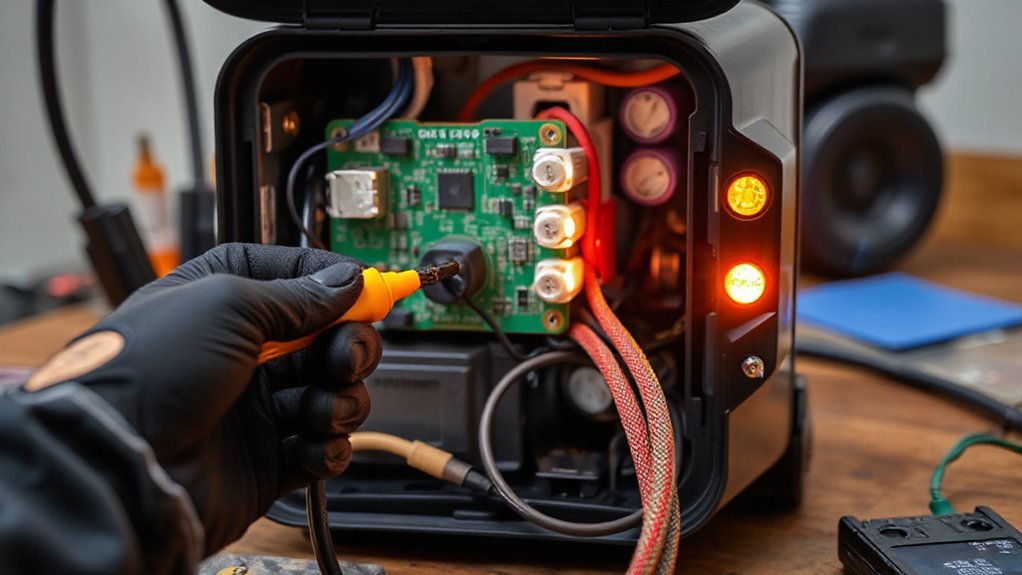
How does power flow from the utility to the vehicle at this site? You map each stage end-to-end: utility service, meter placement, main disconnect, distribution gear, protection, EVSE, and connector. Verify labeling matches one-line drawings. Confirm bus topology—radial, ring, or mixed—then identify upstream overcurrent devices and grounding electrodes. Lock out, test for absence of voltage, and document conductor sizes, insulation class, and torque marks.
| Segment | Diagnostic checks |
|---|---|
| Service/meter | Utility tag, meter placement, CT/PT ratings, fault current available |
| Switchgear/bus | Bus topology, breaker settings, AIC, bonding/grounding |
| Feeder/EVSE | Conductor size, insulation rating, terminations, enclosure IP/NEMA |
Trace voltage drop limits, neutral and CPC continuity, and phase rotation. Verify surge protection and isolation transformers, if present. Record nameplate kVA, voltage class, and short-circuit ratings end-to-end. Maintain clear egress paths.
Diagnosing Slow or Failed Charging Sessions
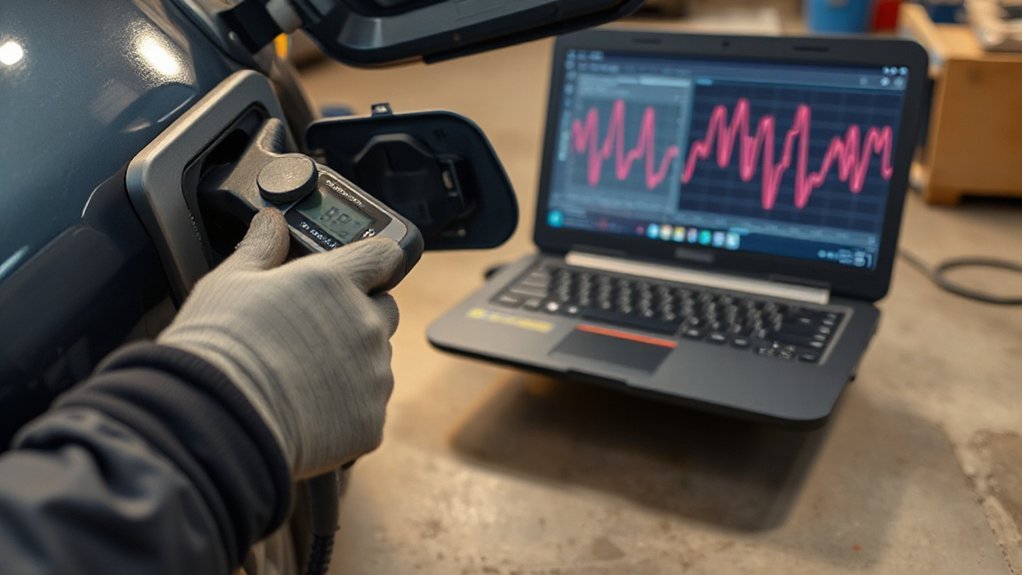
Why did the session start slowly or fail altogether? Begin with supply verification: confirm site voltage, phase availability, and breaker status under load with a calibrated meter; derating or sag indicates upstream limitations. Inspect connectors for heat discoloration, bent pins, debris, or moisture; clean/dry and reseat until latch engagement is positive. Check cable strain relief and look for damage that could elevate resistance. Evaluate Ambient Conditions: extreme heat triggers thermal throttling; subfreezing temps raise pack impedance, prompting preconditioning. Review User Habits: frequent partial plug-in, loose coupler insertion, or sharing circuits with other loads reduces available current. Confirm vehicle charge limits, scheduled charging windows, and SOC thresholds that may delay ramp. If faults persist after mechanical, thermal, and electrical checks, escalate to site maintenance immediately.
Interpreting Error Codes and Indicator States

You interpret the charger’s fault codes and LED states to isolate hardware, communication, or power issues. Cross-check common codes (overcurrent, ground fault, overtemperature, CP/PP error) with the manual, then confirm with meter readings before any reset. Treat red or flashing amber LEDs as stop-and-inspect warnings; only proceed after verifying connectors, ventilation, and circuit protection.
Common Charger Fault Codes
Often, charger fault codes and indicator LEDs pinpoint the failure domain before you open the enclosure. Common codes include: ground fault (GFCI trip), overcurrent, under/overvoltage on input, control pilot/PP signal fault, welded relay or contactor stick, overtemperature, insulation/iso fault, diode check failure, plug lock fault, and communication timeouts (OCPP/network). Expect manufacturer variations in naming and severity levels. Verify mains with a meter, confirm correct breaker size, and inspect terminations for heat or looseness. Let the unit discharge, then power-cycle. Check cable continuity and insulation resistance with appropriate test gear. Capture screenshots, firmware versions, and timestamps for traceability. Don’t clear codes that recur; escalate. Document warranty implications before opening or modifying hardware. If faults persist, isolate the EV and retest using a known-good EVSE simulator.
LED Indicator Meanings
How do LED patterns map to charger state and fault domains without opening the enclosure? You read color, blink rate, and duty cycle to locate the issue fast: solid green = ready, pulsing green = charging, solid blue = scheduled/EVSE locked, amber blink = pilot mismatch, fast red flash = overcurrent/ground fault, steady red = internal error. Use Color Psychology sparingly; prioritize standardized legends in manuals and on labels. Verify Accessibility Design: include brightness limits, high-contrast lenses, tactile icon near the lens, and optional audible beeps with adjustable volume.

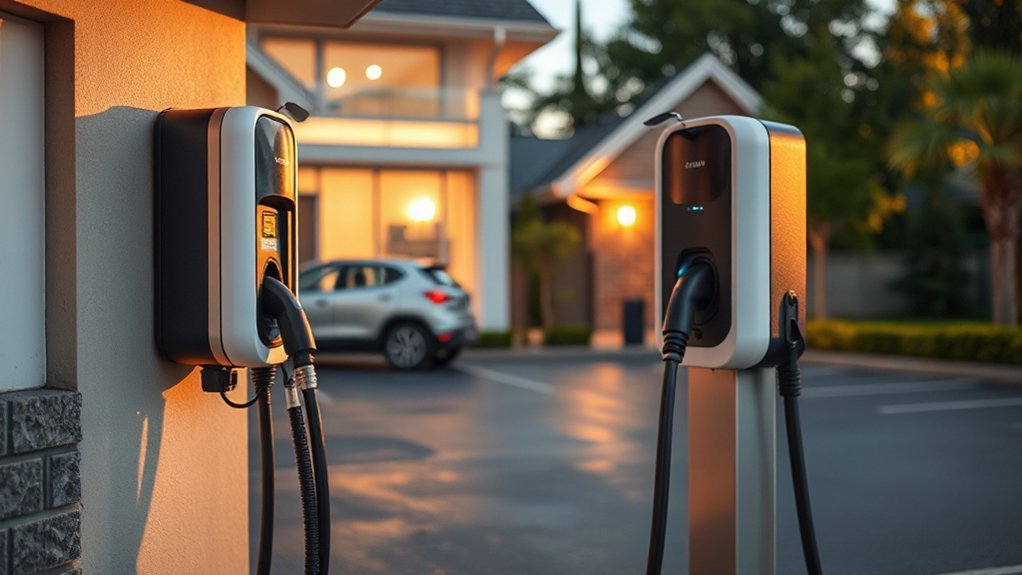
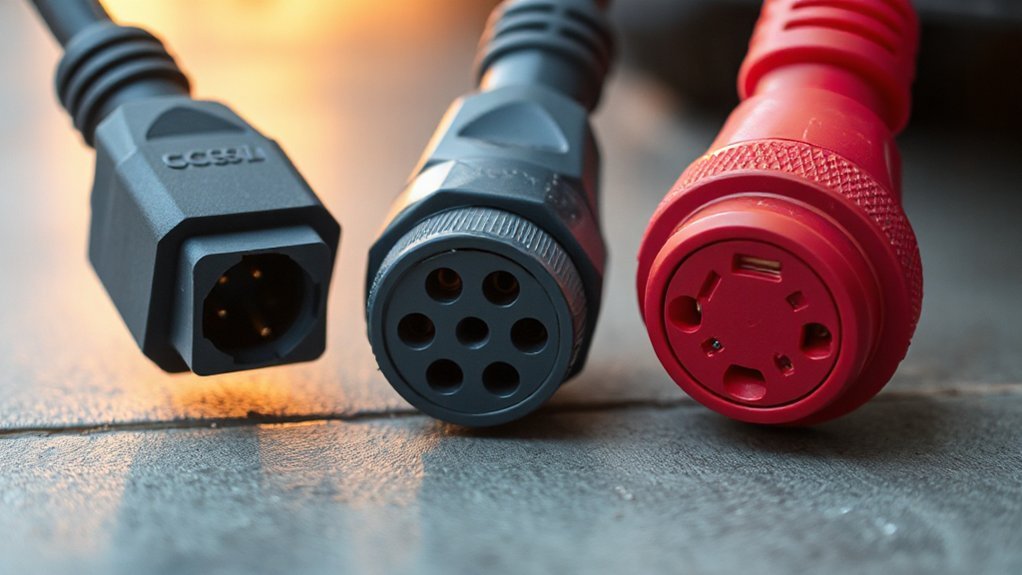

When indicators alarm, isolate power before touching cables. Log the pattern, time, and ambient temperature. Cross-check with the EVSE’s fault codes. If colors conflict, prioritize blink rate, then pattern repetition, then solid state. for diagnosis.
Network and Backend Connectivity Troubleshooting
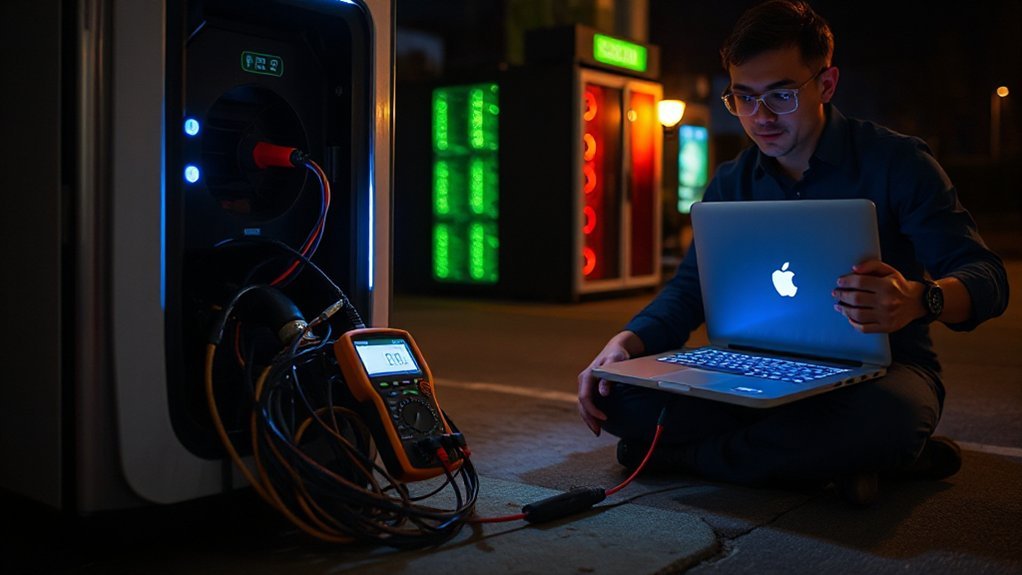
When connectivity between a charger and its backend falters, treat it as a layered fault and work from the physical/link layer up to the application layer. Verify input power is safe, then check Ethernet link LEDs or cellular RSSI/SINR, SIM/APN status, and cable integrity. Confirm DHCP lease or static IP, gateway, VLAN tags, and MTU. Ping the gateway, then the backend, and test DNS resolution and NTP time.
At transport and application layers, verify firewall egress to 443/80, WebSocket reachability, and TLS. Validate Certificate Management: correct chain, expiration, hostname, and CRL/OCSP access. Confirm clock is accurate. Review API Authentication: client IDs, secrets, token scope, and clock skew. Capture logs/pcaps, reboot only when safe, and document changes before rollback. Escalate with evidence if outages persist.
Vehicle Interface and Protocol Handshakes (Type 2, CCS, CHAdeMO)
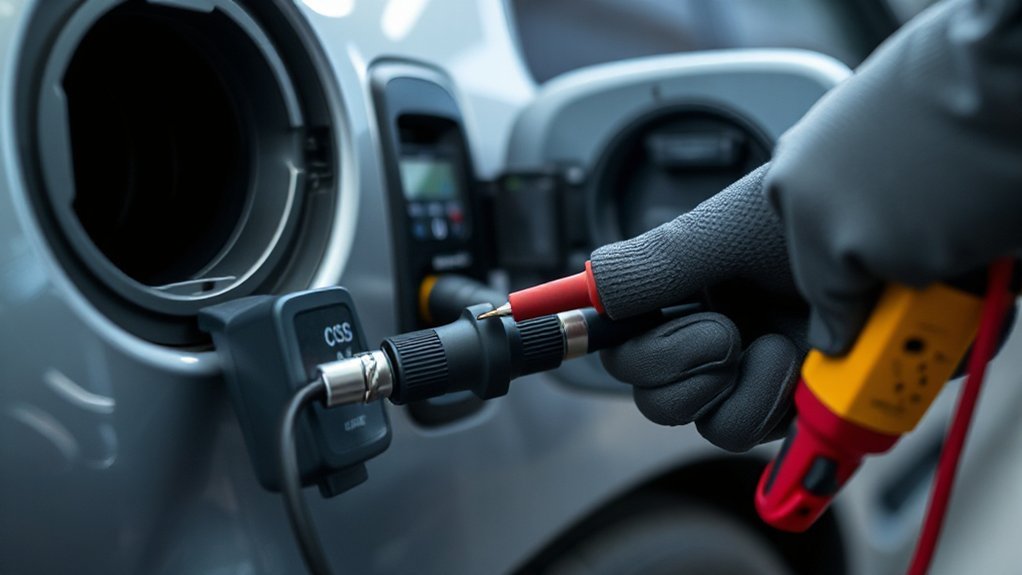
You first verify proximity (PP) and control pilot (CP) on Type 2/CCS: check PP resistor values, CP voltage and duty cycle, earth continuity, and isolation before any contactor closes. If CP/PP are in spec, you validate the communication layer—PLC/HomePlug Green PHY for CCS or CAN for CHAdeMO—by checking coupling integrity, SNR, link training, and session setup frames. Use lockout/tagout, rated probes, and galvanic isolation, and record traces to localize handshake faults at the vehicle interface.
Proximity and Pilot Signaling
Why start with proximity and pilot signaling? Because PP and CP determine whether the EVSE can energize safely. You verify PP resistance to detect cable rating and latch status; you confirm CP voltage and PWM duty cycle to establish state A–E. Use a DMM and oscilloscope: CP idle ~12 V, state B ~9 V, state C ~6 V, 1 kHz PWM sets current limit. Watch for Signal attenuation from long cables, damaged wires, or poor crimps. Inspect for Connector corrosion, bent pins, and moisture ingress that bias readings. On Type 2 and CCS, test PP 220–480 Ω per plug rating; CHAdeMO uses analogous interlock lines. Validate pilot reference, ground integrity, and insulation before enabling contactors. Log measurements, then isolate and replace faulty components promptly.
PLC Communication Layers
Before energizing DC contactors, the EVSE must complete robust communications over the vehicle interface, verifying the physical coupling and protocol handshake appropriate to the connector.
On CCS, you run PLC on the control pilot using HomePlug Green PHY. Validate Physical Modulation, SNR, and coupling before session setup. Confirm SLAC pairing, then check MAC Arbitration timing, Service Discovery and TLS. If messages stall, capture CP waveform and link-layer counters. On Type 2, verify CP PWM states match EV readiness; PLC applies only with ISO 15118. On CHAdeMO, verify CAN handshakes; PLC diagnostics don’t apply. During negotiation, enforce isolation monitoring, EVSE limits, and requests align. Time out on missing SECC responses. Log errors with timestamps. Never close contactors until precharge, insulation resistance, and HVIL continuity pass.
Firmware, Configuration, and When to Replace Hardware
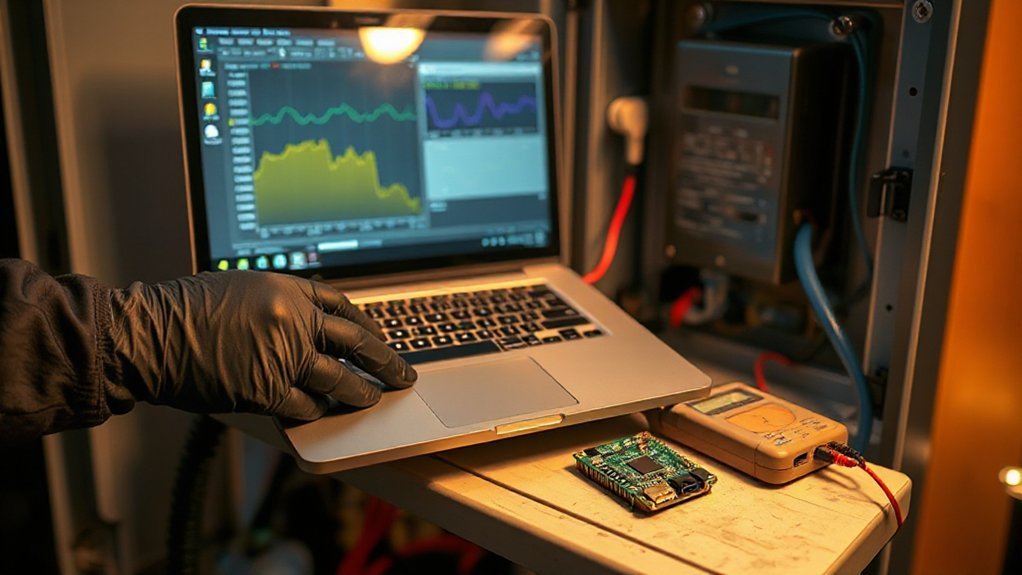
While many charging faults trace to firmware or configuration drift, some symptoms demand hardware replacement to protect users and vehicles. Validate firmware integrity with Secure Boot status and signed images; reject any unsigned payloads. Compare configuration baselines against site profiles, tariff tables, and connector maps. If faults persist, assess hardware: overheated contactors, swollen capacitors, corroded connectors, or insulation breakdown. Replace modules when error counters correlate with thermal stress or when vendors flag errata. Use EOL Forecasting to retire boards before failure, and document serials and revisions for traceability. De-rate output when aging indicators trend upward to minimize risk during peak demand.
- Prevent shocks, fires, and vehicle damage—act before anomalies escalate.
- Protect revenue and uptime—avoid cascading charger outages.
- Earn trust—keep compliance, cybersecurity, and safety aligned.
Tools, Tests, and Field Procedures for Technicians
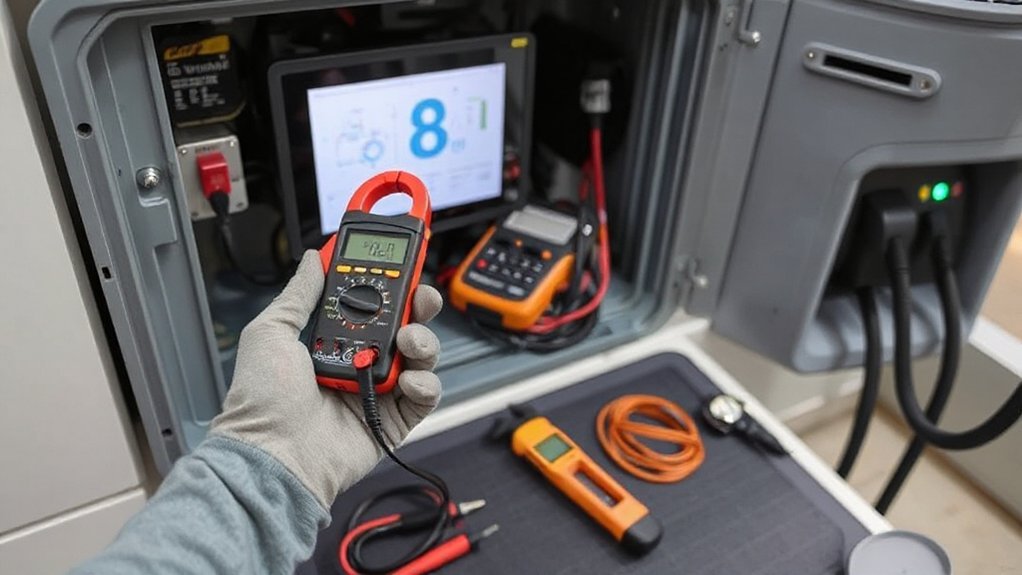
Equip yourself with calibrated instruments and a disciplined procedure: PPE to arc‑flash rating, lockout/tagout, and verified absence of voltage before any panel opens.
Use a CAT III/IV multimeter, clamp meter, insulation resistance tester, and power quality analyzer to baseline line-neutral-ground, phase balance, THD, and voltage sag. Validate CP/PP pilot signaling with an oscilloscope or EVSE protocol tester; confirm duty cycle, state changes, and contactor pull‑in. Perform earth continuity and impedance tests; verify RCD/GFCI trip current and time. Measure insulation to 500 V or as nameplate permits. Check torque on terminals, conductor damage, and thermal hotspots with IR imaging. Document results with timestamps and photos. Tag test leads. Enforce Tool calibration intervals and Inventory management so the right, safe gear arrives on site every time.
Preventative Maintenance and Uptime Best Practices
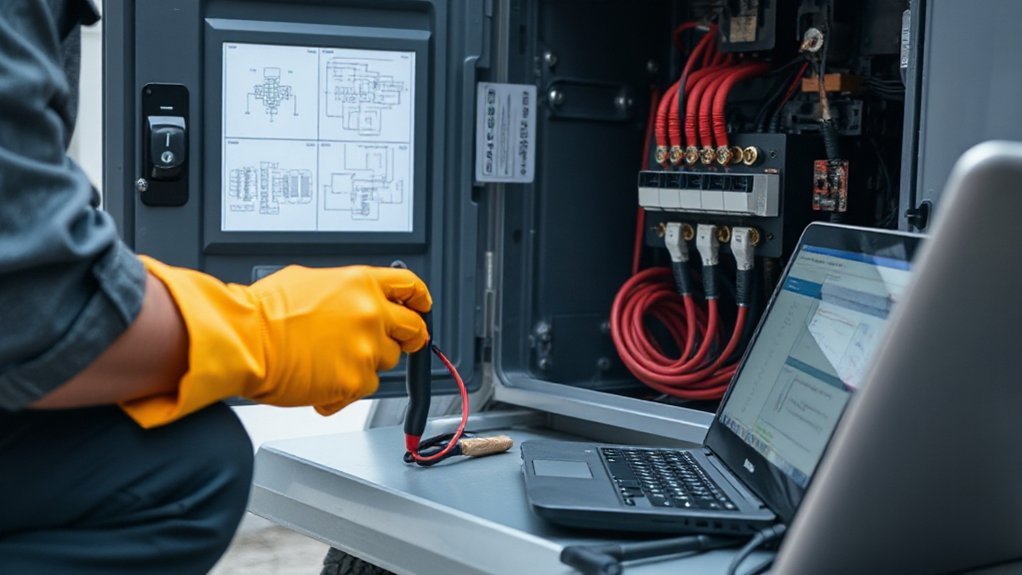
Because uptime depends on predictable hardware and clean power, you implement a structured preventative maintenance program that prevents faults instead of reacting to them. Schedule inspections quarterly; thermally scan connectors, torque lugs, test RCDs/GFCIs, and validate insulation resistance. Clean filters, seal conduit entries, verify bonding, and log firmware baselines. Use power quality analyzers to capture sags, swells, THD; correlate anomalies with site loads. Execute performance benchmarking after each service: measure handshake times, pilot duty accuracy, max current, and session completion rates. Document findings, open tickets, and drive vendor coordination for parts, firmware, and warranty actions. Standardize checklists, lockout/tagout, and ESD controls.
Quarterly thermal scans, torque checks, RCD tests, and THD capture—benchmark handshakes and currents to prevent faults and prove uptime.
- Protect drivers from arc faults and overheated cables—safety first.
- Preserve revenue with consistent uptime.
- Prove reliability with auditable data and clear MTBF gains.
Conclusion
Wrap up with safety-first discipline: lockout/tagout, verify absence of voltage, and document everything. Map the power path, validate CP/PP, and correlate logs, traces, and meter data. Use known‑good simulators to isolate faults, confirm firmware integrity, and escalate recurring issues. Tighten terminations, check grounding and surge protection, and watch thermals. Keep spares, calibrated tools, and a clean configuration baseline. Do this, and you’ll restore uptime faster than lightning, while preventing the next failure before it whispers.