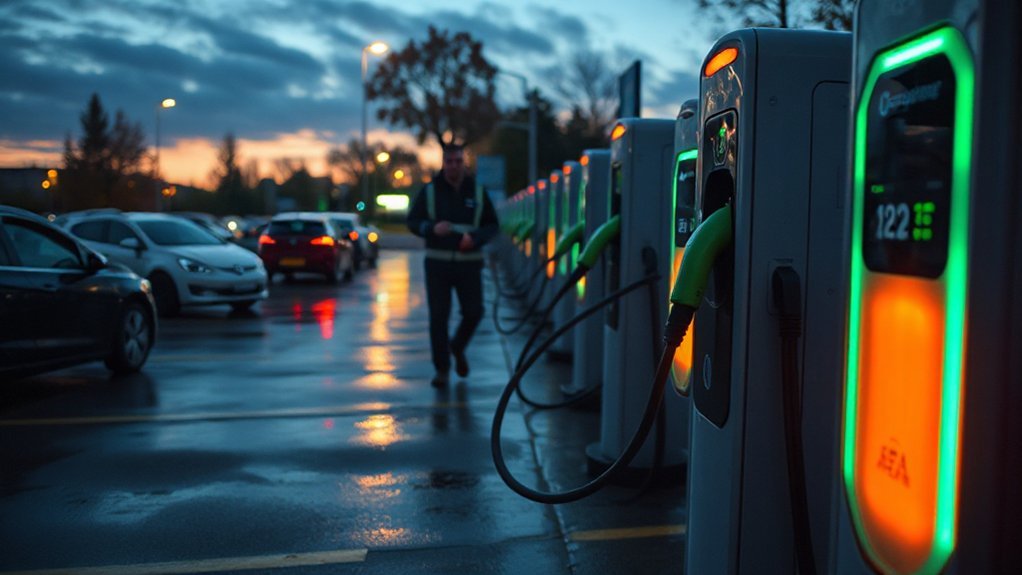
Though compact on the outside, the Bolt offers broad charging flexibility. You’ll manage home Level 1 and 2 charging, tap Tesla Superchargers through the new NACS port, and use DC fast charging up to 150 kW—all with an LFP battery that changes how you charge to protect lifespan. Keep going and you’ll learn the practical choices and setup steps that matter most.
Key Takeaways
- Use the NACS port for AC and DC charging; Tesla Superchargers are supported directly via NACS.
- For non‑NACS AC stations, use the J1772 adapter; CCS adapters enable legacy DC fast chargers when needed.
- Level 1 (120V) adds ~3–5 miles/hour; Level 2 (240V) adds ~20–30 miles/hour with a dedicated circuit.
- DC fast charging up to ~150 kW can take the battery from 10–80% in about 26 minutes.
- The LFP battery tolerates regular 100% charges; install a professional Level 2 charger (GM PowerUp 2 or compatible EVSE) for daily convenience.
Overview of the Bolt’s Charging System
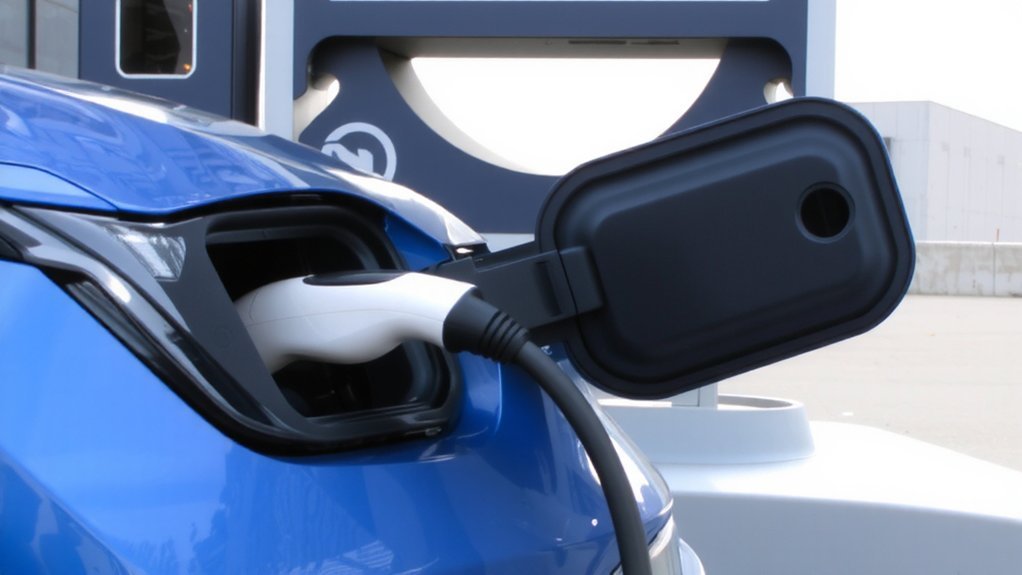
The next‑gen Bolt‘s charging system centers on a redesigned NACS port that lets you plug into home Level 1 (120V) or Level 2 (240V) chargers and directly access Tesla Superchargers across North America, while also supporting up to 150 kW DC fast charging with Plug & Charge convenience. You’ll find a more ergonomic port location and connector for easier handling. The Bolt uses a 65kWh LFP battery that allows frequent full charging without degrading the battery as quickly.
For home charging, Level 1 works for overnight top-ups while Level 2 with a GM PowerUp 2 wall charger or third‑party EVSE gives faster fills; have a certified electrician install it.
Public charging includes Tesla Superchargers and CCS1 via adapter options; GM will maintain J1772 compatibility for AC stations. Note there’s no 120V V2L outlet onboard—only USB‑C ports—so plan external power needs accordingly, safely.
Understanding the LFP Battery and Charge Limits
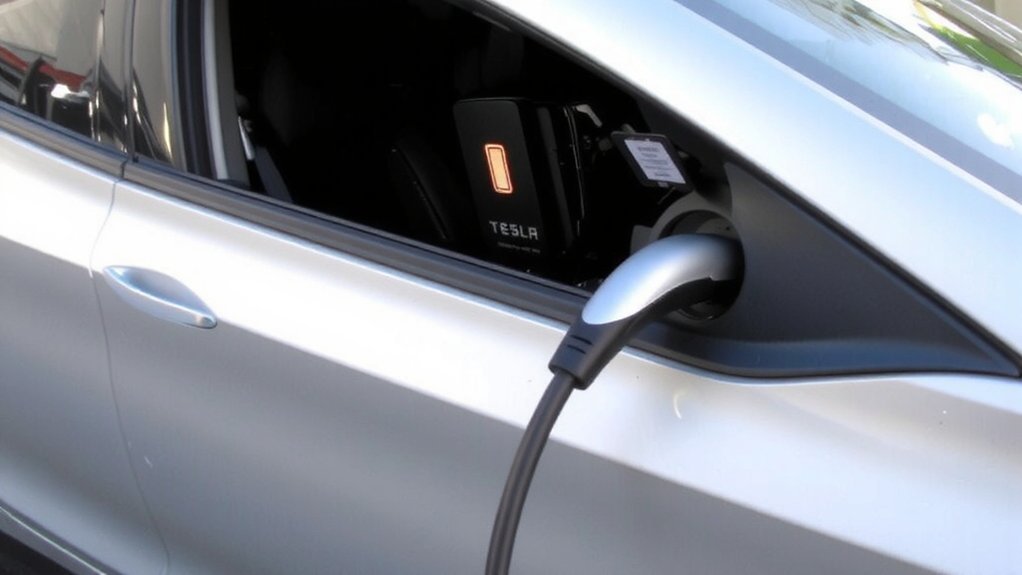
Because the next‑gen Bolt uses CATL LFP cells, you can treat charging differently than older chemistries: you don’t need to restrict daily charging to 80–90% for battery health. LFP offers improved safety, longer cycle life, and lower thermal‑runaway risk, so charging to 100% is safe and practical.
Follow these guidelines:
- Charge to 100% when you need full range; daily full charges won’t noticeably accelerate degradation.
- Use DC fast charging up to 150 kW for quick 10–80% sessions in about 26 minutes when traveling.
- Charge overnight on AC for convenience and gentle cycling; the BMS optimizes health.
- Consider bidirectional V2H only with compatible systems and proper installation for safe backup power.
Always monitor charging and follow GM safety recommendations and guidance. The new Bolt also comes standard with a NACS port, so no dongles are required to access many fast chargers.
Charging Ports and Standards (NACS, AC, DC)
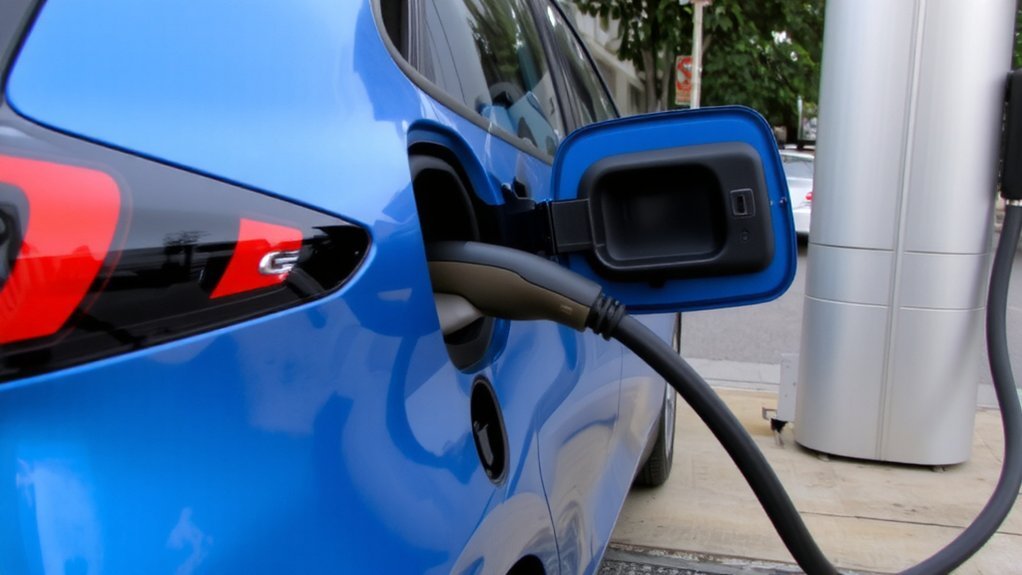
You’ll get NACS on the 2025–2026 Bolt, which gives you native access to Tesla Superchargers across North America. The NACS port supports both AC and DC charging and allows direct use of Tesla Superchargers across North America.
At home you can use Level 1 (120V) for slow overnight top-ups or Level 2 (240V) wall units for much faster charging.
On the road you can use DC fast charging up to 150+ kW for about 10–80% in ~26 minutes, with adapters required to reach legacy CCS1 stations.
NACS (Tesla) Access
While Tesla’s North American Charging Standard (NACS) started as a proprietary plug, it now offers a single, compact connector that supports both AC and high‑power DC charging across multiple voltage and current regimes. SAE International’s J3400 publication has helped formalize the connector as an industry standard J3400 standard. You’ll benefit from a simple, robust interface: it supports DC fast charging up to current Supercharger V4 power levels (about 325 kW), two voltage stacks (≈500 V and ≈1000 V), and continuous currents Tesla has safely operated up to 900 A.
Automakers and SAE J3400 adoption mean growing Supercharger access for existing CCS vehicles. The connector’s lock button and automated latch reduce user error and improve safety.
- Carry the J3400 adapter.
- Confirm NACS DC power and kW.
- Inspect latch and seal regularly.
- Abort on faults; follow prompts.
AC Level 1 & 2
How do you use everyday AC chargers with a Bolt that now has a NACS port? You’ll use an SAE J1772 Level 1 or Level 2 charger through a J1772-to-NACS adapter.
Level 1 (120 VAC) uses the portable EVSE that comes with the car, delivers about 1 kW, and adds roughly 3–5 miles per hour—good for overnight home charging.
Level 2 (240 VAC) stations connect via adapter too; the Bolt’s improved onboard charger accepts up to 11.5 kW, adding about 20–30 miles per hour. Install Level 2 at home on a dedicated 240 VAC circuit and follow manufacturer and electrician safety guidance.
Always inspect cables, use weatherproof connections, and store adapters properly to avoid hazards. NACS conforms to SAE J3400; store adapters and instructions safely.
Later Bolts use a 66.0 kWh battery, increasing EPA range.
DC Fast Charging Rates
Because the 2025–26 Bolt combines a NACS port with CCS compatibility, you can tap into the vast majority of DC fast chargers — including Tesla’s Supercharger network — while still using legacy CCS stations. The Bolt accepts up to 150 kW DC, cutting 10–80% charge in 26 minutes, roughly 2.5–3× faster than the prior 50 kW unit.
Additionally, the vehicle includes a NACS port.
With a 65 kWh LFP pack you can safely top to 100% nightly; the chemistry tolerates frequent fast charging while preserving life. For safe, efficient road trips, understand station power, ambient temperature effects, state-of-charge windows.
- Use NACS for widest Supercharger access.
- Use CCS where NACS isn’t available.
- Prefer 10–80% charging for speed and battery health.
- Monitor temps and station output to avoid slowdowns
Home Charging Options: Level 1 Vs Level 2
At home you can charge a Bolt overnight with Level 1 using a standard 120V outlet, which adds roughly 3–5 miles of range per hour.
If you need faster daily turnaround, Level 2 on a 240V circuit will top up about 25–30 miles per hour and can fully recharge an EV overnight.
Level 2 requires a dedicated circuit and usually professional installation, while Level 1 works with no extra setup. Chevrolet partners with Qmerit to assist in professional home charger installations.
Level 1 — Overnight Charging

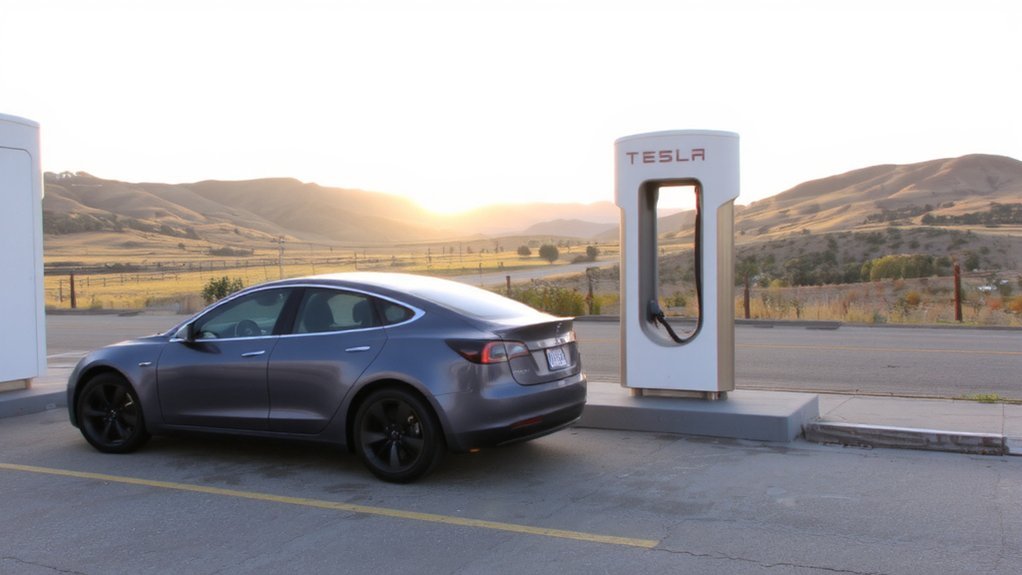
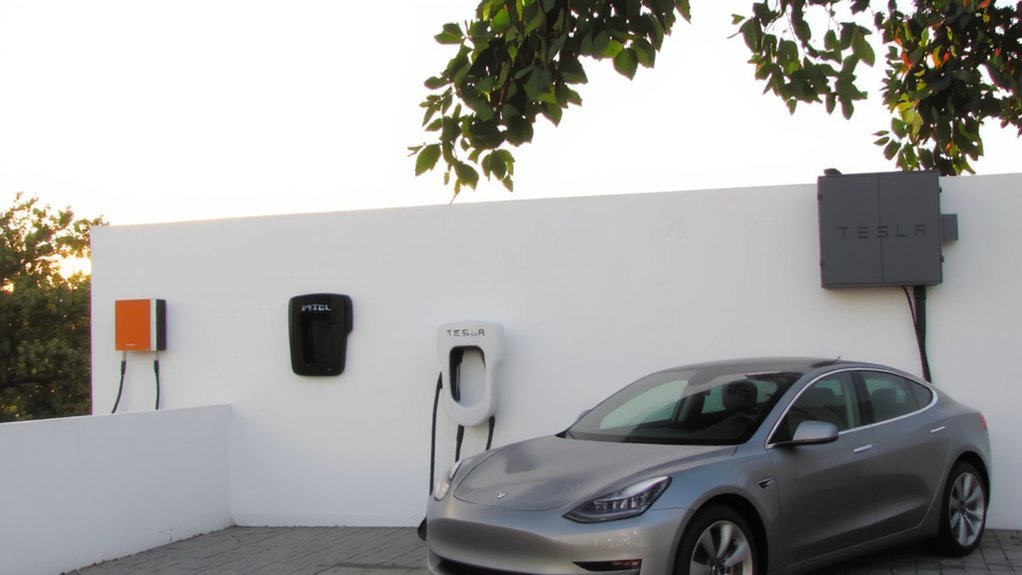
When you plug your 2025 Chevy Bolt into a standard 120-volt household outlet using the portable Level 1 EVSE that comes with the car, you’ll add roughly 3–5 miles of range per hour—enough for overnight top-ups if your daily driving is modest. Because Level 1 is the slowest option, it’s best for extremely low daily mileage and emergencies, as it supplies only about 1–1.4 kW. Level 1 uses 120 V outlets, needs no special installation, and supplies about 1–1.4 kW. It’s safe for overnight use when you confirm the outlet is grounded and in good condition. Expect slow full charge times, so reserve Level 1 for drivers under ~30 miles daily. Monitor with the vehicle app.
- Plug into a dedicated 120 V, 15–20 A outlet.
- Use the included UL-listed portable EVSE.
- Check outlet condition before nightly charging.
- Monitor status regularly via the Bolt app.
Level 2 — Faster Home Charging
If you want much faster, more convenient home charging, Level 2 uses a 240 V circuit to deliver roughly 7–11 kW to your Bolt and adds about 20–25 miles of range per hour—cutting a full charge to about 4–6 hours (20% to 80%). You’ll need a dedicated 240V outlet (NEMA 14-50) or a hardwired charger and likely a panel or wiring upgrade to support up to 48 amps safely. Choose a J1772-equipped charger for 2017–2025 Bolts or a NACS-capable unit or adapter for 2026 models. Look for smart features—scheduled charging, load management, utility integration—and hire a licensed electrician to install to meet local codes and guarantee safe, reliable operation. Level 2 gives fast, everyday convenience.
Keep cords clear, monitor charging, and follow manufacturer guidelines. Many 2022+ Bolts can draw up to 48 A from a Level 2 charger, cutting home charge times further.
Installing and Setting Up a Level 2 Home Charger
Because Level 2 charging requires a 240-volt circuit and proper permits, you’ll want a licensed electrician to assess your panel capacity, recommend any upgrades, and handle permits and inspections; they’ll confirm panel headroom, advise on needed upgrades, and guarantee code compliance. A Level 2 charger uses a 240-volt circuit and charges much faster than a standard Level 1 charger.
Choose a spot near your parking space and panel to reduce cable length and cost, secure weatherproof mounting, and plan cable management to avoid tripping hazards. Chargers can be plug-in or hardwired; extension cords aren’t allowed. Use manufacturer-approved equipment and documented installation to protect warranties and safety.
- Confirm panel capacity and potential upgrades.
- Obtain permits and schedule inspections.
- Mount charger securely with proper grounding.
- Test operation and keep installer contact for support.
Keep records of permits and inspection reports.
Using Public DC Fast Chargers and Tesla Superchargers
Although public DC fast charging varies by station, the 2025–26 Bolt makes road trips easier: its NACS port lets you plug straight into Tesla Superchargers and other 150 kW chargers, delivering about 10–80% in 26 minutes (roughly 100 miles in ~30 minutes).
2025–26 Bolt’s NACS lets you use Tesla Superchargers—10–80% in 26 minutes
You’ll find consistent charging thanks to the LFP battery and improved management, so hot or cold weather won’t slow you as much as older Bolts. Expect faster turnaround than legacy 50 kW models and parity with mainstream competitors.
Use certified stations, follow displayed safety procedures, and monitor battery temperature and charge rate during sessions. Be aware public DC rates vary; short, frequent, stops optimize travel time and battery health while minimizing exposure to high-cost stalls.
Plan routes and keep emergency contacts handy. The Bolt EV also offers an estimated over 250 miles of range, which helps reduce charging stops on long trips.
Plug-and-Charge, Preconditioning, and Infotainment Integration
Set up Plug-and-Charge through the infotainment so your Bolt automatically authenticates and bills when you plug into compatible NACS or supported chargers. You’ll see charging details—state of charge, estimated time, and preconditioning cues—on the center display and can adjust charge limits or start preconditioning there.
Once configured, sessions begin with a single plug and you can monitor progress or get notifications without extra apps.
Plug-and-Charge Setup
When you plug a compatible Chevy Bolt into a Plug-and-Charge station, the car will automatically authenticate and start billing through its onboard credentials so you don’t need apps or cards. Set up securely by registering payment credentials in the vehicle, linking participating networks, and installing required software updates or dealer activation.
Preconditioning will warm or cool the battery before charging for faster, safer energy transfer. Follow safety checks before every session. Monitor charging remotely via the mobile app for alerts and session control safely.
- Register payment and authentication in your Bolt’s charging settings.
- Link your vehicle to supported public networks (e.g., EVgo).
- Guarantee software updates or dealer activation are completed.
- Use scheduled preconditioning to optimize charging speed and battery health.
For home charging, a 120-volt outlet can charge the Bolt but only adds about 4 miles of range per hour, making it a slow charging option.
Infotainment Charging Display
Because the Bolt’s redesigned infotainment ties Plug-and-Charge, battery preconditioning, and charging-network integration into a single interface, you’ll get seamless control and live feedback during every session: You won’t need to handle apps or cards at compatible DC fast chargers once Plug-and-Charge is set up, and the display shows session details, kW, estimated time, and state of charge. It also supports DC Fast charging that is over 2.5x faster than the Bolt EUV and compatible with Tesla Superchargers.
Use the EV menu to enable preconditioning so the battery warms en route to a charger, improving cold-weather charging speed; temperature and precondition status appear in real time. Navigation and Google built‑in list compatible stations, availability, and filters.
Set charge limits, schedule off‑peak charging, and rely on voice commands and OTA updates to keep safety-focused charging information current. Check the display before unplugging to verify safe completion.
Bidirectional Charging (Vehicle-to-Home) and Backup Power
The 2025–2026 Chevy Bolt EV/EUV can act as a home backup power source: its bidirectional charging supports GM Energy V2H systems and can export up to 9.6 kW to your house through dedicated external inverters/chargers (there’s no 120V outlet on the vehicle). Its onboard charger supports up to 11 kW charger for Level 1 and Level 2 AC charging. You can rely on the Bolt’s 65 kWh LFP battery and about 255 miles range for backup, but you’ll want professional installation.
- Install a certified V2H inverter/charger and integrate with your home’s energy panel.
- Coordinate with an electrician to guarantee grid isolation and code compliance.
- Monitor state of charge and set minimum reserves to preserve mobility.
- Use GM Energy integration for automated load management and safe shutdown.
Always follow manufacturer guidance and local rules for safe backup use.
Charging Best Practices to Maximize Battery Life
If you want to keep your Bolt’s battery healthy, set routine charging targets to 80–90% and avoid frequent 100% fills, while also limiting discharges below about 20%. Use the center display Charging app to set targets and schedule charging so a full charge completes just before you’ll drive. Prefer Level 2 home charging for daily use, reserve DC fast charging for rare long-range needs, and use Level 1 for very low daily driving mileage. Keep in mind that about 39 miles of range per hour is typical with Level 2 charging. Avoid repeated rapid charge cycles and charging immediately after heavy driving to reduce thermal stress. Precondition the battery while plugged in when temperatures are extreme.
Keep your home Level 2 charger professionally installed, use certified cables, and install software updates to support battery-management improvements. Monitor state-of-charge and temperature regularly for safety.
Road Trip Planning, Charging Strategy, and Etiquette
When planning a Bolt EV or EUV road trip, map CCS fast chargers and Level 2 stations along your route using apps or the vehicle nav, and base stops on your model’s range—about 259 miles (EV) or 247 miles (EUV)—plus headroom for traffic and detours.
Map CCS fast chargers and Level 2 stations along your route, basing stops on EV range plus headroom
Use DC fast chargers for ~90–100 miles in 30 minutes, supplement with Level 2 for longer breaks, and rely on Level 1 only for overnight or emergency top‑offs. For regular stops and overnight charging, consider a Level 2 charger, which adds about 25 miles of range per hour Level 2. Verify connector compatibility, charger power (≈55 kW), pricing, and real‑time availability. Pack cables and plan cargo accordingly. Practice charging etiquette to keep stations safe and available. Stay alert and safe.
- Plan chargers and reserve when possible.
- Sync stops with meals and rest.
- Move promptly after charging completes.
- Respect posted rules and connectors.
Conclusion
You’re set to charge your 2025–2026 Chevy Bolt EV/EUV confidently: use home Level 2 charging for daily needs, take advantage of the NACS port for fast charging, and routinely top off to suit the LFP battery. You’ll benefit from plug‑and‑charge and preconditioning features, and can explore backup power options later. For example, imagine driving 40 miles daily, charging overnight at 32 amps and using a 150 kW DC fast charge on a 300‑mile road trip.