
When your battery gets a little light, you need tools that make the next stop predictable. Use nationwide charging apps that show real‑time uptime, stall counts, connector types, and pricing, then sync with your car’s nav to set SOC targets and precondition. Filter by kW, verify connector fit, save offline maps, and keep two backups per leg. Ready to cut costs, shorten stops, and avoid dead chargers?
Key Takeaways
- Use apps with nationwide coverage and real-time uptime, pricing, stall counts; enable alerts for station full, outages, and price changes.
- Plan routes with EV-specific planners modeling your vehicle, terrain, weather, and set SOC buffers; precondition battery before DC fast sessions.
- Filter chargers by connector type and power (e.g., CCS/NACS, 150–350 kW), prioritize multi-stall sites with 24/7 access, lighting, and amenities.
- Save offline maps and pre-plan alternates: at least two backup fast chargers within 10–20 miles per leg; keep 15–20% SOC buffer to pivot.
- Add memberships/roaming wallets to access member rates and reduce fees; verify payment methods, roaming partners, and privacy settings while traveling.
Choosing the Right EV Charging Apps

Which apps actually help you find reliable, low‑cost charging on the road? Prioritize platforms with nationwide station coverage, real‑time uptime data, clear per‑kWh or per‑minute pricing, and filters for connector type and minimum kW. Look for verified check‑ins, photo evidence, and recent session timestamps to validate reliability. Compare roaming support (e.g., EVgo, ChargePoint, Shell Recharge) and wallet integration to reduce card‑by‑card fees. Review privacy policies for data collection, location sharing, and third‑party analytics; opt out when possible. Test interface accessibility: large tap targets, color‑blind‑safe maps, voiceover labels, and offline lists. Confirm transparent idle fees, peak pricing windows, and support response times. Prefer apps that expose station power sharing, number of stalls, and payment authorization speed. They’ll cut costs and reduce charging-time uncertainty considerably overall.
Smart Route Planners That Optimize for Your Car and Terrain
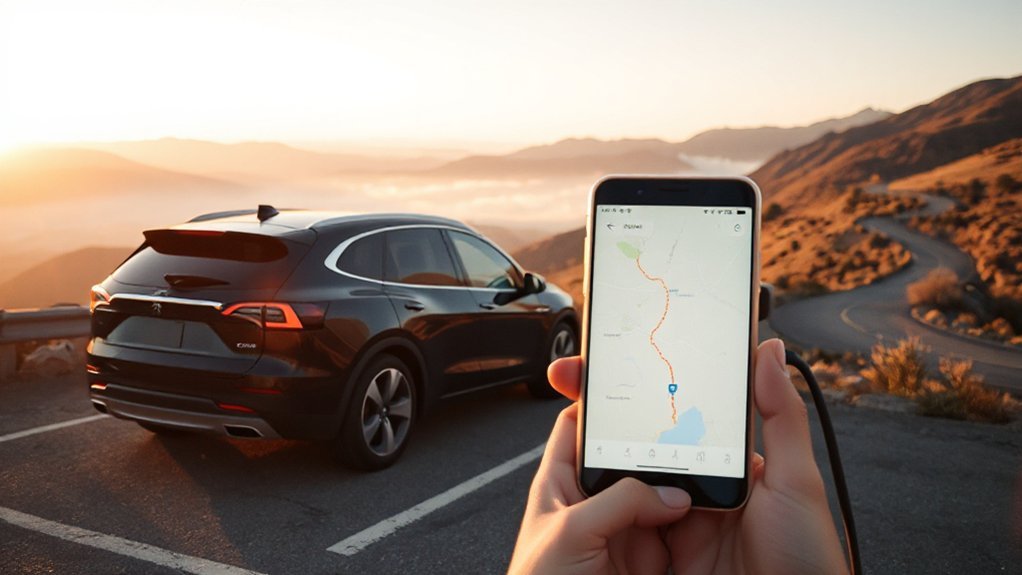
Because EV range hinges on speed, grade, temperature, and wind, smart route planners tailor stops to your specific car and the terrain ahead. They import your vehicle’s efficiency curve, pack size, and usable SOC, then run Elevation Modeling plus live weather to forecast consumption per segment. Thermal Optimization predicts battery conditioning needs, accounting for cold-soak losses and preheating energy. You set target arrival buffers (e.g., 10–20%), max cruising speed, and climate control use; the planner computes where you’ll need energy and schedules reliable sites accordingly. It factors headwinds, regen on descents, traffic, and detours, and recalculates if conditions shift. You get turn-by-turn guidance, SOC at each waypoint, and realistic ETAs that reduce stress and prevent needless stops. Offline maps keep routing stable without coverage.
Filtering by Connector Types and Charging Speeds
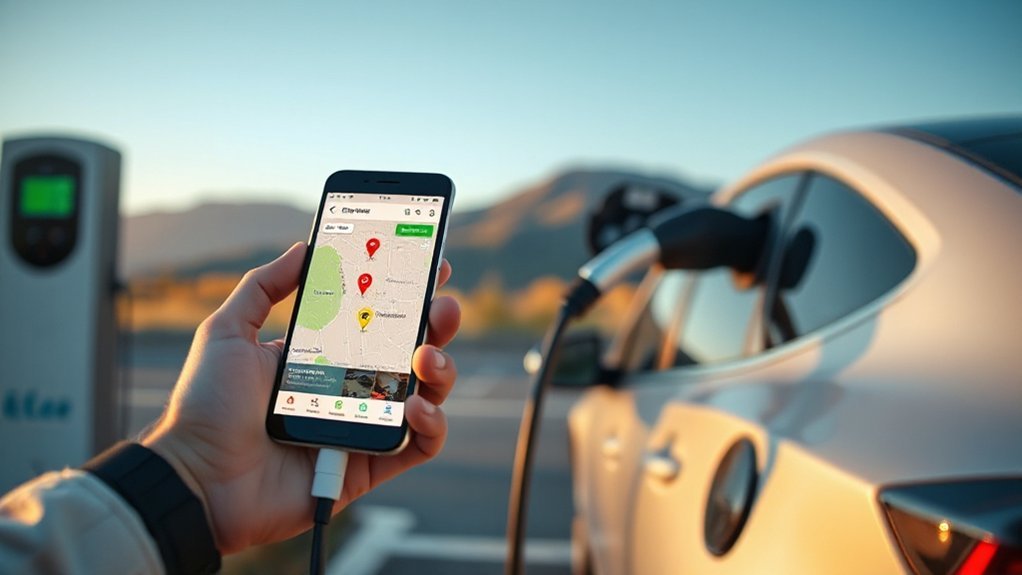
Once the planner maps your energy needs, filter stations by connector and power so every stop is compatible and fast. Select your vehicle’s native plug (CCS1/CCS2, NACS, CHAdeMO, Type 2) and set Adapter Compatibility if you carry a supported adapter. Prioritize DC fast chargers within your car’s peak intake; a 150–350 kW site only helps if your vehicle can accept it. Set a Power Range, e.g., 50–100 kW for older packs, 150–250 kW for modern midsize EVs, to balance speed and cost. Exclude Level 2 when you need rapid turns; include them at destinations if overnight. Check voltage and current ratings on station details to avoid bottlenecked cabinets. Sort by on-site kilowatts per stall and number of plugs to reduce queuing risk during planning.
Checking Real-Time Availability and Station Status
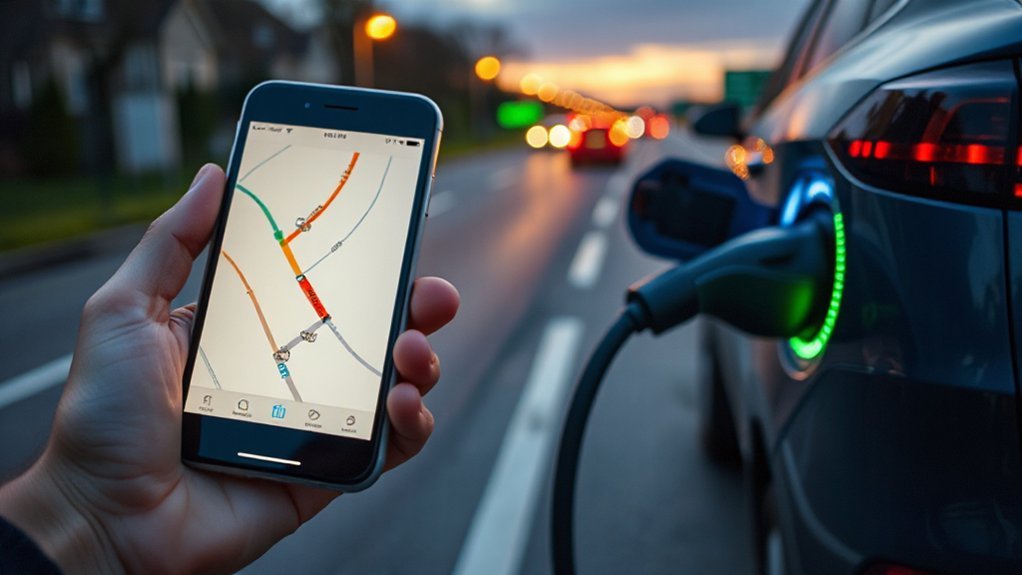
While optimizing connectors and power, verify live status in your route planner or network app before committing to a stop. Check Occupancy indicators to see open ports, session counts, and estimated wait times. Prioritize stations showing multiple available stalls and recent telemetry updates.
Confirm status signals: online/idle/charging/out-of-service. Look for power derates, reduced maximum kW, or connector faults. Many apps expose Hardware diagnostics, including error codes (e.g., over-temperature, ground fault) and last heartbeat time; avoid sites with stale data.
Cross-check plug type by port, not site, since mixed hardware can skew availability. Use live map filters for “available now,” “temporarily unavailable,” and “in-use.” If your state-of-charge is tight, choose hubs with redundancy and 24/7 support. Set alerts for station changes en route to save time.
Reading Reviews to Find Reliable, Well-Maintained Stations
After verifying live status, use user reviews to judge real-world reliability and upkeep. You’ll prioritize stations with recent comments citing successful sessions, plug types used, start-to-charge times, and payment method, not vague praise. Assess review authenticity by scanning reviewer history, patterns across apps, and photo evidence of stalls, screens, and receipts. Look for maintenance indicators: mentions of intact cables, clean connectors, functional screens, consistent kW delivered versus nameplate, minimal derating, and quick RFID/app handshake. Flag warnings like repeated ICEing, tripped breakers, offline networking, breaker resets needed, damaged CCS pins, or frequent 20–40 kW throttling on 150 kW units. Prefer locations where operators respond to issues, document repair dates, and show uptime metrics exceeding 97% over the past quarter. That pattern signals dependable, traveler-friendly hardware.
Planning Efficient Charging Stops on Long Trips

Although your EV’s rated range might suggest fewer stops, you’ll cut total trip time by planning legs around charging curves, terrain, and weather. Target arrivals near 10–20% state of charge and depart around 60–70% to avoid taper, exploiting peak charger power. Use elevation profiles, wind forecasts, and temperature to model consumption; precondition the battery before DC fast sessions. Build 8–12% buffer for detours or queues. Prefer sites with multiple high-power stalls to reduce wait risk, and set Plan B within 20–40 miles. Align stops with meal synchronization and rest optimization: choose stations co-located with food, restrooms, and lighting. Travel off-peak to ease congestion. Monitor real-time stalls and reroute early. Keep cabin speeds steady and HVAC efficient to preserve margins. Check weather deltas before departure.
Saving Money With Networks, Memberships, and Subscriptions
You’ll cut charging costs by enabling roaming partner access, which lets you use your home network’s member rates on affiliated networks and avoids duplicate fees. Compare membership discount tiers—free, basic, and paid—since paid plans often reduce per‑kWh pricing by 10–30% or session fees by $0.50–$3, with break‑even around 60–120 kWh/month or 2–6 sessions. Before you travel, check each network’s roaming map and tier pricing in the app, then pick the plan that matches your expected kWh and stop count.
Roaming Partner Savings
A few well-chosen memberships and roaming partnerships can cut your fast-charging costs by 10–30% and let one app or RFID work across multiple networks.
Use eMSPs that roam via Hubject or e-clearing.net, so you’ll see unified pricing, start sessions reliably, and skip card readers.
Compare direct-network rates to your eMSP’s roaming price; some add per‑kWh or per‑session surcharges, idle fees, or FX markups.
Check invoice transparency in the app: it should itemize energy, time, taxes, and roaming fees before you plug in and on receipts after.
Reliable settlement processes between networks reduce billing errors and speed refunds when sessions fail.
Filter maps for “roaming enabled,” verify kW limits, and watch for “premium site” exceptions.
Track cost per kWh on recent trips to confirm savings.
Membership Discount Tiers
Many networks use tiered memberships that trade a small monthly fee for lower per‑kWh rates, and the math often favors frequent travelers. Run the numbers: if the tier costs $7/month and drops your rate from $0.48/kWh to $0.35/kWh, you break even after ~54 kWh, roughly two DC fast sessions. Watch demand fees and idle charges; discounts may apply only to energy. Verify eligibility criteria (state, vehicle brand, fleet status) and whether roaming sessions qualify. Compare peak/off‑peak pricing and station classes (AC vs. DC). Track renewal windows to avoid paying during months you won’t travel; many plans allow pause or downgrade. Use receipts to calculate effective $/mile. Reassess quarterly as networks adjust rates, perks, and session caps. Prioritize reliability metrics from apps when choosing tiers.
Using Hotel, Destination, and Workplace Chargers to Your Advantage
While planning your route, prioritize hotels, attractions, and workplaces with on-site Level 2 chargers to turn parked hours into added range. Level 2 (6–11 kW) adds roughly 18–35 miles per hour, governed by your vehicle’s onboard charger. Verify connector type (J1772 vs. Tesla), parking fees, idle fees, and access method (app, RFID). Call ahead to confirm port count and guest priority. Follow hotel etiquette: move your car when charging completes, don’t occupy EV spots if you’re not charging, and coil cables. At workplaces, review workplace policies, hours, and visitor access; some sites restrict charging to employees. Schedule charging in-app to finish near departure for a warm battery and minimal idle time. Log sessions to track cost per kWh. Ask about reservation options when available.
Building a Backup Plan When Stations Are Busy or Offline

You pre-plan redundancy: add at least two alternate DC fast chargers within 10–20 miles and map a parallel route with a detour under 15 minutes. Use real-time network status—uptime %, live stall counts, and wait times—from your car’s nav or apps (e.g., PlugShare, ChargePoint, Tesla) and set outage alerts. Carry portable charging options (120/240V EVSE with NEMA adapters) and budget for slower rates (1–7 kW) while keeping a 15–20% state-of-charge buffer.
Alternate Routes and Chargers
Because charger availability fluctuates, build a backup plan that maps alternate routes and prequalified stations using reliability and capacity data. Identify at least two backups per leg, within 5–12 miles of your corridor, supporting your connector and 100–350 kW as needed. Filter for uptime above 95%, four-plus stalls, 24/7 access, lighting, and restrooms. Add a 15–20% state-of-charge buffer to reach alternates, accounting for elevation, headwinds, and temperature.
Prioritize clusters near highways, but allow scenic detours that keep added time under 20 minutes. Note peak times and local charger etiquette: share stalls fairly, don’t linger past 80%, move when complete. Document phone numbers, fees, and access methods (tap, app, RFID). Save offline maps and waypoint lists so you can pivot without stress in any contingency.
Real-Time Network Status
Although route planners estimate availability, monitor real-time network status to preempt queues and outages. Use apps that display live stall counts, uptime percentages, connector type, power rating, and maintenance flags. Enable push alerts for “station full,” “stall freed,” and pricing changes. Favor networks exposing OCPI/OCPP API standards; they refresh status reliably. Protect data privacy by limiting location sharing to while-in-use and deleting session history after trips. Preselect two alternates within 10–20 miles at the same exit corridor. If wait exceeds 10 minutes or SOC drops below 18%, pivot per the matrix below.
| Signal | Your action |
|---|---|
| 0–1 stalls free | Drive to Alternate A |
| Site offline | Skip to Alternate B |
| Price surge >20% | Choose cheaper nearby |
| Power derated | Extend stop or pivot |
Recheck status before committing.
Portable Charging Options
Planning for portable charging creates a safety net when public sites are full or offline. Pack a Level 1 EVSE and a Portable inverter or compact power station as last-resort options. A 1.5–2.4 kW source adds ~4–8 miles of range per hour at 120 V, enough to reach a faster station. Verify continuous output rating, pure sine wave, and GFCI protection. Solar generators paired with folding panels can trickle-charge, but expect slow rates; sizing 1–2 kWh yields ~4–10 miles under sun.
- Choose 2 kW+ units with 15–20 A, pure sine output, UL certification.
- Carry NEMA adapters (5-15, 14-50), 12 AWG outdoor extension, and fuses.
- Log charge rate (A, V, kWh) with a meter; watch inverter temps.
Test at home first.
Conclusion
You’ve got this. Use nationwide apps with live uptime, stall counts, and pricing, pair them with your car’s nav to set arrival/departure SOC and precondition, and filter by connector and kW. Save offline maps, enable alerts, and read reviews. Join networks to cut costs, leverage hotel and workplace chargers, and move when done. Fun fact: over 80% of EV charging happens at home—plan the remaining 20% with two alternates per leg and you’ll travel confidently.