A charging plug is a handshake between your car and the grid. You’ll want to make that greeting smooth. With a bit of prep you’ll avoid common mistakes, pick the right connector, and keep costs down — starting with one small choice many owners overlook.
Key Takeaways
- Find nearby chargers with apps like PlugShare, ChargePoint, or Zap‑Map and filter by connector type, power level, and real‑time availability.
- Verify connector compatibility (CCS, CHAdeMO, Type 2, NACS) and bring any necessary adapter before you arrive.
- Plug in securely, authenticate via the station or app, then confirm displayed kW and estimated time to reach desired state of charge.
- Monitor charging via the app or vehicle, check cables and equipment for damage, and stop around 80% for routine top‑ups when practical.
- Park considerately, avoid blocking chargers after finishing, respect ADA spaces, and report faults or hazards to the network or host.
Types of Public EV Chargers and Which One You Need
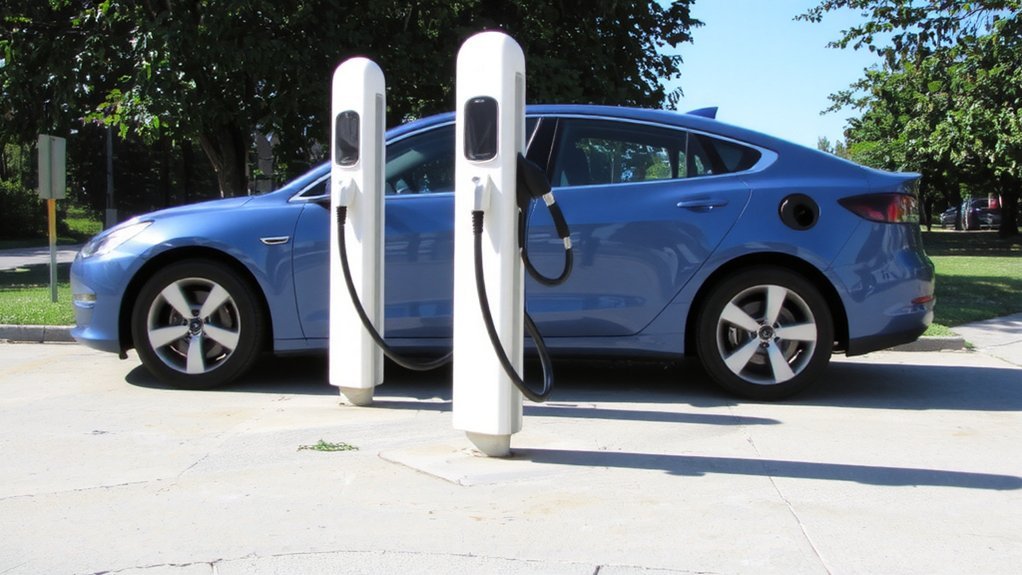
When you need a public charger, pick the type that matches your trip and car: DC fast (Level 3) gives 20–60 minute top-ups and’s found at highways and hubs for long trips, Level 2 appears in parking lots, workplaces, and curbside for 4–8 hour fills, and Level 1 is rare in public and very slow (8+ hours). Use station apps like PlugShare to find chargers, see real-time updates, and filter by compatibility. For longer drives, use DC fast to restore range quickly; for shopping, work, or overnight stops, Level 2 is usually sufficient and gentler on batteries. Level 1 is mainly for emergencies or extended parking. Watch cable routing, secure your vehicle while charging, follow posted station rules, and don’t occupy fast chargers longer than needed. Prioritize safety: always monitor charging progress and keep clear of traffic flow.
Finding Nearby Stations and Checking Compatibility
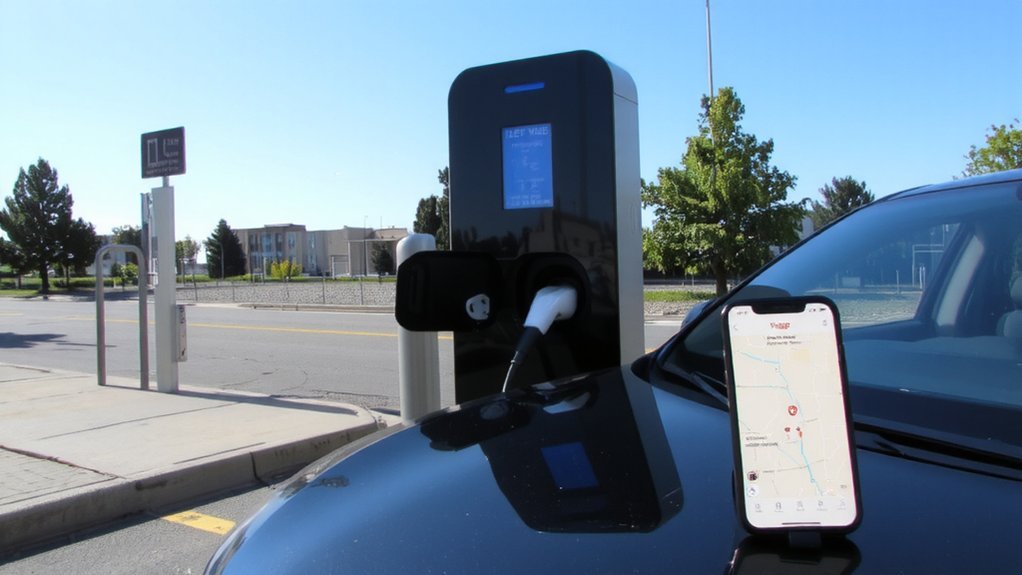
Use charging apps like PlugShare or Electrify America to find nearby stations and see real-time availability. Many EV drivers also use Zap-Map for real-time maps and filtering. Before you go, verify the connector type (CCS, CHAdeMO, Type 2) matches your vehicle or that you’ve got the right adapter. Also check the charger power level—Level 2 versus DC fast—so the station provides the speed your car can accept.
Use Charging Apps
A good charging app makes finding nearby stations and confirming they’ll work with your EV quick and reliable. For example, PlugShare lists over 700,000 public charging stations worldwide, making it a comprehensive resource 700,000+ stations. Use PlugShare or ChargePoint to view real-time availability and community notes so you avoid inoperative units.
In the UK, Zap-Map covers most public points and shows live status. Electrify America and EVgo apps offer live fast-charger updates, reservations, and session monitoring with alerts for target state of charge. Monta uses AI to recommend stations based on compatibility and timing. Chargeway simplifies identification and adds remote charging controls and battery status.
Use apps that show pricing estimates and support unified payments (Zap Pay, Octopus Electroverse, Monta) so you confirm affordability and start/stop sessions remotely for safer, predictable charging and reduce time spent at busy stations and queues.
Verify Connector Type
Before you plug in, confirm the station’s connector type and that it matches your EV — apps and maps (PlugShare, ChargePoint, Open Charge Map, Zap-Map) show live connector info and availability, and station signage or displays list port types.
Check your owner’s manual or in‑car charge settings to know which connector you need (J1772/Type 2 for AC, CCS1/CCS2 or NACS/J3400 for DC, CHAdeMO on older Japanese models). In many regions, CCS is becoming the dominant DC fast-charging standard.
If you drive a Tesla, remember it uses NACS but often includes a J1772 adapter for AC; Magic Dock or portable adapters can bridge NACS, CCS1 or J1772 where permitted. Don’t force mismatched plugs; use only compatible connectors or approved adapters to avoid damage and guarantee safe charging. Stay aware of wet conditions and keep connectors dry.
Confirm Charger Power Level
Once you’ve confirmed the connector matches your EV, check the station’s power rating so the charging speed fits your plans. Look for kW on signage, the screen, or in the app; Level 2 usually shows 3.3–22 kW (common public rates 7.4–11 kW) while DC fast chargers range from 50 kW up to 350+ kW or ultra-fast 500+ kW. Verify your vehicle’s max DC acceptance—higher station power won’t force faster charging if your battery caps it.
Consider battery size, time available, and long-term health: frequent ultra-fast sessions can increase degradation, so reserve DCFC for when you need rapid top-ups. When in doubt, choose a moderately powered Level 2 session for safe, steady charging. Also check real-time output during charging to confirm safe, expected power delivery. For most daily drivers, Level 2 charging offers the best balance of speed and cost.
Setting Up Accounts, Payments, and Apps

Pick one or two charging networks that cover your usual routes and match your vehicle’s charging needs. Set up accounts in their apps or request an RFID card so you can authenticate quickly.
Then link a preferred payment method—card, mobile wallet, or Plug & Charge—so you’ll be able to start sessions without hassle. You can also request a multi-network charging card to simplify access and gain wide compatibility.
Choose Charging Networks
You’ll want to register with the networks you plan to use, link a payment method, and install their apps so you can find stations, start sessions, and monitor charging in real time.
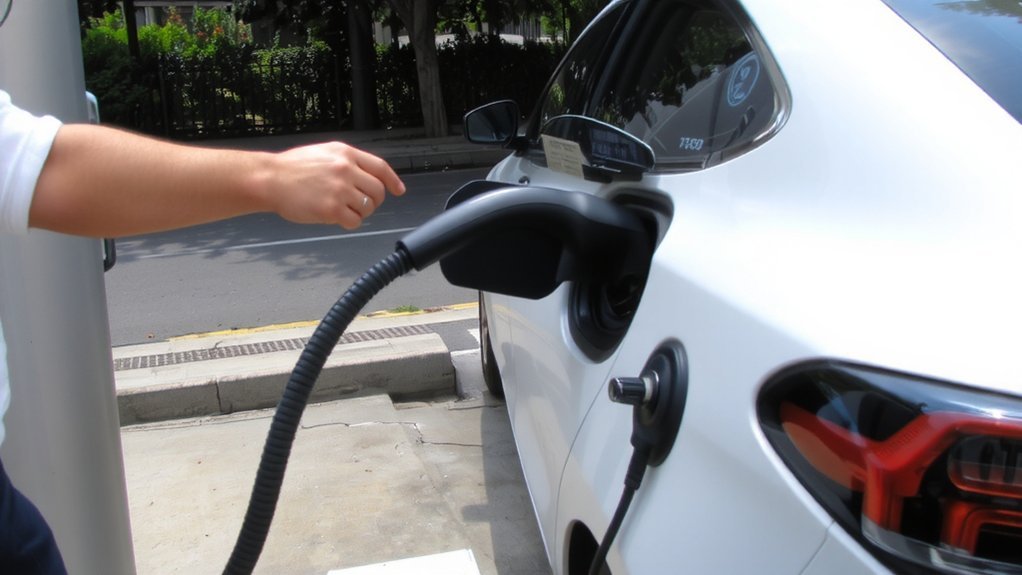
Choose networks based on coverage along your routes, charger type compatibility (Level 2, DC fast, CCS or NACS), and station density near home and destinations. Prioritize networks with reliable uptime, clear pricing, and strong app features—real‑time availability, navigation integration, session notifications, and reservation options reduce uncertainty.
Consider membership plans or loyalty benefits if you charge frequently. Keep an RFID or backup authentication method in case an app or phone fails. Before a trip, map preferred networks to minimize detours and guarantee you always reach a safe, compatible charger when you need it. Also prioritize networks that offer DC fast charging, since DC Fast Charging can provide about 80% charge in 20–40 minutes.
Link Payment Methods
Most charging networks require an account and a linked payment method to start a session, so set up profiles and payment details before you need a charger. Create accounts on each network’s app or website, verify contact info, and add a trusted card or mobile wallet. Register any RFID card and keep its number secure. Newer options like Plug&Charge can automate authentication and payment on compatible vehicles and chargers.
For one-time use, scan the charger QR and pay by card. Before you leave home, confirm receipts and saved cards so you’ll spot anomalies and audit charges quickly.
- Use a secure credit/debit card or major digital wallet.
- Link accounts to two-factor authentication where available.
- Register RFID tags in the app and store backups safely.
- Prefer preloaded app balances for unattended sessions.
Keep payment info updated and monitor activity regularly.
Step-by-Step: Using a Public Charger for the First Time
Keep in mind that home charging is the most popular option for EV drivers. Before you arrive, check charger compatibility, availability, and your vehicle’s port so you don’t get stuck at the station. Park with the port facing the connector and confirm cable reach. If the station needs a personal cable, grab it from the trunk.
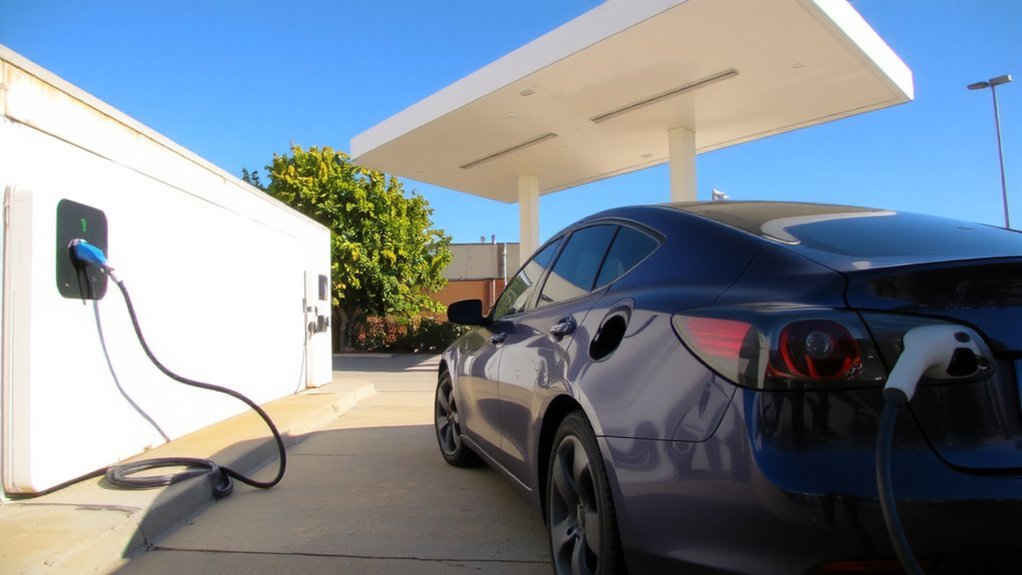
Plug the connector into the vehicle until it seats firmly; indicator lights should confirm a secure connection. Authenticate using the station’s card reader, fob, or app and follow on-screen prompts. Wait for the charger or app to confirm charging has started and note displayed kW and estimated SOC.
Monitor progress via the charger display or your app; charging may slow after ~80% SOC. When finished, stop the session through the app or reader, unplug the connector, and stow cables. Check billing receipt.
Safety, Etiquette, and Best Practices While Charging
After charging, follow basic safety and etiquette to protect yourself, the equipment, and other drivers. Before you plug in, inspect the charger for damage, verify cords aren’t frayed, and confirm outlets and enclosures are dry and weatherproof. Park considerately, keep cords tidy to avoid trips, respect ADA spaces. If you spot hazards or damage, report them to staff. Use certified chargers and prefer stations with visible safety devices, emergency shut-offs, bollards, and fire extinguishers. Look for a nearby Class C fire extinguisher as required for electrical fires.
Visually inspect cables, connectors, and surrounding area. Plug directly into dedicated outlets; never use extension cords. Keep the area well lit and report vandalism or exposed wiring. Leave the bay promptly once charging completes and move your vehicle safely.
Follow manufacturer and site instructions; safety systems exist to protect you.
Managing Charging Time, Costs, and Battery Health
When you plan charging around your schedule, vehicle limits, and local rates, you can cut costs, reduce wait times, and slow battery wear. Use DC fast chargers when you need quick range — they can go 10–80% in 35–90 minutes — but avoid frequent fast sessions to protect battery life.
For routine top-ups, favor Level 2 or timed slow charging and stop near 80% for daily use. Enroll in managed charging or TOU programs to lower costs; smart systems spread load and tap renewables or second‑life storage when available.
Monitor battery temperature and follow manufacturer charging profiles; scheduled charging that avoids extremes will reduce long‑term degradation and keep your EV reliable and safe. Check station pricing and set alerts so you never overpay or overcharge again. Utilities and programs increasingly encourage smart charging to manage grid impact, with studies projecting 78.5 million EVs on U.S. roads by 2035.
Public Charging Infrastructure, Incentives, and Planning Ahead
Because public charging has scaled rapidly but remains uneven, you should plan trips around charger availability, compatibility, and pricing while taking advantage of growing incentives and improved tools. Recent data show the US fast charging network now includes 11,687 stations, helping improve access on major routes. Check maps and apps for real-time status, favor high-uptime networks, and avoid isolated stations after dark.
Plan trips around charger availability, compatibility, and price—use real-time maps and favor reliable, well-lit stations.
Leverage federal NEVI funding, state rebates, and host incentives when arranging charging for trips or property. Reserve or schedule fast charging during peak demand when possible.
- Prioritize DCFC and 250+ kW sites for quick top-ups on long legs.
- Verify plug standard (NACS/CCS) and adapter needs before departure.
- Choose stations with lighting, cameras, or attended locations for safety.
- Track rebates, utility rates, and local grants to lower costs and improve access.
Check charger uptime reports and call providers for critical trips.
Conclusion
You’re ready to use public chargers with confidence: check which level and connector your EV needs, find compatible stations via apps, set up accounts, then follow authentication and safety steps while you charge. Will you plan for the session and be considerate of others? Prioritize Level 2 for routine top-ups and DC fast for long trips, monitor costs and battery health, and pick well-lit, attended locations so charging becomes a smooth part of your routine.