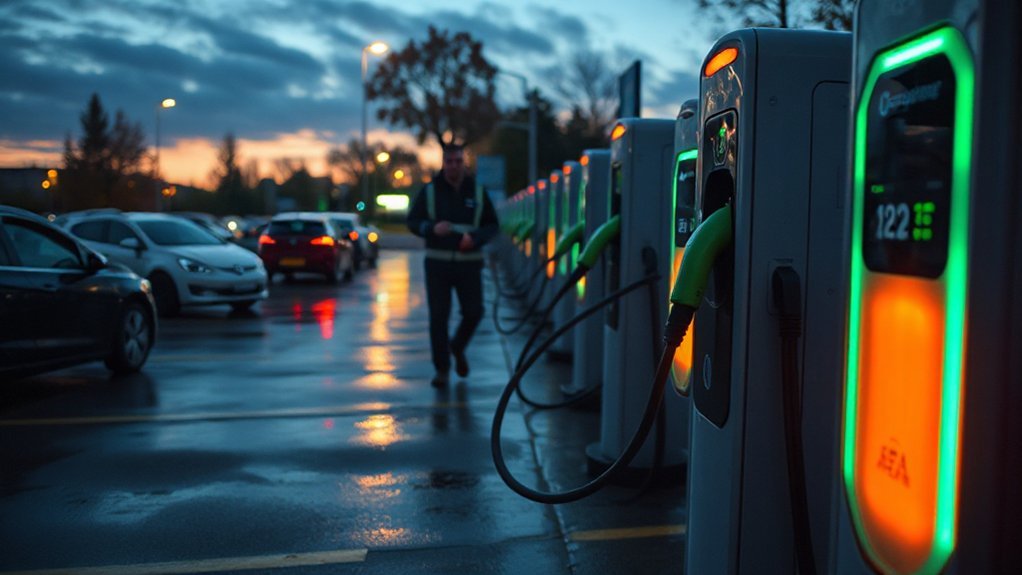
You’re about to get a practical guide to charging your 2025–2026 Rivian R1T or R1S. It covers battery packs and EPA range, home and DC fast charging, the 2025.18 update, preconditioning tips, trip planning, and cost considerations. You’ll learn what actually matters for daily use and long trips — and what to watch out for next.
Key Takeaways
- Choose one of three Gen 2 packs: Standard LFP 92.5 kWh (≈258 mi), Large 109 kWh (≈329 mi), or Max 141.5 kWh (≈410–420 mi) for range needs.
- Home Level 2 charging (Rivian Wall Charger up to 11.5 kW) adds about 25 miles per hour; overnight typically restores ~200 miles in eight hours.
- DC fast charging peaks ~200–220 kW, adding roughly 130–140 miles in 15–20 minutes, with 10–80% times varying by pack.
- Always precondition the battery before DC fast charging to improve peak power, especially in cold weather, and use grid power when possible.
- Follow conservative charging strategies: avoid frequent high-SOC fast charging, monitor 12‑volt system, use certified installers, and document charging anomalies.
2025–2026 Battery Options and EPA Range
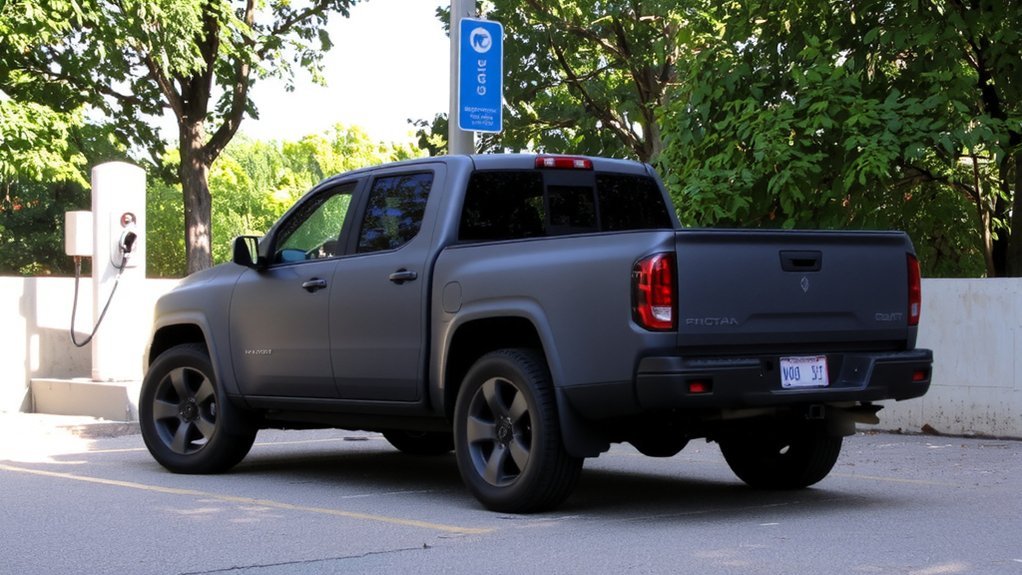
If you’re choosing a Rivian R1T or R1S for 2025–2026, you’ll pick among three Gen 2 battery options: the Standard 92.5 kWh LFP pack (258 EPA miles), the 109 kWh Large NMC pack (329 EPA miles), and the 141.5 kWh Max NMC pack (up to 420 miles R1T Dual, 410 miles R1S Dual).
LFP in the Standard pack gives you long cycle life and lets you regularly charge to 100% with minimal degradation, which is reassuring for daily use.
LFP standard pack delivers long cycle life and lets you charge to 100% regularly with minimal degradation
Gen 2 packs are smaller and lighter than Gen 1 yet more efficient, aided by heat pumps and software to stretch range. EPA figures assume 22″ wheels and dual-motor setups; real-world range varies with load, towing, climate, tires, and drive mode.
Plan conservative charging strategies. Rivian also updated both models with a comprehensive makeover.
What Changed in the 2025.18 Charging Update
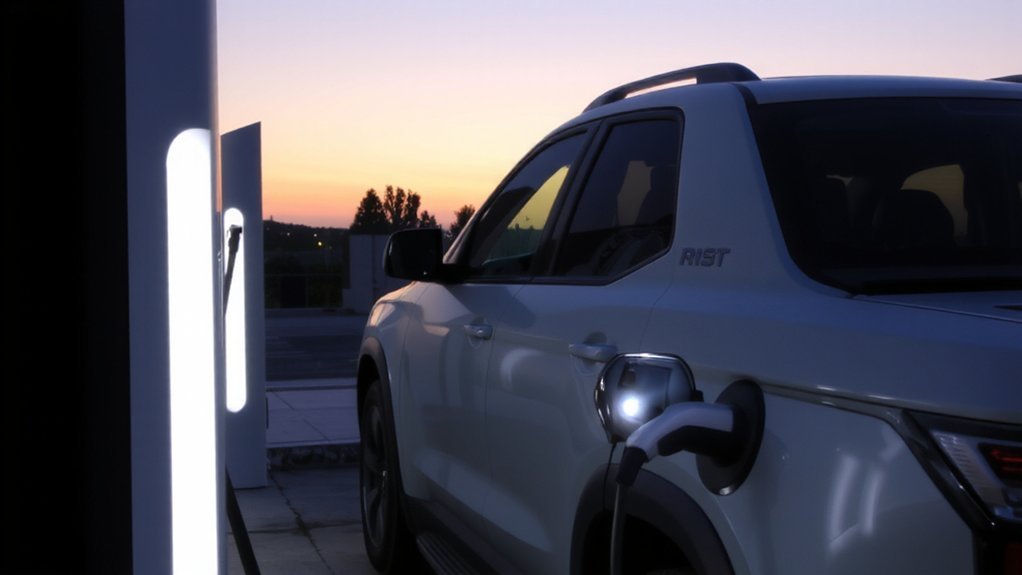
You’ll notice noticeably faster DC fast-charging after the 2025.18 update, with higher peak rates and shorter 10–80% times across pack variants.
You can now manually precondition the battery to optimize charge speed and consistency, especially in cold or hot conditions.
Together these changes give you shorter, more predictable charging stops.
These updates focus on delivering faster charging.
Faster DC Fast-Charging
Get ready to spend less time at DC fast chargers: the 2025.18 update boosts peak charging power and short-session range across all Rivian packs—Max and Gen 2 large and standard peaks rise to ~215 kW, 10–80% times drop (Max 41.5→38 min, Large 35.5 min, Standard 27 min), and you’ll see about 132–137 miles added in the first 15 minutes—thanks to software-level charging algorithm and temperature-range optimizations rather than hardware changes.
- You’ll get higher peak power and shorter 10–80% sessions, improving trip safety by reducing roadside exposure.
- Algorithms raise intake rates and work across wider temperatures to avoid slow charging in cold or heat.
- Infotainment shows real-time charging graphs and target SOC alerts so you can monitor safely.
- Software only OTA
The update also adds on-demand preconditioning to improve charging performance.
Manual Battery Preconditioning
Although Rivian previously only preconditioned the battery when you routed to a DC fast charger, the 2025.18 OTA adds a manual precondition option so you can warm the pack on demand—no navigation required—right from the Charging tab in the updated Energy app, with real-time charging speed info, confirmation panels, and target-SOC alerts to help you prep for faster, healthier DC fast charging.
You can start preconditioning before arrival at any charger or during multi-stop trips to reduce thermal shock and improve peak charging rates, especially in the 10–80% window. The app shows live speed graphs, confirms activation, and notifies you when your target state-of-charge is reached.
Use this to protect battery health, shorten top-up times, and maintain consistent charging performance across temperatures. Safely recommended. Owners can enable or disable Multi-factor Drive.
Home Charging: Wall Charger, Installation, and Typical Times
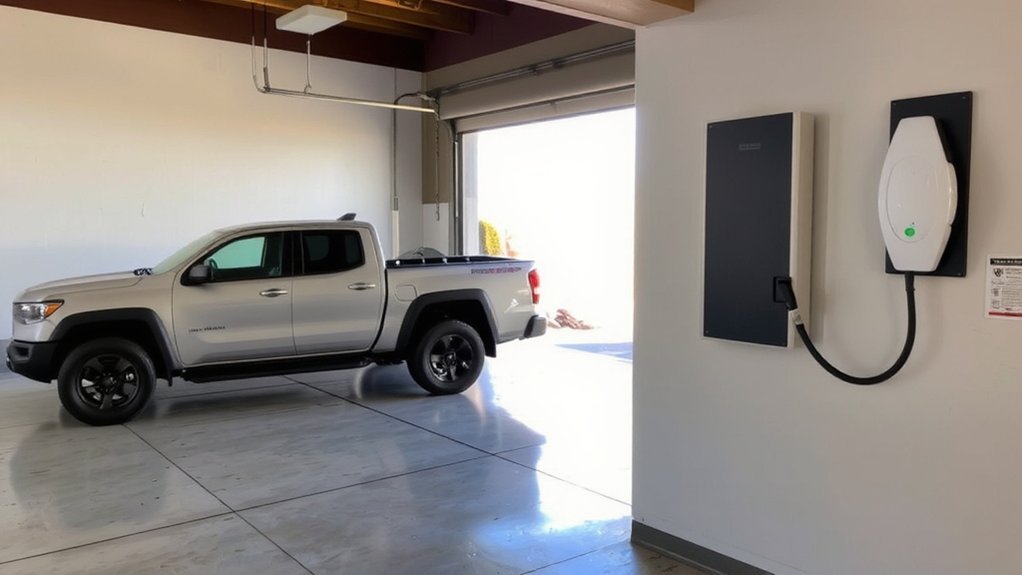
When you install Rivian’s weatherproof Wall Charger on a 240V circuit, it delivers up to 11.5 kW (48A) and adds about 25 miles of range per hour—making overnight charging simple; you’ll usually get about 200 miles in an eight‑hour session. For most drivers, Level 2 charging is recommended for daily use. For safe, reliable setup, hire a certified installer like Qmerit to guarantee code compliance, proper permits, and any panel upgrades.
The portable charger gives ~16 miles/hr on 240V and 3–5 miles/hr on 120V. Wall Charger supports Wi‑Fi OTA updates and has a 5‑year warranty. Inspect wiring regularly for safety.
- Choose a 240V dedicated circuit and professional installation.
- Verify permits and local code compliance.
- Configure charging rate in the app for overnight limits.
- Store portable charger securely and follow maintenance guidance.
DC Fast Charging Performance and Real-World Speeds
Across real-world DC fast chargers you’ll see the R1T/R1S deliver very strong peak power and noticeably faster replenishment after Rivian’s 2025.18 update: depending on pack you can hit roughly 200–220 kW peak, sustain ~500 A on the 400V architecture for several minutes, and add roughly 130–140 miles in 15–20 minutes under ideal conditions.
You’ll notice charging ramps take about 90+ seconds to reach peak and power then holds before tapering to protect battery health. After the update 10–80% times dropped (Standard ~27 min, Large Gen2 ~35.5 min, Max ~38 min) and 15-minute gains improved.
Expect differences by pack chemistry, charger network, and SOC; follow on-screen guidance and avoid frequent rapid cycles to preserve longevity. If towing, expect reduced gains; plan stops and monitor temperatures. The trucks also come with standard all-wheel drive and air suspension to aid in off-road ability.
Battery Preconditioning and On-Demand Charging Boosts
You can manually precondition your R1T or R1S from the app or touchscreen to warm or cool the battery before a trip. Doing this just before a DC fast‑charge triggers an on‑demand fast‑charge boost that improves charging speed, especially in cold weather. Be aware that a weak 12-volt battery can prevent the vehicle from waking and stop preconditioning or charging from working. Make sure the vehicle is plugged in so preconditioning draws grid power and preserves range.
Manual Battery Preconditioning
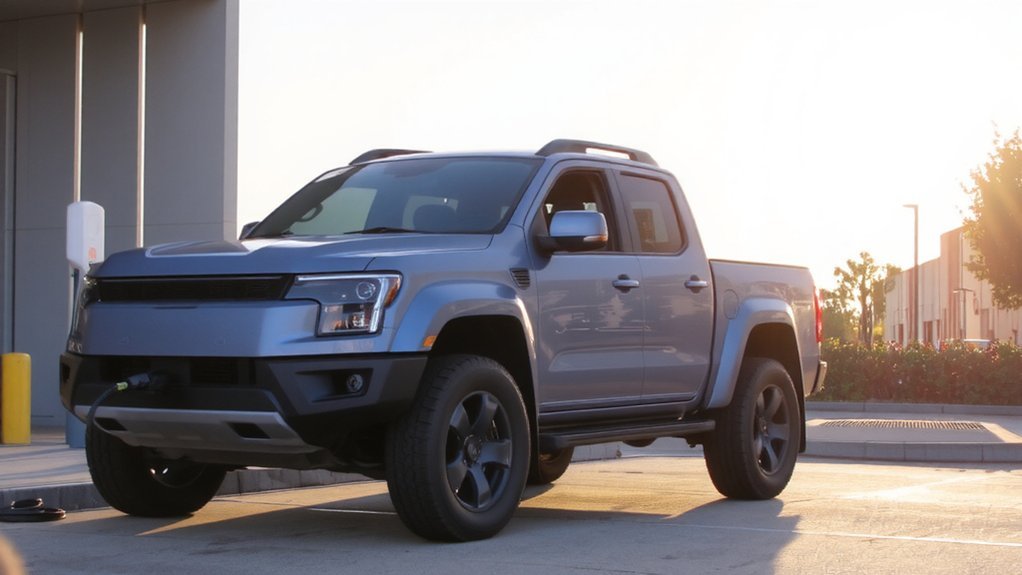
How do you warm or cool the Rivian pack on demand? You use Manual Battery Preconditioning, available on Gen 1 and Gen 2 R1T/R1S with the 2025.18 update. From the touchscreen or remotely you start the thermal system, which runs glycol pumps to condition all 9,000 cells.
This process improves cabin temperature and lowers energy consumption when used appropriately.
The display shows warming/cooling/ready and the system prioritizes safe battery temperature for charging and driving. It’s not tied to trims or battery sizes and can run independent of scheduled departure.
- Activate via touchscreen or remote.
- System engages glycol pumps for full pack control.
- Monitor status and 12‑volt health during long sessions.
- When plugged in, opt to use grid power to preserve battery charge.
Do this to maintain safety and battery longevity and performance.
On‑Demand Fast‑Charge Boost
All Rivian R1T and R1S vehicles with the 2025.18 update get an automatic on‑demand charging boost that optimizes DC fast‑charging via improved algorithms—raising peak power, cutting 10–80% times, and increasing short‑stop range gains across all pack types—so you start the fast charge and let the car handle the rest. You don’t need to enable anything; the software adjusts charging behavior for Max, Large and Standard packs to improve peak power (now up to 215 kW across packs) and shorten 10–80% windows.
Expect safer, more consistent charging across temperatures, with faster 15‑minute range replenishment for road trips. Start charging as normal, monitor temperatures and charger status, and follow prompts if the vehicle requests a pause—these boosts work automatically to prioritize speed without compromising battery health.
Using the Rivian Energy App and In-Vehicle Charging Interface
When you need to manage charging or monitor energy use, the Rivian Energy app and the redesigned in-vehicle interface put actionable data and controls within easy reach. You’ll use two tabs — Charging and Energy Monitor — to see real-time and historical usage, charge curves, and improved charge-time accuracy after 2025.18 update.
Manage charging and energy with the Rivian Energy app and redesigned in-vehicle interface—real-time data, charge curves, and improved accuracy
Precondition the battery on-demand for fast charging and get recommended charge targets and notifications when the ideal level is reached. The update includes optimized charging that reduces time to charge the battery from 10% to 80% and improves peak charge rate. The in-vehicle screens show estimated miles, energy outflow by system, and Smart Charging Schedule that shifts charging to off‑peak for safety and savings.
- Monitor actual vs expected consumption.
- View interactive session graphs and inflow.
- Receive driving tips and system energy breakdowns.
- Enable Plug & Charge and bidirectional readiness.
Trip Planning: Multi-Stop Charging and Target SOC Strategies
After setting your charge preferences in the Rivian Energy app, you’ll plan multi-stop routes that assign target state-of-charge (SOC) at each stop to minimize total travel time and preserve battery health. Use the in-vehicle planner to add charging points; it shows recommended SOC targets and accounts for charger power and proximity. Aim for 70% for routine legs and 85% when longer stretches or fewer stations require more range. Keep a minimum buffer above 20% to avoid unexpected stops.
The system factors DC fast chargers into itineraries to shorten dwell time and suggests fast-charge durations up to about 80–85%. You can adjust targets en route for detours, elevation, or weather, and the vehicle will update requirements in real time. Follow prompts and prioritize safe charging. For daily driving, it’s recommended to charge up to 70%.
Battery Health Best Practices and Daily Charging Recommendations
Know your pack and charge accordingly: if you have an LFP Standard pack you can top to 100% regularly (and should do a full charge about once a week for SOC calibration), but if you have a Large/Max nickel‑based pack keep daily charging between roughly 20%–70/80% and avoid routine 100% fills.
Follow safe daily habits to slow degradation, protect range, and prevent thermal stress. Use Level 2 home charging for routine top‑ups, limit DC fast charging, and keep the vehicle in shade or a garage when possible. Install updates and monitor SOC for long storage.
- Charge daily within recommended SOC ranges.
- Schedule weekly 100% for LFP calibration.
- Park cool; avoid prolonged high SOC.
- Favor Level 2; limit DC fast charging.
Remember that battery degradation is a natural process affecting all lithium‑ion batteries, so adopting these best practices will help slow capacity loss and extend pack life.
Costs, Incentives, and Installation Considerations for Home Charging
You’ll typically pay $400–$1,200 for a Level 2 charger and $400–$1,300+ for installation labor, with total installs usually running $800–$2,500. Most homeowners choose Level 2 chargers because they use a 240V connection and charge much faster than Level 1.
Check federal, state, and utility incentives—rebates and tax credits can greatly/substantially/considerably cut those upfront costs.
Enter your ZIP code or consult Rivian/Qmerit-certified installers to see which offers apply and get accurate estimates.
Charger Purchase Costs
Getting a home charger usually means buying hardware and paying for installation, so plan for roughly $800 for Rivian’s NACS wall charger plus variable electrician fees and any electrical upgrades your home needs.
- Choose Rivian wall charger $800; one-time hardware, no subscription.
- Budget electrician, permits, 48A 240V dedicated circuit; older panels may need upgrade.
- Consider cable length, hardwired vs NEMA 14-50 outlet for flexibility and safety.
- Use Qmerit-certified installers, follow NEC, secure permits and documentation for insurance.
Be aware Rivian’s public fast-charging rates have increased to up to $0.65/kWh in many markets.
You’ll guarantee safe, efficient daily charging by planning costs and hiring certified professionals. Also account for accessories like adapters and longer cables, and remember manufacturer warranty and OTA updates maintain reliability; document work for your records and insurance claims for peace of mind.
Rebates and Tax Credits
Several local and utility programs can still lower the cost of buying and installing a home Level 2 charger, but federal tax credits for residential charging ended years ago so you should primarily look to state, municipal, and utility incentives. Check your state and utility databases regularly—many offer rebates for equipment and installation, require certified electricians, and need receipts for reimbursement.
Time‑of‑use rates can cut operating costs; enroll and schedule off‑peak charging for safety and battery health. Note federal new-vehicle credits for Rivian expired at end of 2024 and models largely don’t qualify; businesses may use Section 179 deductions if use is >50%. Policy shifts happen; verify eligibility before committing and keep installation records for compliance and future audits. Contact your utility for details. Keep in mind that Rivian new‑vehicle federal tax credits expired in 2024, though a $7,500 lease credit remains available to leasing customers.
Common Charging Issues and How to Troubleshoot
Three common charging problems you’ll run into are slow-than-advertised rates, intermittent refusals to charge, and impractical Level 1 home charging — and each has distinct, testable causes. Inspect charger type, SOC, and battery temperature first: cold or high SOC reduces rates, and some stations downrate vehicles.
If charging refuses, try a different station and a soft reboot; persistent failures may need dealer diagnostics or software updates. Level 1 is too slow for large Rivian packs — install a 240V Level 2 EVSE for safe overnight charging. Protect safety: avoid damaged cables, keep connectors dry, and don’t force latches. Many drivers report their Rivian charges under 40 kW at multiple public DC fast chargers, so document each session.
Track symptoms to report to support; systematic tests isolate charger, vehicle, or software faults. When battery is near empty, begin with Level 2 before attempting fast chargers.
Conclusion
You’ve got the tools: three battery sizes, faster DC charging, and smarter preconditioning. But the real advantage is how you use them. Keep nights for slow charging, plan stops to avoid peak waits, and guard battery health with sensible SOC limits. Want painless long trips and lasting range? Keep reading the guide — the next section discloses pro tips and hidden settings that could change everything about how you drive your Rivian for the better.