
When a steady green turns to a wary amber, your Tesla’s charge session is telling you something critical. You’re likely seeing a safety trip or handshake fault—BMS limits, overheated pins, DC leakage, or a bad pilot/proximity signal. Act methodically: feel for heat at the connector, inspect pins for debris or discoloration, verify charge limits, and swap stalls or cables. If the issue repeats, the next steps matter more than you think.
Key Takeaways
- Immediately stop if heat, melting, burning smell, or arcing; inspect handle, cable, and charge port for damage, moisture, or debris.
- Verify connector fully seated with latch click; try a different stall/cable, and note app error codes, stall ID, and timing.
- Check vehicle settings: Charge Limit, Scheduled Charging, and accessory loads (HVAC, Sentry) that can pause or renegotiate sessions.
- Thermal protections can taper then abort; allow battery to cool, park in shade, and retry after 15–30 minutes.
- Power source or station may derate or fault; power-cycle session, check app/map status, measure home voltage sag, and contact support if repeats.
Symptoms and Quick Checks
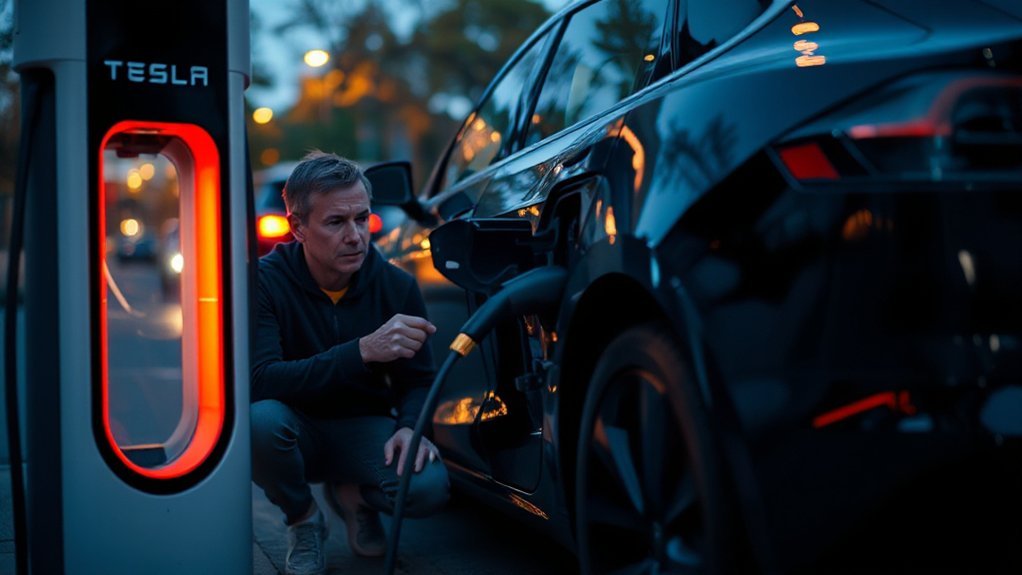
Because charging faults can originate from the car, the connector, or the power source, start by identifying the symptom and performing safe, non-invasive checks. Observe the charge port light and app alerts; note exact error codes and timing. Verify the handle seats fully and the latch clicks. Listen for Noise anomalies from the onboard charger or EVSE relays. Perform Smell detection near the inlet and plug; stop if you detect ozone, burning, or melting. Feel for abnormal heat at the handle, cable, or receptacle. Inspect for moisture, debris, or discoloration. Confirm charge limit, scheduled charging, and temperature warnings. Try a different cable or station and a known-good outlet. Check the breaker label for rating and recent trips. If issues persist, stop and seek service.
How Tesla Charging Works in Brief
After ruling out simple issues, it helps to know the path power takes and the checkpoints that can stop it. You’ll connect to an EVSE that supplies AC or DC. For AC, the onboard charger handles energy conversion, rectifying AC to DC and regulating current. For DC fast charging, the station supplies DC while your battery management system commands limits. A control pilot and proximity circuit verify connector status, grounding, and amperage. Isolation monitors confirm no leakage paths. The car closes contactors only after a handshake validates voltage, temperature, and safety. Then current ramps up within negotiated bounds, throttled by thermal controls. Protective layers watch for overcurrent, overvoltage, ground fault, or communication errors—charging fundamentals that pause or terminate flow to protect equipment and you.
Common Causes on the Vehicle Side
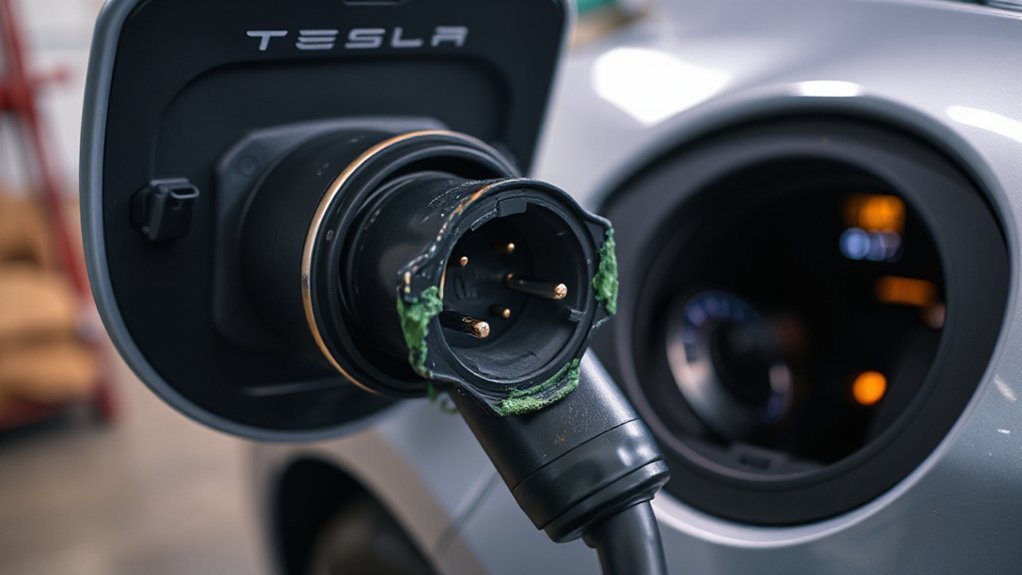
When charging halts on an otherwise healthy station, the culprit is often on the car: settings, sensors, or high‑voltage interlocks interrupting current. Verify Charge Limit and Scheduled Charging; either can pause the session after handshake. Excessive Accessory draw from HVAC, cabin overheat protection, or sentry mode can force the car to renegotiate current or time out. A drifting BMS calibration may misreport state of charge and command an early stop; perform a full-to-low recalibration cycle safely. Battery or onboard-charger thermal protection will taper hard, then abort if fans can’t stabilize temperatures. Faults in the HVIL loop, charge-port latch sensor, or DC leakage detection trigger a safety open of contactors. Update firmware, reboot both displays, and reattempt after battery preconditioning. Document alerts in the app.
Charging Cable and Connector Problems
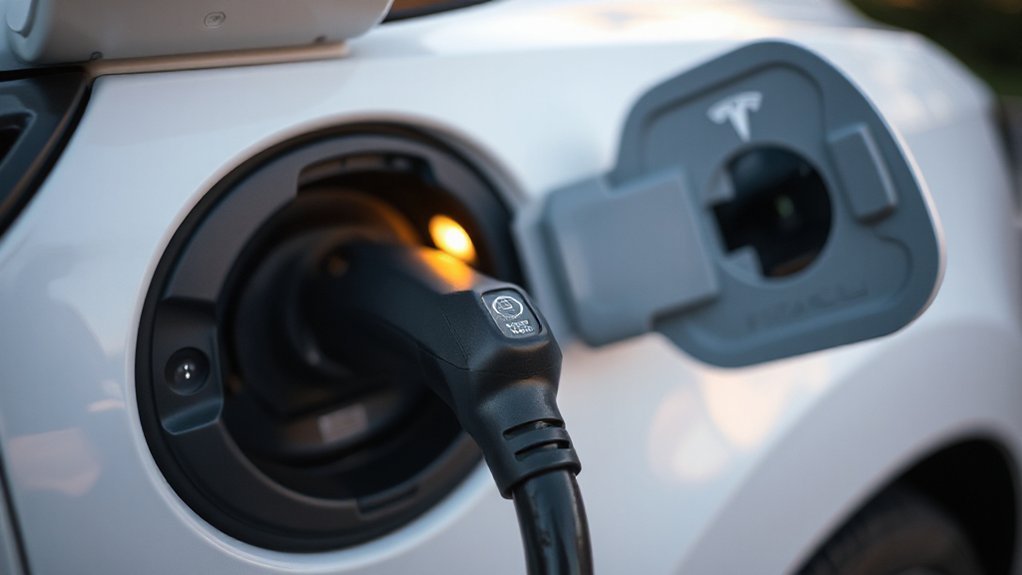
If vehicle settings and thermal protections check out, scrutinize the cable and connector—the most common external failure points. Inspect for heat discoloration, melted plastic, loose latch action, bent or recessed pins, debris, and torn seals. Feel for abnormal warmth along the sheath; kinks, crushed sections, or compromised strain relief raise contact resistance and trigger shutdown. Verify adapter fit: seat fully, no play, weather caps intact, and the proximity/pilot pins clean. Dry moisture intrusion and use EV-safe contact cleaner, never lubricants. Measure continuity and insulation resistance if you have tools; replace if readings drift.
Confirm the assembly’s ratings, IP protection, and standards compliance. Review storage practices: avoid tight coiling, torsion, UV, and puddles. Replace suspect cables; don’t bypass interlocks or temperature sensors under any circumstances.
Home Outlet and Wiring Issues
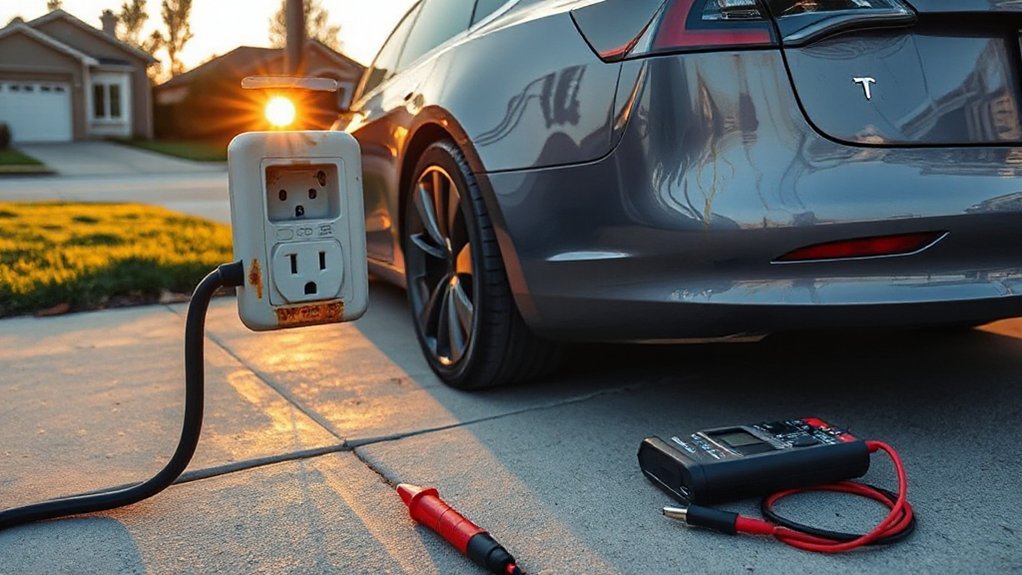
Though the cable checks out, scrutinize the supply: the outlet, breaker, and branch wiring. Verify the receptacle rating matches the charger. Inspect for heat discoloration, brittle insulation, or loose terminations; backstabbed connections often overheat. Confirm correct wire gauge for the circuit length and amperage, and that breaker labeling matches the installed conductors. Use a multimeter to check voltage at idle and under load; a sag indicates resistance or a shared circuit.
- Confirm dedicated circuit; remove other loads.
- Check breaker type (GFCI/AFCI) and nuisance trips; replace weak units.
- Torque lugs to spec in panel and receptacle; reterminate with proper pigtails.
- Measure ground and neutral continuity; correct reversed polarity or bootleg grounds.
Consider upgrading long runs or undersized conductors; apply the 80% continuous-load rule and derating.
Temperature and Battery Protection Behaviors
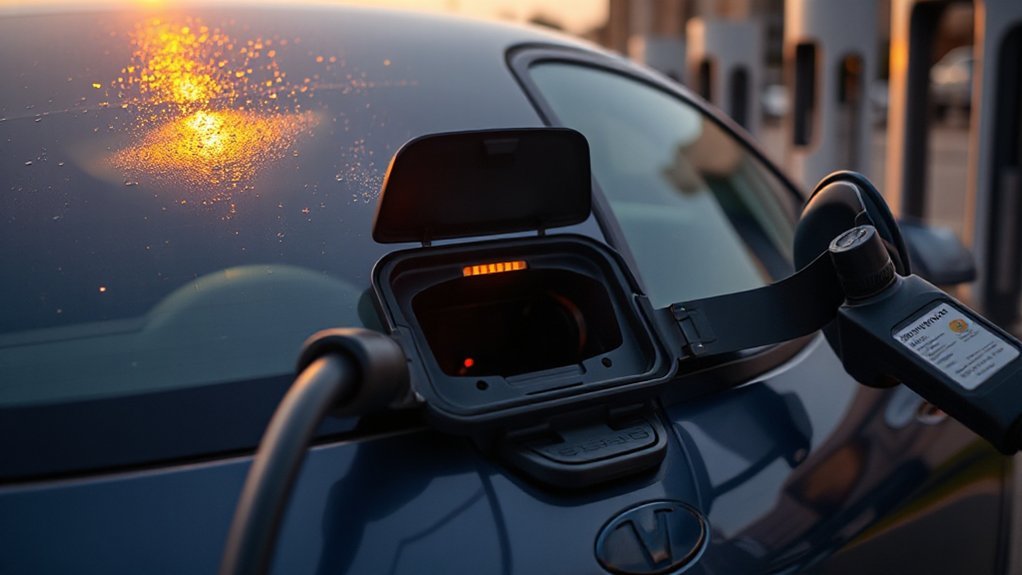
Although charging looks simple, your Tesla’s thermal and battery safeguards will pause or stop charging to prevent damage. The BMS uses sensors and thermal modeling to track cell, inlet, and coolant temperatures, then tapers current or opens contactors if thresholds are crossed. You’ll see charging pause in extreme heat or cold, during rapid DC sessions, or when airflow is obstructed.
| Condition | Protective response |
|---|---|
| Pack too hot | Current taper; compressor and pumps ramp; charge pauses if cooling saturated |
| Pack too cold | Preheat activates; current limited until cells reach target |
| Inlet or cable overheating | Charging stops; contactor opens; cooldown required |
Mitigate by preconditioning, clearing radiator inlets, parking in shade, and allowing cooldown; persistent thermal cutbacks may indicate coolant issues or battery aging that also needs service.
Software, Firmware, and App Glitches
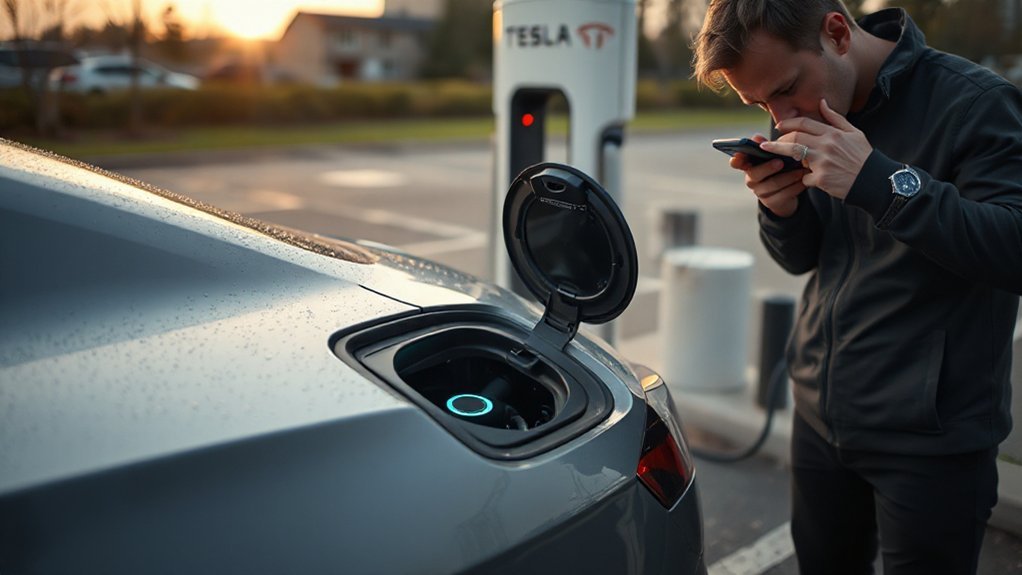
Sometimes software, firmware, or app faults interrupt charging even when hardware looks fine. You might see charging start, then stop as the vehicle’s charge controller detects inconsistent states. Verify your Tesla is on the latest stable build; incomplete OTA updates can leave modules out of sync. Confirm the Tesla app isn’t blocking control paths with restrictive app permissions or session tokens.
- Check Software: Settings > Software; complete pending OTA updates on Wi‑Fi and keep SoC above 20% during install.
- Reboot Sequence: Hold both scroll wheels; if needed, do a full vehicle power off for two minutes.
- App Hygiene: Log out/in, clear cache, re‑enable Bluetooth, location, and notifications.
- Charging Profiles: Reset charge limits, schedules, and departure preconditioning; delete conflicting third‑party integrations.
Public Charger and Supercharger Faults
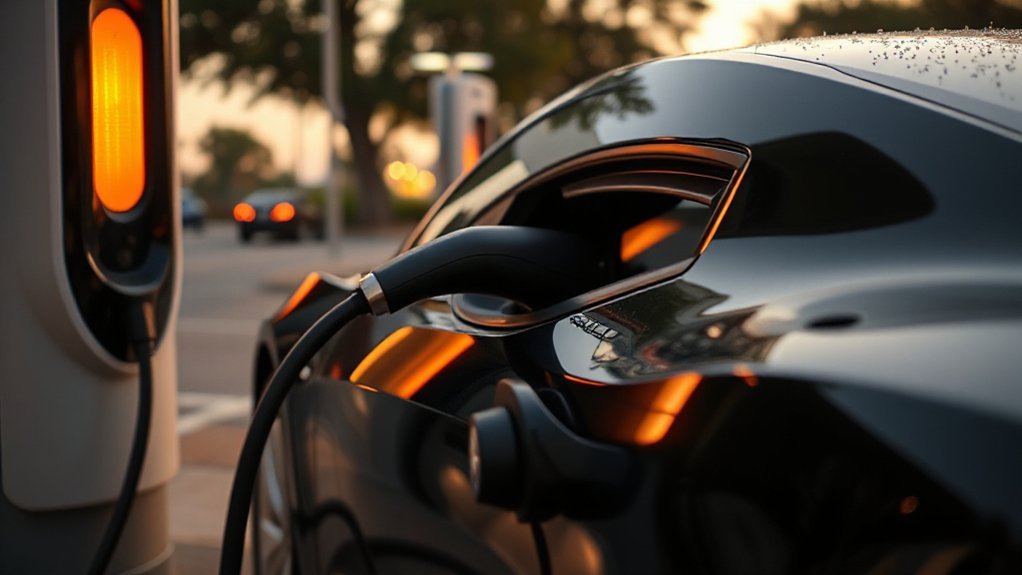
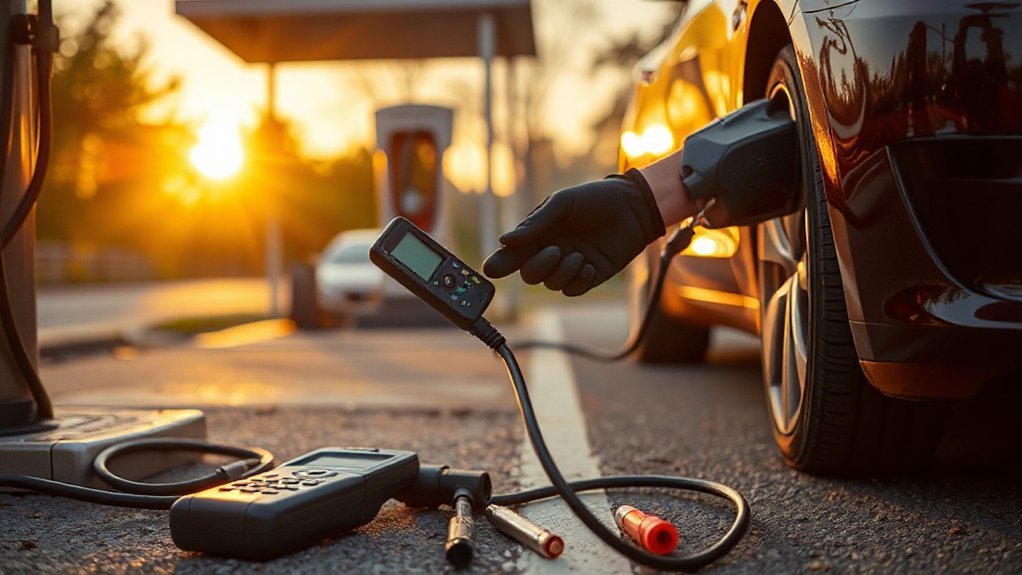
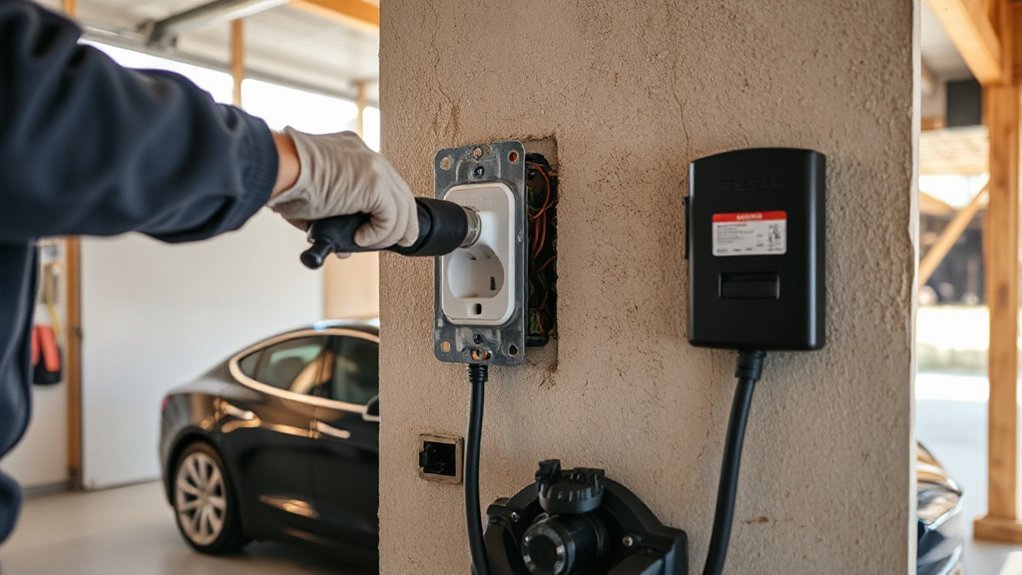
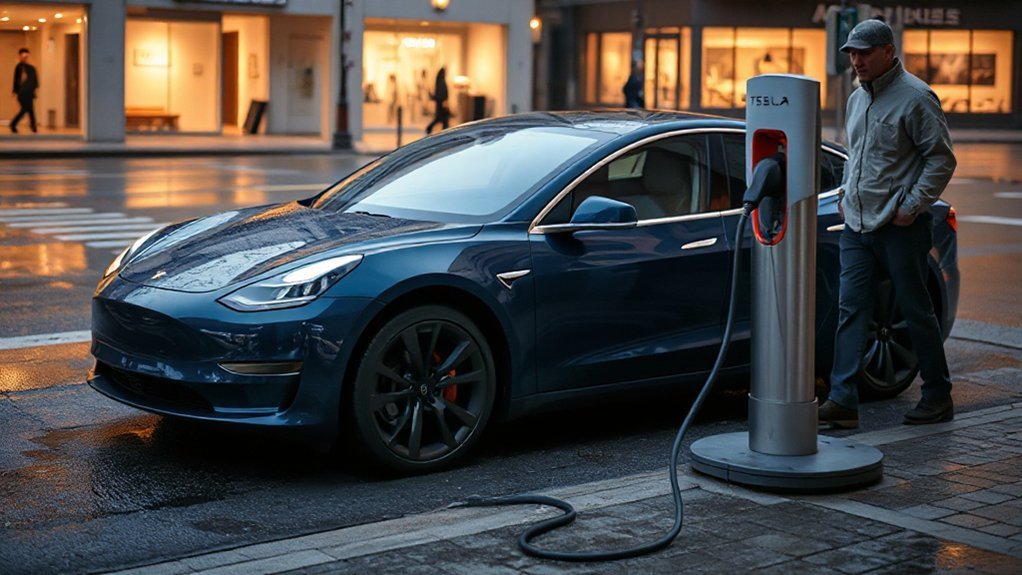
Check for station-side outages using the network’s app or charger indicators; if the site shows a fault or offline status, move to a different unit. Inspect the connector and cable for bent pins, burn marks, latch misalignment, or frayed insulation; don’t use damaged hardware and report it. Monitor charging power (kW) for unexpected throttling from load balancing or thermal limits; if taper persists abnormally, relocate or wait to prevent extended low-rate charging.
Station-Side Outages
If charging stops despite your car reporting no faults, suspect a station-side outage—at a public charger or a Supercharger. These failures can stem from Grid maintenance, a Local blackout, site protection trips, or backend network faults. Check the charger’s app and map status, and compare with Tesla’s in‑car nav alerts. If multiple stalls drop simultaneously, it’s almost certainly upstream.
- Observe indicators: dark screens, error codes, low or zero kW after handshake.
- Power-cycle safely: end session, unplug, wait 60 seconds, then reinitiate.
- Cross-test: try a different stall or nearby site; log start/stop times.
- Report: use the app hotline; include stall ID, SOC, error text, and photos.
If outages persist, conserve range, plan detours, and avoid waiting in unsafe locations. Keep SOC above 20% minimum buffer.
Connector or Cable Damage
Beyond upstream outages, damaged connectors or cables can halt charging or force severe throttling. Inspect the handle, pins, boot, and strain relief. If you see pitting, bent pins, sticky residue, heat discoloration, or a loose latch, stop. Try a different stall; log the site in-app.
| Symptom | Probable cause | Action |
|---|---|---|
| Hot handle | High resistance at contacts | Stop, move stalls |
| Latch won’t seat | Deformed nose or debris | Clean, escalate |
| Error mid-session | Cable conductor break | Switch cable |
| Exposed shielding | Jacket tear | Do not use; report |
Avoid DIY fixes. Photograph damage for the operator; request warranty coverage where applicable. At home, replace worn adapters; follow e-waste recycling options. If arcing occurs, back away and call support. Keep children clear, and never bypass interlocks or ever tape damaged insulation.
Power Throttling Issues
While power throttling protects the charger and grid, it can slash your charge rate and extend dwell time. You’ll see this when a site limits current to manage Grid Constraints, heat, or cabinet faults. Superchargers may pair stalls or derate modules; public DC fast chargers may ramp down to avoid Demand Charges during peaks. Your car interprets this as unstable supply and may stop after a few minutes.
- Check site load: try a different stall on a different power cabinet; avoid paired stalls.
- Inspect cooling: listen for fan noise at the charger; move if cabinets sound strained.
- Verify vehicle temps: precondition; keep port and cable seated, dry, and cool.
- Log evidence: note stall ID, kW curve, errors; report in app.
Step-by-Step Troubleshooting Checklist
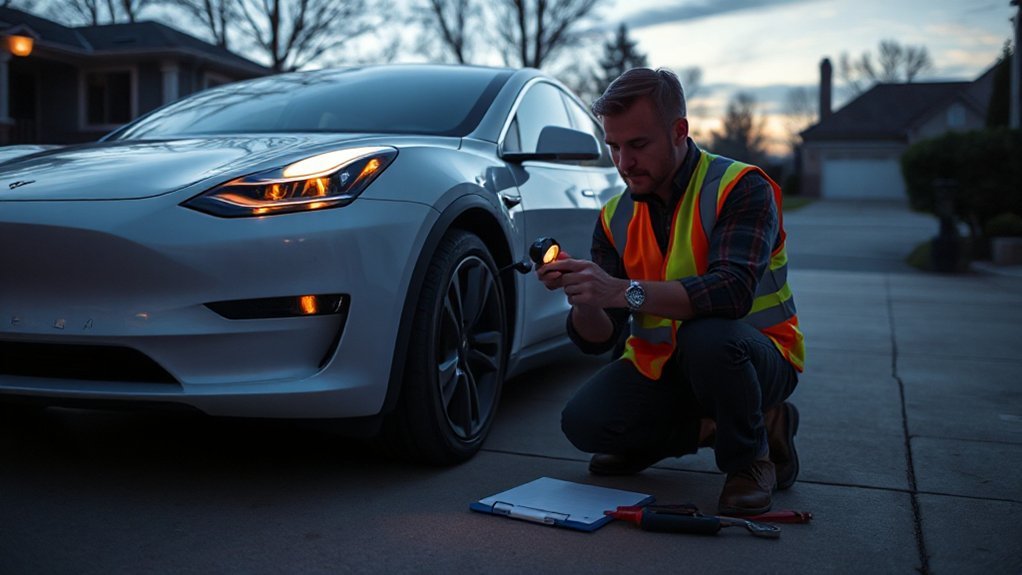
Before you begin resets or hardware checks, stabilize the situation: park on level ground, shift to Park, enable the parking brake, keep the area dry and ventilated, and don’t touch damaged or overheated components. Review Safety Precautions and gather Required Tools: flashlight, non-contact voltage tester, infrared thermometer, microfiber cloth, isopropyl alcohol, and phone for Tesla app logs.
Verify the power source: confirm breaker rating, outlet type, and voltage; look for nuisance trips or heat discoloration. Inspect the charge handle, cable, and inlet for debris, bent pins, or moisture; clean and dry as needed. Confirm the connector seats fully without weight on the cable. Check the car’s charge limit, scheduled charging, and current setting. Monitor inlet and EVSE temperatures. Try another circuit. Perform a reboot.
When to Contact Support or Schedule Service
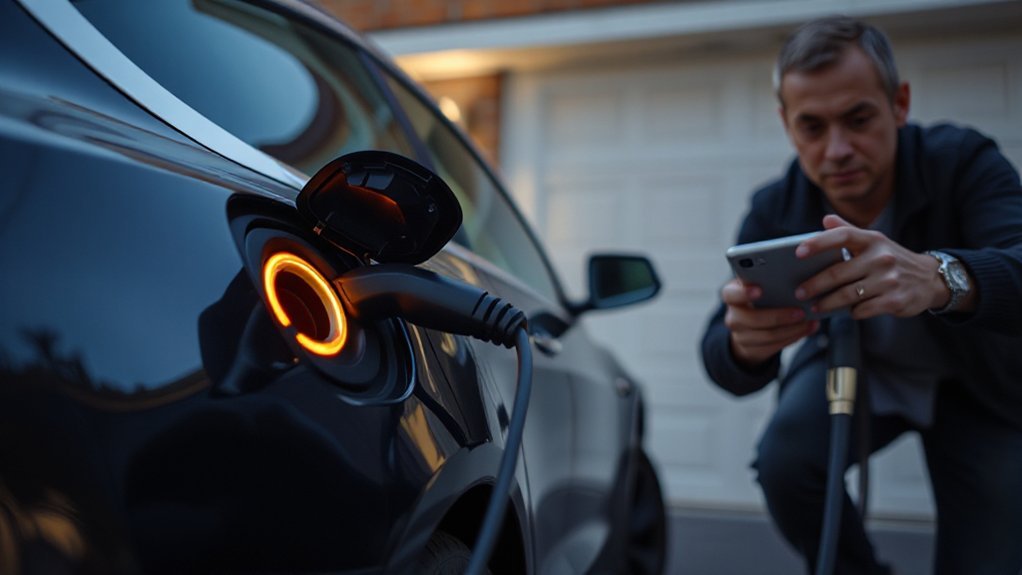
Contact Tesla Support when you experience repeated charging interruptions after you verify the power source and connector settings. If the vehicle or Wall Connector shows error codes or alerts you can’t clear, open a service request with timestamps, locations, and photos. Stop charging immediately and schedule service if you detect hardware damage, melted plugs, scorching, or abnormal heat or odor.
Repeated Charging Interruptions
Consistently experiencing charge sessions that stop on their own across different stations and cables signals a vehicle or charge‑port issue that warrants escalation. Repeated interruptions amplify owner frustration and raise insurance implications when roadside assistance becomes frequent. Prioritize safety; don’t mask symptoms by hopping sites. Document conditions and hardware used, then contact Tesla Support or schedule service.
- Record date, location, ambient temperature, SOC, charger power level, and cable condition.
- Inspect the inlet and connector for heat discoloration, debris, misalignment, or loose latch.
- Note whether interruptions occur with home AC, public Level 2, and DC fast to isolate scope.
- Capture session logs/screenshots and describe any noises, relay clicks, or unusual smells.
Escalate promptly if heat, melting, or arcing is suspected; limit charging current until inspected.
Error Codes or Alerts
Repeated interruptions across sites warrant checking the on‑screen and app alerts for fault codes and messages. Note the Code Origins: vehicle, charger, or grid. Open the alert details, capture screenshots, and record timestamps and location. Use Severity Mapping to triage. Critical errors that disable charging, indicate isolation faults, or reference contactor failure justify stopping and calling Tesla Roadside or Support immediately. Persistent medium‑severity codes, repeated at multiple stations, warrant a service request via the app. Low‑severity, charger‑side messages often resolve by choosing another stall and reporting the site through the app. When codes recur after resets, attach your logs, photos, and exact times to accelerate remote diagnostics. Avoid clearing alerts before collecting data; it hampers traceability and slows scheduling. Provide charger IDs, firmware versions.
Hardware Damage or Overheating
When charging hardware shows signs of heat stress—melted or discolored plastic, a burning smell, hissing/buzzing, arcing marks, or a connector/charge port that’s too hot to touch—stop the session immediately and move the cable away from the vehicle.
- Inspect connector pins and port for pitting, carbonization, warped housings—indicators of arcing, material fatigue, or loosened contacts.
- Feel for heat in the cable mid-span; hotspots suggest conductor damage, solder cracking, or failed strain relief.
- Check your wall outlet/EVSE for discoloration or tripped breakers; loose lugs elevate resistance.
- Review charge logs; repeated current tapering or thermal faults point to failing modules or fans.
If signs persist, schedule Tesla Service or contact Support immediately, document photos, stop using the unit, and use an alternate charger.
Conclusion
You’ve isolated that short charging sessions usually aren’t random; they’re protective shutdowns. Test the common theory—“it’s just a software glitch”—against evidence: repeatable cutoffs under load, hot connector shells, or pilot duty-cycle instability point to thermal, contactor, or signaling faults, not firmware alone. Verify with stall swaps, cable inspections, error codes, and temperature readings. Prioritize safety: stop if you smell burning, see discoloration, or feel heat. Document faults and escalate to Tesla or the site host.