
It’s no coincidence your Tesla stops charging right when the dryer kicks on. You’re likely seeing voltage sag, a nuisance breaker trip, or heat at a loose connector. Start by confirming breaker size and load, then examine the charger, cable, and port for damage or hotspots. Reduce amps, check schedules, and update firmware. Here’s how to stabilize it—before a minor interruption becomes a safety issue.
Key Takeaways
- Overloaded circuit or wrong breaker size; set charge current to 80% of breaker rating and lower amps in 2–5 A steps.
- Voltage sag or poor power quality; measure voltage, reduce concurrent household loads, and dial charging current down to stabilize within 2–3%.
- Damaged or overheating EVSE, cable, or connector; de-energize, inspect for heat discoloration, loose pins, or melted plastic, and stop using if hot.
- Firmware, schedules, or third‑party apps stopping sessions; update car/Wall Connector, review schedules, revoke app access, and reboot/power‑cycle equipment.
- GFCI/AFCI or wiring issues; verify breaker amperage, wire gauge, tight terminations, polarity, and call an electrician if trips persist.
Check the Power Source and Breaker
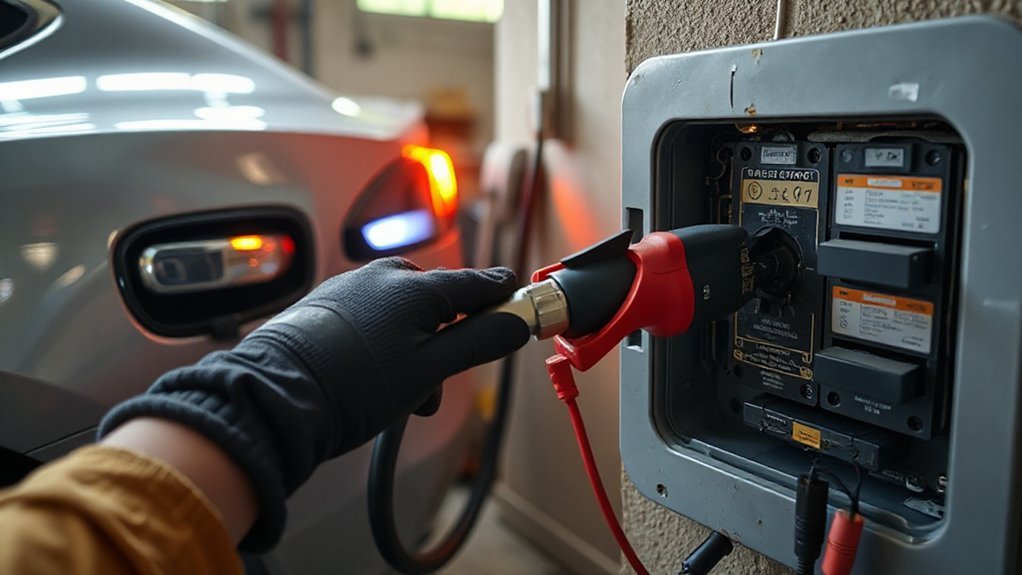
Before blaming the car, confirm the charging circuit is stable and correctly rated. Verify the receptacle or hardwired circuit matches the charger’s amperage; a 60A breaker supports 48A continuous. Use panel labeling to identify the correct breaker, then de-energize it before any checks. Perform a meter inspection at the outlet or junction: confirm voltage within 5% of nominal, correct polarity, and minimal voltage sag under a simulated load. Inspect for shared loads on the circuit; EV charging must be on a dedicated branch. Reset a tripped breaker once; if it trips again, stop and investigate. Check breaker type (GFCI/AFCI) compatibility with EVSE load profiles. Tighten accessible lugs to manufacturer torque only when de-energized, or call a licensed electrician. Document readings and breaker ratings carefully.
Inspect the Charger, Cable, and Connector for Damage
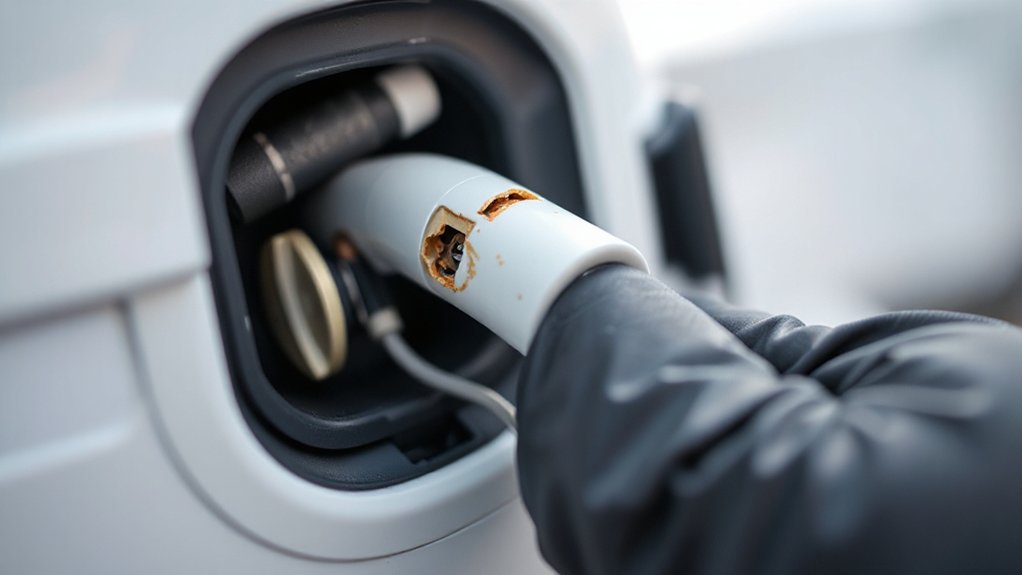
With the supply verified, isolate power to the EVSE and perform a methodical hardware check. Confirm your wall connector or mobile connector is de‑energized, then inspect housing for cracks, heat discoloration, or burn odor. Examine the cable jacket end‑to‑end for cuts, bulges, kinks, or insulation wear; confirm strain reliefs are secure at both ends. Check the connector head for bent pins, recessed contacts, pin corrosion, melted plastic, or latch damage. Verify the adapter (if used) shows no arcing marks and fits without wobble. Gently flex the cable while listening for internal conductor breakage. If available, use a non‑contact thermometer after a brief test to identify hotspots. Do not operate damaged equipment; document findings and replace or have the EVSE professionally serviced by qualified personnel.
Clean and Reseat the Charge Port and Connector
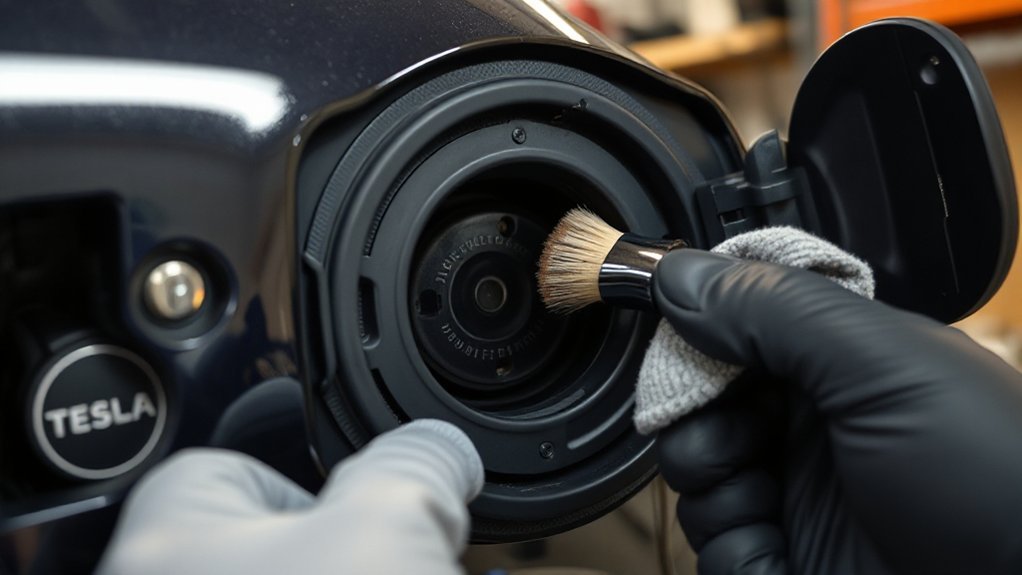
If charging stops soon after it starts, pause the session, unlatc h the charge port, and make the area safe: de‑energize the EVSE, keep the connector button released, and avoid live mating. Inspect the inlet and connector pins with a flashlight; look for debris, pitting, moisture, or bent guides. Blow out loose dust with dry air, then wipe exposed surfaces with a dry microfiber cloth—no solvents, no water. Confirm the charge port door hinge and seal are free of grit. Verify the connector latch and button move smoothly.
Reseat method: align the connector square to the inlet, support its weight, and insert until you hear a positive click. Use alignment tips from Tesla: avoid side load, don’t twist, and confirm a green pulsing indicator.
Lower the Charging Amps to Stabilize Voltage
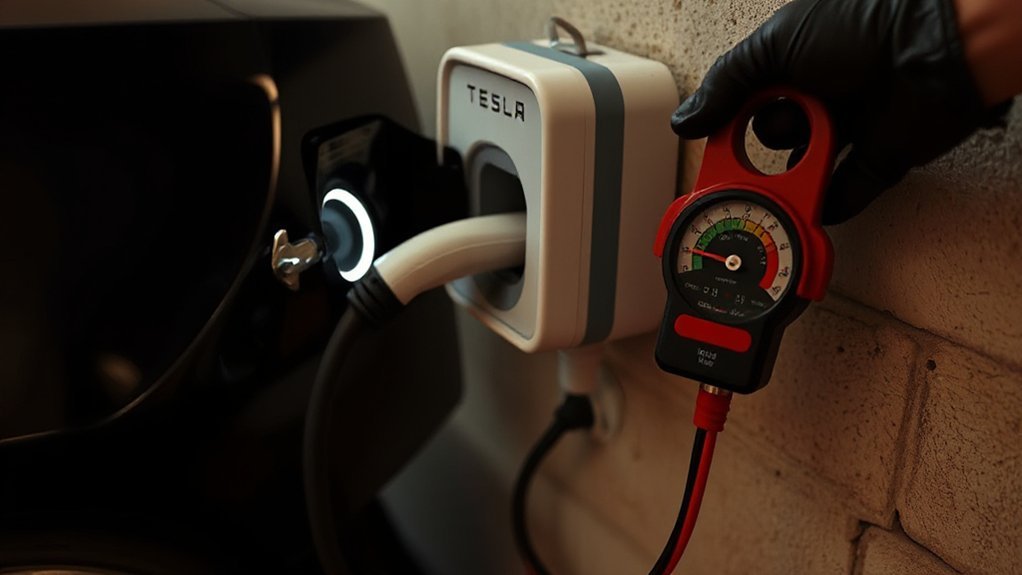
You lower the charging current in the car’s settings to reduce voltage sag under load and stabilize the inlet voltage. Match the set amps to the circuit’s breaker and wire gauge to prevent nuisance trips and overheating. If you still see breaker warmth or repeated trips, step down in 2–5 A increments until the session is stable.
Reduce Voltage Sag
Because excessive current draws can pull your circuit’s voltage below the charger’s minimum, reduce the requested amps to limit voltage sag. Set a lower current in the car, then watch the voltage reading in the charging screen; aim for a stable value within 2–3% of nominal. If you’re on split-phase or three-phase service, verify phase balancing and minimize neutral loading. Improve power factor by avoiding long undersized extension runs and high-reactance loads during charging. Stay within equipment ratings.
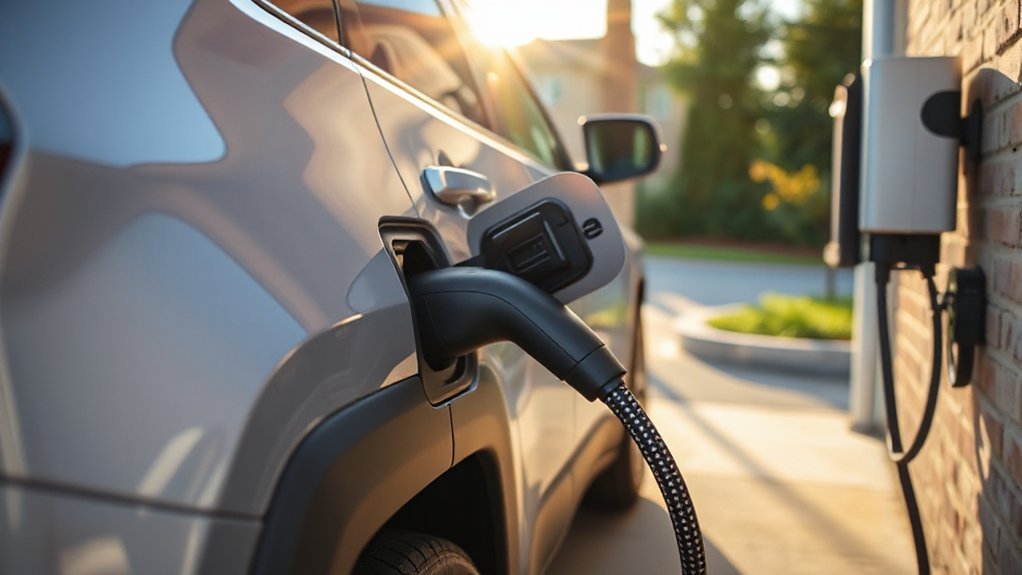
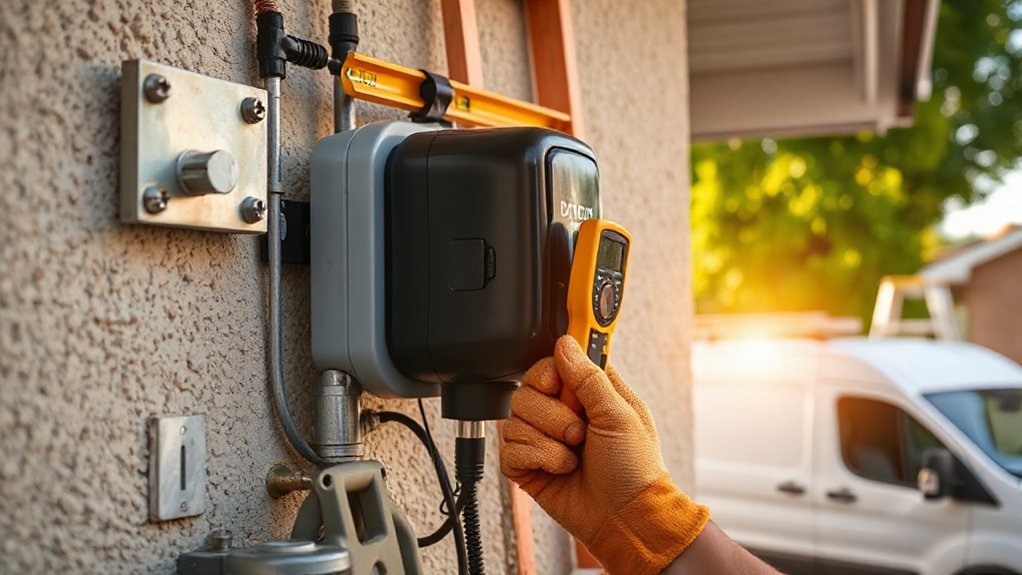
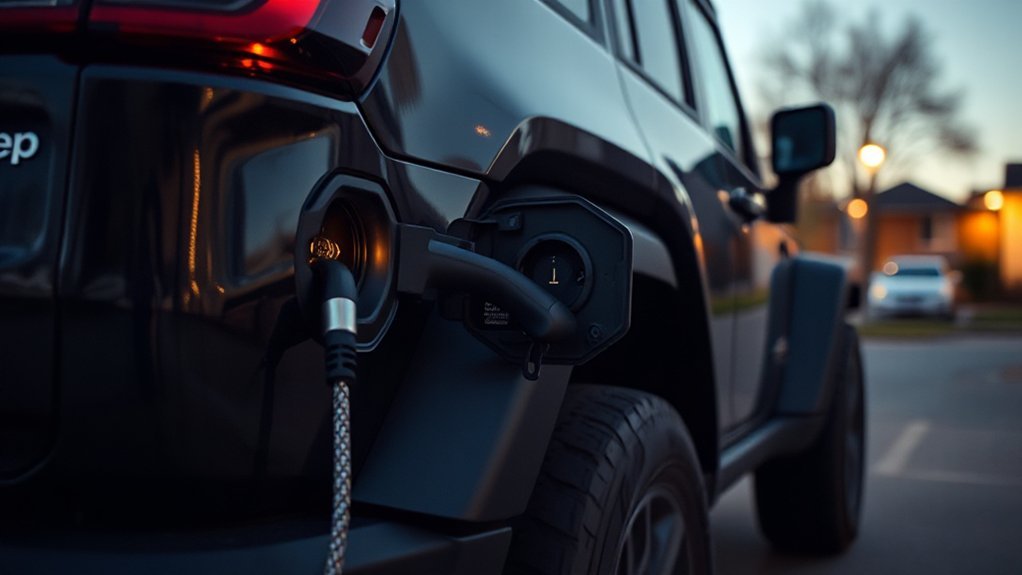
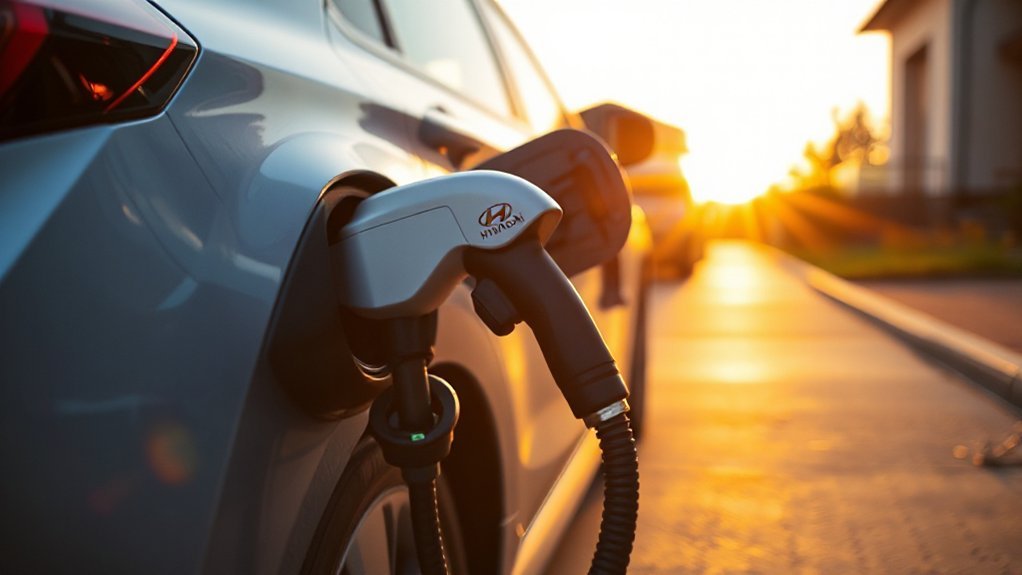
1) Dial down from 40A to 24–32A; observe voltage rise and steadiness.
2) Watch lights dimming on startup; reduce current until flicker disappears.
3) Feel the connector and cord: warm is acceptable, hot indicates excessive drop.
4) Log volts and amps every minute; confirm a flat voltage trace under load.
Prevent Breaker Trips
While nuisance trips may seem random, thermal-magnetic breakers trip predictably when continuous EV charging eats into their thermal margin, especially under voltage sag. Reduce the charging amps in the vehicle’s menu, then monitor the live voltage; aim for minimal sag when the relay closes and during steady state. Lower current decreases conductor heating and magnetic inrush, stabilizing voltage and breaker temperature. If trips persist, observe whether the breaker handle shows a thermal trip versus a Ground Faults indicator on a GFCI/CCID device. Ground faults require diagnosis, not more current reduction. Verify tight terminations, clean lugs, and intact Surge Protection upstream. Log current, voltage, and trip timing; step charging current down incrementally until voltage holds and sessions complete reliably. Avoid daisy-chained receptacles and adapters entirely.
Match Circuit Capacity
As the branch circuit sets the permissible continuous load, match the car’s charging current to 80% of the breaker rating (NEC continuous-load rule) to curb voltage sag and nuisance trips. Use the car’s charge limit to step down amperage until voltage holds steady. Verify Wire Gauge and conductor temperature rating against the run length; undersized conductors amplify sag and heat. Confirm receptacle type, breaker size, and Phase Compatibility of the supply. If the EVSE derates due to heat, reduce amps further to stabilize. Document circuit specs before adjustments.
- Watch live voltage; target less than 3% drop on ramp-up.
- Listen for relay chatter; it indicates sag-induced cycling.
- Feel the plug body; warmth suggests excessive current density.
- Log amperage vs. time; confirm stable plateau without faults.
Review Charging Schedules, Limits, and Third-Party Controls
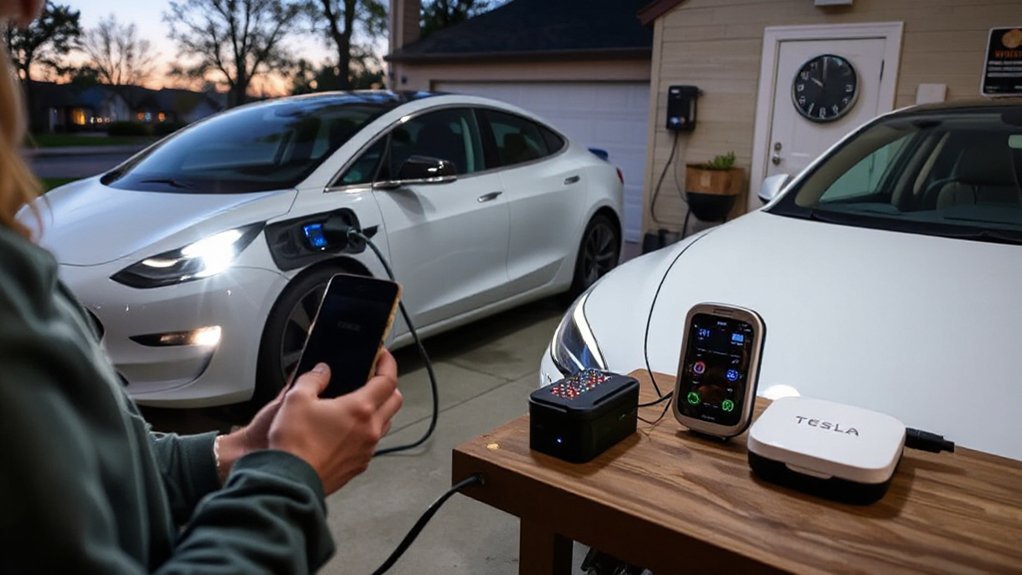
If charging stops within minutes, review any charge limits, schedules, and third‑party controls that might be commanding the session. Verify the charge limit isn’t set at or below your current state of charge. Inspect Scheduled Charging and Scheduled Departure; mismatched windows can trigger an early stop. Audit third‑party remote monitoring tools that use your Tesla account; tighten app permissions or revoke tokens if needed. Confirm no home energy manager or load‑sharing setting is pausing the EVSE, only where applicable. Make one change at a time, then retest for consistent behavior.
| Item | What to check |
|---|---|
| Charge limit | Set above current SOC; avoid 100% unless needed. |
| Schedules | Align Start/Departure times with off‑peak windows. |
| Third‑party services | Disable pause/stop rules; review demand‑response. |
| App permissions/tokens | Revoke unused access; rotate credentials. |
Update Vehicle and Wall Connector Software/Firmware
After ruling out limits, schedules, and third‑party commands, address firmware by updating both the vehicle and the Wall Connector. Use first strong Wi‑Fi, keep the car in Park, and confirm the connector’s LED is steady. In the Tesla app and Wall Connector commissioning tool, check for pending updates, read Release Notes, and confirm versions match. If the session still aborts, perform a clean reboot of the infotainment and power‑cycle the Wall Connector. Document versions in case you need a Rollback Procedure through Tesla Support.
- Blue progress ring on‑screen; LED pulsing white; do not unplug.
- Download complete; car restarts; connector reboots; verify versions.
- Start a charge at 16A; observe stable current for five minutes.
- If faults return, capture logs and timestamps; open a service request.
Verify Circuit Capacity and Electrical Load at Home
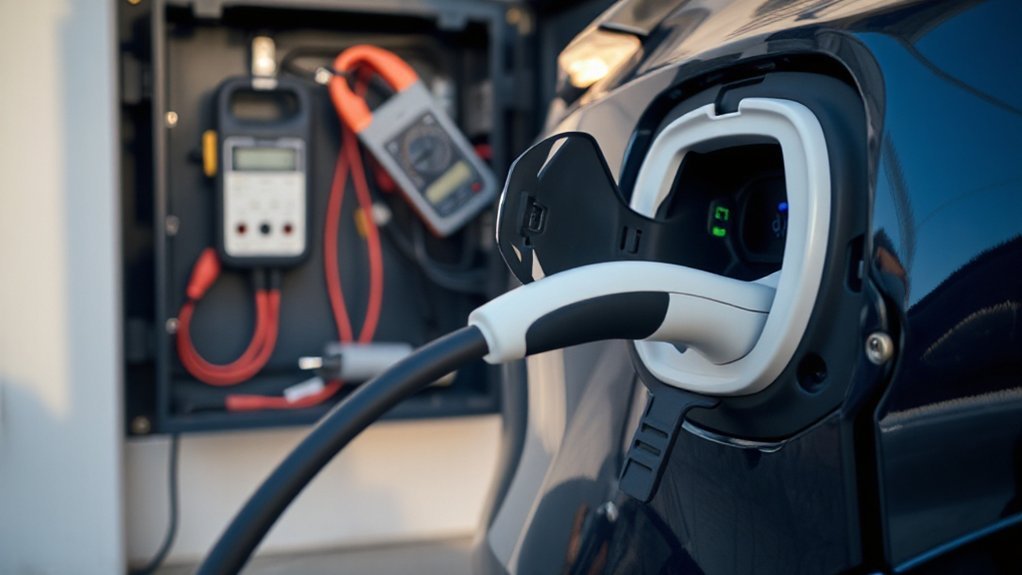
Verify the charging circuit’s breaker amperage and compare it to the Wall Connector’s configured current and your car’s charge limit. Follow the continuous-load rule (EV charging ≤ 80% of breaker rating) and lower the vehicle’s charge current if the setting exceeds this limit. Assess concurrent household loads on the same panel or branch to prevent trips and voltage sag; stagger high-draw appliances or consult a licensed electrician if issues persist.
Check Breaker Amperage
How do you stop the shutdowns at the source? Verify the breaker’s amperage matches the circuit wiring and your EVSE setting. EV charging is a continuous load, so you must limit current to 80% of the breaker rating per code and manufacturer specs. If you exceed that, the breaker will trip. Check for thermal aging that reduces breaker performance and increases nuisance trips.
- Stand at the panel and read the breaker handle: 15A, 20A, 30A, 50A—then set the car or wall connector to 12A, 16A, 24A, 40A.
- Inspect labels on receptacle and cable; ratings must equal or exceed the breaker.
- Feel for warmth, discoloration, or buzzing—signs of stressed contacts.
- Tighten terminations to manufacturer torque specs; if unsure, hire an electrician.
Assess Concurrent Household Loads
Because your EVSE is a continuous load, concurrent appliances can push a circuit or even your main service over safe capacity. Start with Load Mapping: list major 240 V loads (oven, dryer, heat pump, water heater) and high-draw 120 V devices. Note amperage, duty cycle, and Peak Timing windows. Apply the 80% rule for continuous loads (EVSE at 125% of nameplate when sizing). Compare the EVSE’s set current to branch-circuit rating and to service headroom. Use a clamp meter to observe real-time draw on each feeder leg and the EVSE circuit during startup. Watch for voltage drop or flicker; both indicate overload. If margins are thin, lower the EVSE amperage, stagger appliances, schedule off-peak charging, or install managed load-shedding. Consider panel upgrade if necessary.
Conclusion
Wrap up: when your Tesla quits after minutes, don’t shrug—treat it like a smoke alarm for your electrical ecosystem. You methodically verify source and breaker, inspect cables and contacts, clean and reseat the port, dial down amps, purge schedules and third‑party overrides, update firmware, and audit circuit capacity. If voltage sags, breakers chatter, or connectors run warm, stop and call an electrician or Tesla. You’ll tame phantom trips, restore charge, and keep heat—and risk—absolute zero.