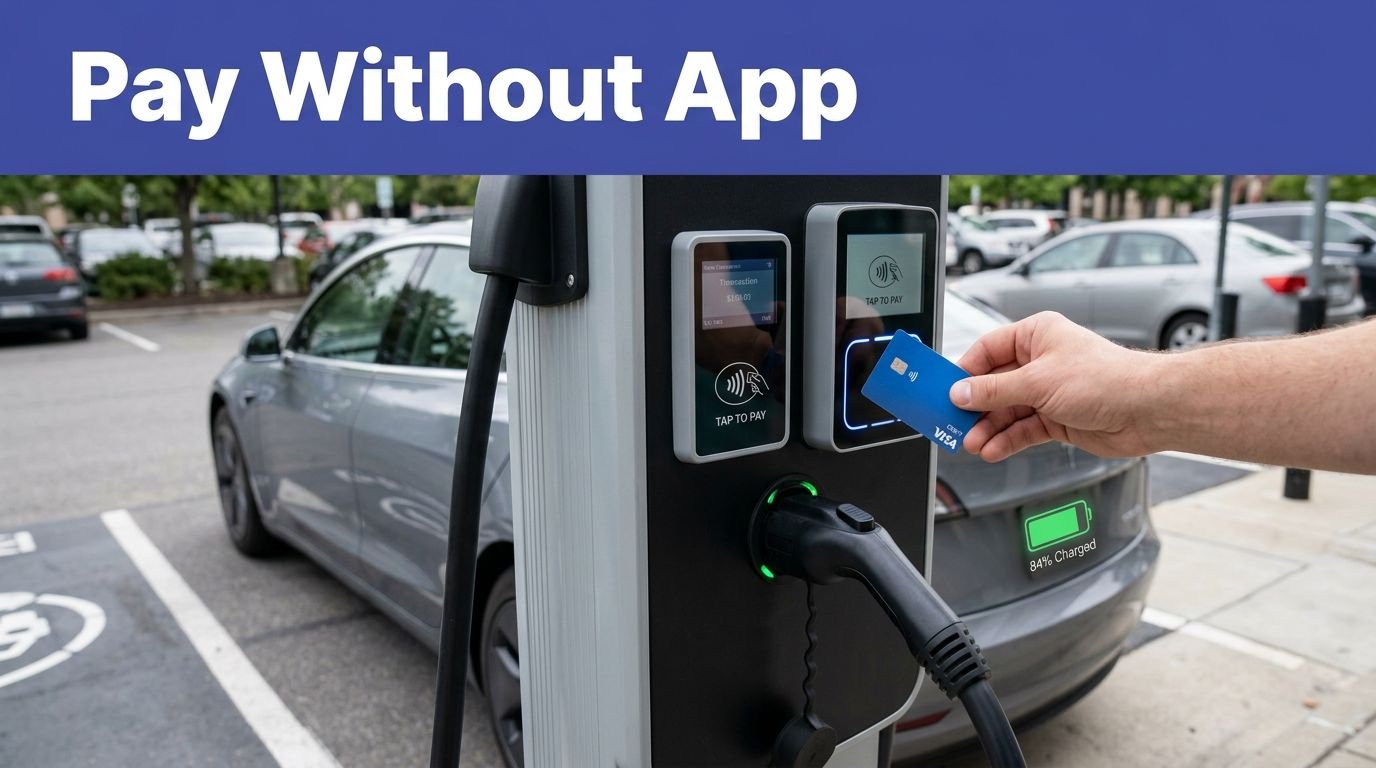
You could drive coast to coast on Blink’s footprint alone—almost. You’ll find DC fast chargers along I‑5, I‑10, I‑35, I‑80, and I‑95, with Level 2 units saturating airports, municipalities, and multifamily sites. The app filters by connector and power, shows real‑time availability, and supports trip planning. Costs vary by site, membership, TOU, and idle fees. The catch is in the details—what matters most for your route and budget?
Key Takeaways
- Coverage in major U.S. metros and corridors, growing rural via partnerships, and select international; focuses on public, commercial, and fleet sites, not home.
- Station types: DC fast along interstates (I-5, I-10, I-35, I-80, I-95); Level 2 at destinations near exits, airports, retail, multifamily.
- App features: real-time availability, connector filters, pricing, station health, check-ins, amenities; CarPlay/Android Auto; offline maps; route planning with SoC waypoints and alerts.
- Pricing varies by site and membership; per-kWh where allowed, per-minute otherwise; TOU peak/off-peak windows; session, idle fees, and taxes shown in-app.
- Start sessions via app port selection or QR; monitor kW, kWh, time, and cost; receipts saved; verify access hours and parking restrictions.
Where Blink Operates: Cities, Regions, and Highway Coverage
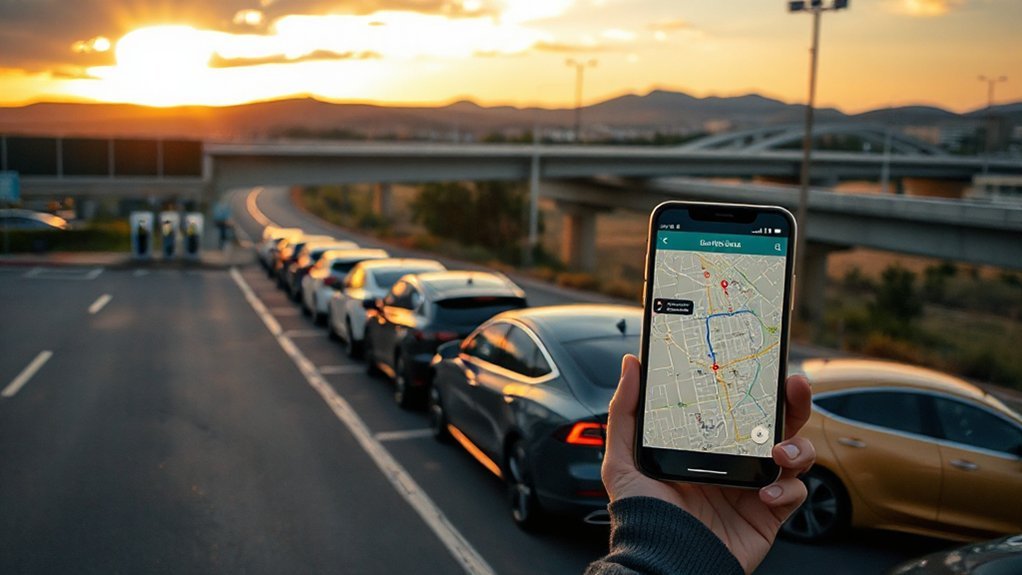
Where, exactly, does Blink operate? You’ll find its chargers concentrated in major U.S. metros, with a strong urban footprint across coastal and Sun Belt cities, and growing coverage in the Midwest. Deployment clusters around workplaces, multifamily housing, retail, healthcare, airports, and municipal fleets. For long-distance travel, Blink places DC fast chargers along primary interstate corridors—examples include I‑5, I‑10, I‑35, I‑80, and I‑95—supplemented by Level 2 sites at destinations near exits. The network also supports rural expansion through utility partnerships, federal and state grants, and site hosts in small towns, logistics hubs, and park-and-ride lots. Outside the U.S., Blink operates in select markets, primarily through acquisitions and partnerships, focusing on public, commercial, and fleet use cases rather than single-family residential settings. Coverage varies by region.
Finding Stations: Maps, App Tools, and Roaming Partners
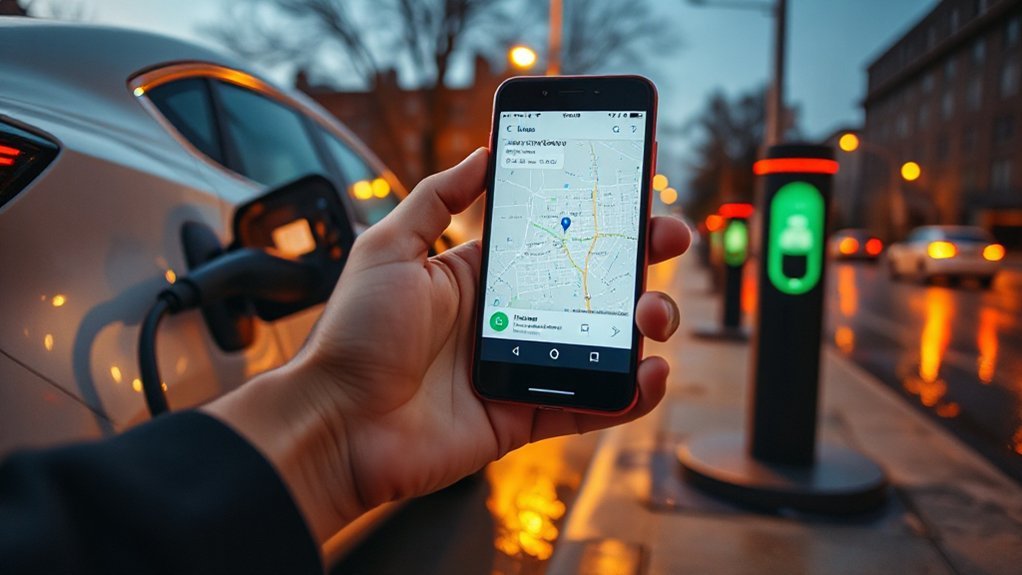
How do you locate Blink chargers with minimal friction? Use the Blink app or web map to filter by connector (J1772, CCS, CHAdeMO), max power (kW), and real-time availability. Enable crowdsourced reporting to surface recent check-ins, photos, and access notes. The app exposes station health, uptime history, and site amenities, and it supports offline navigation by caching maps and POIs.
For trip planning, send routes to Apple CarPlay or Android Auto, set kWh/SoC waypoints, and receive occupancy alerts. You can also find Blink sites in Google Maps, Apple Maps, and PlugShare. Roaming works via OCPI/Hubject, letting you initiate sessions on select partner networks inside the Blink app; look for a “Roaming” badge. Verify connector type, access hours, and parking restrictions before you depart.
Pricing and Membership: Rates, Time-of-Use, and Extra Fees
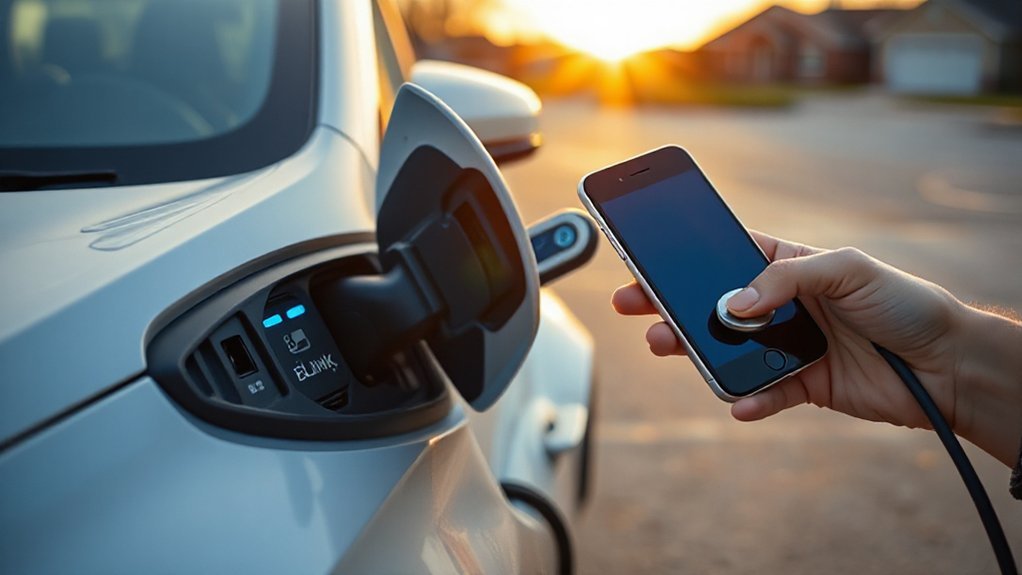
You’ll compare Blink’s membership tiers to quantify how per‑kWh or per‑minute rates, discounts, and any monthly fees affect your effective $/kWh. You should account for time‑of‑use windows (peak, off‑peak) that shift pricing and can change your session cost depending on local tariffs. You’ll also model idle and session fees—such as per‑minute post‑charge penalties after a grace period and per‑session start fees—to estimate total charging cost.
Membership Tiers and Rates
Most Blink stations price sessions per kWh where permitted and per minute otherwise, with rates driven by your membership tier, charger power (Level 2 vs. 3). You can charge as a Guest or enroll in a paid or free membership; members typically receive lower energy or per‑minute rates and reduced session fees. Site hosts set prices, so the app shows station‑specific tariffs before you plug in. Membership may also affect idle fees, reservation fees, and access to promotions via loyalty rewards. Review the cancellation policy if a plan carries a monthly fee. Expect DC fast chargers to cost more than Level 2, and member discounts to apply as a percentage or fixed cents per unit. Taxes and network fees appear during checkout for transparency.
Time-Of-Use Rates
When prices vary by time of day, Blink labels them as time-of-use (TOU) rates: site hosts define peak, off‑peak, and shoulder windows, often aligned with local utility tariffs and demand charges. You’ll see per-kWh or per-minute prices shift across these windows to reflect Grid demand, station power level, and utility wholesale costs.

To estimate cost, check the station’s info card in the app; it lists TOU windows, local time zone, and effective prices. Peak typically coincides with late afternoon and early evening; off-peak often spans overnight, supporting Renewable integration and lower marginal emissions. If you can charge during off-peak, you typically reduce cost variance and thermal stress on your battery. Commercial sites may also expose weekend schedules and holidays with distinct TOU profiles defined.
Idle and Session Fees
Although energy rates get the headlines, idle and session fees often drive your total cost on Blink. Most Blink sites apply per-minute idle fees after a grace window once charging stops; DC fast chargers commonly assess $0.40–$1.00/min, Level 2 $0.05–$0.20/min. Session fees are flat add-ons per plug-in, typically $1–$3, sometimes waived for members. These charges act as behavioral incentives to clear spaces and increase turnover; some locations layer municipal enforcement through posted parking penalties. Check the station details in-app; thresholds vary by host and time-of-day. Budget by estimating dwell beyond 80% SOC and planning move times.
| Metric | Typical values |
|---|---|
| Grace window | 5–15 min after charge completion |
| Idle fee rate | L2: $0.05–$0.20/min; DCFC: $0.40–$1.00/min |
| Session fee | $1–$3 per session; member waivers possible |
Avoid overstay charges.
Hardware and Connectors: Level 2 vs. DC Fast and Plug Types
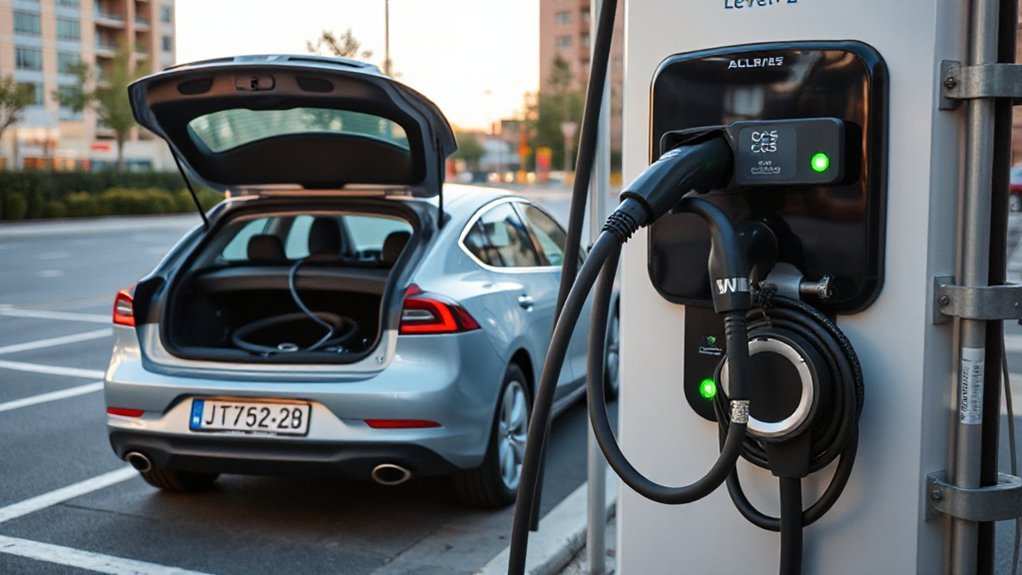
How fast a Blink charger adds range depends on the hardware class and plug type. Blink Level 2 AC stations use SAE J1772 connectors and onboard-AC transfer, with PWM pilot Signal Protocols for handshake, load limits, and safety. You’ll see DC fast units provide direct current via CCS1 and select CHAdeMO ports; Blink is adding NACS support where hosts require it. CCS uses PLC/ISO 15118 for negotiation and authorization, while CHAdeMO relies on CAN. Connector Materials matter: high-cycle shells, silver- or tin-plated contacts, and robust strain relief reduce resistance and heat. Cables vary by gauge and cooling (passive for Level 2, liquid-cooled on some high-current DC models). Expect locking mechanisms, proximity detection, and contactor interlocks that enforce sequencing and prevent arcing and preserve longevity.
Charging Speeds and Power: Real-World Performance
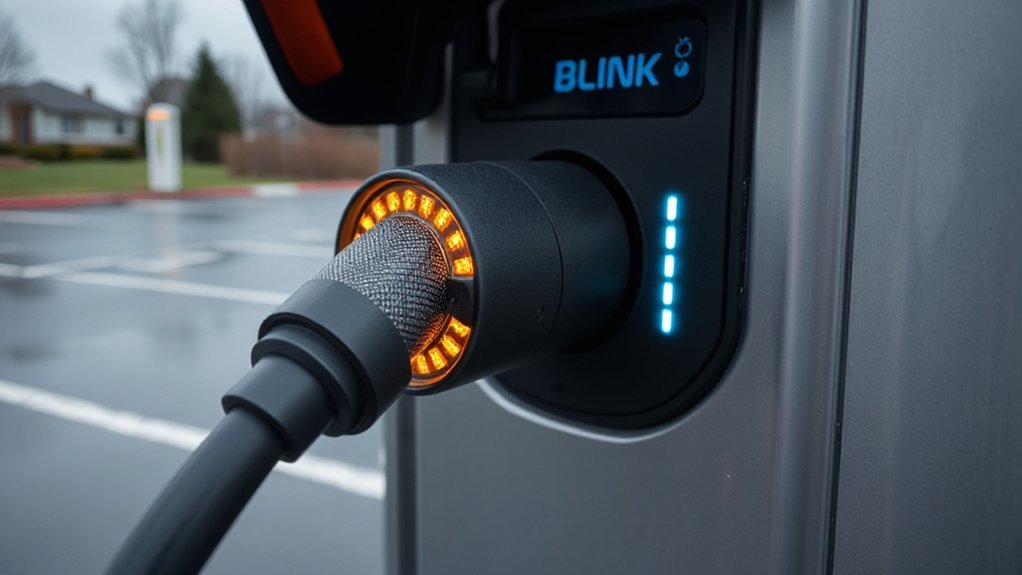
You’ll see Blink DC fast chargers commonly rated in the 50–150 kW class, but your real-world average depends on your vehicle’s max acceptance and taper as state of charge rises. Expect power throttling from thermal limits, load-sharing cabinets, and site demand management, which can cap output per stall or step it down mid-session. To gauge reliability, check uptime and successful-session rates and recent check-ins in the app so you pick sites with consistent power delivery.
DC Fast Charging Rates
While nameplate ratings matter, real-world DC fast charging on the Blink network depends on charger capability, vehicle limits, state of charge (SoC), temperature, and whether power is shared. You’ll typically see 45–55 kW on legacy 50 kW units, 70–180 kW on newer 100–175 kW cabinets, and up to 250–300 kW only if your EV supports 800 V architecture and high current. Expect tapering above ~60–70% SoC; plan sessions to target the 10–60% band for the best kW-minute yield. Power sharing on paired posts splits capacity, reducing instantaneous kW. Cable cooling and connector ratings can cap current. From an infrastructure economics and carbon accounting perspective, higher sustained kW shortens dwell, improves site throughput, and reduces per-kWh overhead energy, lowering marginal emissions intensity per session overall.
Power Throttling and Reliability
Because DC fast charging stresses power electronics and cables, Blink stations apply thermal and grid-aware throttling that can cut power mid-session to protect hardware and sustain uptime. You’ll see output step down when cabinet temps rise, feeder voltage sags, or multiple EVs share a site. Thermal throttling prevents connector overheating and contactor wear, but it extends session time. Blink’s predictive maintenance flags fans, filters, and modules nearing limits to reduce unplanned outages and stuck sessions.
- Expect 10–40% power reduction above 35°C cabinet temperature; recovery occurs once temperatures fall below control bands.
- During utility demand-response, you may receive 50–70 kW on a 150 kW unit to stabilize circuit.
- Field data shows >97% session completion when throttling engages versus lower completion without protection.
Using the Blink App: Setup, Discovery, and Starting Sessions
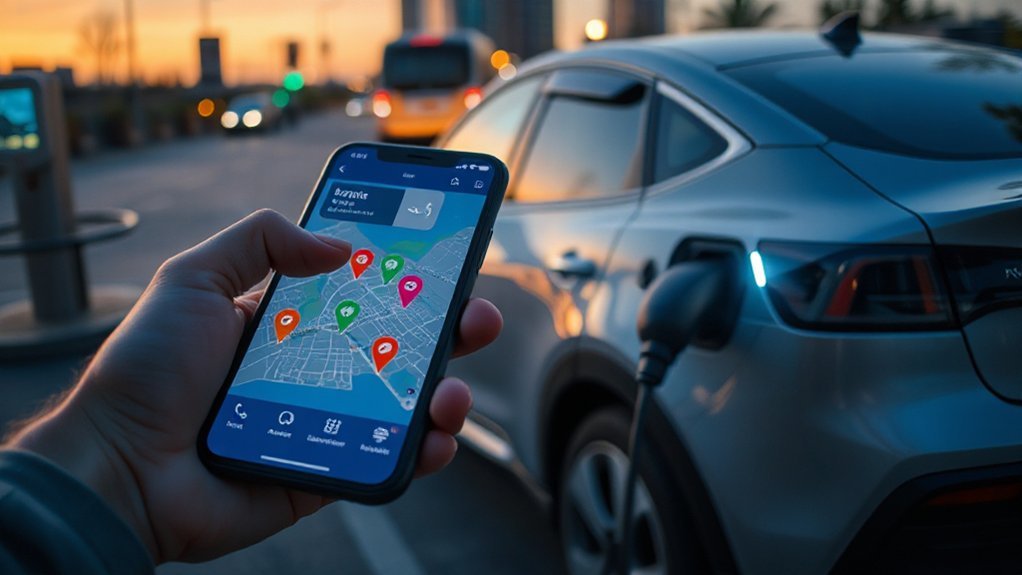
Before your first charge, install the Blink Charging app (iOS/Android), create an account, verify your email, and add a payment method to enable authorization. Configure privacy settings, enable accessibility features, allow location, and opt into push notifications for session alerts. Add your vehicle profile and preferred connectors to improve matching. Optionally, order and link an RFID card for card-only sites.
To discover stations, open Map, filter by connector (J1772, CCS, CHAdeMO), power level (kW), pricing model, and availability. Tap a site to view port count, kW, and pricing details. To start, select a port, tap Start Session, then plug in; or scan the QR code. The app displays kW, energy (kWh), elapsed time, and cost. Stop in-app to end billing; view receipts under History.
Reliability, Support, and Tips: Pros, Cons, and Avoiding Downtime
Though Blink’s network has grown quickly, real-world reliability varies by hardware generation, site host maintenance, firmware currency, and cellular backhaul quality. You’ll see newer IQ units outperform legacy Level 2s, especially where Remote Diagnostics and Proactive Maintenance are enabled. Uptime correlates with attentive hosts and timely truck rolls; sites with weak LTE or Wi‑Fi handoffs fail to authorize sessions. If a stall idles, switch ports and retry a different payment method before leaving.
- Before arrival: check app station status and recent check‑ins; stage an alternate within 5–10 miles; carry needed adapters.
- On site: inspect cables; reseat connector; try RFID, then app; avoid shared circuits during peak loads.
- If faults: note error code, port ID, and time; call support for remote restart; submit a report.
Conclusion
You navigate Blink by analyzing coverage, by filtering connectors, by planning routes. You optimize costs by comparing per‑kWh versus per‑minute pricing, by watching TOU windows, by avoiding idle fees. You manage hardware by matching CCS/NACS/J1772, by targeting kW that meets your dwell time, by monitoring real‑time availability. With the app, you set up accounts, start sessions, you track data. Reliability improves when you verify site power, when you carry roaming options, when you escalate support.