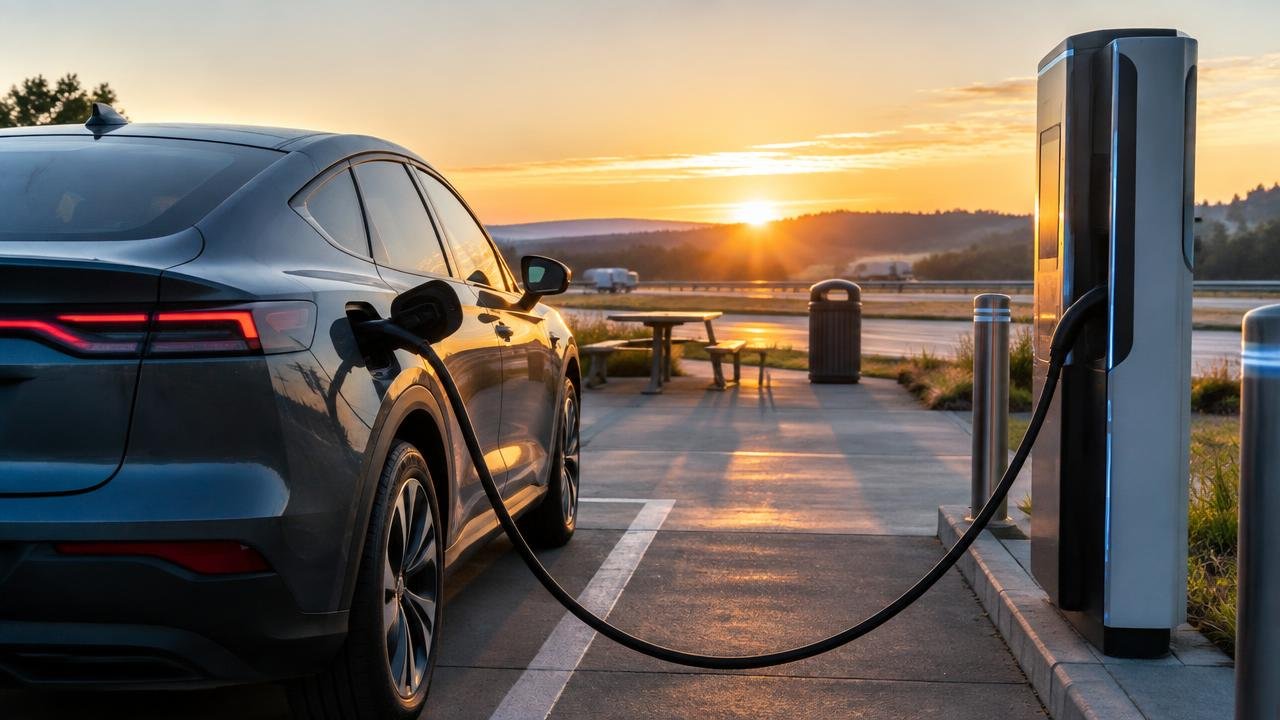
Blink EV Charging Network Guide: Locations, App and Paying
Find Blink charging locations, check Level 2 and DC options, review station-specific prices, and prepare the right app, membership, or guest payment method.
As an Amazon Associate, EV Charging may earn from qualifying purchases. This helps support our independent guides at no extra cost to you. Learn more.
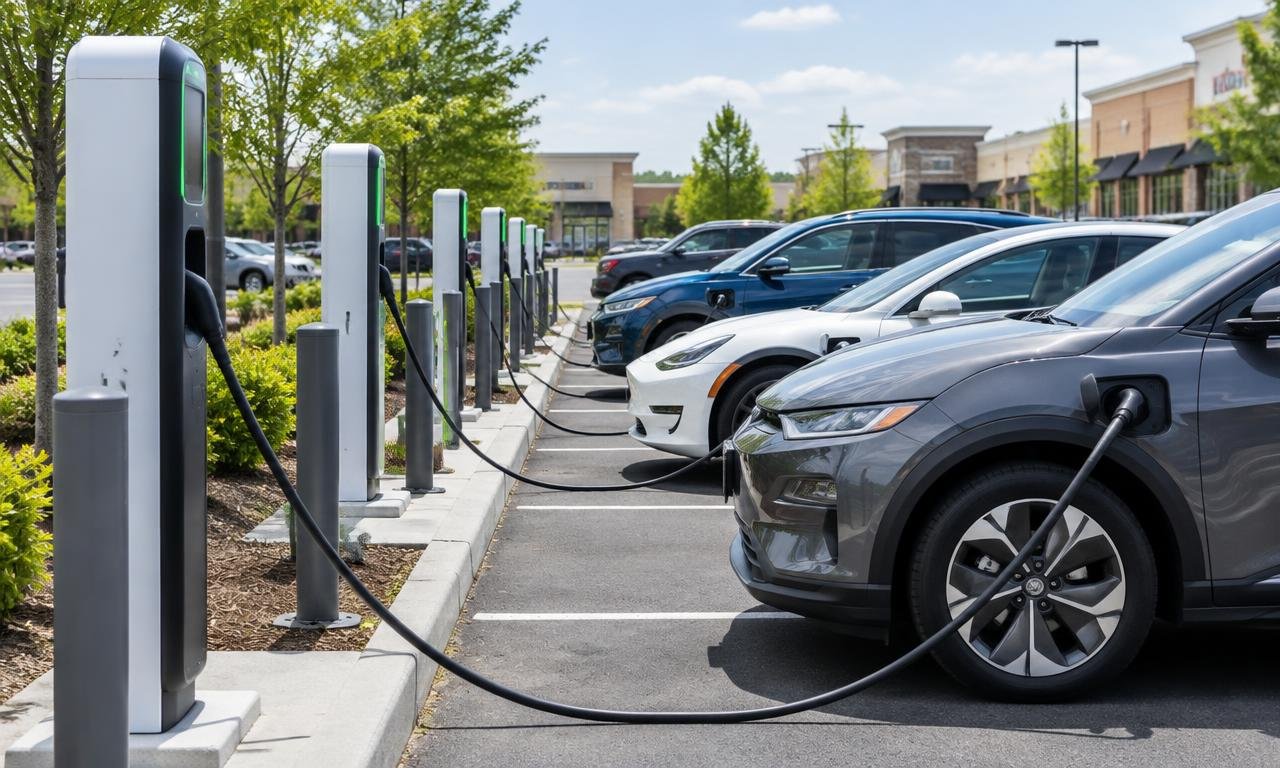
Key takeaways
- Check the individual Blink unit's charging type, connector, access hours, and payment options before planning your stop.
- Blink prices vary by location and equipment, with host arrangements affecting rates; read the selected station's current price and fees.
- Public Blink charging doesn't require membership, but guest methods and physical card readers depend on the equipment.
A Blink sign is a starting point, not the whole plan
You spot a Blink location near your destination. Promising—but what kind of stop is it? Blink says it designs, produces, owns, and operates charging stations for commercial and residential use. Its business models include host-owned equipment and other ownership arrangements. The name identifies a charging provider, not an identical experience at every property.
This guide covers public Blink charging in North America. I've researched Blink's official driver instructions, app features, and host information; this isn't a report of personal charging tests. The useful question is whether a particular station fits your vehicle, your available time, and the way you plan to pay.
Before choosing it, check four things: public access during your visit, the right charging type for your stop, a compatible connector under your vehicle manufacturer's instructions, and a payment method that unit supports. The map pin gets your attention. Those details decide whether it belongs in your plan.
Shop this guide
Compare current options and prices
Match the charging type to the time you have
A short travel stop and a long destination visit call for different checks. Blink's driver FAQ says its network offers both Level 2 and DC fast charging, and points drivers to the map or app for individual station details. Don't read “Blink” as shorthand for “fast charger.”
Blink says a full Level 2 charge can take a few hours to overnight, depending on the vehicle's charging capability. Level 2 is the option to investigate when you're staying longer. For a short travel stop, search specifically for compatible DC fast-charging equipment instead of assuming the nearest station will fit.
DC means direct current; the practical point here is compatibility, not memorizing electrical vocabulary. Blink cautions that DC fast charging doesn't work with every EV. Check your owner's manual and the station's connector details. Being close to a charger isn't much help if it can't do the job your car needs.
An advertised charging capability also isn't a promised finish time. Blink directs drivers to vehicle-specific information for charging speeds. When planning departure, use your vehicle's guidance and the actual session information. Different cars and stations shouldn't be squeezed into one imagined Blink charging timetable.
For the terminology behind station listings, see charging speeds, kilowatts, amps, and volts explained.
Find the station, then read its details
Start your search with the details that could rule a station out. Blink's official app page describes searches by address, ZIP code, city, business name, or category. Filters cover speed, availability, hours, cost, and connection type. Connector compatibility and access hours deserve attention before nearby shopping does.
The app also lists location photos, saved favorites, and nearby restaurants, shopping, and activities. Photos can help you recognize the charging area. Saved locations can make a repeat search easier, but they aren't a reason to skip a fresh check. The shortcut should open the listing, not replace reading it.
For a first visit, note the charger identifier, entrance or parking information, charging type, payment route, and current price. If an essential detail is unclear, resolve it before making that location your only option. A little desk-side preparation beats puzzling over an unfamiliar parking area.
Blink says its North American app is available through Apple's App Store and Google Play. It directs drivers outside North America to regional Blink sites. Use the links from Blink's official website so you're following the right regional instructions for the equipment you're visiting.
Use DOE’s locator for a wider view
Want to see what else is around your destination? The Department of Energy's Alternative Fueling Station Locator covers the United States and Canada, links to mobile apps, and offers search filters. Use its network filter to look for Blink locations, then open the individual results.
The locator is useful for discovery, but its listing isn't a substitute for checking with Blink. AFDC explains that networked-station information comes through methods including daily API imports—automated data transfers—and periodic spreadsheet imports. Other records involve manual collection. Those are different information paths, not a promise about a charger's current condition.
Use AFDC for the surrounding picture and Blink for the selected station's payment and session details. If an important point conflicts, such as access or charging type, don't hang a tight schedule on the unresolved listing. Contact the operator or choose another verified option. Two maps disagreeing isn't a reason to guess.
Check this station’s price, not the last one’s
You used a Blink station before and remember the rate. Handy context, but check again. Blink's driver FAQ says rates appear on the charger and in the app when you select a station. They vary by location and equipment type, so the price that matters is the one for your intended unit.
Who sets it? Blink says pricing can follow the host's decision or Blink's recommended market pricing, depending on the contract. Its host-owned business-model page describes hosts choosing tariffs—the charging rate structure—and controlling prices. Neither “the property always decides” nor “Blink has one national rate” captures those arrangements.
Read the complete displayed terms before starting: the charging rate, any session or access fee, and any stated time-related conditions. Blink's FAQ discusses access fees and temporary authorization holds. Because payment arrangements depend on equipment, check the current terms rather than expecting one hold amount everywhere.
A preauthorization hold is a temporary pending amount, not the final charge. Blink distinguishes the two. If a pending card transaction looks unexpected, compare it with your completed session record before treating it as another finished payment. Keep the receipt or app record so a billing question can be connected to the right unit and visit.
Free membership and free charging are different things
Blink says membership is free and isn't required to use a public Blink station. An account offers tools such as charging history and personalized reports. Blink also says you need to add a credit card before charging at a station that requires payment. Free membership isn't a promise of free electricity.
Nor is it permission to use every private Blink installation. The FAQ mentions access to some private-access stations, but the property's rules and your authorization still matter. Check the actual location rather than assuming an account opens every charging space with the same logo.
The account area lets you manage payment options, Blink cards and codes, vehicle details, and charging history. If Blink is likely to become a regular stop, prepare those details beforehand. Account administration is a reasonable task; doing it beside an unfamiliar charger doesn't improve it.
Blink also describes an RFID membership card, a card the reader recognizes electronically, linked to your account and payment information. Make sure it's activated and associated with the right account, then follow the station prompts. Carrying it is preparation, not a guarantee that it replaces every other payment method on every model.
Guest payment: check what this unit supports
No membership required doesn't mean every pedestal accepts payment the same way. Blink's FAQ describes guest codes for IQ stations through Charge as Guest. It identifies physical credit-card readers for Series 8 and DC fast-charging equipment. Check which equipment you're visiting before choosing your payment plan.
Blink's general charging page also provides app, RFID, and credit or debit card instructions, while noting that chargers have different features. Read those as equipment-dependent options. They don't establish that every Blink charger has a bank-card terminal waiting for you.
Using the app? Blink directs drivers to identify the station or unit, select Check In, and follow the payment and session prompts. Match the number on the equipment to the one on your phone before authorizing payment. At a physical card reader, use that charger's instructions rather than assuming another unit's steps apply.
The FAQ also describes automated voice-payment support for specified equipment. If your expected method isn't available, use the official support information on the charger or Blink's website to confirm an alternative. Keep automated payment separate from a conversation with an agent: Blink says live support agents cannot accept credit-card numbers over the phone.
Make sure charging starts—and ends—properly
Once you've started, confirm that the session is active and your vehicle indicates charging. It's a small check with a useful purpose: you want to know the session is actually underway before treating the stop as settled. If something looks wrong, record the unit identifier and displayed message before contacting Blink.
Blink says its app provides session information and controls. The app page lists charging speed, energy delivered, duration, and estimated cost, among other details. Use what's actually shown for your session. Don't assume every vehicle and station will fill every display field.
When you're finished, follow the station and vehicle instructions for stopping and disconnecting. Blink's model-specific guidance says to end the session through the appropriate method and return the connector to the charger. Review the completed record afterward, especially if you're reconciling a pending authorization or raising a billing question.
Leave the space ready and keep another option handy
A considerate stop is straightforward: use only the charging space you need, respect posted property restrictions, and move when your charging visit is complete. Return the connector to its holder as Blink instructs, rather than leaving it across the parking area. Don't unplug another driver's vehicle to solve your own access problem.
For a destination visit, check availability across your planned arrival and departure window. For a road trip, save a compatible alternative within your vehicle's displayed range estimate. Verify its payment and access details too. A second unexamined map pin is more of a hopeful suggestion than a backup.
If the Blink station is unavailable, decide early whether to contact support or switch locations. Avoid using your entire remaining charging margin on repeated starts at one uncertain unit. The aim is a workable journey, not winning an argument with a charger. Your backup should make changing plans a practical choice.
Check connector assumptions with our charging compatibility guide, then build an alternative stop using our road-trip charger planning guide.
Frequently asked questions
Do I need a Blink membership to use a public station?
No. Blink says you don't need membership for a public station. You still need to use the payment and authorization method supported by that charger, so check the unit's instructions before arriving.
Is Blink membership the same as free charging?
No—free membership and free electricity are separate things. Blink says membership is free, but stations can charge for electricity and sessions. Read the selected station's current rate and fees in the app or on the charger.
Can I pay with a credit card at every Blink charger?
Don't assume so. Blink identifies physical card readers for particular equipment and describes app, RFID, guest-code, and other equipment-specific methods. Confirm what your intended station supports before relying on a card reader.
Who sets the price at a Blink station?
It depends on the arrangement. Blink says prices can follow the station host's decision or Blink's recommended market pricing, depending on the contract. Its host-owned model gives hosts pricing control. Check the selected station rather than expecting one network-wide rate.
Are all Blink chargers DC fast chargers?
No. Blink offers Level 2 and DC fast charging. Use its app or map to check the selected station's type and connector, then confirm compatibility with your vehicle. The network name alone doesn't tell you the charging speed.
Sources & further reading
Written by
LarryLeoLarryLeo started EV Charging while researching his own next car purchase. He digs into the pros, cons and real cost savings of going electric — using government, standards-body and manufacturer sources — and shares what he finds so other buyers can decide with confidence.
Why trust EV Charging Guide
Our guides are researched from government, standards-body and manufacturer sources, reviewed for accuracy, and updated when rules or products change. Brands cannot pay for placement. Read our editorial policy.
Related Posts
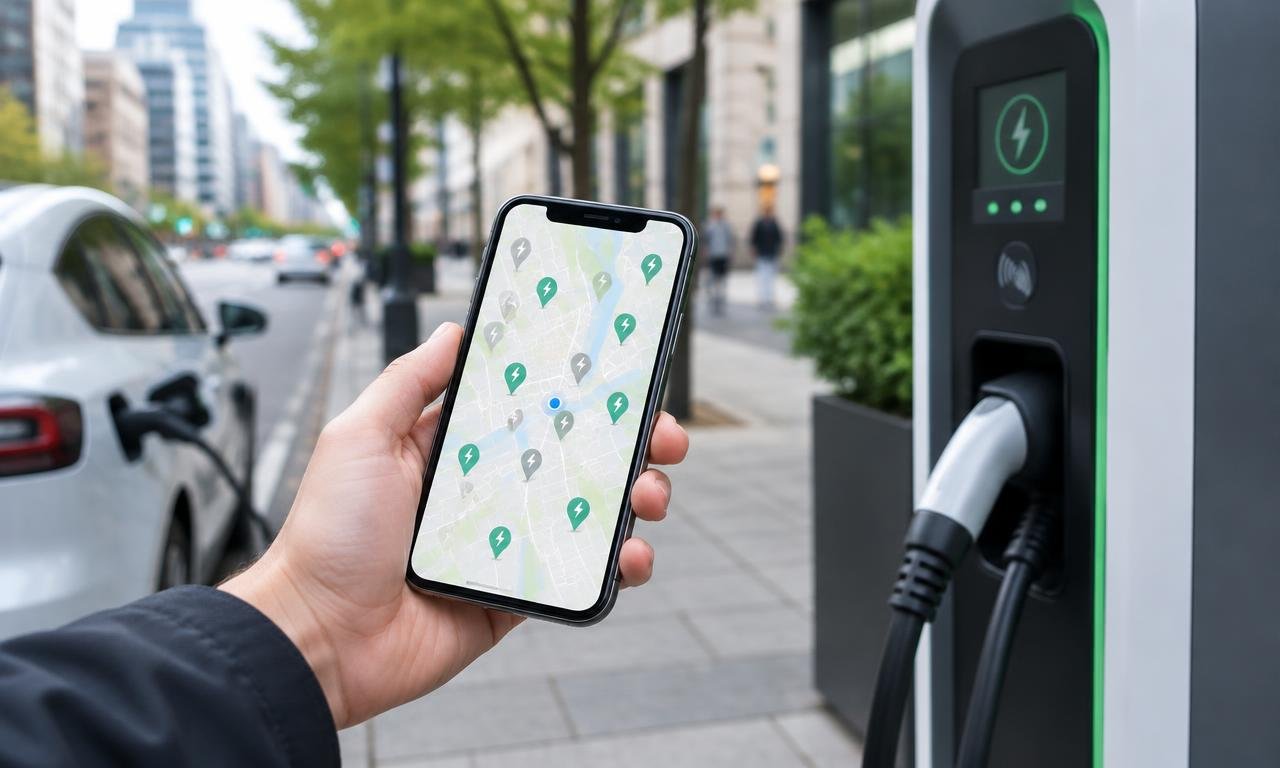
Best EV Charging Apps for Finding and Paying for Chargers
How to Charge an EV if You Live in an Apartment or Condo