Like a trusted navigator, your phone can guide you to the nearest EV chargers. You’ll see real-time availability, connector compatibility, charger speed, and payment options so you won’t get stranded. Use a mix of apps and network maps to compare coverage and reserve high-speed stalls when possible. Here’s how to pick the right tools for local errands or long-distance charging…
Key Takeaways
- Use top apps like PlugShare, Monta, ChargePoint, Electrify America, EVgo, ABRP or Zap‑Map to view nearby chargers and reviews.
- Filter maps for your connector type (CCS, CHAdeMO, J1772, NACS) and charger speed to show compatible stations only.
- Rely on real‑time status flags, crowdsourced reliability scores, and live session data to avoid broken or occupied chargers.
- Plan routes with apps that support Plug & Charge, cost estimates, reservations, and AI trip planning for efficient stops.
- Match network coverage and charger speed to your trip: use Level 3 for short highway stops, Level 2 for overnight charging.
Best EV Charging Apps for 2025–2026
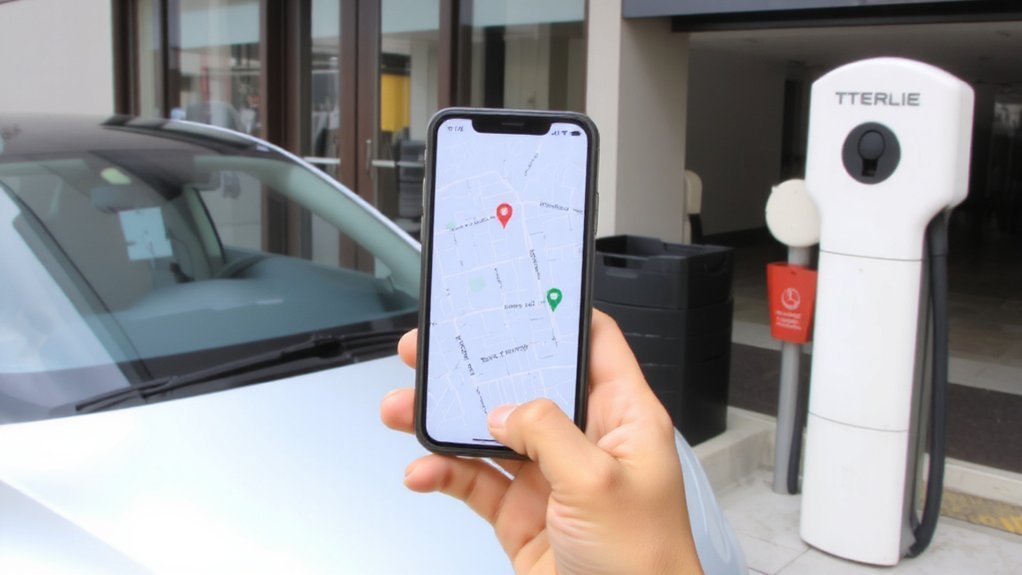
Several standout apps will cover your charging needs in 2025–2026: PlugShare, Monta (Evie Network), ChargePoint, Electrify America, EVgo, ABRP, and Zap-Map. You’ll find community-vetted station info, real-time availability, and compatibility checks so you can pick safe, reliable chargers.
PlugShare gives the largest user-contributed database and tutorials for station reliability. Monta uses AI to plan efficient trips, estimate costs, and handle payments so you won’t be stranded. ChargePoint offers broad North American coverage, waitlist features, and session control for security.
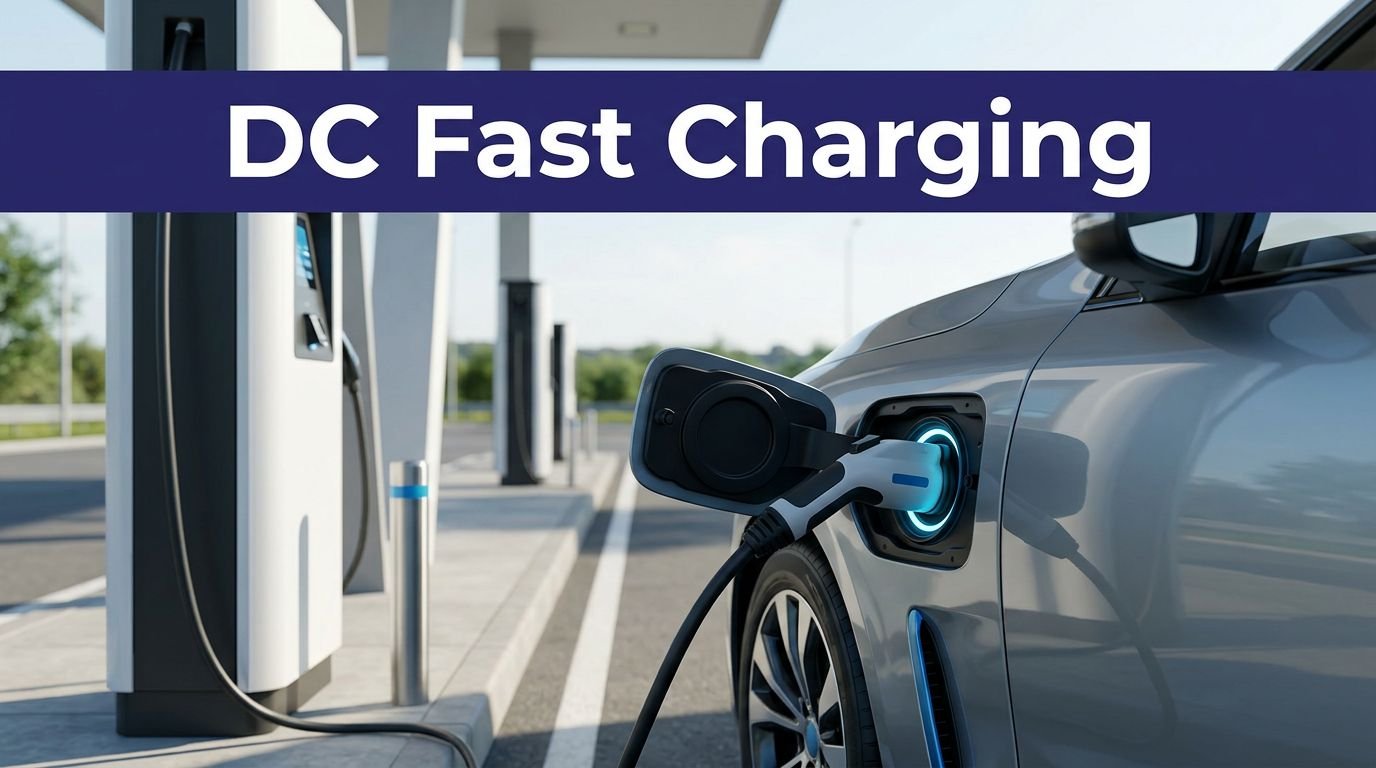
Electrify America provides fast Level 3 ports with Plug & Charge and transparent pricing. EVgo and regional apps like ABRP and Zap-Map specialize in reservations, route planning, and regional payment options to keep long trips predictable and safe. You’ll also get alerts for charger faults. Additionally, PlugShare remains the community-powered leader with 700,000+ stations.
How to Use Map Filters and Layers
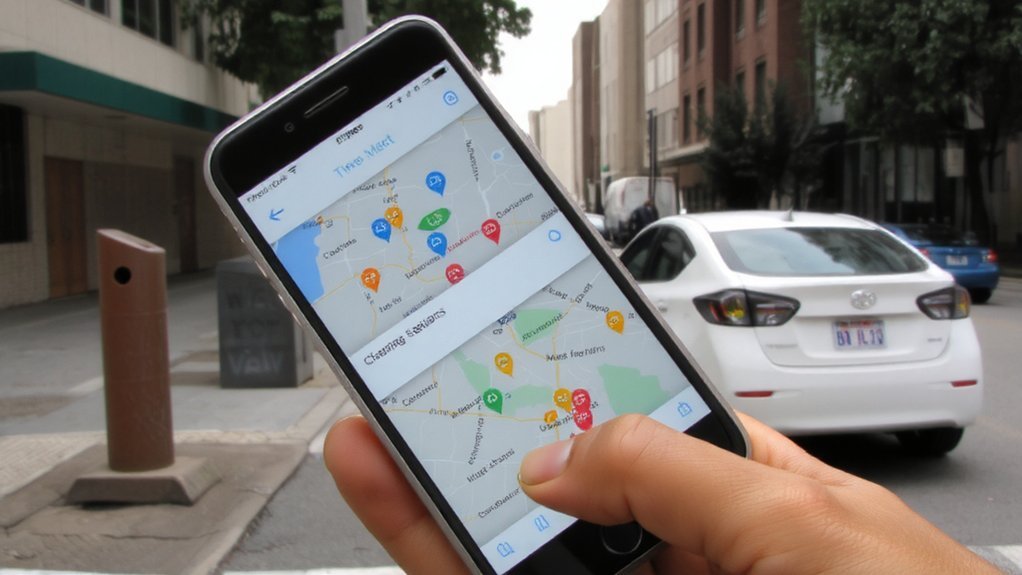
Start by filtering for your vehicle’s connector type so the map only shows compatible chargers.
Then toggle layers and overlays—like charger speed, network, or station status—to see availability and location context.
Switch layers on and off to compare options and plan stops efficiently.
You can also use the map’s search tools to search by address or station name when needed.
Filter by Connector Type
When you filter by connector type on a map, you only see chargers that fit your car, so you won’t waste time detouring to incompatible plugs or guessing if an adapter will work. Many apps also offer real-time availability so you can see whether a charger is occupied before you arrive. Use filters to show J1772, CCS1, CHAdeMO or Tesla/NACS depending on your vehicle and whether you need DC fast charging.
Apps like Google Maps, PlugShare, and EV Connect let you save preferred plugs or enter your make/model so results match your car. Always verify connector details and real-time availability before you leave; adapters exist but fast charging usually needs native compatibility.
Filtering reduces frustration, preserves range, and helps you plan safer, more reliable charging stops. Check owner’s manual and station photos or reviews for plug condition to avoid unsafe or unusable connectors.
Toggle Layers and Overlays
Filtering by connector type gets you only compatible chargers; now use map layers and overlays to add context—like real-time availability, network ownership, satellite imagery, traffic patterns, and equity or funding zones—so you can pick the best station for route, timing, and access.
Toggle imagery layers to verify parking, terrain, and surroundings; enable attribute overlays for charger power, status, and operator to avoid outages or incompatible equipment. Use traffic and utility overlays to assess travel time and grid constraints before you go. Apply geographic and temporal filters to focus on safe, reliable options and funding zones that may offer priority maintenance. For California applicants, consult CALeVIP layers for disadvantaged community and funding-zone guidance.
Helpful layers include:
- Charger status and power level
- Network ownership and payment options
- Satellite imagery and traffic data for safer trips
Comparing Network Coverage and Vehicle Compatibility

When you look for chargers nearby, compare each network’s coverage — ChargePoint has 200,000+ ports in urban/suburban areas, Tesla Superchargers focus on major travel corridors, and Electrify America and EVgo prioritize highways and metro hubs.

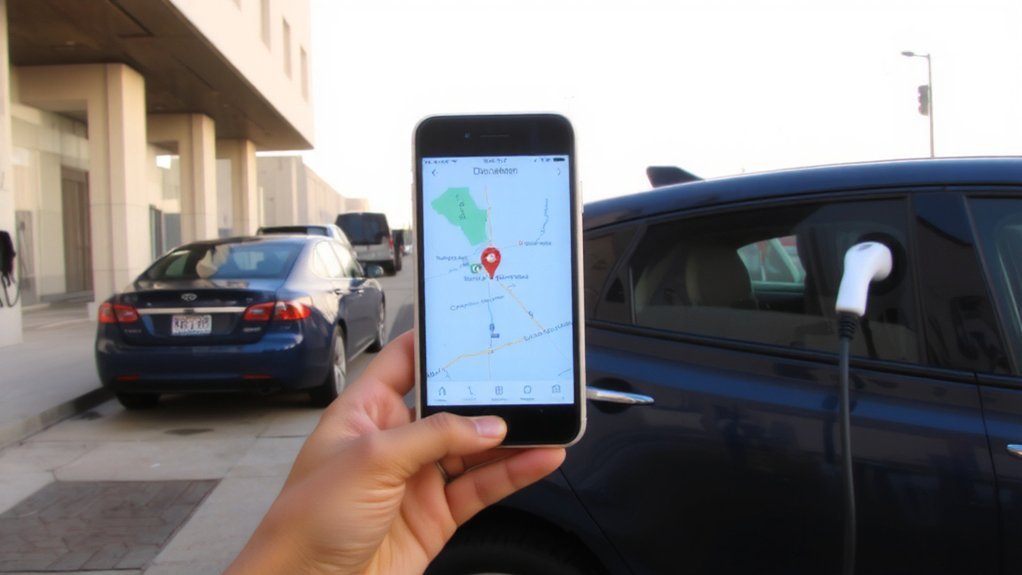
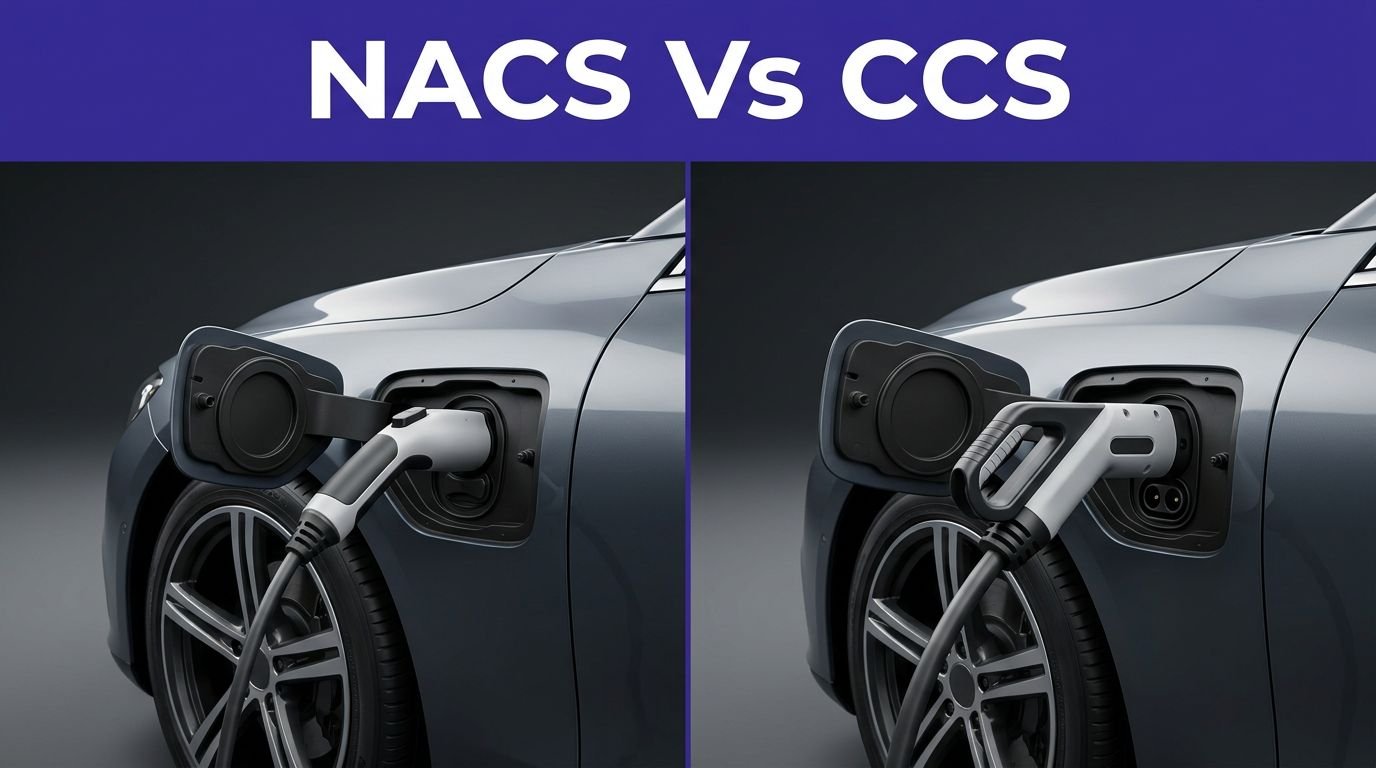
Also check connector types: Tesla uses NACS, ChargePoint and Blink support CCS/CHAdeMO and increasingly NACS, and Electrify America and EVgo offer CCS (and NACS where available).
Match a network’s map and connector availability to your vehicle so you won’t arrive at an incompatible port. Also consider charging speed—DC fast chargers can top most EVs to 80% in 20–40 minutes, which influences route planning.
Network Coverage Comparison
Many drivers balance sheer network size with whether their car will actually charge where they need it, and that trade-off shapes which provider you’ll prefer. For scale, remember that 200,000 ports are active across ChargePoint’s network in North America and Europe. Look at coverage patterns: ChargePoint dominates urban/suburban counts; Tesla places Superchargers on major corridors for long trips; Electrify America concentrates on U.S. highways and metros.
Prioritize uptime and route safety—networks typically report 95–99% reliability, but distributed ownership can cause variability. Expansion is accelerating, with growing ultra-fast charger share and fuel brands scaling via station footprints. Drivers can expect more choice, faster charging speeds, and seamless experience across networks — check rural gaps and plan for sparser stations outside cities. Use trusted apps that show real-time status and station history so you won’t be stranded and note maintenance response times regularly.
- Urban/suburban density: ChargePoint, Electra
- Corridor/long‑distance: Tesla, Electrify America
- Rural/undserved focus: Rivian Adventure Network
Vehicle Connector Compatibility
To avoid surprises, you’ll match your car’s connector to the network: North America generally uses J1772 for AC and CCS1 for DC fast charging, while Tesla vehicles use NACS (J3400). Check your vehicle’s inlet and carry necessary adapters—Tesla requires adapters for CCS1/J1772, and some European cars need Type 2 to Type 1 adapters.
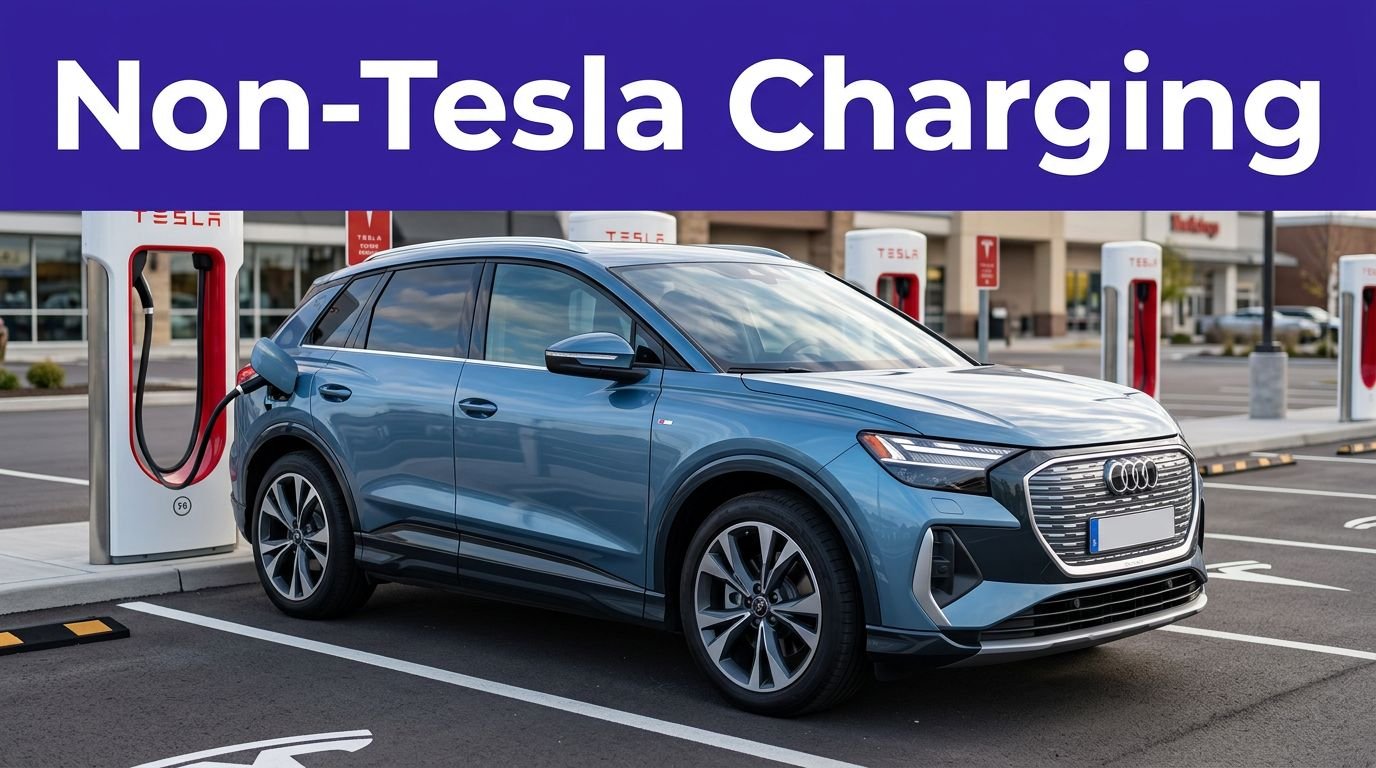
CHAdeMO is declining; only older Nissan/Mitsubishi models use it routinely. Networks like Electrify America, EVgo and ChargePoint offer CCS1 and J1772; Tesla Superchargers are opening NACS access to non‑Tesla cars with adapters. Industry trends indicate that CCS and NACS will become the dominant standards in North America.
For safety, verify connector fit, charging speed limits, and adapter compatibility before you plug in. If you travel internationally, plan for regional standards (CCS2, GB/T, CHAdeMO) and adapter availability. Always inspect cables and follow station instructions to prevent hazards.
Real-Time Availability and Status Indicators
Anyone relying on public chargers needs accurate, real-time status indicators, because they let you plan routes and avoid wasted stops. You’ll use status flags (available, in use, out of service, maintenance), historical reliability scores, and live session data to choose safe, dependable stations. Recent industry reports confirm rapid expansion of infrastructure, noting 59,694 ports in Q2 2025.
Rely on real-time charger status, reliability scores, and live session data to plan routes and avoid wasted stops.
Networks and aggregator apps combine API feeds, crowdsourced reports, and predictive maintenance alerts so you don’t arrive at a failed unit.
- Check live maps for color-coded availability and recent uptime.
- Enable push notifications for outages, session completion, and station changes.
- Prefer stations with strong reliability history and network diagnostics.
Trust indicators vary by region; keep backups on your route, report issues promptly, and pick stations with active monitoring to reduce safety risk and consult in-car navigation too, regularly.
Payment Options, Reservations, and Plug-and-Charge
While you plan routes, know that charging networks offer multiple payment paths—credit/debit, app-based billing, RFID/NFC, QR one-time payments, and kiosks—so you can usually start a session even if one method fails. RFID and mobile app systems remain common, with RFID authentication allowing drivers to tap a card or tag to identify and start charging. You should store a primary payment in apps like ChargePoint, Blink, EVgo or Virta for seamless billing and session control, and keep a backup card or QR option for unregistered access.
Use reservation features in apps to book high-demand slots, reduce wait times, and review charging history or favorites for recurring stops. Where available, Plug & Charge (ISO 15118) lets your vehicle authenticate and bill automatically—ideal for quick, hands-free starts.
Carry backup options and confirm station compatibility beforehand to maintain safety and avoid delays. Keep contact numbers for network support and operator help.
Tips for Planning Long Trips and Route Charging
When planning a long EV trip, use your car’s nav plus apps like PlugShare or ABRP to map high-speed chargers, add nearby backups, and schedule stops around meals or overnight Level 2 stays. Also note there are over 65,000 chargers nationwide, so availability varies by region. Check charger compatibility, carry adapters, and filter for charger speed and real-time availability.
Factor in weather, elevation, speed, and passenger load when estimating range, and keep a 20–30 mile buffer. Pre-condition the battery before arrival to reduce charging time. Export routes to your preferred map if needed, and build contingency plans for offline or occupied stations. Always monitor state-of-charge constantly.
- Prioritize Level 3 for short stops, Level 2 for overnight charging.
- Plan stops near amenities to make charging productive.
- Use route planners that account for temperature, elevation, and load.
Community Reviews, Photos, and Reporting Outages
Because community reviews, photos, and outage reports come from drivers on the ground, they give you real-time, practical insight into charger reliability, accessibility, and nearby amenities. Use ratings and recent reviews to avoid nonfunctional units, unsafe parking, or blocked access; look for mentions of lighting, 24/7 access, and restroom availability.
Scan user photos to confirm plug type, cable condition, signage, and exact parking layout so you don’t waste time or risk unsafe maneuvers. Report outages and malfunctions yourself—apps propagate those alerts, warn other drivers, and prompt operators to fix problems faster.
Upvotes, check-ins, and reputation scores help you trust contributions; enable notifications for nearby reports and favor stations with consistent positive feedback for safer charging decisions. Always verify status before detouring to a charger. For quick, community-sourced updates, many drivers rely on the largest EV community.
Conclusion
You’ll find the right charging app like a compass in your pocket: use PlugShare, ChargePoint, Electrify America, EVgo, and Monta to layer filters, check real-time status, and reserve or use Plug & Charge. Compare networks and connector types, keep backups, and read community reports so you won’t get stranded. For trips, plan high-speed stops and Level 2 top-ups near amenities. With these tools, you’ll charge smarter and drive with confidence and enjoy worry-free daily journeys.