
A minor misstep with mains is best avoided. You’ll choose a Hypervolt 7 kW or 22 kW unit, plan cable routes and earthing, fit a Type A RCBO with 6 mA DC protection, address PEN‑fault risks, and set CTs for load management—while keeping DNO and Part P requirements satisfied. We’ll outline install timelines, commissioning, and what drives cost (cable length, groundworks, upgrades) so you can budget precisely—and avoid rework or a DNO knockback.
Key Takeaways
- Models and rates: Home/Home Pro, tethered Type 2, weather‑rated, Wi‑Fi/Ethernet; 7 kW single‑phase or 22 kW three‑phase if supply and EV support.
- Installation essentials: dedicated circuit, upstream Type A RCBO, 6 mA DC monitoring, PEN‑fault protection, CT for load balancing, surge protection where mandated.
- Process and time: survey 1–2 days; install 3–5 hours; commissioning 30–60 minutes; handover EIC, calibrated test results, labels, and user documentation.
- DNO and compliance: Connect & Notify if eligible; pre‑approval when ADM exceeds 60 A or fuse <60 A; upgrades may add 2–8 weeks and cost.
- Cost drivers: hardware plus install vary with cable length, groundworks, earthing, three‑phase needs, smart/solar setup, and any DNO service or fuse upgrades.
Hypervolt Models and Key Features
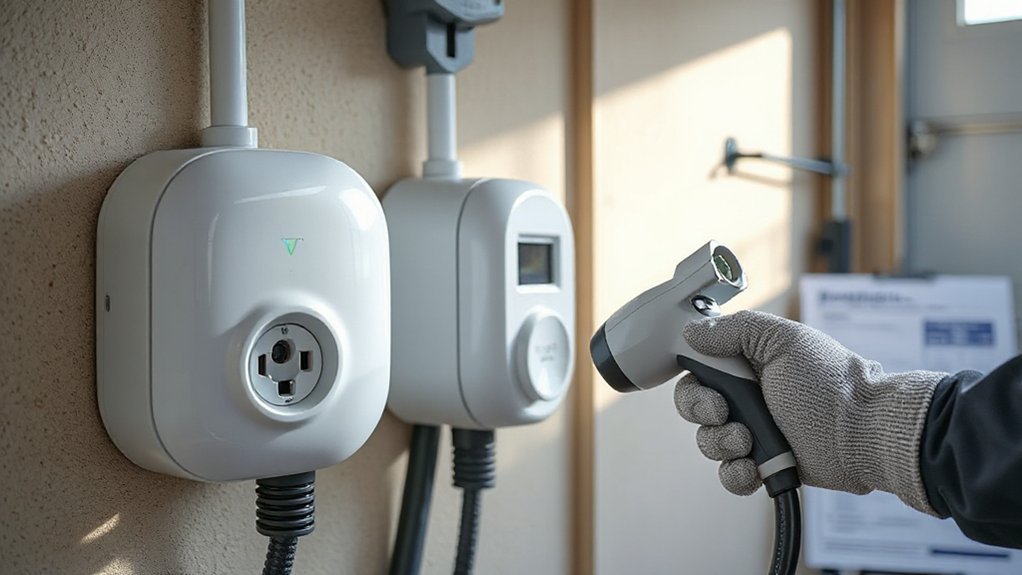
Which Hypervolt suits your install? You’ll choose between Home and Home Pro models, both tethered with a Type 2 connector type and clear LED indicators for status, errors, and charge state. Each unit provides PEN fault protection compliant with BS 7671:722, integrated 6 mA DC monitoring, and requires an upstream Type A RCBO. Dynamic load balancing via a CT clamp protects the main fuse, while optional solar matching prioritizes surplus generation. You get Wi‑Fi and Ethernet connectivity, secure app access, RFID lock, and over‑the‑air firmware updates. Enclosures are weather‑rated and impact‑resistant for safe wall or pedestal mounting. Cable options up to 10 m reduce strain and trip risk. Built‑in schedules, lockouts, and fault logging support safe, code‑compliant operation. Installation guides cover clear commissioning steps.
Choosing 7kw Vs 22KW: Which Is Right for You?
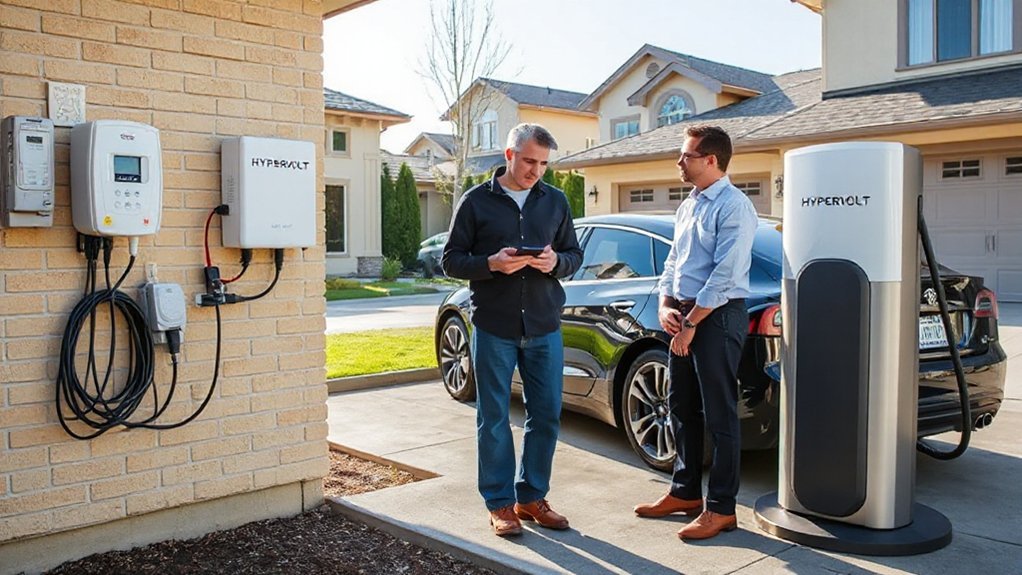
After you’ve picked a Hypervolt model, the next specification is charge rate: 7 kW (single‑phase) or 22 kW (three‑phase).
Choose 7 kW if your property has single‑phase service; it adds roughly 30–35 km of range per hour, covering your commute distance overnight. Select 22 kW only if you have three‑phase supply and your EV’s onboard charger supports >7–11 kW AC. Many cars cap AC at 7 or 11 kW, so you may not benefit.
7 kW suits single‑phase homes; 22 kW requires three‑phase and EVs that accept more than 7–11 kW AC.
For safety and compliance, use a dedicated circuit, perform load calculations, and verify main fuse, earthing, and DNO approval.
Specify correct cabling and RCD/RCBO with 6 mA DC protection.
Faster AC doesn’t harm battery health, but slower overnight charging is efficient.
Choose 22 kW for high mileage or time‑critical turnarounds.
Smart Controls, App Setup, and Solar Integration

How do you commission smart charging, secure the app, and enable solar matching on a Hypervolt? Open the Hypervolt app, create a secure account, then pair via QR code. Lock settings behind MFA, rotate strong passwords, and enable Firmware Security auto-updates. Set a supply limit, off-peak schedules, and RFID access. For solar, activate Eco/Solar Matching; the charger modulates current to surplus export using CT data. Use encrypted Wi‑Fi; disable WPS. For home platforms, use approved API Integration with scoped tokens only.
| Task | Setting | Safety |
|---|---|---|
| Commissioning | Pair via QR | Confirm LED/state before energizing |
| App Security | MFA, passcode, biometrics | Don’t share keys; revoke lost devices |
| Smart Charging | Schedules; max current | Respect breaker rating; avoid overload |
| Solar Matching | Eco/PV follow surplus | Maintain CT polarity; test export cut-in |
Installation Process and Timeline

You’ve planned smart controls and solar matching; now verify the hardware install supports them safely and to code. Confirm site readiness: meter location, bonding continuity, spare ways in the consumer unit, and a compliant cable route with mechanical protection.
Verify hardware for smart controls and solar matching: meter, bonding, spare ways, protected cable route.
On installation day, the electrician isolates supply, fits a dedicated RCBO/MCB, and routes EV‑rated cable to the Hypervolt with IP rating, PEN-fault protection, and cable strain relief. They mount, torque terminals, and test.
- Perform dead/live tests: insulation resistance, polarity, Zs, RCD/RCBO trip times, and functional EVSE checks.
- Commission settings: current limit, schedules, solar matching thresholds, firmware, labels, and circuit identification.
- Produce handover documentation: EIC, test results, manuals, photos, and user guidance.
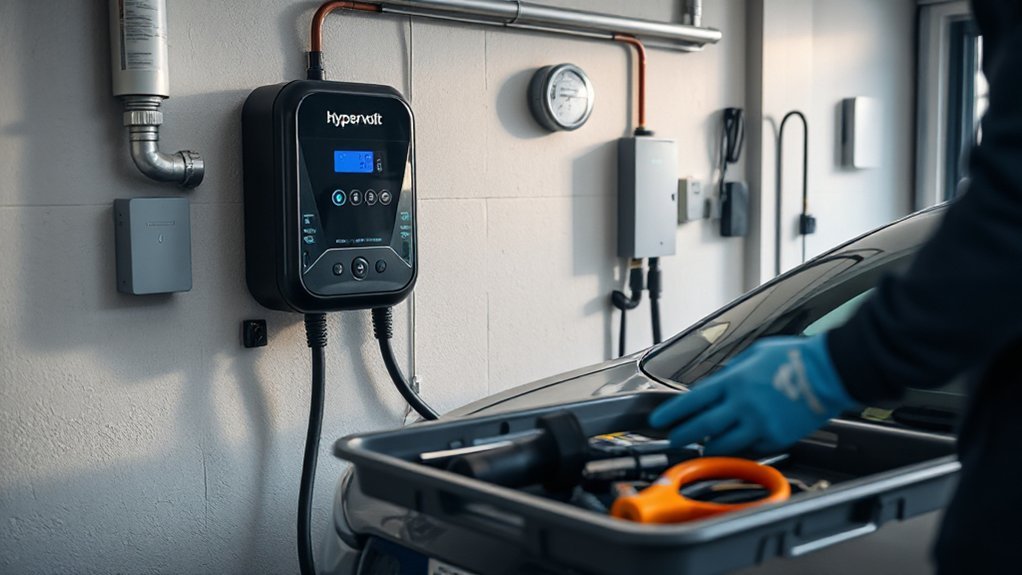


Timeline: survey 1–2 days; install 3–5 hours; commissioning 30–60 minutes.
DNO Notifications, Permissions, and Load Management
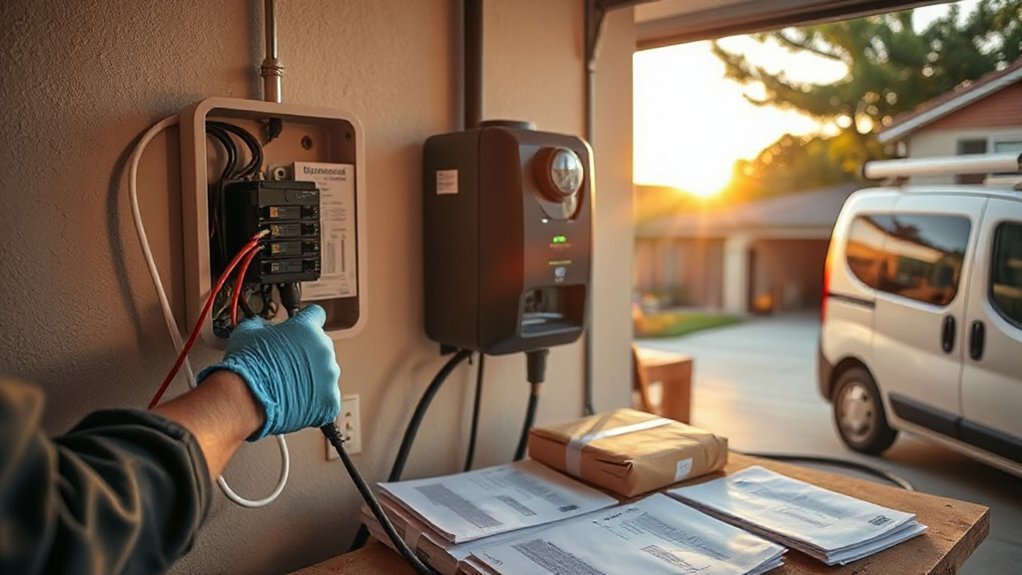
You must notify your DNO before installation if the assessed after-diversity maximum demand exceeds 60 A per phase, the supply is looped, or the cut-out fuse is below 60 A; otherwise you can install and notify within 28 days under ENA Connect & Notify. Expect DNO approval or an upgrade plan typically within 10–15 working days, noting that service or fuse upgrades can extend the timeline. Configure Hypervolt’s dynamic load balancing with a calibrated CT on the incoming supply, set the site fuse rating, and verify trip-free operation under BS 7671 load assessment to confirm the main fuse isn’t exceeded.
When to Notify DNO
When must the DNO be notified? You must notify when installing a Hypervolt that increases maximum demand, alters earthing, or may require a service upgrade. If the property has a looped service, undersized supply, or a main fuse rating that can’t support the charger, you must inform the DNO before energising. Also notify when fitting load management or export-limiting that interacts with the cut-out.
1) New charger installs: declare maximum demand, earthing type, and any open-PEN protection; note planned outages or emergency faults affecting commissioning.
2) Service alterations: main fuse change, meter tails upgrade, or relocation of the service head require DNO involvement for safety and compliance.
3) Network risks: evidence of voltage drop, overheating cut-out, or low PSC/ZE necessitates DNO assessment before use.
Approval Thresholds and Timelines
How do you decide between connect-and-notify and prior approval? Check the charger rating, supply capacity, and earthing. If your Hypervolt is ≤32 A single-phase (≤7.4 kW), total service fuse is ≥60 A, no phase constraints, and protective devices meet BS 7671 and ENA G98, you can typically connect-and-notify within 28 days post-commissioning. If the site needs a service upgrade, three-phase, generation/export, or breaches thermal/voltage limits, follow ENA G99 prior approval.
DNO timelines vary: expect 10–15 working days for simple G98 acceptance, 30–45 for G99 studies, and longer if reinforcement or fuse upgrades are required (2–8 weeks). Maintain documented load assessments, fault-current calculations, and PEN-fault protection evidence. Align with policy benchmarks and engage the DNO early; timely stakeholder engagement prevents delays and unsafe energisation risks.
Dynamic Load Balancing Setup
Implementing dynamic load balancing on a Hypervolt keeps the installation within the service fuse’s thermal limits by capping the charger’s current to the measured spare capacity. Submit a DNO notification, confirm supply rating, and log permissions before energising. Install a certified CT on incoming tails, commission via the app, select meter source and phase. Validate communication protocols between CT gateway and charger and verify signal quality. Perform algorithm tuning so current adjusts in real time without oscillation, meeting minimum EVSE current and diversity.
- Protection: set ceiling to service fuse rating; prove disconnection; enable PEN-fault and RCD self-tests.
- Load management: define export/import rules, solar priority, and demand-response setpoints; fail-safe to 6 A on comms loss.
- Permissions: retain DNO references and consented telemetry.
Placement, Mounting, and Safety Considerations

Although the Hypervolt enclosure is weather‑resistant, choose a location that stays dry, above flood level, and within cable reach of the vehicle inlet without creating trip hazards. Prioritize Weatherproof positioning: keep out of direct spray, driving rain, and sprinkler arcs; avoid corrosive atmospheres. Mount between 1.2–1.5 m to socket, maintain 300 mm side clearance, and 500 mm above grade. Provide firm, noncombustible backing and stainless fixings. Make sure cable routes are protected: UV‑stable conduit, drip loops, grommets, and gland seals. Keep away from fuel sources and ignition risks. Provide RCD Type A with 6 mA DC protection as required, dedicated circuit, correct MCB rating, and surge protection if mandated. Respect earthing rules; use PME‑safe PEN fault device where required. Enable Tamper protection and secure credentials.
Costs Explained: Hardware, Parts, and Labour

Clarity matters: you’ll pay for three things—hardware, installation materials, and labour—to deliver a BS 7671:2018+A2:2022–compliant Hypervolt install. Hardware covers the charger, smart features, integral PEN-fault protection, and warrantied accessories. Installation materials include fixings, weatherproof glands, IP-rated junction gear, appropriate RCD/RCBO selection, and, where required by risk assessment, an SPD per Section 443. Labour reflects survey, risk controls, safe isolation, mounting, terminations, commissioning, and full testing to Part 6 with an EIC. Pricing varies with Supply chain stability and Shipping costs. Expect your quote to itemise:
Clarity matters: hardware, materials, and labour—itemised for a BS 7671–compliant Hypervolt install.
- Hardware: unit, firmware support, and warranty administration.
- Materials: consumables, compliant labels per 722, earthing/bonding verification accessories.
- Labour: engineer time, calibrated test results, EVSE functional checks, certification/notification.
Transparent breakdowns help you compare like-for-like quotes safely and fairly.
What Affects Price: Cabling, Groundworks, and Upgrades
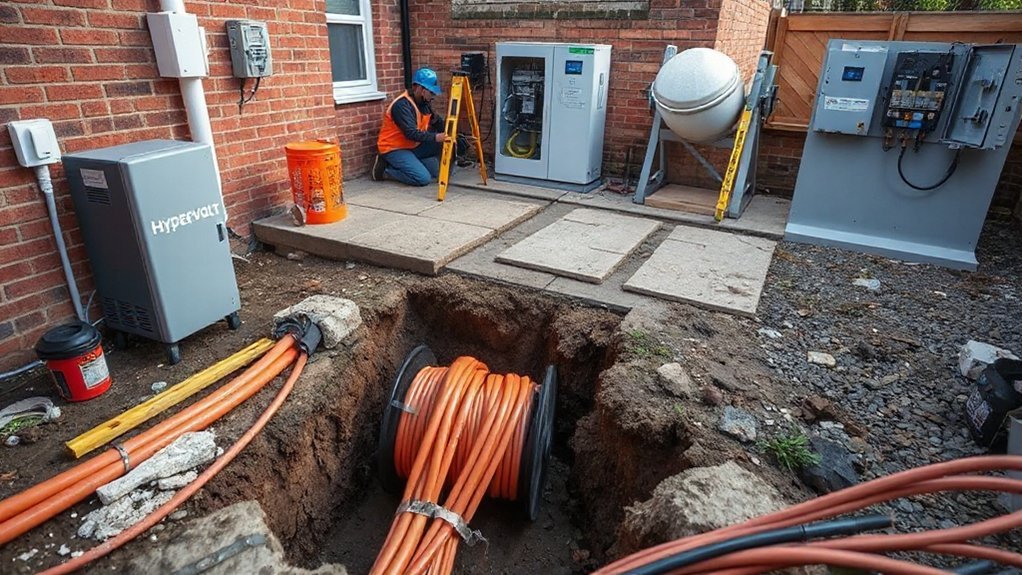
You’ll pay more as cable runs get longer and routing needs compliant containment, drilling, or trunking to meet BS 7671, IP ratings, and RCD protection requirements. Groundworks—trenching, ducting, correct burial depth, warning tape, and reinstatement—add cost to provide mechanical protection and safe separation from other services. Supply upgrades such as a higher-rated main fuse, isolator, verified earthing (TT/PME), load management, and any DNO approvals may be required and will affect the final price.
Cable Length and Routing
Because cable length and routing dictate conductor size, protection, and civil works, they’re a major driver of your Hypervolt installation cost. Longer runs increase voltage drop, so your installer may upsize conductors and specify SWA or conduit for protection. Tight corners demand compliant bend radius; excessive bends raise pull tension and heat. Exterior routes require UV-stable sheathing, IP ratings, and allowance for thermal expansion to prevent joint stress.
- Map the route: keep to the shortest practical path, avoid heat sources, and maintain segregation from data and gas/water services per code.
- Choose containment: SWA, trunking, or conduit matched to environment and fixing spacing; seal penetrations and provide strain relief.
- Verify calculations: voltage drop, fault loop impedance, RCD/RCBO selectivity, and derating for grouping or insulation contact.
Groundworks and Supply Upgrades
Evaluating groundworks and supply upgrades early prevents surprises and sets your cost baseline. Confirm earthing method, service head rating, main fuse size, and PME/TT requirements. You’ll budget for trenching, ducting, and reinstatement after a Soil investigation and any Site archaeology checks. Specify cable depth, warning tape, and conduit to BS 7671 and NJUG guidance. Assess spare capacity, RCD/RCBO type A, surge protection, and bonding upgrades. Where loads exceed limits, plan a service upgrade or dedicated feeder, with DNO notifications and permits scheduled. Record photos, measurements, and test results to document compliance and support warranty claims and audits.
| Relief from overruns | Clarity in scope | Confidence in safety |
|---|---|---|
| Safe trenching and ducting | Clean reinstatement standards | Neat, durable finish |
| Adequate power capacity | Full compliance achieved | Future-proof installation |
Incentives, Energy Tariffs, Warranty, and Running Costs

While incentives and electricity tariffs can materially change your total cost of ownership, verify eligibility and compliance before purchasing or installing a Hypervolt charger. Confirm local Tax incentives, utility rebates, and grid-connection rules; some programs require approved installers, smart charging, or export-limit settings. Match your energy plan to Usage forecasting and charge scheduling; off-peak TOU tariffs typically lower per‑kWh cost and reduce demand charges.
- Document tariff rates, standing charges, and metering requirements; enable load management to prevent main fuse overloads and nuisance trips.
- Register your device, update firmware, and retain proof of installation; Hypervolt’s warranty covers defects but excludes misuse and non-compliant wiring.
- Calculate running costs: kWh × tariff + fixed fees; include maintenance, network subscriptions, and potential peak pricing adjustments.
Conclusion
You’re ready to plan a safe, code‑compliant Hypervolt install. Choose 7 kW or 22 kW based on supply limits, add CT‑driven load management, and verify PEN‑fault protection, Type A RCBO with 6 mA DC, and correct earthing. Coordinate DNO notifications early to avoid delays. Budget for cable runs and upgrades. Interesting fact: around 80% of EV charging happens at home, so your installation quality, testing, and commissioning will pay off in reliability and lower costs.