
You want to know how long a charge will take, not the brochure estimate. An EV charging time calculator uses usable battery capacity, current and target SOC, charger type, and real power delivery. It models CC/CV taper, temperature limits, and vehicle‑imposed caps, then converts energy needed to kWh and time. You’ll see duration plus confidence bounds for planning stops and avoiding slow taper near high SOC—here’s how it works.
Key Takeaways
- Provide inputs: battery usable capacity, current/target SOC, charger type/power, temperature, and vehicle limits to compute energy needed.
- Charging time equals energy added (kWh) divided by effective power (kW), adjusted for vehicle/charger limits and site sharing.
- Expect taper: fast charging slows above ~70–80% SOC; arriving 10–30% and targeting 55–70% minimizes time.
- Real-world power varies: EVSE derating, cable temperature, cold packs, and demand management can cut kW versus nameplate.
- Calculator models CC/CV curves and standards (SAE J1772/IEC 61851/ISO 15118), outputting time with confidence intervals, not just simple kWh/kW.
How the EV Charging Time Calculator Works
How does it work? The calculator models charge duration by applying standardized power-transfer profiles and taper curves. It implements SAE J1772 and IEC 61851 assumptions for AC, plus CCS/DC fast-charging behavior, aligning with ISO 15118 messaging constraints. You enter parameters; the engine converts units, validates ranges, and selects an appropriate curve set. It adjusts for ambient temperature, cable derating, and vehicle-imposed limits, then integrates power over time to estimate completion. Predictive modeling refines estimates using historical error residuals and typical station variability. The tool quantizes outputs to practical increments and reports confidence intervals. It logs computation steps for auditability, but minimizes data retention to address Privacy concerns. All calculations use SI units, conservative rounding, and clearly stated boundary conditions. Assumptions are transparent and versioned.
Inputs You’ll Need: Battery Size, State of Charge, and Charger Type
You’ll enter usable battery capacity (kWh) from the vehicle spec, since it sets the energy to replenish. You’ll provide current and target state of charge (%), so the energy delta (kWh) = capacity × (target − current)/100 is computed. You’ll choose charger level and power (kW)—Level 1/2 AC or DC fast—bounded by the lesser of station output and vehicle limits per SAE J1772/CCS, which defines the effective charge rate.
Battery Capacity Matters
Because charging time scales with energy added and power delivered, battery capacity matters. You size energy in kilowatt-hours (kWh); only the usable portion (after buffer) is chargeable. Time roughly equals energy to add divided by effective charger power. Larger packs can accept higher peak power and sustain it longer when cell parallelism and thermal management permit, yet they still require more kilowatt-hours. Charging interfaces and limits are standardized: IEC 61851 governs EVSE power delivery; ISO 15118/CCS negotiates current, voltage, and profiles; onboard AC charger ratings cap AC rates. Cell C-rate, cooling performance, and pack impedance dictate permissible power. Degradation patterns shrink usable capacity while increasing resistance, altering achievable power. Consider weight impact; bigger packs reduce efficiency, raising required energy. Verify specs in official manuals.
Current State of Charge
Why does current state of charge (SoC) dominate charge-time estimates? Because SoC sets where you are on the battery’s nonlinear charging curve. From low SoC, packs accept higher current; near the upper window, charge control units taper to protect cells and limit heat. You should enter your present SoC, not just “miles remaining,” since BMS algorithms map SoC to usable energy, including buffers.
Define SoC with Display Standards in mind. Your dash may show rounded percentages; your app may expose one-decimal precision. Use the same basis (usable vs gross) across inputs. Consider temperature conditioning and recent load, which skew instantaneous SoC readings.
User Psychology also matters: you perceive 10% at arrival differently than 10% at departure, but the calculator uses the technical SoC value.
Charger Level and Power
While battery size and SoC define how much energy you need, charger level and power determine the rate at which your car can accept it. You’ll enter charger type and power in kW; your time estimate uses the lesser of station output and your vehicle’s onboard limits (AC or DC). Account for voltage, current, and thermal taper. Verify connector standards (CCS, NACS, CHAdeMO) and vehicle compatibility. For AC, circuit rating and phases matter; for DC, shared cabinets can throttle. Demand management and grid impact may reduce available power during peaks.
| Charger Level | Typical Power (kW) | Notes |
|---|---|---|
| Level 1 | 1.2–1.9 | 120 V AC; household circuits; slow |
| Level 2 | 3.3–19.2 | 208/240 V AC; single/three-phase |
| DC Fast | 50–350+ | 400–1000 V; taper near high SoC and voltage limits |
Real-World Charging Speeds vs. Rated Kw

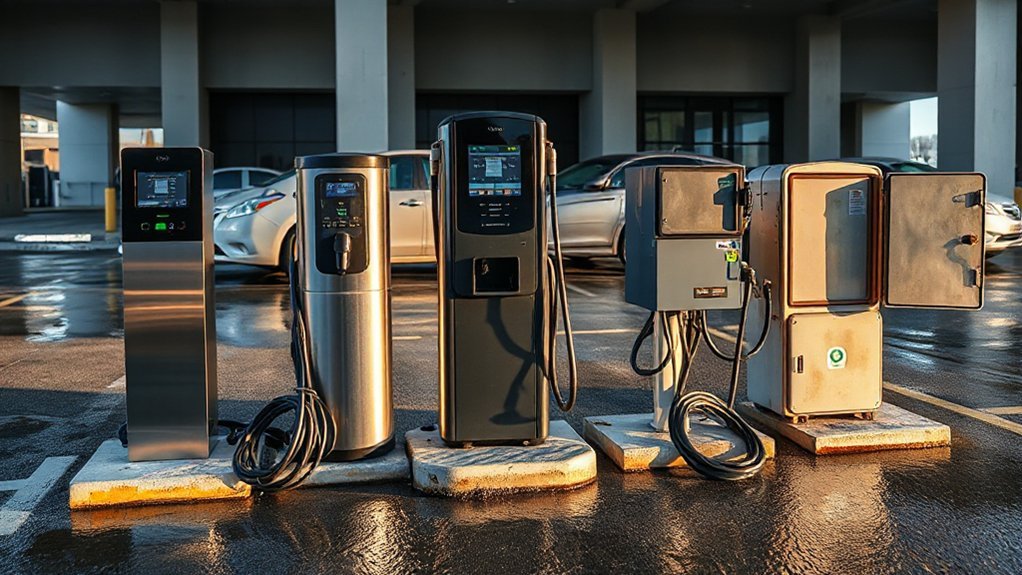
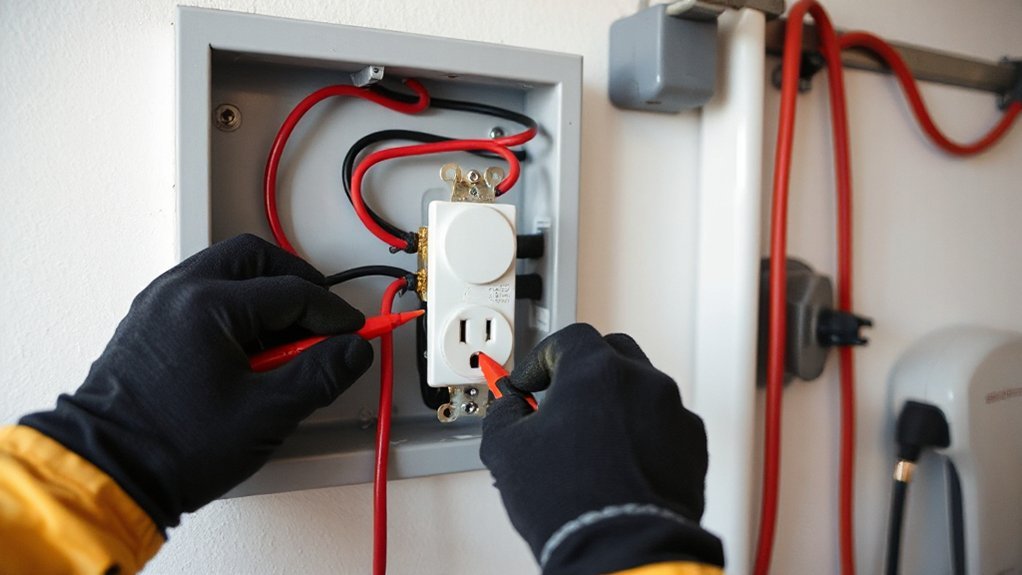
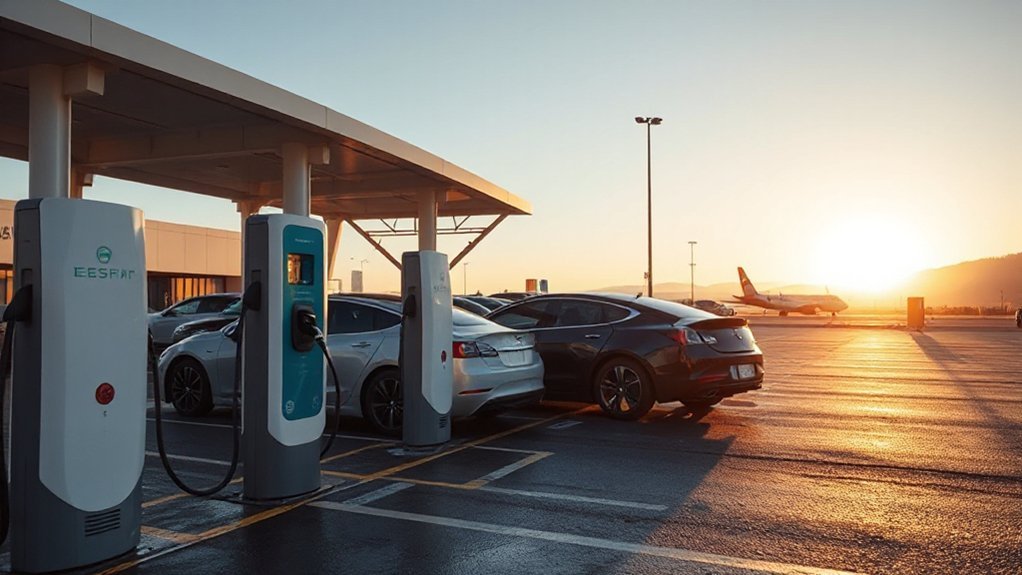
How fast you actually add energy rarely matches the charger’s rated kW. Nameplate power is a ceiling established under standardized test conditions; delivered power depends on real-time voltage and current. Under IEC 61851/SAE J1772 signaling, the EVSE advertises allowable current, but it may derate for cable temperature, phase imbalance, or shared-cabinet load management. Your vehicle also imposes a maximum acceptance power and may negotiate lower current in cold conditions. Utility constraints matter: Grid congestion can trigger site-level curtailment or demand-response caps, reducing kW. DC fast systems (CCS, CHAdeMO, NACS) are further limited by maximum pack voltage; lower bus voltage yields less kW at the same current. Expect Billing variability too: per-kWh vs per-minute pricing, demand charges, and throttled sessions across networks and time windows.
Why Charging Slows After 80

Charging speed tapers near 80% state of charge because lithium‑ion packs switch from constant‑current (CC) to constant‑voltage (CV) control to keep cell voltages under their upper limit. In CV, you’ll hold pack voltage near the manufacturer’s ceiling, so current naturally declines to maintain cell balance and stay within safety margins defined by IEC 62660 and UN 38.3. DC fast chargers implement this taper through charger–vehicle Protocol negotiation (ISO 15118, DIN 70121) and control limits in IEC 61851 and SAE J1772. You’ll also see site‑level power sharing and Grid constraints enforce caps that accentuate the slow‑down.
Charging slows near 80% as packs shift to CV, trimming current for safety and grid limits
- Voltage headroom shrinks, so current ramps down per charger limits.
- Firmware applies CV setpoints and max C‑rate per spec.
- Load management shifts power to other stalls to meet limits.
Temperature, Battery Management, and Other Factors

You must account for ambient temperature because cell impedance and charge acceptance change with temperature; cold raises internal resistance, while heat triggers protective limits. You rely on battery thermal management (preconditioning, liquid cooling) to keep the pack within the OEM charging window (about 20–40°C), so the BMS holds a stable C‑rate and avoids throttling. In the calculator, you’ll parameterize temperature‑dependent efficiency and max power using BMS curves and protocol limits defined in SAE J1772/CCS and IEC 61851/ISO 15118.
Ambient Temperature Effects
Because cell chemistry is temperature-sensitive, ambient conditions directly modulate feasible charging power and, thereby, time. In cold weather, internal resistance forces the car to accept lower current; in heat, elevated reactions increase degradation risk, so charge controllers derate. Connectors, cables, and stations follow temperature-based derating curves per IEC 61851 and UL 2202, affecting your session length. Wind, precipitation, and sun load change enclosure and cable temperatures, shifting power.
1) Expect slower charging below 10°C and above 35°C; many DC stations reduce output when inlet or cable temps rise.
2) Park shaded; solar gain can raise surface temps, accelerate paint fading, and heat inlets, extending time.
3) Verify tire pressure and route timing; cooler, efficient driving preserves warm-up and reduces precharge delays.
Battery Thermal Management
While ideal pack temperature sits in a narrow band, modern EVs use battery thermal management to keep cells within fast‑charge windows and protect lifespan. You’ll see preconditioning raise or lower coolant loop setpoints so you arrive at the charger near 25–40°C, enabling higher C‑rates before taper. Algorithms reference pack NTCs, module thermistors, and inlet temperature to modulate pump speed, valve position, and refrigerant mass flow. Heat rejection capacity depends on radiator sizing, chiller COP, and plate‑to‑cell thermal impedance. Material Selection and Cell Architecture drive that impedance—tabs, jelly‑roll geometry, and pouch stack pressure affect gradients. If temperature delta rises, the BMS enforces current derates per ISO 6469 and UNECE R100 safety limits. In cold soak, heaters minimize lithium plating risk and stabilize anode overpotential levels.
Tips to Reduce Your Charging Time
When minimizing charging time, focus on maximizing power during the constant‑current phase and removing handshake or hardware bottlenecks. Verify the site supports your vehicle’s max voltage/current profile and the latest OCPP/ISO 15118 features (plug‑and‑charge, pre‑conditioning triggers). Use clean, undamaged connectors; Connector maintenance reduces contact resistance and heat throttling; practice Charger etiquette to keep stations available.
- Arrive with ideal SOC (10–30%) to stay longer in constant‑current; avoid taper zones above ~70% SOC.
- Select the highest rated dispenser, shortest, thickest cable, and a stall with dedicated power (no split cabinets); verify nameplate kW, peak amps, and cable temperature rating; check occupancy derating, utility demand limits, and policies.
- Pre‑condition the battery en route; set charge limits; disable cabin loads; verify secure latch, full insertion, and minimal slack.
Example Scenarios and Trip Planning

Building on power‑maximizing tactics, apply them to concrete routes by modeling each leg’s arrival/departure SOC, charger capabilities, and your vehicle’s charging curve. For a 600‑km corridor, target 10–20% arrival SOC, charge only to the next efficient taper point (often 55–70%), and prefer sites with 250 kW hardware, unshared cabinets, and reliable uptime. Validate connector type, stall count, and site power limits (kW per stall vs site). Account for elevation, temperature, and headwinds; add buffer for rain or detours. Align stops with meal timing to hide charge durations, and you’ll add scenic detours only when SOC impact ≤5%. For rural gaps, precompute worst‑case consumption and schedule a longer first stop. Use plug‑and‑charge or preauthorized apps, and cache maps for no‑signal zones. Carry adapters and fuses.
Conclusion
You now understand how the EV Charging Time Calculator converts energy needs into minutes using usable capacity, SOC targets, and charger capabilities. You’ll apply real-world power, CC/CV taper profiles, and temperature/BMS constraints instead of brochure kW. With these inputs, you’ll plan stops, avoid slow >80% sessions, and minimize queue time. Follow connector standards and vehicle limits, validate assumptions, and iterate plans. Do that, and your charge estimates will be faster than a lightning bolt.