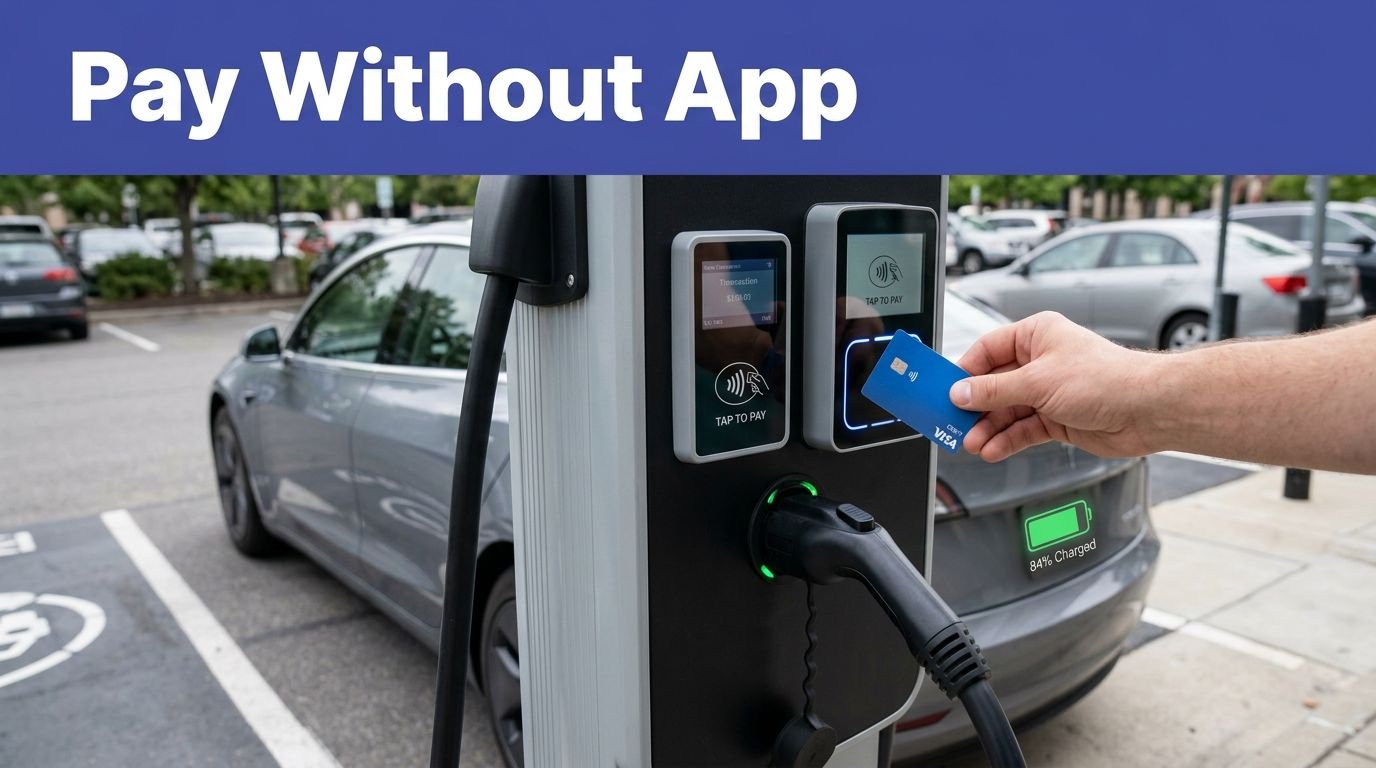
You need a plan before you plug in at SJC. Use Terminal B’s DC fast chargers for 20–60 minute top‑offs, and Garages A/B Level‑2 ports for all‑day or multi‑day parking. Check ChargePoint/EVgo/Tesla apps for live status, pricing, and posted limits; set idle alerts to avoid fees and verify connectors. Expect peak bottlenecks. Consider 24/7 off‑site fast options on Coleman or Brokaw. Here’s how to pick the right spot and timing.
Key Takeaways
- On-airport locations: Terminal B short‑term DC fast; Garages A and B Level 2 for all‑day parking; check the terminal-by-garage map.
- Use the airport map to view connector types, ADA bays, floor level, real-time availability, closures, and suggested alternates before routing.
- Typical costs are $0.30–$0.55/kWh plus parking; start and idle fees may apply; set alerts and observe time limits to avoid penalties.
- Networks include ChargePoint, EVgo, and Tesla; set up apps or RFID, enable waitlists, and verify connector compatibility before leaving the stall.
- Off-site fast chargers on Coleman Avenue and Brokaw Road (150–350 kW) are often cheaper and faster; confirm 24/7 access, lighting, and pricing.
Map of On‑Airport EV Chargers by Terminal and Garage

Use the at-a-glance, terminal-by-garage map to pinpoint EV chargers by location, level, and connector type near each SJC terminal. Filter by Terminal A, Terminal B, and Hourly, Daily, or Economy garages. Icons display Level 2 or DC fast, connector types, and ADA-accessible bays; consult the legend to interpret map symbology and compliance notes. Check real-time status and construction impacts; closures and relocated stalls are flagged before you route. Follow wayfinding details: entry points, floor levels, charger clusters, and exit paths. Zoom to your airline’s terminal, then select a charger to see connector type, level, power rating, and uptime history. Cross-check routing against current barricades, lane shifts, and pedestrian detours. If a garage shows limited access, the map suggests alternate on-airport locations. Confirm ADA paths.
Pricing, Parking Fees, and Time Limits at SJC Stations

How much will it cost to plug in at SJC? You’ll pay charger fees plus standard parking. Expect per‑kWh pricing, a modest session start fee, and posted idle or overstay penalties after the grace period. Airport parking rates accrue while you’re connected, even if charging stops. Check the app or station screen for billing transparency, accepted cards, and receipts. Observe posted time limits; staff cites or tows for violations.
| Cost/Limit | Typical Rate | Compliance Notes |
|---|---|---|
| Charging energy | $0.30–$0.55/kWh | Rates vary by provider, time, location |
| Session/idle fees | $1–$3 start; $0.25–$1/min idle | Overstay penalties after grace period |
| Parking | $2–$3/30 min; daily caps apply | Charged separately from energy |
Use the displayed stall ID, start and stop within limits, and move promptly; repeat offenders risk account holds or citations airport.
Level 2 Vs DC Fast: How Long You’Ll Need and When to Use Each

While Level 2 suits multi‑hour parking, DC fast fits short turnarounds. Use Level 2 when you’ll be parked 4–12 hours; it typically adds 20–35 miles per hour (6–10 kW). Choose DC fast for a quick top‑up before pickup or departure; expect 100–200 miles in 20–40 minutes, strongest from 10–60% and tapering after 80%. To minimize battery degradation, prefer Level 2 for routine charging and limit fast sessions to when you’re time‑constrained or below 30%. For compliance, observe posted time limits, move your car when charging completes, and avoid blocking stalls. Reduce grid impact by charging off‑peak and stopping near 80% when feasible. Plan your dwell: arrive with 20–50% state of charge, target a safe return buffer, and leave promptly. Verify connector compatibility and rates.
Access and Apps: ChargePoint, EVgo, Tesla, and Others at SJC
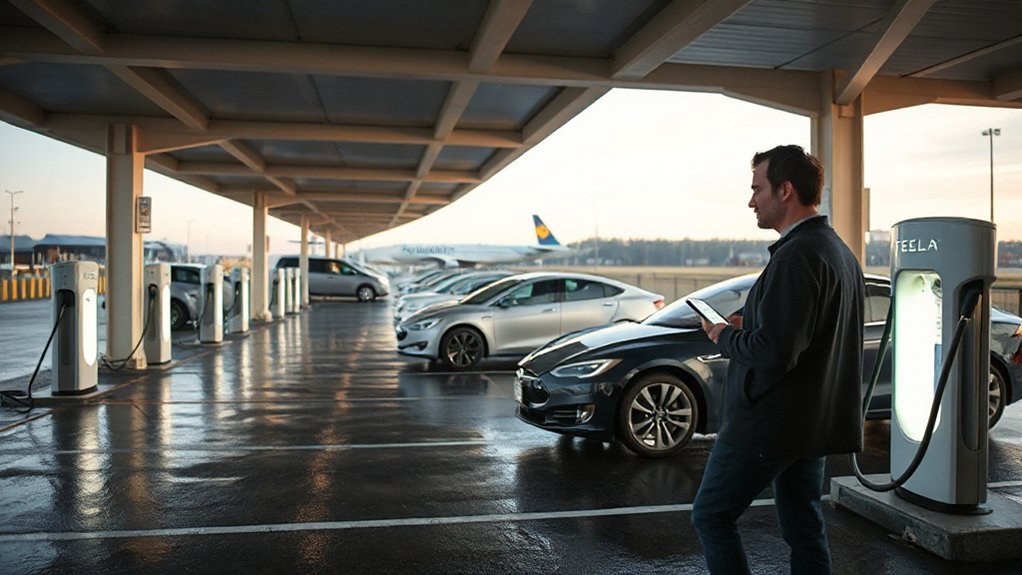
You’ll set up accounts for ChargePoint, EVgo, Tesla, and other networks before you arrive, enabling payment by app, RFID card, or wallet. Confirm your payment method is active and billing info is accurate to prevent session declines. Use each app’s real-time availability tools (or PlugShare) to verify open ports at SJC and filter by connector, power level, and pricing.
App Setup and Payment
Before arriving at SJC, set up the apps you’ll use and confirm payment works. Create or update accounts for ChargePoint, EVgo, Tesla, and any network your employer reimburses. Add a primary card and a backup, verify billing address, and complete identity checks. Enable Two factor Authentication in each app to protect cards and session starts. Order or activate RFID cards/fobs for faster access. In Apple/Google Wallet, link supported networks and run a low-cost test charge beforehand. In settings, enable receipts by email, add your license plate, and standardize nicknames for Receipt Organization and expense coding. Review preauthorization holds and idle-fee rules so you’re not surprised. Keep apps updated, opt into SMS or push charge notifications, and store support numbers for escalation. Contacts handy onsite.
Real-Time Availability Tools


With accounts configured and payment verified, monitor real-time station status in the same apps: ChargePoint, EVgo, Tesla, and any partner networks active at SJC. Filter by terminal, connector type, and power level; verify stall numbers before you enter a garage. Review live availability, posted rates, and idle fees, then start navigation from the app.
Enable push alerts for available, occupied, and fault changes. To minimize api latency impacts, pull-to-refresh, compare multiple networks, and confirm status again upon arrival. Use QR or NFC to authenticate only at the dispenser you’re parked in.
Protect data privacy: disable unnecessary location sharing, opt out of marketing, and clear charging history on shared devices. When roaming, confirm that the partner network shares status and stop codes. Document issues promptly.
Peak‑Time Patterns: Bottlenecks, Reliability, and Real‑Time Strategies
Although chargers span Terminals A/B and the Economy lots, demand surges on weekdays 7–10 a.m., 4–8 p.m., and Sunday evenings, creating queues and exposing weak points in DC fast stall counts, payment reliability, and enforcement. To mitigate, arrive with a 30% buffer, precondition en route, and set alerts for event surges and outage notices. Check operator dashboards for maintenance schedules, connector status, and queue length before entering a lot. Bring backup payment (RFID, app, card) and enable Plug & Charge where supported to reduce failed authorizations.
Use dwell limits, move at charge target, and report violators and faults through the app. If a bank is down, rotate to Level 2 only if time allows. Keep a fallback and update the plan every 10 minutes.
Best Spots for Quick Top‑Offs Vs All‑Day Parking
You’ll use Terminal DC fast chargers for quick top‑offs; observe posted time limits and idle fees. For all‑day parking, select Level 2 stalls in long‑term garages and confirm maximum stay, rates, and enforcement hours. At peak times, check real‑time availability in the airport app, set a backup option, and avoid queuing.
Terminal DC Fast Chargers
Terminal-adjacent DC fast chargers at SJC serve quick turnarounds, not all-day parking. You’ll find them near both terminals, signed for 30–60 minute sessions. Arrive charged to at least 10%, plan a brief stop, and monitor the display. Follow posted Safety protocols and respect dwell limits; enforcement tows idle vehicles. Use your app to confirm uptime, rates, and connector type (CCS/NACS). Cords are short; park nose-in when directed. Keep the bay clear: unplug, stow the cable, and depart immediately upon charge completion. Operators publish Maintenance schedules; if a unit is offline, shift to the next bay. Check airport map for bay locations.
- Orange curb lanes, upper decks: short‑stay access
- Clear signage: max time, idle fees
- Bright lighting, cameras, call boxes
- Restrooms, coffee, boarding lanes nearby
All-Day Level 2 Parking
Level‑2 all‑day parking at SJC balances quick top‑offs with true long‑stay options. For a short dwell, choose Level 2 ports in the terminal garages near elevator cores; you’ll plug in, add 10–20 kWh while you check in, then vacate at departure. For all‑day or multi‑day trips, select Level 2 spaces in long‑term or economy areas, verify posted maximum charging durations, and park only within marked EV stalls. Authenticate with the airport‑supported app or RFID, confirm per‑kWh or session pricing, and enable charge‑complete alerts. Consider security considerations: park in well‑lit, camera‑covered zones, remove valuables, and lock your connector if equipped. Account for weather effects: covered garages mitigate heat, while cold mornings reduce charge rates—plan sufficient buffer before leaving. Report faults to posted numbers for maintenance.
Peak Time Availability
Often, peak demand hits SJC chargers on weekdays 5–9 a.m. and 4–8 p.m., with holiday periods saturating most stalls. To secure a quick top‑off, target Terminal B short‑term DC fast chargers during mid‑day lulls; move as soon as you reach your session cap. For all‑day parking, book Garage A/B Level 2 early, align with commuter trends, and set idle alerts to avoid fees.
- Arrive before 5 a.m. or after 8 p.m. for best odds on Level 2.
- Use app waitlists; accept the first open stall regardless of floor.
- Respect posted time limits; rotate promptly to maintain throughput.
- Expect seasonal variability; allow buffer during Thanksgiving, CES, and WWDC.
Monitor app status and pricing, verify connectors, and adjust plans accordingly during peaks.
Off‑Site Alternatives Near SJC: Faster, Cheaper, and 24/7 Options
While on-airport chargers are convenient, you’ll find faster, cheaper, 24/7 options within a few miles of SJC. Use nearby DC fast stations along Coleman Ave and Brokaw Road for 150–350 kW rates, usually lower than airport L2. Check the network app for live availability, pricing, idle fees, and parking rules. Confirm 24/7 access, hours, and adequate lighting. Observe posted dwell-time limits; avoid overtime fines and towing. Enable Plug&Charge, or carry an RFID card and backup payment. Prefer mall chargers during daytime; at night, choose well-lit sites. Leverage hotel partnerships that allow guest or paid charging; validate with the front desk and register your plate. Park within EV stalls, don’t block fire lanes, and stow cables. Set an 80% cap and keep a 10% buffer.
Conclusion
You’ve got options at SJC. For quick turnarounds, target Terminal B’s DC fast chargers; for all‑day or multi‑day stays, use Level‑2 ports in Garages A and B. Check apps (ChargePoint, EVgo, Tesla, PlugShare) for live status, pricing, and routing. Verify connectors, posted rules, and set idle alerts to avoid fees. During peaks, pivot fast or go off‑site on Coleman or Brokaw for 24/7 higher power. Execute like a flight checklist—precise, compliant, and on time always.