A workplace EV charging policy can turn an empty parking-space argument into a useful employee benefit. But workplace EV charging isn’t a matter of buying two shiny charging stations and hoping nobody fights over them by Tuesday.
Employees need clear access rules, fair pricing, reliable electric vehicle charging, and a place to report problems. Employers need a plan for maintenance, electrical capacity, permits, ownership, insurance, and taxes, plus an answer for the employee who leaves a car plugged in until the next geological era. Define these details before selecting hardware, then choose equipment that fits the program.
This post may contain affiliate links. If you make a purchase through these links, I may earn a small commission at no extra cost to you.
Key Takeaways
- Start with an employee survey and site assessment before buying charging hardware. Commute distance, home-charging access, parking schedules, electrical capacity, and future expansion needs should guide the design.
- Level 2 charging is usually the practical choice for employee parking, while Level 1 suits low-demand sites with long dwell times and DC fast charging is better for fleets or vehicles that need quick turnaround.
- Assign one program owner and define responsibility for utilities, installation, maintenance, access, pricing, parking enforcement, data, and employee support.
- Write clear rules for registration, reservations, charging time, idle fees, accessibility, vehicle movement, liability, and what happens when a charger or network fails.
- Treat workplace charging as an ongoing service. Use software, maintenance plans, pilot testing, and regular reviews of uptime, costs, demand, fairness, and employee feedback to improve the program.
What a workplace charging program should do
Workplace charging is usually an employee service, not a public charging business. That distinction affects almost everything, including access, fees, parking rules, data collection, and the kind of charger you need.
The U.S. Department of Energy’s workplace charging guidance treats planning, installation, management, and maintenance as connected tasks. That sounds obvious. It also gets ignored constantly.
Start with employee need
Ask what drivers need during a normal workday and how those needs should shape the site.
Someone with a short commute may need only a few miles of range. Another employee may live in an apartment, drive 70 miles each way, and view the office charger as the only dependable charging option. Those are different use cases wearing similar company badges.
Survey employees before choosing charging stations. Ask about:
- Current EV ownership and likely purchases within two years
- Daily commute distance
- Access to home charging
- Typical days, arrival times, and hours on site
- Parking schedules and expected charging demand
- Interest in paid, free, or subsidized charging
- Fleet, visitor, and contractor charging needs
Use those answers to guide later design decisions. Commute length and home-charging availability help forecast demand, while parking schedules show how long vehicles can stay connected. Together, they can inform charger quantity, placement, and operating hours.
Charging access can support recruitment and retention, especially where employees lack home charging. It shouldn’t be sold as a guaranteed program outcome. Charging should be presented as one of several employee benefits, not a standalone promise. A broken charger beside a strict parking policy is not a benefit. It’s a new office complaint with a cable.
Give the program one owner
Name a program owner before installation begins. That person may sit in facilities, sustainability, workplace experience, or fleet operations.
The owner should coordinate the utility, electrical contractor, charger vendor, property manager, HR, finance, legal counsel, and employees. Without that person, every problem becomes “someone else’s system.” The charger goes offline, facilities blames the network, the network blames the electrician, and employees stare at the pedestal like it’s a vending machine that ate their lunch money.
How to choose the right EV charging level
The right charger depends on energy delivered per parking hour, not on which charging stations have the most impressive specifications in a sales presentation.
| Charging level | Electrical setup | Best workplace use | Main limitation |
|---|---|---|---|
| Level 1 charging | Standard 120-volt circuit | Long shifts, low daily demand, pilot programs | Slow charging and limited port turnover |
| Level 2 stations | Usually 208 or 240 volts AC | Employee parking during several-hour shifts | May require panel upgrades or load management |
| DC fast charging | High-power direct current equipment | Fleets, shift changes, urgent turnaround | High equipment, utility, and demand costs |
Level 1 works when cars stay put
Level 1 charging uses a standard 120-volt outlet. It has the lowest equipment cost and may fit a workplace where vehicles remain parked all day or overnight.
It also has a basic problem: one vehicle can occupy an outlet for a long time while adding energy at a modest rate. That may be fine for a small office with low demand. It becomes awkward when 20 employees want access and the building has two outlets near the maintenance closet. Level 1 charging can limit turnover, even when vehicles have long dwell times.
Use dedicated, code-compliant circuits. Don’t build a charging program around extension cords, shared power strips, or a heroic employee who promises to reset the breaker.
Level 2 is the usual employee solution
Level 2 charging uses 208 or 240 volts AC and is generally the practical choice for employee parking. It can add useful range during a normal shift, especially when chargers share power through load management.
The DOE’s infrastructure guidance gives rough cost figures for non-residential charging, but local electrical work can change the number quickly. A short conduit run near spare panel capacity is one project. Trenching across a parking lot is another project wearing the same invoice category.
Networked Level 2 stations also support badges, apps, energy reports, reservations, load management, and session limits. Those features cost more, but they solve operational problems that hardware alone cannot touch.
DC fast charging is for speed, not convenience theater
DC fast charging sends direct current to the vehicle at much higher power. It is useful for delivery fleets, service vehicles, shift workers, and sites where cars cannot remain parked for hours.
For ordinary employee parking, high-power DC equipment can be excessive. Equipment may cost tens of thousands of dollars, and installation can require major service upgrades, transformer work, trenching, or planning for demand charges. The DOE case study on workplace DC fast charging shows why these systems need a proper site and financial review.
A fast charger also creates a turnover problem. If employees treat it like a free Level 2 station, the expensive equipment becomes a fast way to create lines at nearby charging stations.
Survey demand and design the site before buying hardware
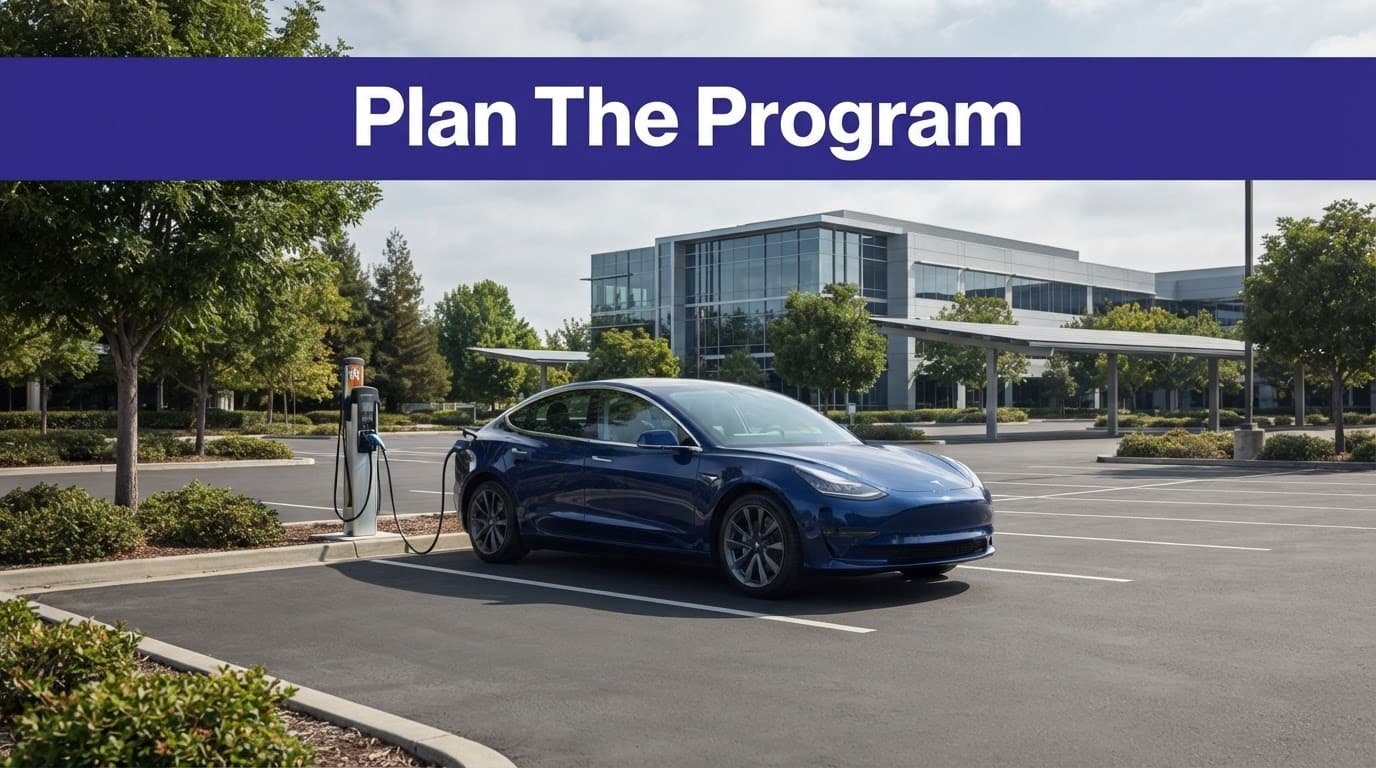
A charger location is a small electrical project attached to a parking policy. A formal site assessment should examine simultaneous demand, dwell time, parking ownership, cable routes, expansion capacity, and accessibility. It should connect the parking layout to the electrical system and charging infrastructure before hardware is ordered. Treating it like office furniture is how budgets develop mysterious extra zeros.
Ask questions that change the design
The employee survey should produce decisions, not a pile of optimistic responses.
Find out how many drivers need charging on the same days. Separate employees from fleet vehicles, visitors, contractors, and public users. Check whether people need a full battery or only enough energy to get home.
Vehicles parked all day may suit a low-demand Level 1 charging pilot, while shorter dwell times require faster equipment.
Then review the parking layout. Look at:
- Charging stations, their distance from the electrical service, and available panel capacity
- Trenching, conduit, pavement, drainage, and snow-removal needs
- Parking ownership, leases, easements, and landlord approval
- Lighting, security cameras, bollards, wheel stops, and cable paths
- Accessible parking spaces and routes into the building
- Future expansion space for additional charging ports
A survey that says 40 employees want chargers doesn’t tell you whether they need 40 ports. It tells you to investigate schedules, dwell time, and energy demand.
Let the electrical room speak first
Have a qualified contractor lead a load review of the service, panels, grounding, transformer capacity, and proposed cable routes. Coordinate with the utility to confirm the planned load and review any service upgrade, new meter, rate change, or demand-charge needs.
Load management may let multiple Level 2 ports share a fixed power limit. That can reduce peak demand and postpone an expensive upgrade. It doesn’t create electricity out of office optimism, though. If every car needs maximum power at 8:05 a.m., the software has a difficult morning ahead.
Choose equipment with future expansion in mind. Conduit sized for later circuits can cost less during the first construction phase than reopening pavement two years later.
Build a budget that includes the unglamorous parts
Charging stations are only one line on the budget. Concrete, wire, permits, networking, signage, bollards, software, utility work, and maintenance are waiting in the other lines, looking innocent.
Use cost ranges for planning, not promises
DOE planning figures put rough non-residential costs in these ranges:
| Equipment | Approximate equipment cost | Approximate installation cost |
|---|---|---|
| Level 1 charging | $300 to $1,500 | $0 to $3,000 |
| Level 2 | $400 to $6,500 | $600 to $12,700 |
| DC fast chargers | $10,000 to $40,000 | $4,000 to $51,000 |
These ranges vary with power, networking, site conditions, labor, permitting, and utility requirements. A Level 2 unit near an existing panel is not financially comparable to one requiring 300 feet of trenching and a new transformer.
Ask vendors to separate equipment, installation, civil work, utility work, software, taxes, warranty coverage, and ongoing service. If everything appears under one cheerful line called “deployment,” ask what was left out.
Calculate the operating cost
Your annual model should include energy usage, electricity, demand charges, software, maintenance, administration, payment processing, inspections, insurance, snow removal, parking enforcement, and staff time.
Then decide what the employer is trying to recover. A cost-recovery program may charge for energy, time, or both. A benefit program may subsidize some or all charging to support sustainability goals or environmental reporting. A fleet program may track energy as an operating expense rather than an employee benefit.
Use this basic model:
Annual net cost = electricity and demand charges + software + maintenance + administration – charging fees
For a payback calculation:
Payback period = total employer investment after incentives / annual net benefit
Don’t count employee retention as guaranteed revenue. If leadership wants to include recruiting value, label it as an assumption and test it against actual hiring data. A spreadsheet should reveal uncertainty, not hide it behind a large green arrow.
Check financial incentives before signing contracts
State grants, utility rebates, and make-ready programs depend on the site address, utility territory, equipment, customer type, and application date. Many require pre-approval before construction. Call the utility before the contractor breaks ground.
The federal Section 30C credit also needs careful handling. As of this article’s August 2026 publication date, the June 30, 2026, placed-in-service deadline has expired. Verify the law and IRS business credit guidance before including the credit in a current project budget. Under the applicable rules, the business credit was generally 6% of qualifying cost, including labor, up to $100,000 per item, or 30% when prevailing wage and apprenticeship requirements were met.
A future eligibility window, if enacted, would require separate confirmation rather than reliance on the expired deadline. Don’t put the credit into a current project budget without having a tax professional confirm the exact project facts and current law. Eligibility also depends on the property’s census tract. The IRS census tract FAQ explains the location test.

Work with the utility, contractor, and property owner
A workplace charging project can stall before installation because the electrical service cannot support the planned load. The charger vendor may be ready. The parking lot may be ready. The utility may still need months for design, equipment, or approval.
Bring utility providers in early



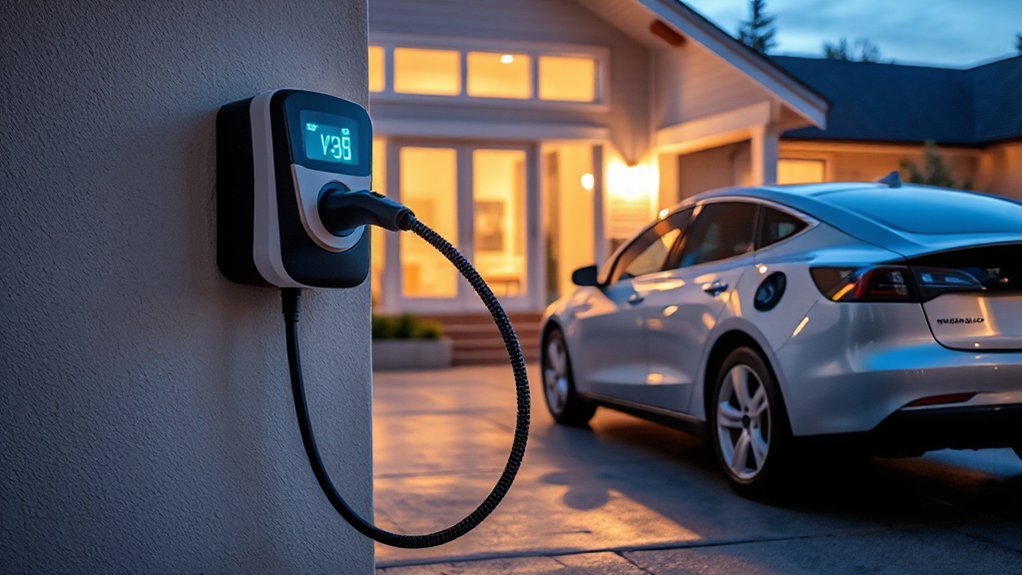
Give utility providers a preliminary site plan showing the quantity and placement of charging stations, power level, operating hours, and expected expansion. Share the site assessment with the utility and landlord so they can review the plan together.
Ask about transformer capacity, service upgrades, meter configuration, time-of-use rates, demand charges, and managed charging programs.
Request the answer in writing. “It should be fine” is a lovely sentence until the first demand bill arrives.
For leased properties, get the landlord’s approval before selecting a site. Confirm who owns the equipment, who pays for upgrades, who receives rebates, who controls the parking facilities, and what happens when the lease ends.
The agreement should address removal, repairs, roof or pavement access, insurance, utility accounts, data, and restoration. A charger bolted to somebody else’s parking lot is a property question wearing an electrical hat.
Hire contractors who understand EV equipment
Use licensed electrical contractors familiar with electric vehicle supply equipment, local permits, grounding, overcurrent protection, trenching, signage, and network commissioning. Ask for references from similar commercial installations.
The contractors should verify connector compatibility, breaker sizing, cable protection, equipment clearances, bollard placement, drainage, lighting, and emergency procedures. Have the installers document as-built locations and circuit information for future service.
Accessibility deserves its own design review. The ADA Standards for Accessible Design apply to covered facilities, while state and local rules may add requirements. Charging spaces can affect accessible parking counts, access aisles, travel paths, reach ranges, cable placement, lighting, and safe routes to the building. Delaware’s charging station accessibility guidance is a useful example of how those details can appear in a state program.
Don’t paint an accessible symbol on the pavement after construction and call the job finished. People need to reach the charger, operate it, connect the cable, and travel safely to the building.
Write the employee policy before opening the ports
Charging policies should be short enough to read and detailed enough to prevent a meeting titled “Charger Confusion, Part Two.”
Define who may use the charging stations
State whether charging is available to employees, contractors, visitors, fleet vehicles, or the public. Decide whether work vehicles get priority during business hours.
Require registration through a company-approved app, badge, RFID card, vehicle plate, or other access method. Registration should collect only the information the program needs, such as name, work email, vehicle details, payment method, and charging history.
Explain how employees update their information and how access ends when employment ends. If a third-party network stores account data, identify that provider in the policy.
Liability language should cover damaged connectors, vehicles, cords, parking collisions, misuse, and charging interruptions. Have counsel review waivers and terms, especially if employees pay for sessions or the site is open to non-employees. A waiver isn’t a magic force field. It doesn’t erase negligence or local law.
Make sharing rules painfully clear
The policy should answer the questions people ask when they are already annoyed:
- How long may a vehicle remain in a charging space?
- Does the limit begin when the session starts or when charging stops?
- Is there a grace period?
- Are reservations allowed?
- What happens after a no-show?
- Can an employee move another vehicle?
- Are overnight sessions allowed?
- What happens when all charging stations are occupied?
- Who handles disputes and reports misuse?
Spell out charging etiquette for unplugging promptly, moving vehicles, managing reservations and no-shows, and respecting accessibility needs.
Use reservations only if the software can enforce them fairly. A reservation that lets somebody block a port for three hours without arriving is not access control. It’s parking theater.
Some employers use charging buddies, where employees coordinate directly. Others use automatic time limits, queue systems, or idle fees after charging ends. The choice depends on staff schedules and the number of ports.
The most important rule is often the least glamorous: say who moves the car when charging is complete.
Choose a fee model employees can understand
Common models include free charging, employer-paid charging, subsidized energy, cost recovery, and energy-plus-idle rates.
Free charging is easy to explain but may create demand that the site can’t support. Cost recovery is more sustainable financially, but employees need to understand whether the price includes electricity, software, taxes, and parking time.
Time-based rates can improve turnover. They can also punish vehicles that charge slowly, drivers with accessibility needs, or sessions interrupted by equipment faults. If you use idle fees, provide a grace period and pause the fee during documented charger or network failures.
Publish the rate before registration. Show the start time, energy price, idle fee, taxes, and cancellation rule inside the app and employee policy. Nobody enjoys discovering a new session charge by reading a receipt in the elevator.
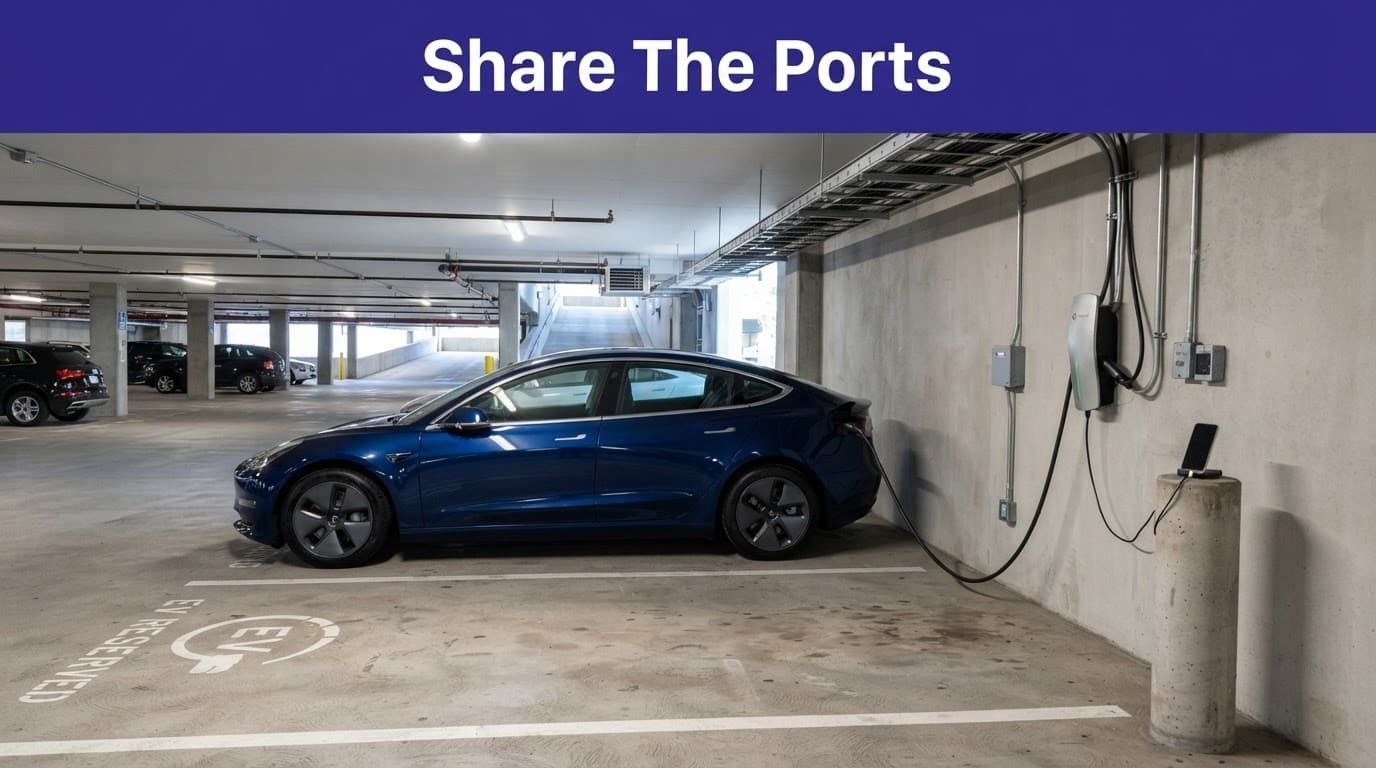
Use software to manage access and energy
Cloud-based charging software should serve as the operating layer for your charging infrastructure, controlling access, energy allocation, alerts, and reporting. You need session records, user controls, and load management. You don’t need a dashboard that displays 47 colors while nobody knows why Port 3 stopped working.
Pick features that match the policy
A networked system may provide:
- Employee registration and account management
- App, RFID, badge, or vehicle access
- Reservations and waitlists
- Automatic time limits and idle fees
- Energy usage and cost reporting
- Remote resets, outage alerts, and uptime monitoring for charging stations
- Load balancing across Level 2 stations and charging ports
- Different rates for employees, fleets, visitors, and the public
- Exportable data for finance and sustainability reporting
These reports can support sustainability goals and Scope 3 emissions accounting. Commuting emissions treatment depends on the employer’s accounting framework.
ChargePoint is one established charging network among several commercial options. Evaluate any ChargePoint proposal for uptime, interoperability, contract terms, and data portability. Compare vendors on hardware compatibility, open-network support, software fees, payment processing, and warranty terms. A recognizable name doesn’t automatically mean the contract fits your site.
The Charge@Work program offers planning resources for workplaces and public officials. Use resources like that to compare program choices, then verify technical details with your contractor and utility.
Protect employee and vehicle data
Charging software may record names, email addresses, badge IDs, vehicle information, location, session times, energy use, and payment details. Decide who can see that information, how long it’s retained, and what vendors may receive.
Facilities may need operational reports, but HR probably doesn’t need a daily map of where every employee’s car charged. Use role-based access and set retention periods. Document which fields vendors receive and why.
Tell employees whether charging data is used for billing, sustainability reporting, parking enforcement, or disciplinary action. Explain who can access it and why. Clear notice prevents suspicion and keeps an employee benefit from feeling like a workplace tracking device with a nicer cable.
Launch the program as a service, not a parking-lot experiment
Installation day isn’t the finish line. It’s when employees discover whether the charging stations, instructions, access controls, markings, and support process work beyond a spreadsheet.
Start with a controlled pilot
Open the service to a defined group first, such as employees in one building or drivers without reliable home charging. Test registration, payment, reservations, access permissions, time limits, notifications, and fault reporting.
Test the load-management system during busy periods. Confirm that it reduces power as expected. Check whether cables cross walking paths or create trip risks. Verify that employees know whom to call after 5 p.m.
Watch what actually happens. Do drivers unplug when charging ends? Are ports available during peak arrival times? Do reservations and time limits work as intended? Record failed payments, missed notifications, and access errors.
The Workplace Charging Pocket Guide covers planning, installation, management, and maintenance in a compact format. A pilot gives those categories real names, real times, and occasionally real complaints.
Assign maintenance before the first failure
Write a service plan with the installer or network provider. Set response times for broken connectors, payment failures, communication outages, tripped breakers, damaged bollards, and pavement problems.
Name the owner for each repair. The installer may handle equipment, while facilities or the property owner may handle bollards, curbs, striping, and pavement. Define escalation steps when a vendor misses a response target.
Inspect cords, connectors, housings, signage, wheel stops, lighting, and parking markings. Keep spare parts and a clear process for taking failed equipment offline. Employees shouldn’t have to diagnose a fault by standing beside the charger and making increasingly disappointed facial expressions.
DOE’s guidance on charging operation and maintenance notes that maintenance costs vary by equipment. DC fast charger warranties and service plans can cost much more than those for simpler Level 1 charging or Level 2 equipment.
Measure use, cost, and fairness
Review the service monthly at first, then quarterly. Track:
- Sessions and kilowatt-hours by user group
- Peak hours and average connection time
- Completed charging versus idle time
- Revenue, subsidies, demand charges, and maintenance costs
- Port uptime and support tickets
- No-shows, blocked spaces, and policy disputes
- Employee feedback and access complaints
Use the results to adjust port quantity, rates, reservation windows, or operating hours. Base those changes on several weeks of data, not one busy Monday. Look for repeated demand, then compare it with electrical capacity and budget.
A successful service isn’t the one with the most ports. It’s the one employees can understand, finance can defend, facilities can maintain, and drivers can use without asking who owns the orange cable.
Frequently Asked Questions
What type of charger is best for a workplace?
Level 2 charging is usually the best fit for employees who park for several hours during a normal shift. Level 1 can work for low-demand sites with long dwell times, while DC fast charging is generally reserved for fleets, shift changes, or urgent turnaround.
Should workplace EV charging be free for employees?
Free charging is simple to explain, but it can create more demand than the site or electrical system can support. Employers can also use subsidized charging, cost recovery, or energy-plus-idle rates, provided the pricing is published clearly before employees register.
What should a workplace EV charging policy include?
The policy should explain who may use the chargers, how users register, how long vehicles may remain in charging spaces, whether reservations and idle fees apply, and how accessibility needs are handled. It should also cover liability, payment, data collection, fault reporting, vehicle movement, and consequences for misuse.
Does a workplace need networked charging stations?
Networked stations can provide access control, reservations, session records, load management, outage alerts, and cost reporting. They are useful when multiple employees share ports, but employers should compare software fees, uptime, interoperability, contract terms, and data portability before choosing a provider.
How should an employer manage charger maintenance?
Assign repair responsibilities before launch and set response times for equipment faults, payment problems, communication outages, damaged bollards, and pavement issues. Inspect the chargers and surrounding parking area regularly, and give employees a clear support process instead of making them diagnose the problem beside a blinking station.
Conclusion
A well-designed workplace charging policy works when the charger, parking space, software, budget, and human rules agree with one another. Choose Level 1 charging for low-demand use and Level 2 for most employee parking. Use DC fast charging stations where vehicles need quick turnaround.
Start with a survey and site assessment. Bring in the utility and qualified installers early. Put access, sharing, pricing, liability, accessibility, data, and maintenance rules in writing before the first session.
The goal isn’t to make every parking space electrified. It’s to create reliable charging access without turning the parking lot into an office argument with electricity.