Your EV can travel hundreds of miles, but one unreliable charger can derail a road trip. Finding EV fast chargers is easy. Finding dependable charging stations with an open stall and a fair price takes more planning.
A reliable route needs more than one map. Check the technical basics before leaving, and keep enough battery buffer for a backup. The sections ahead cover the details and planning habits that can keep one broken screen from ruining your day.
This post may contain affiliate links. If you make a purchase through these links, I may earn a small commission at no extra cost to you.
Key Takeaways
- A reliable DC fast-charging stop depends on more than advertised power: check connector compatibility, stall availability, payment options, site access, and nearby amenities.
- Use your vehicle’s route planner, the AFDC station locator, network apps, and recent PlugShare reports to verify a charger before departure and again when you’re nearby.
- Confirm whether your EV uses CCS1, NACS, or CHAdeMO, and use only a vehicle-approved NACS DC adapter when one is required.
- Keep a sensible battery buffer and save backup charging stations along the route so one broken charger, crowded site, or unexpected headwind does not derail the trip.
- Compare charging networks by coverage, access rules, connector availability, pricing, and host policies—not by charger count alone.
What Makes a Reliable DC Fast-Charging Stop?
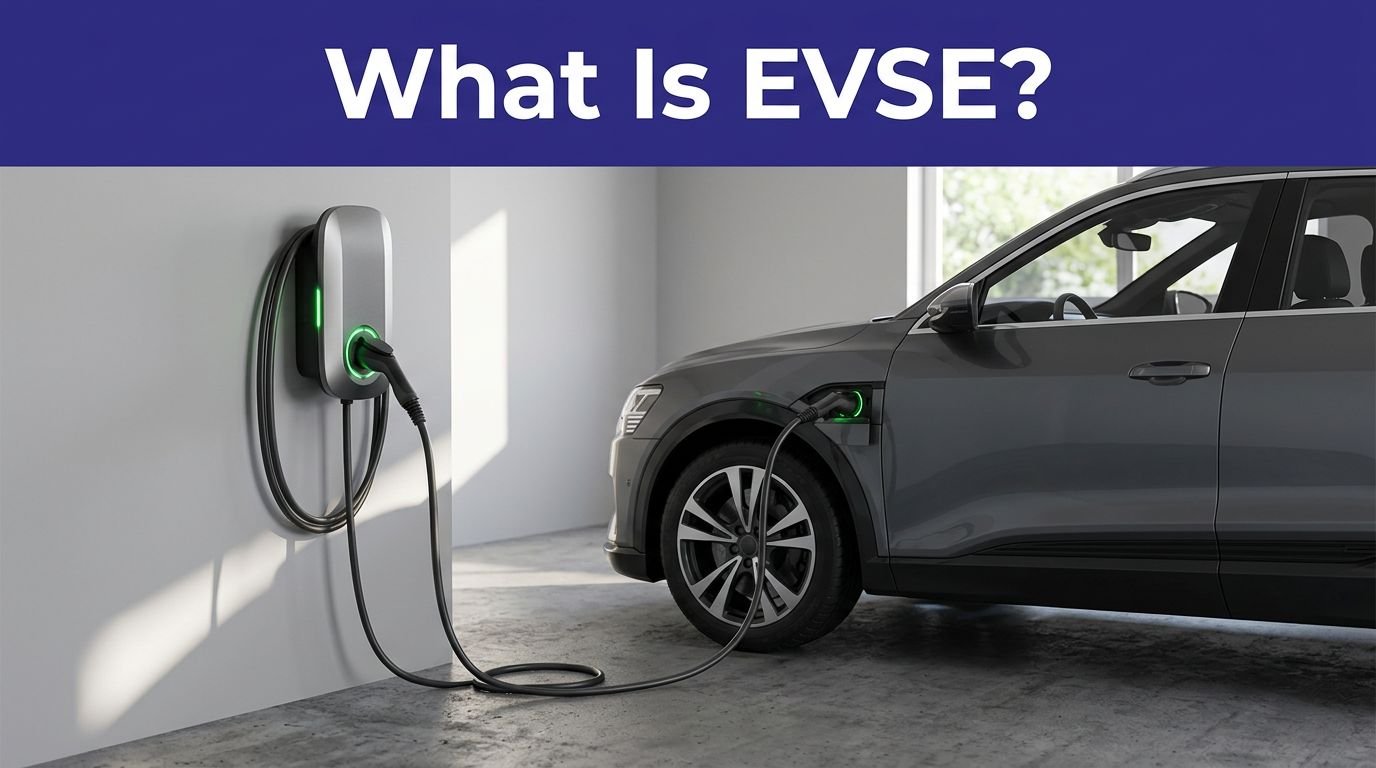
DC fast chargers send direct current to electric vehicles’ batteries. The station converts grid electricity and communicates with the battery management system, while Level 2 chargers, including residential EV chargers, send alternating current through the car’s onboard charger first.
That difference is why DC fast charging is quicker. It also explains why a charger’s advertised charging speed isn’t the whole story.
A station labeled 350 kW doesn’t mean your EV will receive 350 kW. Your vehicle may accept only 150 kW. Battery temperature, state of charge, weather, and the station’s power-sharing setup can reduce the actual power output.
A 350 kW charger is a ceiling, not a promise.
Charging usually slows as the battery fills. For most long-distance journeys, a stop from roughly 10% to 60% or 80% is more time-efficient than waiting for 100%. A useful DC fast-charge session often takes 20 to 45 minutes, though some vehicles and conditions can push that closer to 75 minutes.
Reliability is more than speed or charger hardware; the surrounding EV infrastructure matters too. Look for charging stations with several stalls, clear access, working payment options, good lighting, and nearby restrooms or food. One powerful charger in an empty parking lot is less useful than several slightly slower chargers where you can safely wait.
The Electrical Association’s explanation of EV charging infrastructure offers a helpful breakdown of charger equipment and connector standards.
How to Verify a Charging Stop Before You Leave
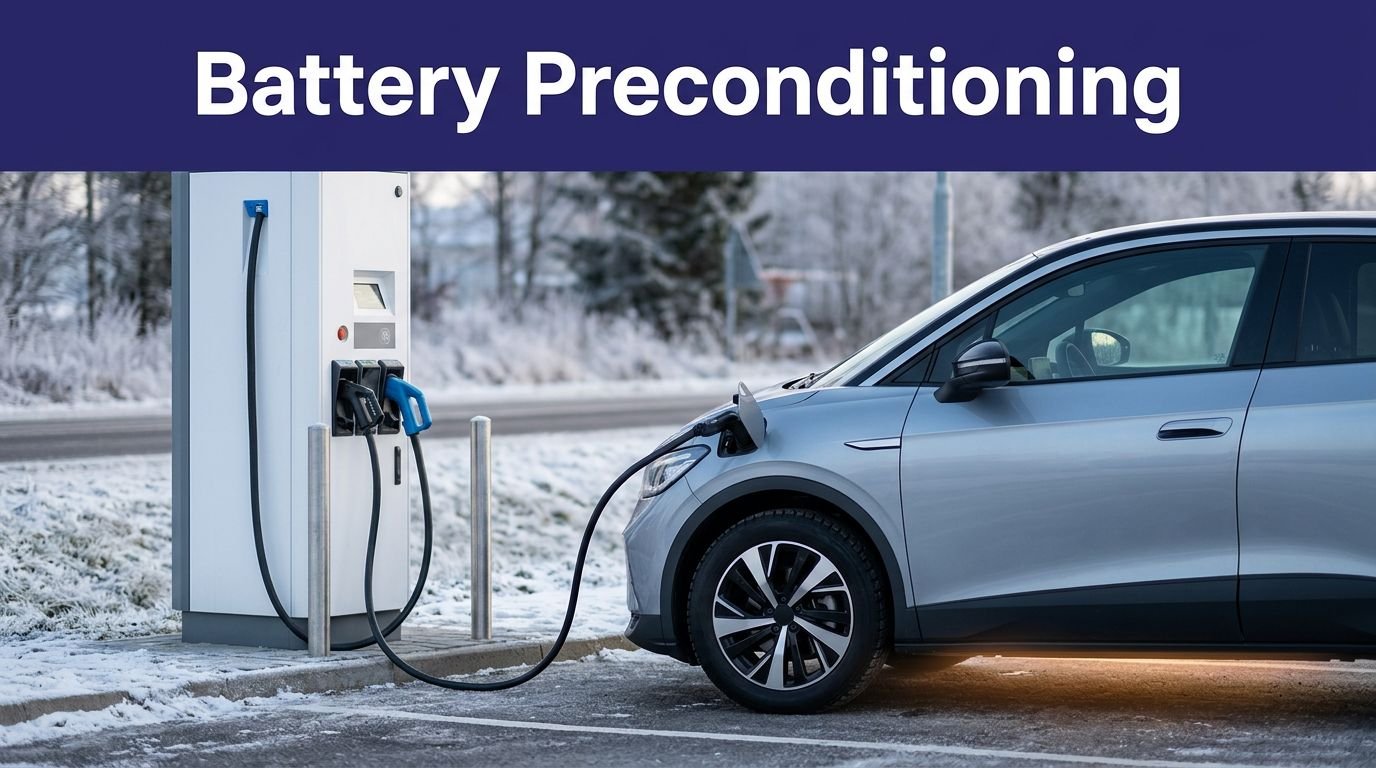
Begin with your vehicle’s built-in route planner before a road trip. It knows your battery size, estimated consumption, and, in some cases, your vehicle’s charging curve. Your vehicle’s mobile app may also precondition the battery before arrival, improving cold-weather performance.
Then check the route with an independent map. The U.S. Department of Energy’s Alternative Fuels Data Center station locator covers charging stations in the United States and Canada. Filter for DC fast chargers, confirm the connector, and inspect the station details before choosing it.
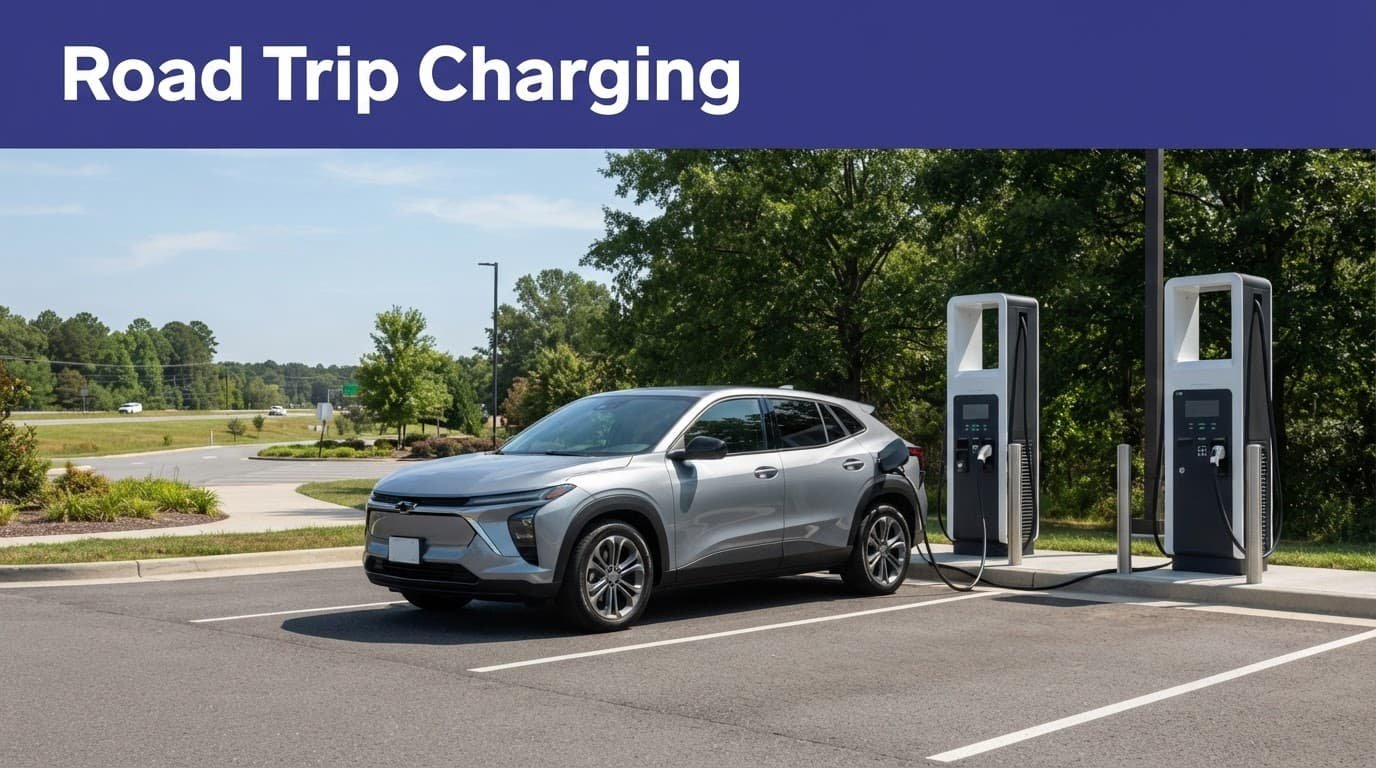
PlugShare’s charging map adds something official maps often lack: recent driver reports. Reviews can reveal blocked stalls, broken card readers, poor lighting, construction, or problems at IONNA locations, including a charger that has been “temporarily unavailable” since the invention of sliced bread.
Use the charging network’s own mobile app as the final check. It should show current availability, pricing, connector type, and whether the station is operating. Check the station shortly before departure, then check again when you’re within practical range.
Before you commit to a stop, verify that any NACS DC adapter is approved for your EV, then confirm these details:
- The station has a connector your EV can use, and any NACS DC adapter is approved for it.
- At least one stall is available, or the location has enough stalls to make waiting reasonable.
- The station is open when you’ll arrive, especially if it’s on private property.
- You have a backup charger within your remaining range if the first site fails.
- You know how you’ll pay, whether through an app, credit card, RFID card, or Plug and Charge.
Keep a sensible battery buffer, especially when planning stops along fast-charging corridors. Don’t arrive at a remote charger with 2% remaining and the confidence of a man who has never met a headwind. Cold weather, rain, hills, traffic, and a full car can all increase energy use.
For long routes, save the backup charging stations in your phone before leaving. Cell service can disappear at the exact moment the charging app decides to become philosophical.
Check the Connector, Adapter, and Charging Speed
Before using public charging, check connector compatibility at the charging stations along your route. In North America, three connector types matter most for long-distance travel.
CCS1, also called the SAE J1772 Combo or SAE Combo, is common on many non-Tesla EVs and public DC charging sites. It combines the J1772 AC connection with two larger DC pins below it. The International Association of Electrical Inspectors explains the CCS format in practical terms.
NACS, also known as the J3400 connector, is the Tesla-style plug now used by Tesla and adopted by several other automakers. It handles AC and DC charging through one compact connector. Natural Resources Canada describes how NACS combines AC and DC charging.
CHAdeMO is an older DC fast-charging standard. Some vehicles still require it, including certain earlier Nissan models. CHAdeMO stalls are becoming less common on new sites, so owners should plan more carefully and confirm that a compatible stall is actually present.
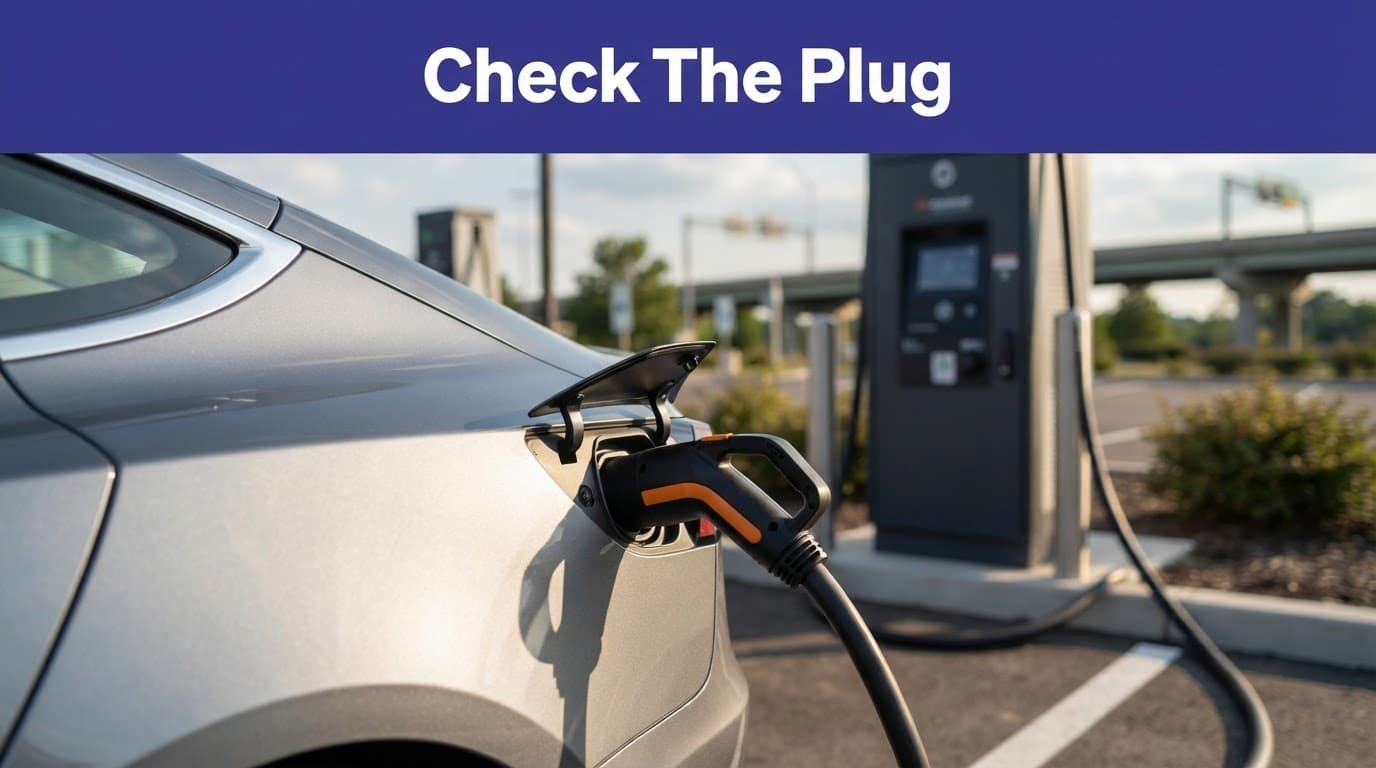
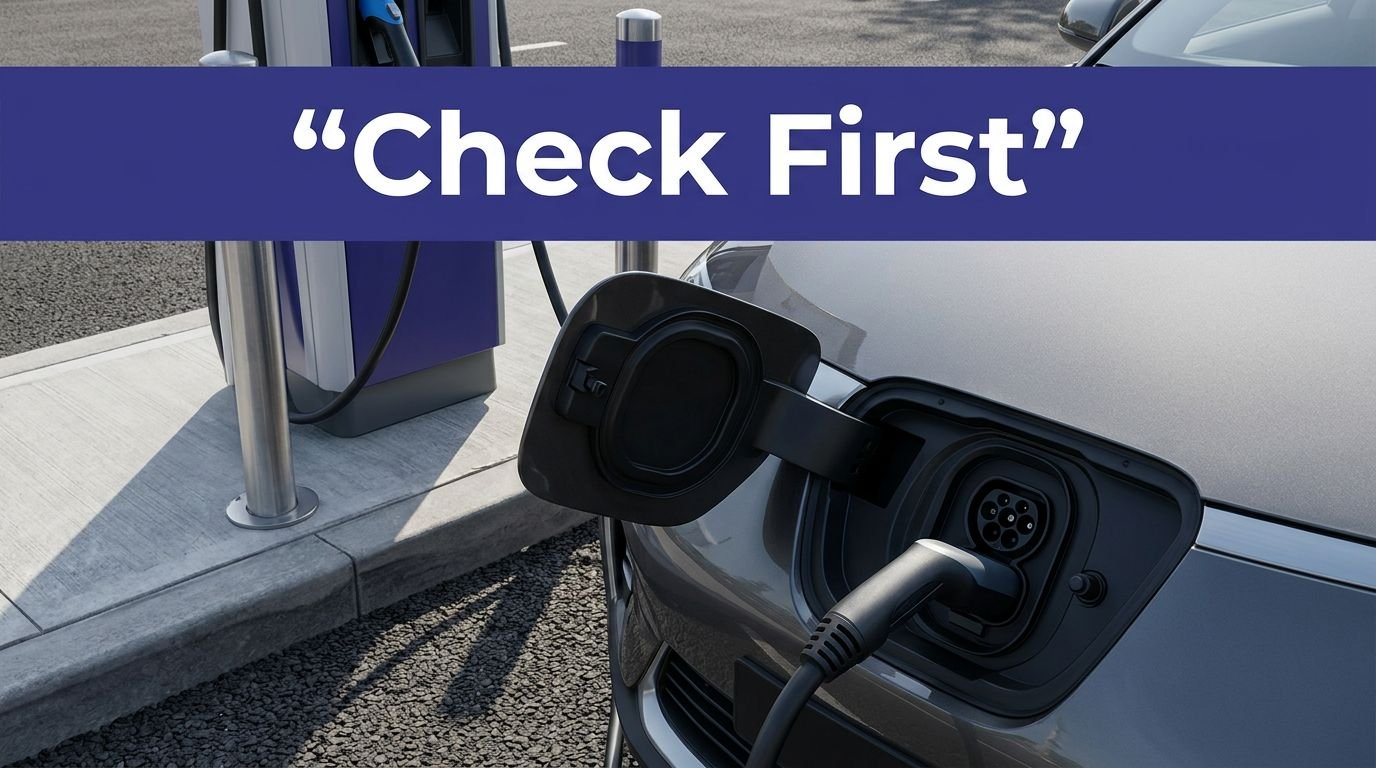
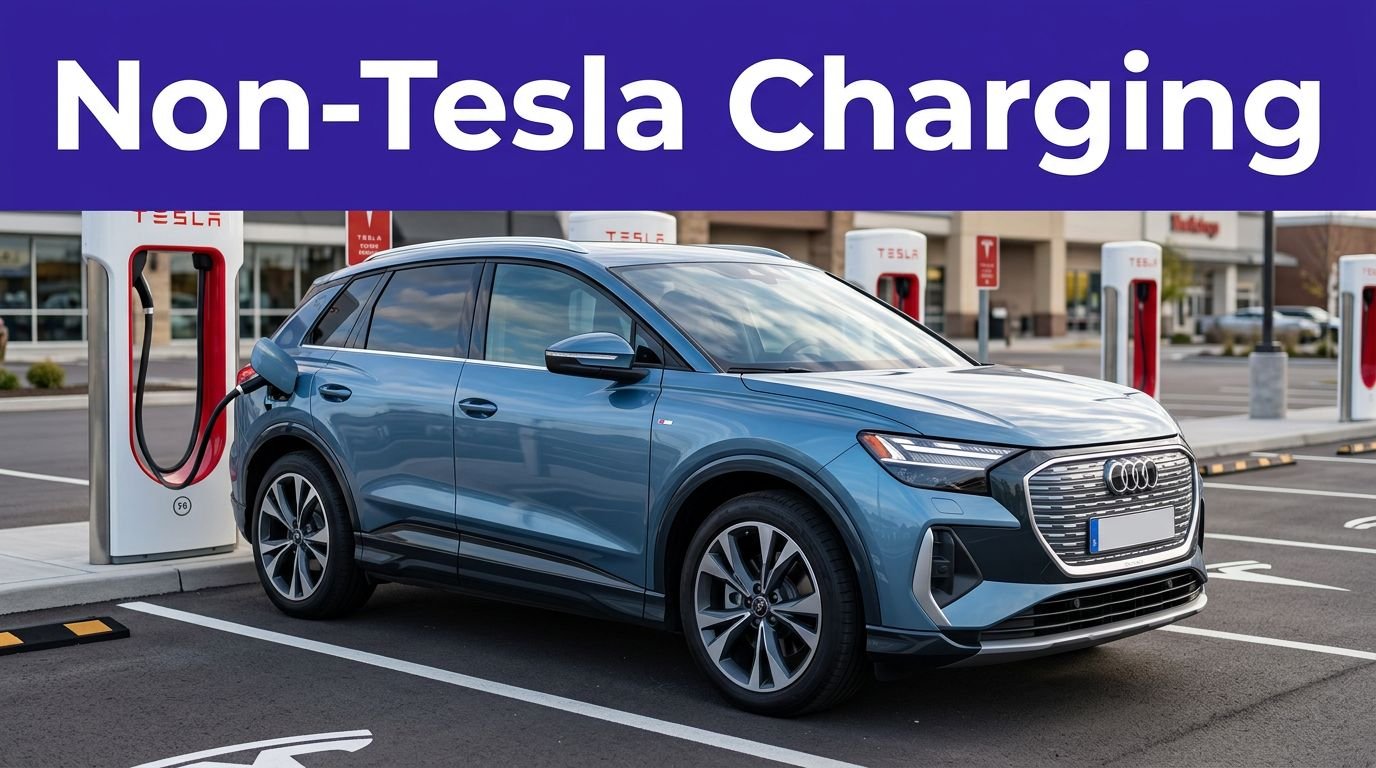
A NACS DC adapter lets a compatible CCS1 vehicle connect to a NACS charging cable. That NACS DC adapter doesn’t create universal access. The vehicle must support it, the charger must allow that vehicle, and it must be approved for DC fast charging.
That last part matters. A cheap adapter from an unknown seller may fit physically and still be wrong for the voltage, current, communication protocol, or safety requirements. Use the NACS DC adapter supplied or approved by your vehicle manufacturer.
For example, GM provides instructions for eligible drivers to find NACS public charging sites in the vehicle mobile app and connect a GM-approved NACS DC adapter. Eligible GM EVs can access selected Tesla Superchargers, but not every Supercharger location is open to every non-Tesla vehicle.
Check four things before leaving:
- Your vehicle’s charge-port standard and support for the NACS DC adapter
- The station’s cable type and whether the station authorizes the NACS DC adapter
- Whether an adapter is required and approved
- The vehicle’s maximum DC charging rate
Carry the NACS DC adapter in the vehicle, or confirm where it is stored before leaving.
Plug names are not a travel plan. The car, cable, station, adapter, and account all have to agree.
Compare the Networks Without Chasing the Biggest Number
Public charging options overlap, but they don’t operate the same way. Compare each charging network by route coverage, connector compatibility, host rules, and price, not raw charger count. Charging stations can cover one stretch well and leave awkward gaps on the next. Public sites use commercial EV chargers, unlike charging solutions designed for home use.
| Network | Connector and access | What to check before arrival |
|---|---|---|
| Tesla Superchargers | Native NACS; non-Tesla access is site-specific and may require a NACS DC adapter | Confirm vehicle compatibility and site authorization before arrival. |
| Electrify America | CCS1 remains common; NACS availability varies by location | Verify current connectors, pricing, and operating status in its app. |
| EVgo | CCS1, some CHAdeMO, and growing NACS availability | Check billing method, connector status, and session fees in its app. |
| ChargePoint | Hardware varies by host, including CCS1 and NACS | The property owner sets pricing, access rules, and availability. |
| Blink Charging | Connector mix varies by host | Verify host-specific connector, pricing, and availability details. |
| IONNA | CCS and NACS at newer Rechargery sites | Confirm current site availability, connector mix, and pricing. |
| FLO | Canadian coverage with site-specific details | Confirm current connector availability, pricing, and operating status in the FLO app. |
Don’t compare networks by charger count alone, since ChargePoint’s footprint includes many charging ports at Level 2 locations. Tesla coverage can help on long-distance routes, while IONNA’s mixed CCS and NACS design suits households with different EV brands. Verify coverage and site access for each IONNA location.
Pricing also requires attention. Electrify America displays rates at the charger and in its app. EVgo commonly bills by energy, though local rules can require time-based billing. ChargePoint pricing is host-set, so branded charging stations can have different rates and access rules.
Membership plans may lower the charging price, but don’t buy one automatically. Compare IONNA’s rates and membership terms, along with any plan fee, against the number of sessions you expect. A plan that saves money on twelve monthly charges may be pointless for one weekend drive.
Make the Charging Session Boring
Boring is the goal. With public charging, you want to plug in, charge, use the restroom, and leave without a small emotional memoir.
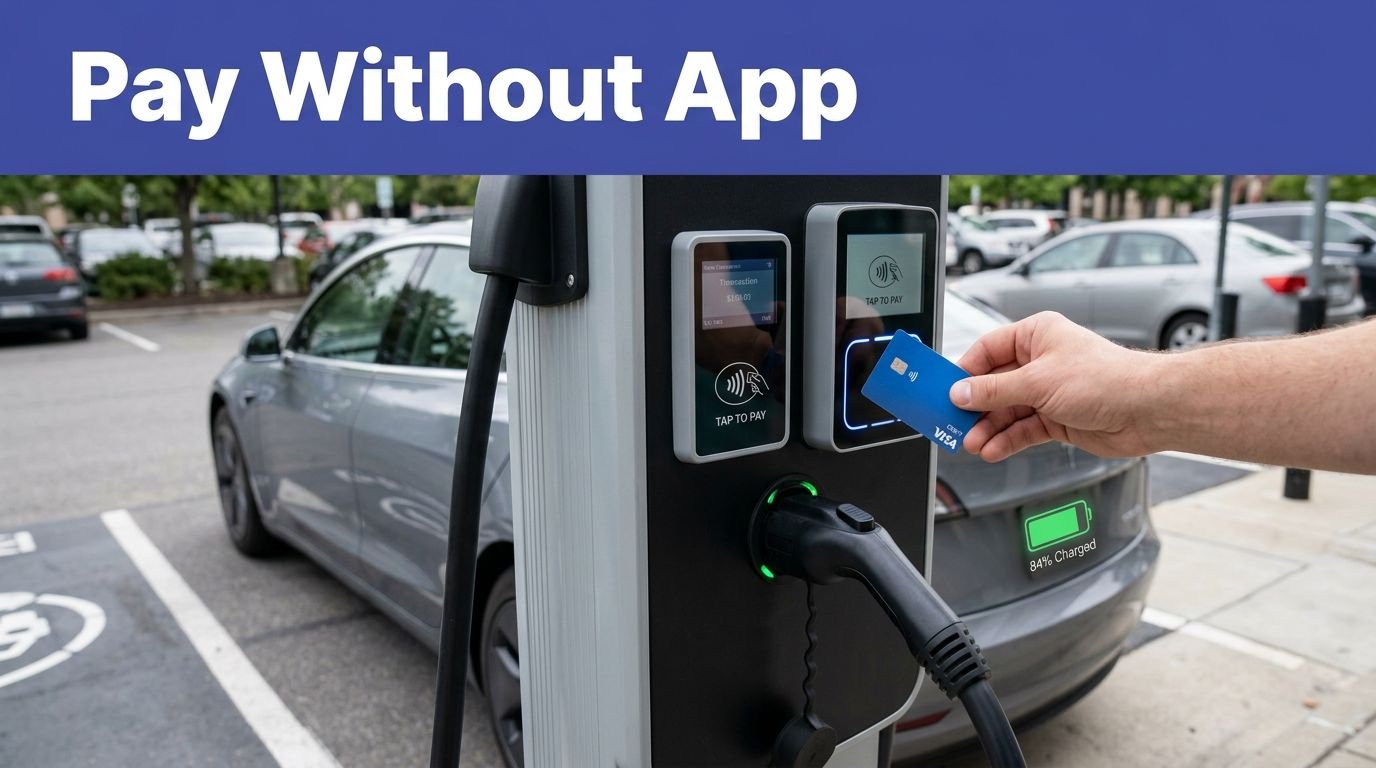
Plug and Charge can remove some payment friction, but it isn’t the same as downloading an app and hoping for a miracle. Your vehicle, provider, account, and payment method must all support it. Some automakers activate it through the vehicle settings or app. Others require you to enroll in a charging service first.
The usual setup looks like this:
- Create an account with the provider or an automaker-supported service.
- Add your vehicle, payment method, and any required charging agreement.
- Turn on Plug and Charge in the vehicle settings or app if your model supports it.
- Confirm the station supports the feature before relying on it.
If the site uses IONNA, check its app and support process before relying on automatic session start.
Always keep a backup payment method. Use the provider’s mobile app, tap a bank card, or call the number on the charger if automatic authentication fails. A charging session shouldn’t require three apps, two passwords, and the sacrifice of a perfectly good granola bar, but public infrastructure sometimes has a sense of humor.
If the session won’t start, reseat the connector and verify the NACS DC adapter before retrying. Unlock the vehicle, then try the station’s payment method. Move to another stall if the screen is frozen or the cable won’t lock, especially at crowded charging stations. If the charger shows an error, report it through the app and call the support number. Repeating the same failed start six times is not persistence. It’s a negotiation with a parking meter.
Stop charging when you have enough energy for the next leg and a reasonable reserve. Waiting for 100% often adds time faster than it adds useful range, especially when the charging curve has already slowed.
Frequently Asked Questions
How long does DC fast charging usually take?
A useful charging session often takes about 20 to 45 minutes, although cold weather, battery temperature, vehicle limits, and a high state of charge can make it longer. Charging from roughly 10% to 60% or 80% is usually more time-efficient than waiting for 100%.
How can I tell whether a fast charger will work with my EV?
Check your vehicle’s charge-port standard, the station’s connector type, and your EV’s maximum DC charging rate. If you need a NACS DC adapter, confirm that it is approved for your vehicle and that the station authorizes your vehicle to use it.
Should I rely on my EV’s built-in route planner?
Your vehicle’s route planner is a useful starting point because it can account for battery size, estimated consumption, and sometimes the charging curve. Cross-check its stops with the AFDC map, the charging network’s app, and recent PlugShare reports before leaving.
What should I do if a public charger will not start?
Reseat the connector, unlock the vehicle, verify the payment method and any adapter, and try another stall if available. If the charger still shows an error, report it through the app and call the support number instead of repeatedly retrying the same failed session.
How much battery should I have left when I reach a charger?
Keep enough range to reach a nearby backup station, especially on remote routes or in poor weather. Hills, traffic, rain, cold temperatures, and a full vehicle can all increase energy use, so arriving with only a few percent remaining is risky.
Conclusion
Reliable long-distance charging starts with good decisions before the battery gets low. Check the route with your vehicle planner, verify charging stations through the AFDC map and network apps, read recent PlugShare reports, confirm the connector, and save a backup station.
NACS, CCS1, older connector standards, adapters, memberships, and Plug and Charge can look messy at first. They become manageable when you treat every stop as a compatibility check, not a pin on a map.
The winning travel plan is simple: know your plug, know your network, and never depend on one charger alone.