Paying at a public charger usually means plugging in, choosing an option, and authorizing the start. That sounds simple until you’re beside a $100,000 vehicle with an 8% battery and a screen asking for an app you didn’t know existed.
At a public charger, you may pay with an app, a physical access card, a credit or debit card, or the car itself. Every option has its own little ritual, because apparently plugging in isn’t enough paperwork.
Electric vehicle charging gets easier once you know what the charger supports and what happens after you tap.
This post may contain affiliate links. If you make a purchase through these links, I may earn a small commission at no extra cost to you.
Key Takeaways
- Public EV chargers may accept mobile apps, RFID cards, contactless bank cards, browser checkout, or Plug and Charge. The available options depend on the network, station hardware, site owner, and location.
- Before starting, check the connector, station status, charging rate, membership requirements, and any connection or idle fees. Stop the session through the same method you used to begin it, then confirm the receipt.
- App-only charging can be inconvenient when your phone has no signal, the battery is empty, or the network’s servers are unavailable. Keep a contactless card, RFID credential, or another backup payment method in the vehicle.
- Pricing may be based on kWh, time, connection fees, membership rates, or post-charge idle fees. Plug and Charge can automate payment, but it only works when the vehicle, charger, software, and account all support it.
EV charging payment methods, compared
Public chargers don’t use one universal checkout system. Available payment options depend on the network, the hardware, the site owner, and sometimes the state where the station is located.
Mobile apps are still common
Most major charging networks use a mobile app. ChargePoint, EVgo, and Electrify America are familiar examples, although each network handles payment differently.
Create an account and add a credit or debit card. Then find a compatible station and start a charging session in the app. The app may also show live availability, pricing, charging speed, progress, and your receipt.
This suits drivers who use the same network often. It gets less charming when you’re traveling and your phone contains six charging apps, three passwords, and one battery percentage that’s becoming emotionally significant.
Some networks allow guest charging through a website or QR code. Others make account creation the main event.
Physical and virtual RFID cards
An RFID card or key fob is a network-linked credential. Tap it against the reader, and the charger identifies your account. The card itself usually isn’t a bank card. It tells the provider who you are and which payment method is attached to your account.
A physical RFID card is useful when your phone is dead, your signal is poor, or you don’t want to stand in the rain performing account recovery. Many networks mail these cards to members.
A virtual RFID credential is stored digitally in an app, phone wallet, or roaming account. A roaming provider or eMobility Service Provider may store it and link it to your driver account. Both types are usually tied to membership, so they aren’t always the same as anonymous, one-time payment.
Contactless bank cards skip the membership routine
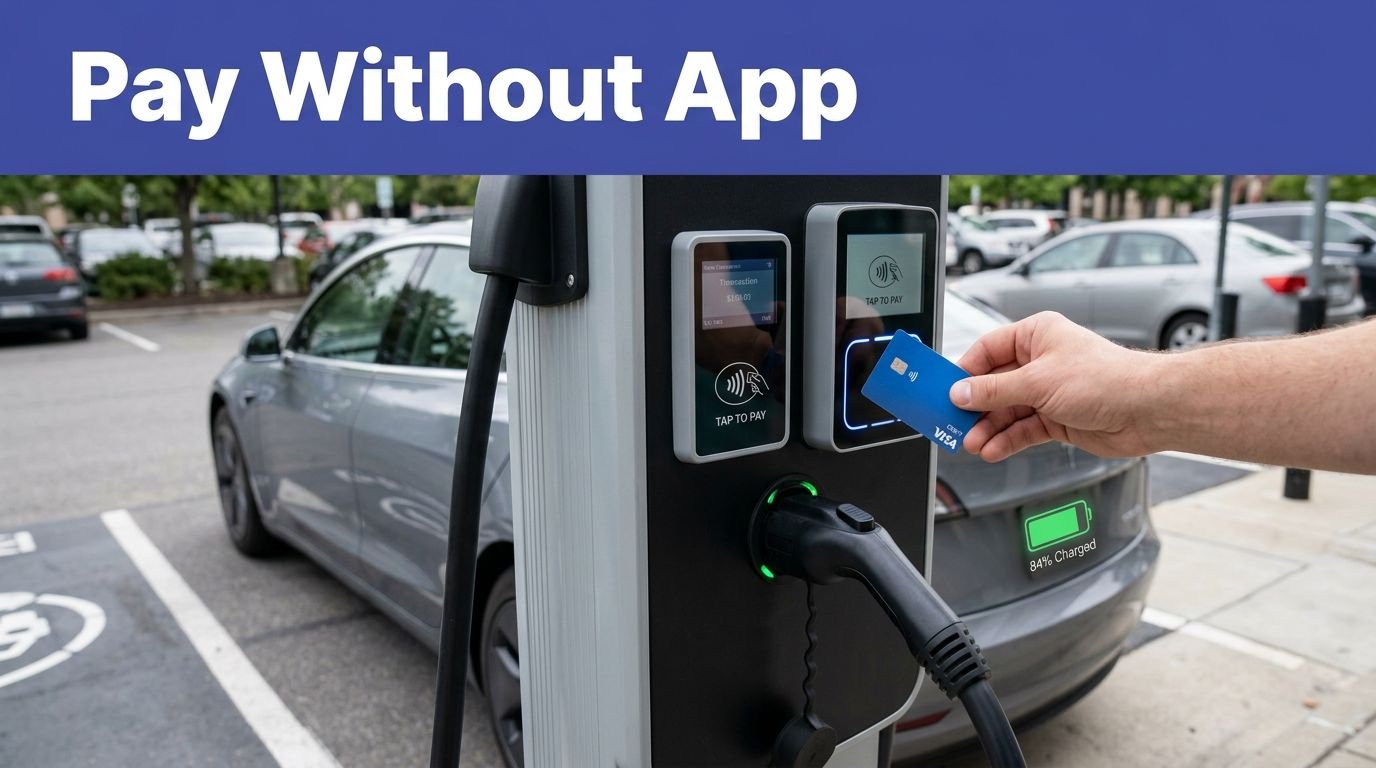
If the charger has a contactless reader, tap a credit card, debit card, or supported mobile wallet such as Apple Pay or Google Pay. Follow the screen, choose the connector, and begin charging.
This is usually the easiest option for a casual driver. No account. No download. No password reset while your battery drops another 2%.
The tradeoff is that paying this way may not include a network membership discount. Some readers also place a temporary authorization hold before the final cost is calculated. Your bank controls how that hold appears and when it disappears.
Your first charging session, without the panic
The screen layout changes, but the basic process is usually predictable:
- Check the connector, station status, and displayed price before starting.
- Authenticate through the app, an RFID card, a contactless card, browser checkout, or Plug and Charge.
- Select the correct connector if the station asks you to choose one.
- Plug into the vehicle and confirm that charging has started.
- Stop the session through the same method you used to begin it.
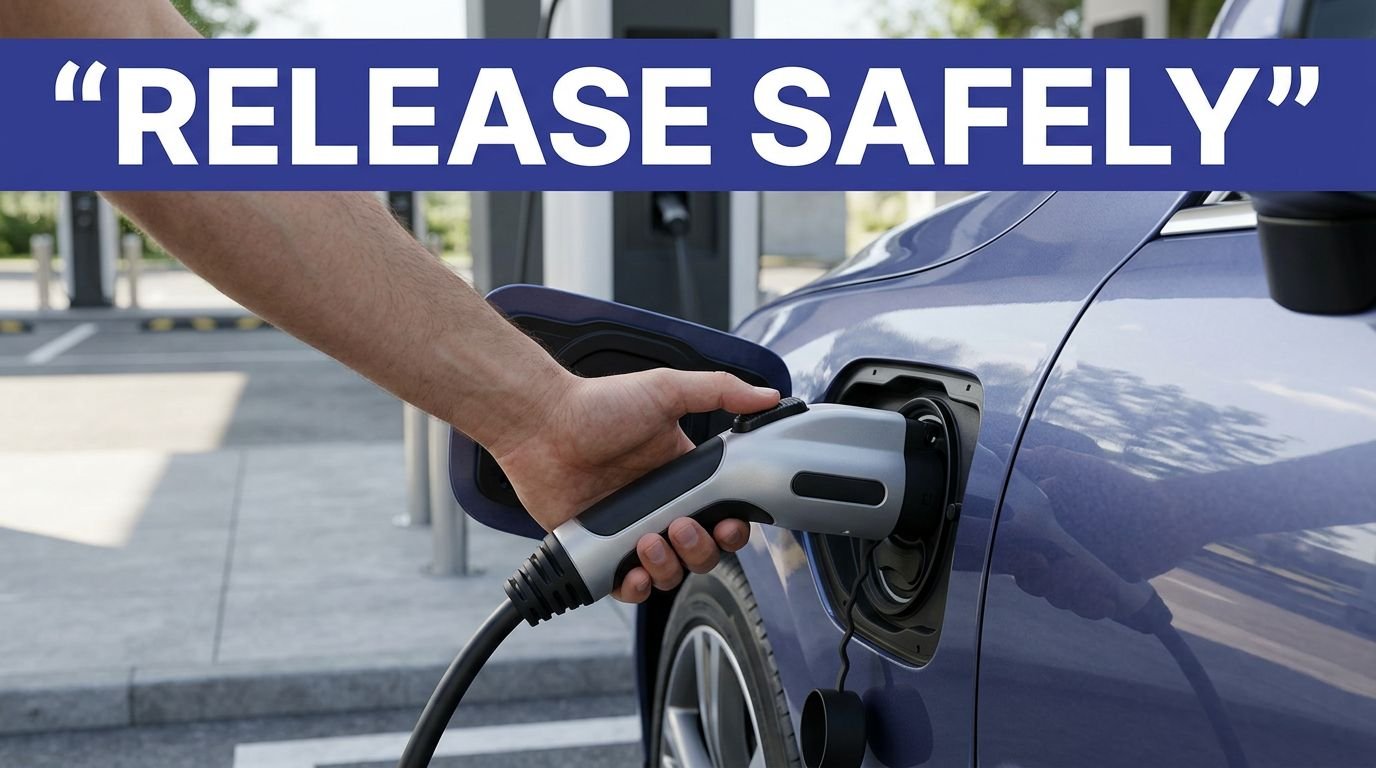
- Unplug only after the charger releases the connector, then check the receipt or account history.
The order can vary by charger. Some ask you to plug in first, while others want payment first. Follow the instructions on the screen instead of treating the station like a familiar gas pump with a very large extension cord.
If the session doesn’t begin, check three things: the connector is fully seated, the correct port is selected, and authorization was approved. A green light doesn’t always mean energy is flowing, so confirm the charging message in the vehicle or on the station display.
Why charging networks prefer a mobile app
Apps cost less than full payment terminals
A card reader adds complexity to charging hardware beyond a simple slot for your card. Charge point operators must fund payment hardware, software certification, and reliable data connections. Outdoor charging infrastructure also needs weather protection and regular maintenance, since screens and readers face rain, dirt, heat, and one determined person with a pressure washer.
An app moves much of the payment process to the driver’s phone. Charging software gives the charging network one system for managing accounts, prices, receipts, station status, and session data.
Offering app-based and terminal-based charging solutions helps networks build repeat business. A driver who already has an account is more likely to return, especially when membership lowers the charging rate.
App-only charging creates real friction
The driver experience can suffer before charging begins. You have to download the app, create an account, add payment details, verify your email or phone, and find the correct station. That’s a lot of ceremony when you need 20 minutes of energy and a bathroom.
App access can also fail when the phone has no signal, the battery is empty, or the network’s servers are having a bad afternoon. A station may be physically available while the app says something vague, such as unavailable or preparing.
That is why open-access payment matters. An app can be useful, but it shouldn’t be the only door into a public charger.
Scan-to-charge and Plug and Charge
Browser-based charging works through your phone
A scan-to-charge station displays a qr code on the charger. Scan it with your phone camera, and a web page opens. Enter card details, select the connector, accept the price, and start charging without downloading a dedicated app.
This approach gives operators a way to offer one-time payment without installing a full card terminal on every pedestal. It also gives drivers an app-free option.
This method still needs a working phone and mobile data. The code must be readable, and the web page must load. Before entering payment information, check that you’re scanning the code printed on the station and that the web address looks legitimate. A random sticker placed over the original code isn’t a payment innovation. It’s a reason to step back.
The vehicle can identify itself automatically
Plug and Charge uses the ISO 15118 communication standard to exchange digital credentials between the vehicle and charger. After the vehicle and charging accounts are configured, the car and charger exchange those credentials when connected. The network identifies the vehicle, authorizes the session, and bills the linked account automatically.
There is no card tap and no app button at the station. Setup happens beforehand, usually through the vehicle manufacturer, charging provider, or an eMobility Service Provider.
This feature only works when the vehicle, charger, software, and account arrangement all support it. The current federal charging rules include requirements related to ISO 15118 for covered federally funded infrastructure, but that doesn’t mean every public charger or EV on the road is ready for automatic authentication.
Keep a second payment method available. Technology is wonderful until the car says, “I don’t know this charger.”
What determines the price of a charging session?
Per-kWh and per-minute pricing work differently
Many public chargers bill by the kilowatt-hour, or kWh. You pay for the energy delivered to your vehicle. This is usually easy to understand because the price follows the amount of electricity used.
Some locations charge by the minute. That model bills for the time connected, not the exact energy delivered. A slow vehicle may receive less energy during the same period than one that accepts power quickly.
Mixed pricing can include a connection fee, a per-kWh rate, or a per-minute charge. Charging operators may set different pricing policies. Local rules affect which billing models are allowed, so prices can differ between states and nearby chargers on the same network.
DC fast charging rates depend on location, membership status, time of day, charger power, utility costs, and network policy. Some sites use time-of-use pricing based on their tariff, but it isn’t universal. The price shown in an app may differ from the rate available to a non-member using a bank card.
Idle fees can keep running after charging ends
An idle fee starts when the vehicle remains connected after charging finishes or after a stated grace period. It is designed to discourage drivers from treating a charging space like long-term parking.
These idle fees can continue after the battery is full. If you’re shopping, eating, or watching one more episode, set an alarm. The charger does not care about the plot.
Read the pricing screen before starting. Look for the energy rate, time rate, session fee, membership discount, subscription plans, taxes, and conditions for post-charge fees. Your final receipt should show the total cost of the charging session, while a temporary card authorization may appear first.
The cheapest session is not always the one with the lowest advertised kWh rate. A connection fee, idle fee, or membership charge can change the total.
How to find stations that accept your payment method
Check payment details before you arrive
Use your vehicle’s route planner, the charging network’s app, or a public charging map to find charging stations. Open the station details instead of relying on the map pin alone.
Look for:
- The connector your vehicle uses
- Current station availability
- Tap-to-pay or card-reader symbols
- RFID or membership requirements
- App-free guest-payment instructions
- Vehicle-based authentication support
- Current charging rates and overstay policy
Station information can become outdated, especially when a charger is offline or recently changed ownership. If app data conflicts with the station display, trust the station’s current instructions and have a backup plan.
Federal funding is pushing stations toward open payment
For stations funded through the National Electric Vehicle Infrastructure program, the official NEVI requirements call for non-proprietary chargers and open-access payment methods. The federal standards for EV charging stations also require covered sites to provide contactless payment that accepts major credit and debit cards.
These rules apply to covered federally funded sites, not every public charger. A public network may offer broad access, while private or member-only sites can set separate rules. Open access can make ownership less frustrating, a practical part of broader EV adoption.
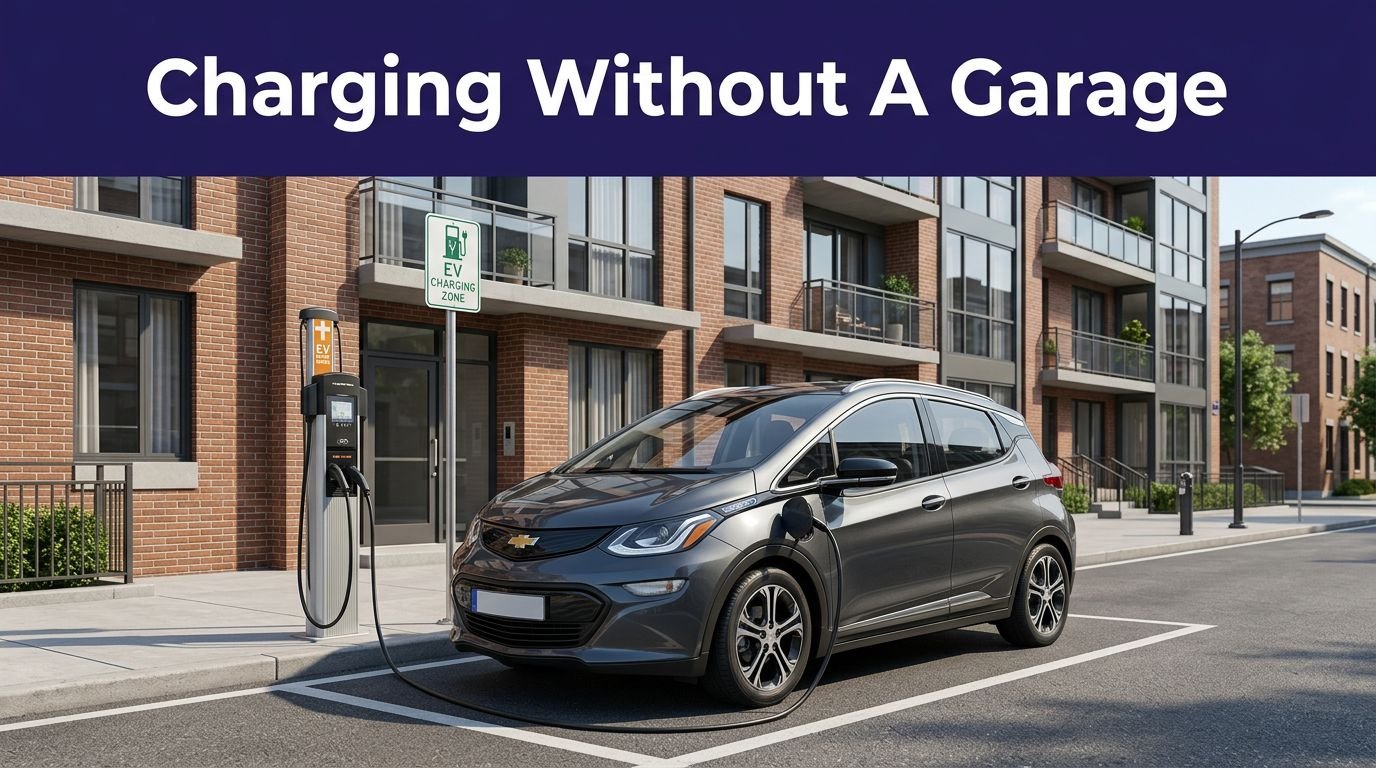
Charge point operators managing private, older, apartment, or workplace charging infrastructure may still require an app or account.
For road trips, carry at least two options. A contactless bank card is a good backup for ad hoc charging. RFID cards or a network app can help when a reader is broken or a membership rate saves money.
Frequently Asked Questions
Can I pay for EV charging without downloading an app?
Often, yes. Depending on the charger, you may use a contactless credit or debit card, a mobile wallet, a QR code for browser checkout, or Plug and Charge.
Do I need an RFID card to use a public charger?
No, an RFID card is only one possible payment method. It can be useful when your phone has no signal or a network app is unavailable, but many stations also accept bank cards or guest payment.
How much does public EV charging cost?
The price may be based on the energy delivered in kWh, the time connected, or a combination of fees. Check for connection charges, membership pricing, taxes, and idle fees before starting the session.
What is an idle fee at an EV charger?
An idle fee applies when the vehicle remains connected after charging finishes or after a stated grace period. It can continue even when the battery is full, so move the vehicle promptly or set an alarm.
What should I do if the charger will not start?
Confirm that the connector is fully inserted, the correct port is selected, and your payment authorization was approved. If the session still does not begin, follow the station’s support instructions and try your backup payment method or another compatible charger.
Conclusion
EV charging payment isn’t one universal button. Network apps and account-linked cards suit repeat customers, while tap-to-pay and scan links help with quick, one-time visits. Automatic vehicle authentication can remove the payment ritual when your car, charger, and account support it.
Check the price before connecting, learn how to stop the session, watch for post-charge parking fees, and keep a backup way to pay in the car. The goal is simple: less time negotiating with the charger, and a smoother driver experience from plug-in to arrival.