You pull into a public charger with 8% battery left. The screen asks you to download an app. Of course it does. Your car is having an energy emergency, and the charger wants a software onboarding ceremony.
Fortunately, electric vehicle charging doesn’t have to begin with an account or a mobile app. At many charging stations, EV charging payment starts with contactless bank cards, while QR codes, RFID tokens, and Plug and Charge solve the problem differently. The trick is knowing which method the station actually supports before you park.
Here are the options that let you charge first and create an account later, or skip the account entirely.
This post may contain affiliate links. If you make a purchase through these links, I may earn a small commission at no extra cost to you.
Key Takeaways
- Contactless credit or debit cards are usually the simplest way to pay at a public EV charger without downloading an app or creating an account.
- QR codes can open a browser-based payment page, while physical RFID cards let established network customers start charging without using a phone at the station.
- Plug and Charge handles authorization and billing automatically, but the vehicle, charger, and eMobility Service Provider must all support and activate it first.
- Check the connector, station status, payment options, and price before arriving, and keep a backup payment method available for emergencies.
- Public charging prices can include per-kilowatt-hour rates, session or parking fees, idle fees, taxes, and membership-based pricing differences.
The easiest EV charging payment method: tap a bank card
Contactless bank cards are the closest thing to a gas station transaction. This contactless payment method lets you tap a physical credit or debit card, follow the terminal’s prompts, and plug in. No network app required.
At NEVI-funded sites in the United States, federal standards require open-access payment and a contactless method accepting major credit and debit cards. The current 23 CFR Part 680 requirements establish that baseline, although they don’t require charge point operators to put a card reader on every public charger.
At a compliant NEVI-funded station, payment shouldn’t depend on joining a private charging club first.
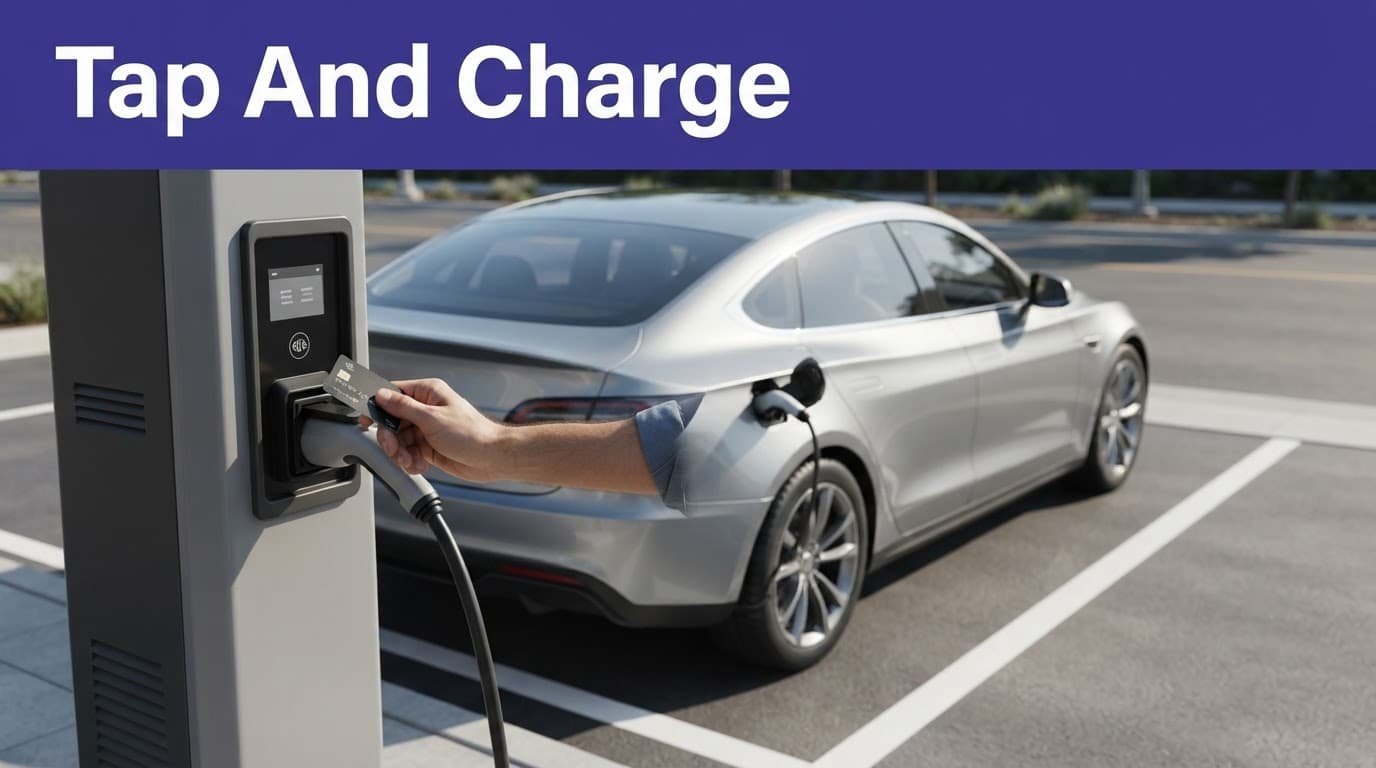
How contactless charging works
Usually, the sequence is simple: check the displayed price, tap, select the connector if asked, plug in, and confirm that energy is flowing. When you’re finished, stop the charging session at the charger or vehicle, then remove the cable.
Your card issuer may show a temporary authorization hold before the final amount settles. That can look alarming if you’re watching your banking app like it’s a bomb timer, but it’s common card behavior.
Why operators still push apps
A mobile app gives charging operators an account relationship with drivers. It can store payment details, show payment history, offer member pricing, support fleet billing, and send session alerts.
Operators also avoid fitting and maintaining payment terminals on every unit. Payment terminals need power and connectivity. Charging hardware requires physical repair, while charging software needs maintenance and security updates. The tradeoff is less hardware overhead for operators, but more setup for drivers and a more complicated driver experience.
Other ways to pay without downloading an app
Not every app-free option means no phone. The browser, RFID, and automatic alternatives are different payment methods, and some remove the download rather than every piece of technology. Still better than creating an account beside a charger while your battery icon turns into a tiny orange threat.
Scan a QR code to start charging
A scan-to-charge flow turns your phone’s browser into a temporary payment terminal. Scan the code with your camera, open the operator’s web page, enter card details, accept the price, and start the charging session.
There is no download, but you still need a signal. The experience gets rough when the code is sun-faded, crooked, or wearing a mystery sticker. Check the web address before entering card information, especially if the page looks like it was designed during the dial-up era.
This payment option is an operator choice, not the main federal payment requirement. Treat it as a convenient web checkout, not proof that every charger supports the same process.
Physical RFID cards versus virtual RFID
An RFID card or fob is an account key, not usually a bank card. Tap the physical token, the charging network identifies your account, and billing happens through the payment method attached to it. It works without a phone at the charger, but you normally set up charging accounts before arrival.
A virtual RFID credential is a software token stored in a phone, wearable, or network wallet. It may be convenient, but it isn’t universal. If setup requires a network account or app, it doesn’t meet the pure walk-up test.
Physical RFID cards are useful for regular drivers. Contactless bank cards are better for a one-time stop.
Plug and Charge removes the card and app
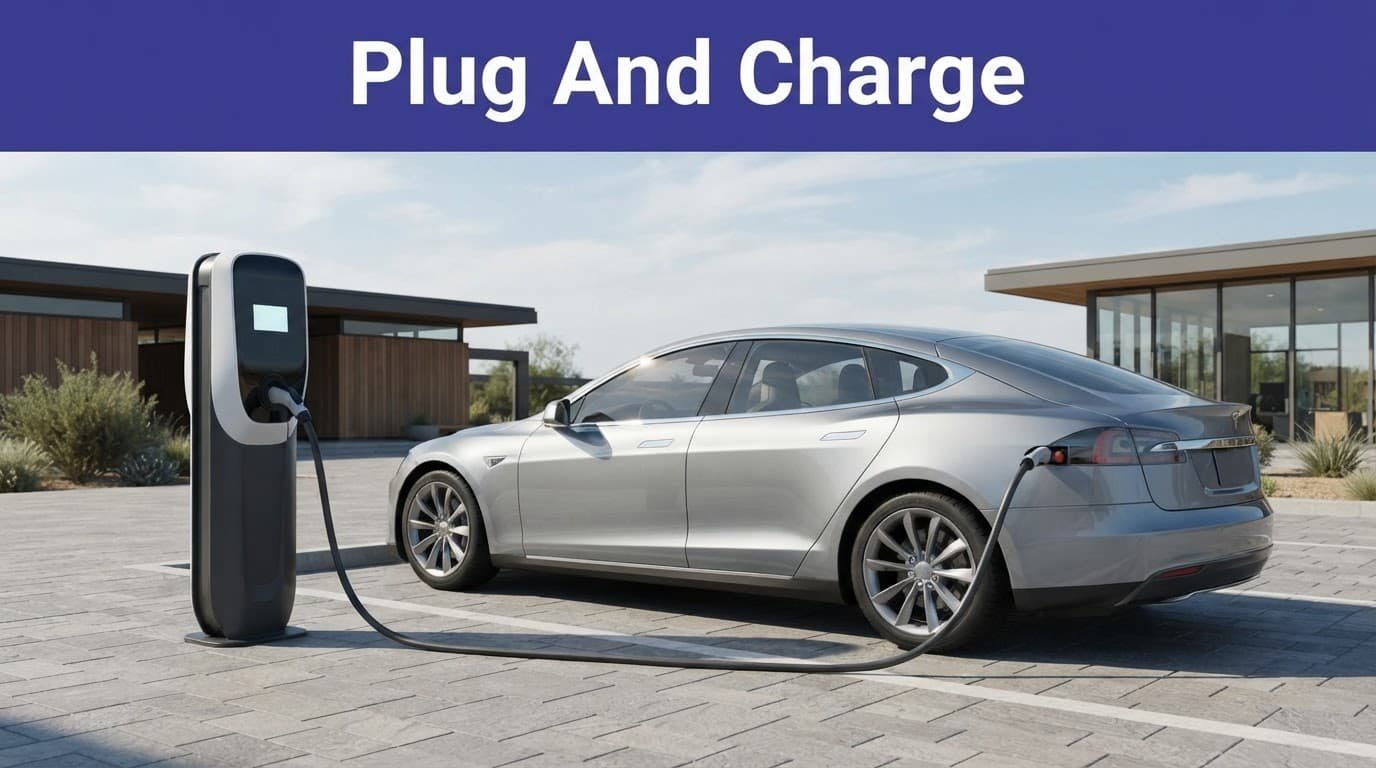
Plug and Charge is the no-card, no-app option people imagine when they hear public EV charging. It uses the ISO 15118 communication standard.
After you connect the cable, the vehicle and charger exchange digital certificates, identify the charging contract, authorize the session, and send billing to your chosen eMobility Service Provider. You don’t tap anything. The car and charger handle the awkward paperwork while you stand there pretending this was always normal.
What must be ready first
Your vehicle must support Plug and Charge, the station must support it, and your charging contract with an eMobility Service Provider must be activated. Compatibility can vary by vehicle, provider, and charger software.
The federal charging standard describes this plug-in authorization flow as a way to initiate charging after the connector is plugged in. App-free doesn’t mean setup-free.
NEVI-funded stations have specific interoperability requirements, but the feature isn’t universal across every public network. The Department of Energy’s NEVI program summary explains the program’s non-proprietary, open-access payment rules.
Keep a physical card in the glove box until you’ve tested this setup on a normal day, not at 1% battery in a thunderstorm.
Why public charging prices vary
Public charging prices aren’t one national menu. A DC fast charging stop may be priced per kilowatt-hour. Charge point operators can also add session fees, time-based charges, parking fees, or idle fees.
Memberships and subscription plans can lower charging rates. Location, utility costs, charger power, taxes, time-of-use pricing, and local rules also affect the bill. A 350-kW unit doesn’t force your car to accept 350 kW. However, the charging infrastructure still costs more to build and operate.
At NEVI-funded stations, federal rules require the price to be shown before charging starts. It must be presented in dollars per kilowatt-hour and communicated as the real-time price. The price at the beginning of your session can’t change midway, and extra fees must be explained.
How to find chargers with your preferred payment method
Use your vehicle’s navigation, a charging network map, or a public charging directory to locate charging stations. Look for contactless card symbols, a listed card reader, QR payment, or Plug and Charge support.
A listing that only says “network access” may mean an app or RFID account, so don’t assume.
Before leaving, check four details: connector type, current station status, available payment methods, and price. If the charger offers no tap option, no visible QR code, and no confirmed Plug and Charge support, carry an RFID card or install the app before the trip.
That isn’t surrender. That’s refusing to negotiate with a dead charger at midnight.
Frequently Asked Questions
Can I pay for EV charging without downloading an app?
Yes. Many public chargers accept contactless credit or debit cards, and some offer QR-code payment through a mobile browser. Plug and Charge can also authorize a session automatically when the vehicle and charger support it.
Do all public EV chargers have card readers?
No. Card-reader availability depends on the charging operator and station. NEVI-funded sites in the United States must provide open-access payment and a contactless payment method, but that does not mean every charger has its own card reader.
Is an RFID card the same as a bank card?
Usually not. An RFID card or fob typically identifies your charging-network account, with billing handled by the payment method linked to that account. You generally need to create the account and receive the RFID credential before using it.
How does Plug and Charge work?
Plug and Charge uses digital certificates and the ISO 15118 standard to identify the vehicle and authorize payment after you connect the cable. It is not setup-free: your vehicle, the station, and your eMobility Service Provider must support the feature and have it activated.
What should I check before using a public charger?
Confirm the connector type, station status, available payment methods, and current price. If the station does not clearly support contactless payment, QR checkout, or Plug and Charge, carry an RFID card or install the operator’s app before your trip.
Pick the backup before you need it
Start with contactless bank card support when you want a truly app-free public charging stop. These payment methods cover tap-to-pay cards, browser-based QR codes, RFID account tokens, and automatic plug-in authorization. The last option is smoothest once compatibility is set up.
Check the payment method and price before pulling in, then judge charging solutions by whether they work under pressure. The best EV charging payment setup combines payment convenience with reliable charging session access when the battery’s low. That dependable access removes a practical barrier to EV adoption, especially when your patience is lower than your charge.