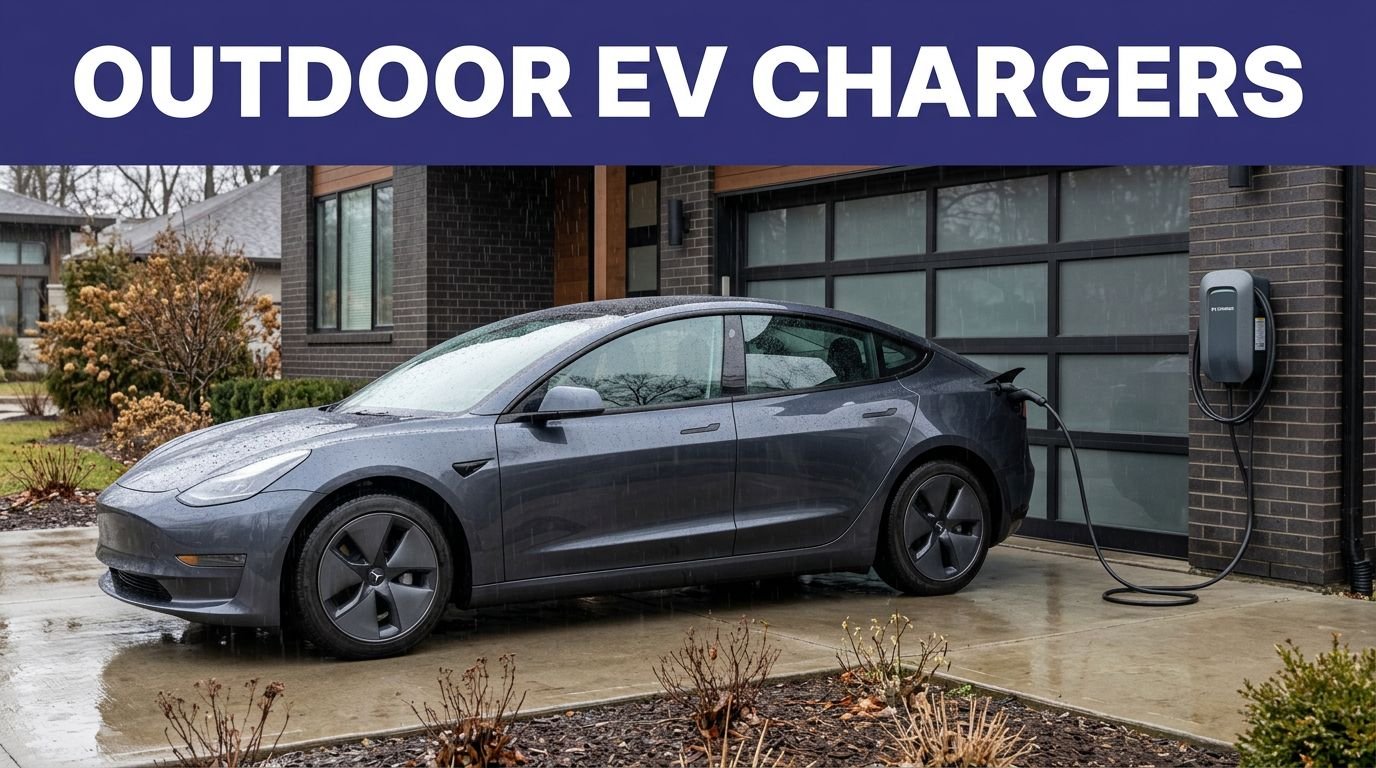
Most drivers don’t know SJC splits EV chargers across Terminal A, Terminal B, and the Rental Car Center, each with different time limits and fees. You’ll navigate Level 2 J1772 and DC fast (CCS/CHAdeMO/NACS), variable rates, idle penalties, and access rules tied to garage policies. With network apps, payment setup, and charge alerts, you can secure a spot—and avoid citations—if you follow the right steps next.
Key Takeaways
- Charger locations: Terminal A Level 1 south elevator, Level 3 east; Terminal B Level 1 northwest, Level 2 central; Rental Car Center privately managed.
- Most garage stations are Level 2 J1772 (~6–7 kW); check on-unit labels for connector types, max kW, and cable reach before plugging.
- Expect separate parking and charging fees, posted time limits, and idle fees; spaces require active charging and enforcement applies for blocking or overstays.
- Use the network’s app for live availability, port counts, pricing, uptime, and session history; enable notifications and preauthorize payment before arriving.
- Follow SJC EV wayfinding; plan Level 2 for layovers, use approved overnight areas for multi-day stays; confirm rental EV SOC and keep charge receipts.
Charger Locations by Terminal and Rental Car Center
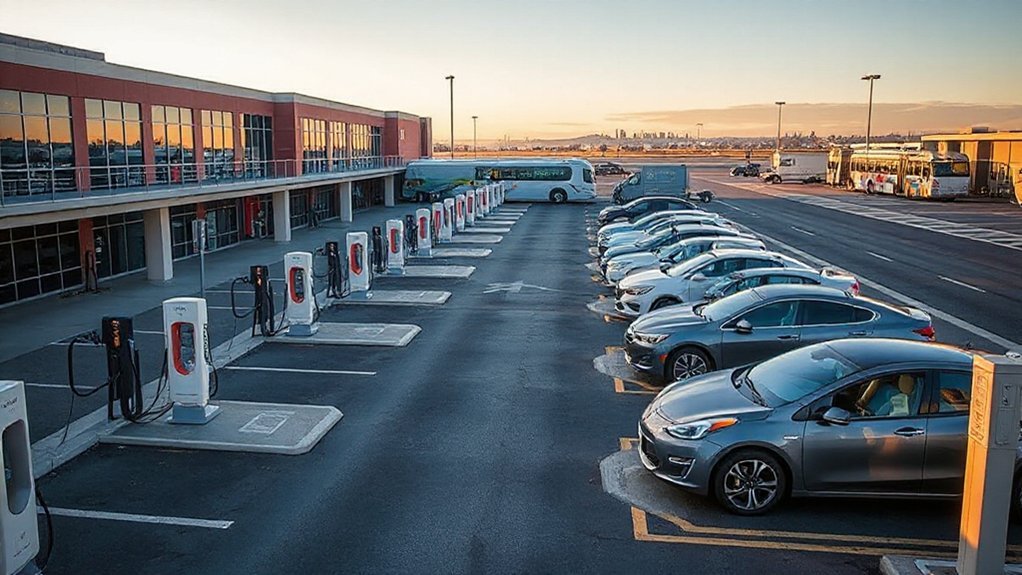
This terminal-by-terminal guide maps where you’ll find EV chargers at SJC across the Terminal A and Terminal B garages and clarifies access at the Rental Car Center. In Terminal A Garage, locate spaces on Level 1 near the south elevator core and additional stalls on Level 3 east. Terminal B Garage concentrates stalls on Level 1 northwest and Level 2 central, adjacent to pedestrian bridges. SJC manages station ownership for both garages; private operators manage the Rental Car Center area under concession agreements. Posted hours align with garage access; overnight parking requires valid payment credentials. You’ll see security lighting over designated rows, cameras covering entries, and pavement markings. Follow airport signage; do not block ADA routes. Verify availability in airport app before arrival.
Connector Types and Charging Speeds
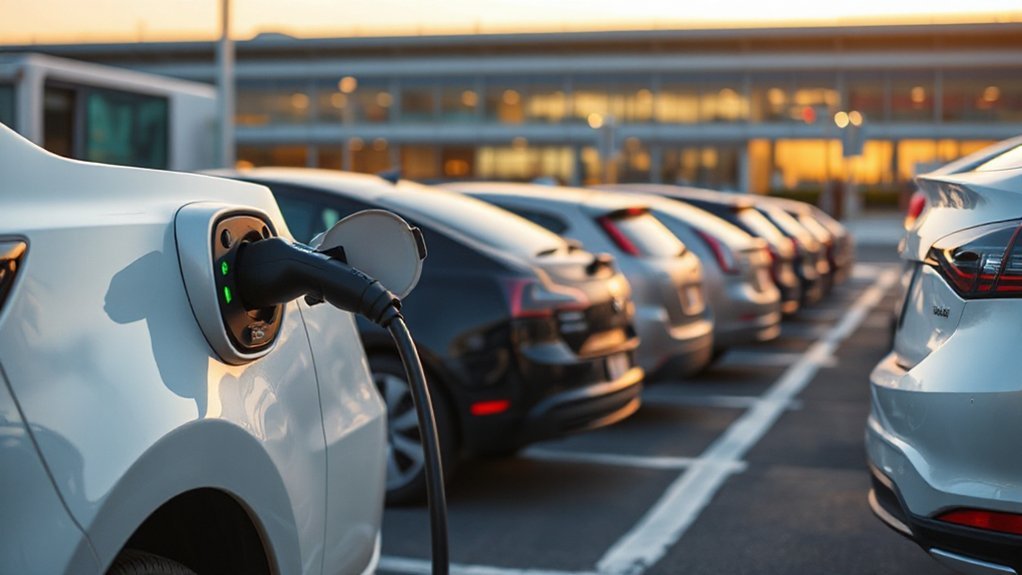
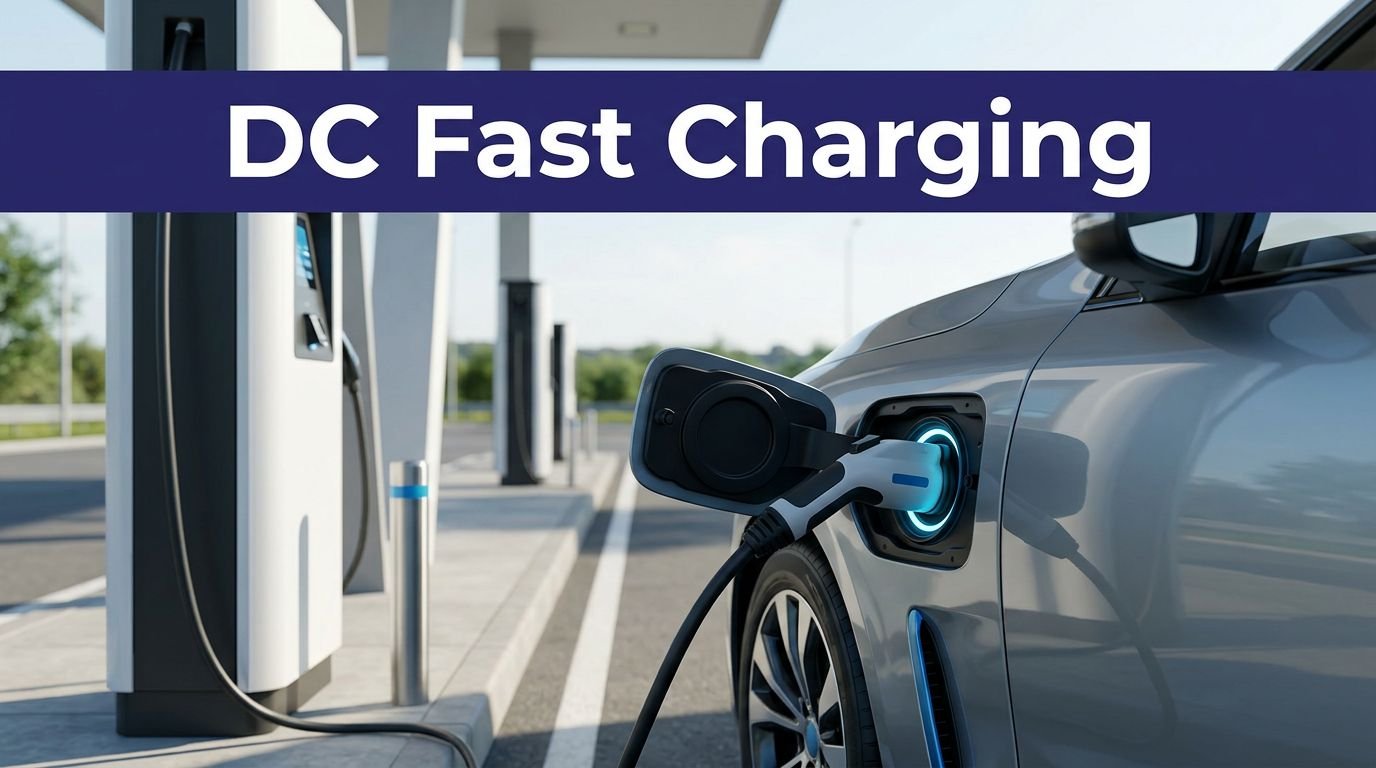
Confirm connector compatibility before you park. At SJC, you’ll typically find four Connector Standards: J1772 (Level 2 AC), CCS (DC fast), CHAdeMO (legacy DC), and NACS/Tesla. Match your vehicle’s port or carry an approved adapter.
Charging speeds vary by both station rating and vehicle limits. Level 2 J1772 ports usually deliver 6–7 kW, adding roughly 20–30 miles per hour. DC fast chargers range from 50 to 350 kW; however, your car’s peak acceptance rate and state of charge govern actual throughput.
For best DC performance, arrive with a warm battery; built‑in Thermal Management and preconditioning preserve higher charge curves. Expect tapered power above ~60–80%. Read on-unit labels for max kW and connector types, verify cable reach, and avoid blocking incompatible ports. Follow posted guidance.
Rates, Parking Policies, and Time Limits
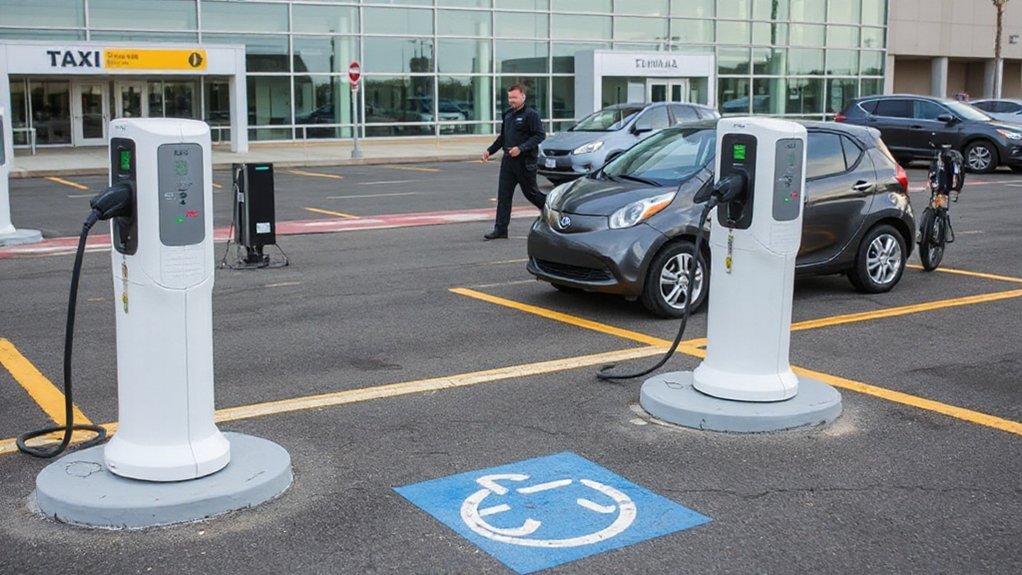
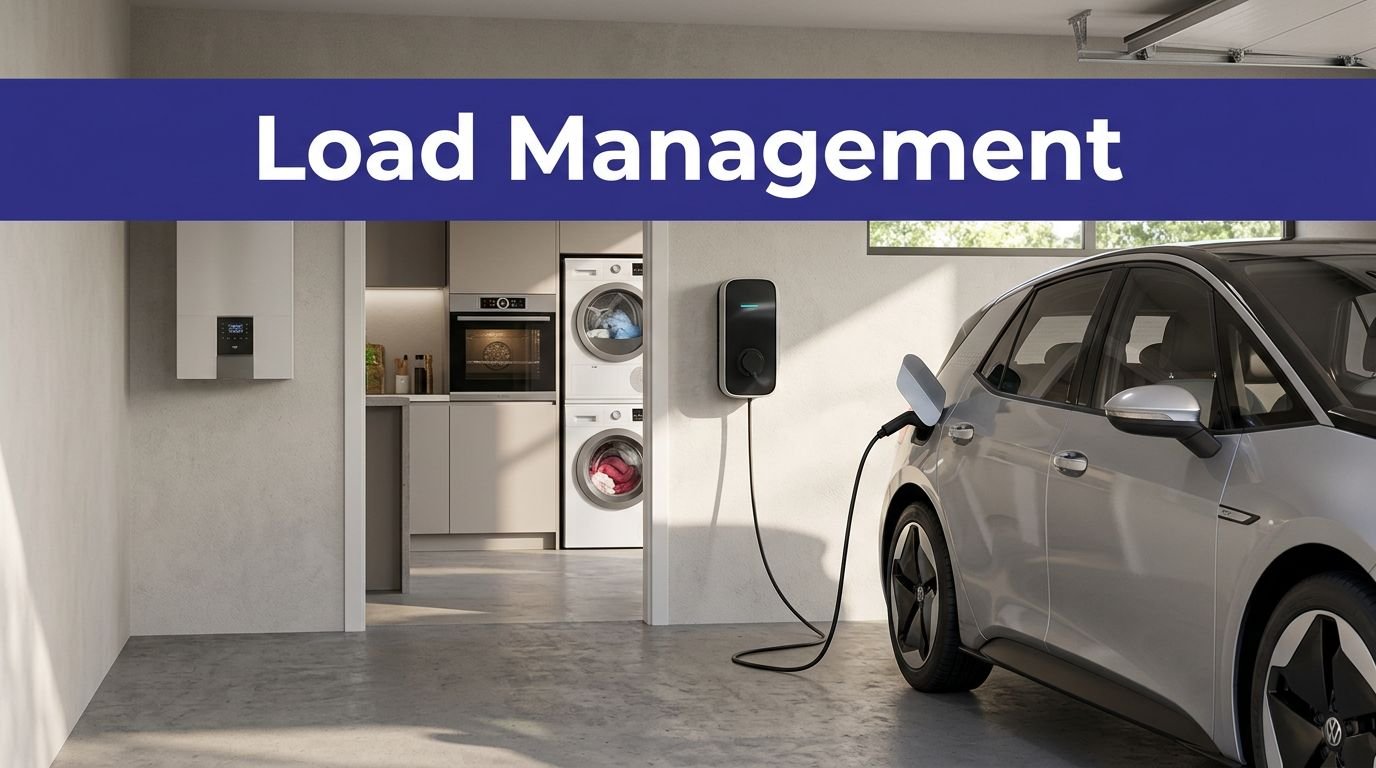

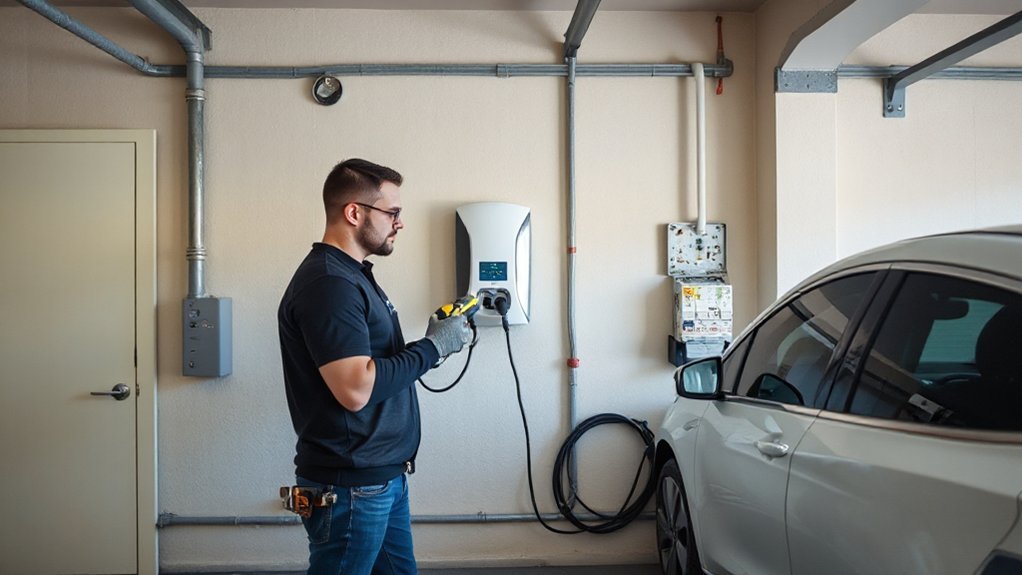

Most EV charging at SJC bills two meters: standard parking by garage/lot plus a network‑set charging tariff. You’ll pay parking Hourly rates or daily max, then a per‑kWh or per‑hour charging fee set by the provider. Expect idle fees if you stay plugged in after charging completes. Time limits vary by location: typical dwell caps are 2–4 hours for Level 2 and 30–60 minutes for DC fast. Overnight charging is allowed only in long‑term areas. Comply with Permit requirements where spaces are restricted to active charging. Enforcement writes tickets or tows for blocking, draping, or overstays. Budget both meters when estimating trip costs and plan an unplug‑and‑move window.
- LED indicator turns green; you move.
- Clock hits limit; you relocate.
- Ticket on windshield; lesson learned.
Checking Real-Time Availability and Using Apps
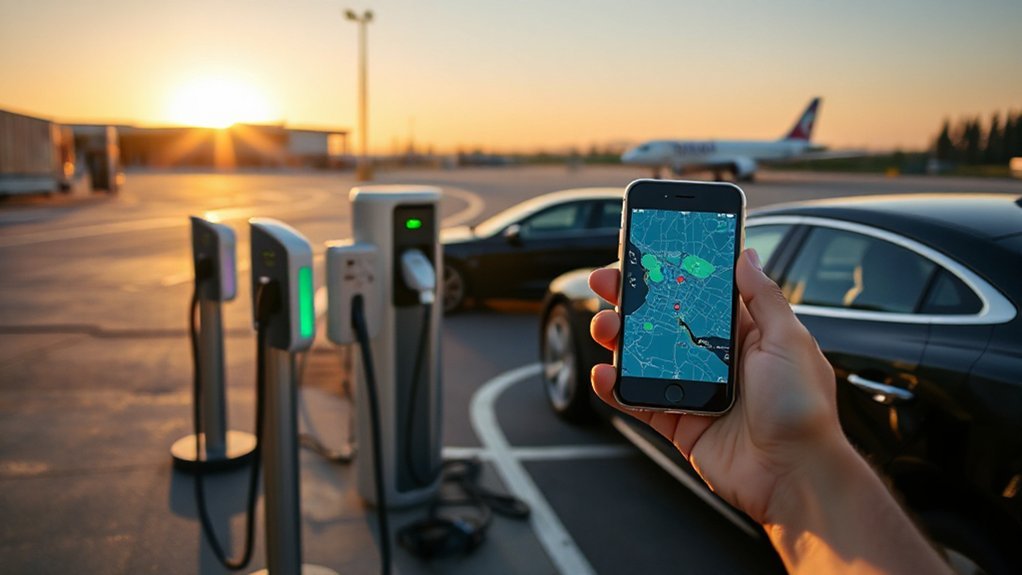
Start by pulling up the network’s own app for the exact bank you plan to use, then verify status in an aggregator. Check port counts, connector types, kW ratings, and uptime metrics for the past 30 days. Prioritize stalls showing recent sessions and low fault rates. Filter for your plug, then confirm pricing and maximum session length to align with your itinerary.
Enable App notifications for stall availability changes and session start/stop alerts. Set geofenced alerts for Terminals A and B to detect openings within 0.25 miles. Add a backup site to your watchlist. Protect Account security: use strong passwords, MFA, and disable one-touch payments on shared devices. Before departing, preauthorize your card, update firmware on your vehicle and app, and download offline maps.
Signage, Access, and Avoiding Idle Fees
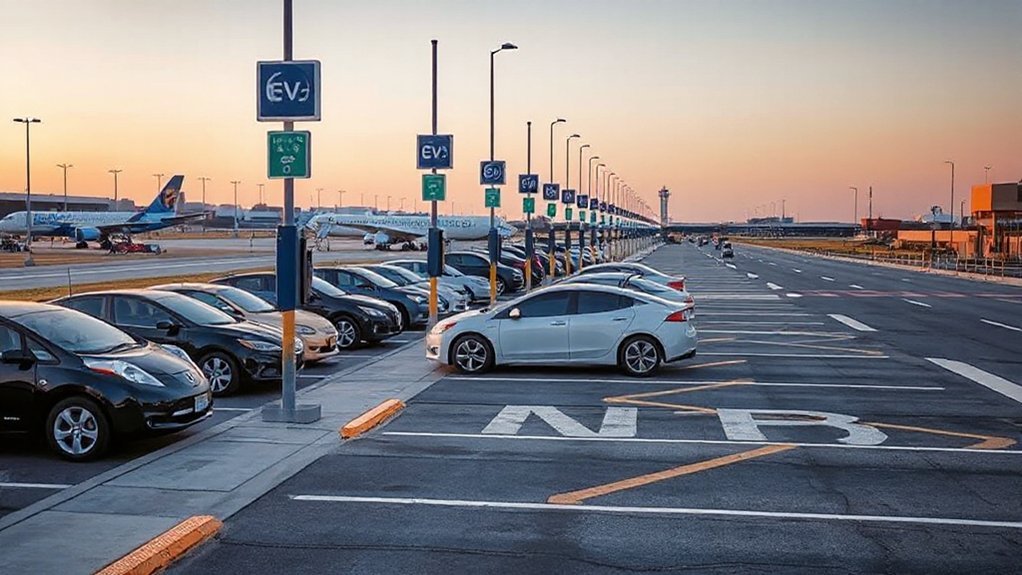
Follow SJC’s EV wayfinding: track charger icons on roadway signs and garage level markers, then verify the garage, level, and stall ID in your app before you pull in. Use posted zone/row labels to navigate directly to the bay and reduce search time. To avoid idle fees, check the network’s grace period and per‑minute idle rate in the app, enable charge-complete alerts, and move within the stated window.
Wayfinding and Signage Tips
While SJC’s garages use standard EV plug symbols and green “EV Charging” markers, you’ll navigate faster by pairing those cues with lot, level, and row identifiers published on the airport’s parking map and in charger-network apps. Confirm garage entry points before arrival; Terminal A and B garages post digital occupancy counts that correlate with charger availability across networks. Follow pedestrian routes signage to cross-check your level against elevator banks and stair cores. Use landmark cues—numbered columns, color bands, and gate vestibules—to mark your stall for a swift return. If a bank appears full, scan adjacent rows; SJC often clusters ports in mirrored sections.
- Blue band, Level 3, Row H, opposite Gate 17 vestibule
- Column 42, near red elevator core
- Southwest corner, facing short-term exit
Avoiding Idle Fee Penalties
How do you avoid idle fees at SJC? Monitor posted time limits on EV signage, which specify dwell caps by lot and provider (e.g., 30–60 minutes post-charge). Use the charging app to set end-of-charge alerts and enable overstay notifications. Park only in active charging stalls; if your session ends, relocate to standard parking to free the charger. Confirm access windows; some stations restrict overnight use or require terminal-specific validation. Track timestamps: note plug-in time, state of charge, session end, and departure. Document outages or blocked access with photos. For fee disputes, collect session logs, receipts, and screenshots. If you’re cited, follow the appeal process within the posted deadline, citing evidence and policy references. Repeat violators may face towing; comply to avoid escalations. Expect fines.
Tips for Layovers, Overnight Stays, Pickups, and Rental EVs

Because dwell times vary, match your charging plan to your stop type and SJC’s parking rules: for layovers, target Level 2 stalls in the terminal garages, budget several hours for 6–7 kW charging, and move when you’re topped up to avoid time limits or idle fees; for overnights, only use lots that explicitly allow multi-day EV parking and verify any maximum-per-session limits at the charger; for quick pickups, use the Cell Phone Waiting Area and avoid occupying EV stalls unless you remain with the vehicle and can vacate promptly; for rental EVs, confirm the agency’s state-of-charge return policy (often “same-as-pickup”) and fees for undercharge, keep a ChargePoint-compatible payment method and app ready if on-airport stations require activation, and document SOC and charging receipts at return.
Plan by dwell time: use terminal L2 for layovers, approved overnight lots, Cell Phone Waiting Area for pickups, confirm rental SOC rules.
- Layover Strategies
- Rental Insurance
- SOC photo
Conclusion
You’ve got the map now: Terminal A (L1 south elevator, L3 east), Terminal B (L1 northwest, L2 central), plus the Rental Car Center. Match your connector—J1772 Level 2 or DC fast CCS/CHAdeMO/NACS—to your dwell time. Budget for parking, charging, time limits, and idle penalties. Check network apps for live status, load a payment method, and enable alerts. Follow posted signage to avoid citations. Heading to SJC soon—why not plan your charge like a flight slot?