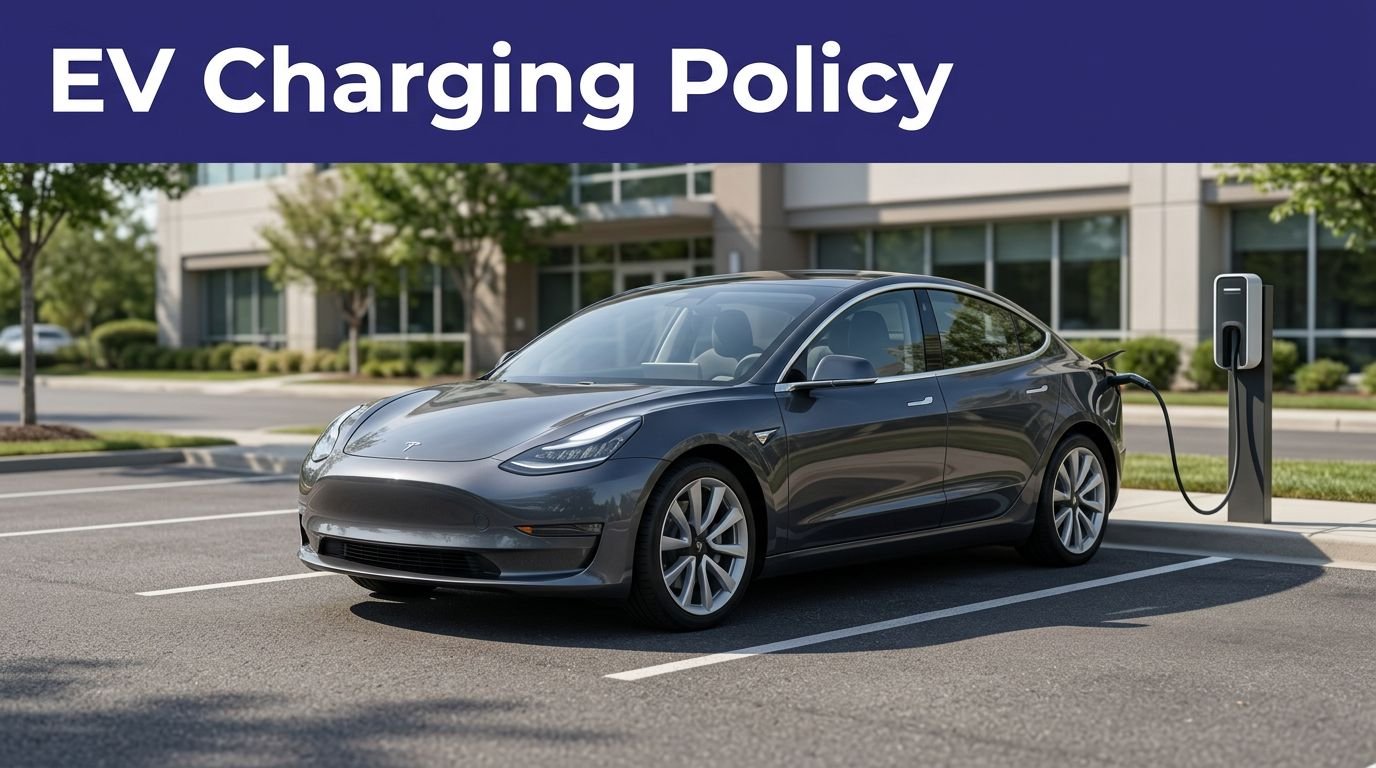
The Tesla Supercharger network is no longer a Tesla-only clubhouse, but using non-Tesla Superchargers at these public fast chargers still isn’t a matter of plugging in and hoping the app feels generous. Your EV needs the right charging port, an approved adapter or native NACS hardware, a compatible location, and a payment method ready before your battery gets dramatic.
The good news is that Ford, GM, Rivian, Hyundai, Kia, and other automakers have opened access at compatible charging stations in North America, while selected Magic Dock sites can serve CCS vehicles. Here’s how to check your car, start the session, avoid cable gymnastics, and know when a Tesla charger simply isn’t an option.
This post may contain affiliate links. If you make a purchase through these links, I may earn a small commission at no extra cost to you.
How non-Tesla Superchargers work
The Tesla Supercharger network uses the North American Charging Standard, or NACS, for its current connector. As a DC fast-charging network, it uses a connector ecosystem that differs from broader public charging infrastructure.
Many older non-Tesla EVs use a CCS1 port instead. Those cars need a DC charging adapter that connects the Tesla NACS handle to the vehicle’s CCS1 inlet.
Tesla says many Supercharger stalls are open to other EVs, but “many” is doing some heavy lifting. Not every site accepts non-Tesla vehicles.
Native NACS, CCS1, and the adapter situation
A non-Tesla EV with a factory native NACS port can usually connect directly to a compatible Supercharger. The NACS charging port is built into the vehicle, so there’s no adapter. No extra plastic brick hangs off the cable. You still need an eligible vehicle and an open site, though. The connector alone doesn’t grant access.
A CCS1-equipped EV needs an automaker-approved NACS DC adapter. Ford calls its product the Ford Fast Charging Adapter, while GM calls its version the NACS DC adapter. Rivian also provides an approved charging adapter for compatible CCS1 vehicles. These are DC adapters, not general-purpose adapters for home AC charging.
Some third-party adapters, including the Lectron Vortex Plug, are marketed for this connection. The Lectron Vortex Plug may fit physically, but physical fit isn’t the same as network approval. Before using a Lectron Vortex Plug, verify vehicle and network compatibility. Tesla and automakers generally direct owners to approved adapters made for their vehicle.
Magic Dock is a different setup
Magic Dock Superchargers have a CCS adapter built into the charging handle. If your CCS vehicle can use that location, you don’t need to bring a personal adapter.
The station still needs to appear as available for your vehicle. Magic Dock doesn’t make every site universal, and it doesn’t make CHAdeMO vehicles compatible.
Early Nissan Leaf models are the famous example here. They use CHAdeMO, not CCS1, and a normal NACS adapter won’t convert the system. Plug-in hybrid vehicles are usually excluded too because they typically don’t have a DC fast-charging inlet.
Check compatibility before you leave
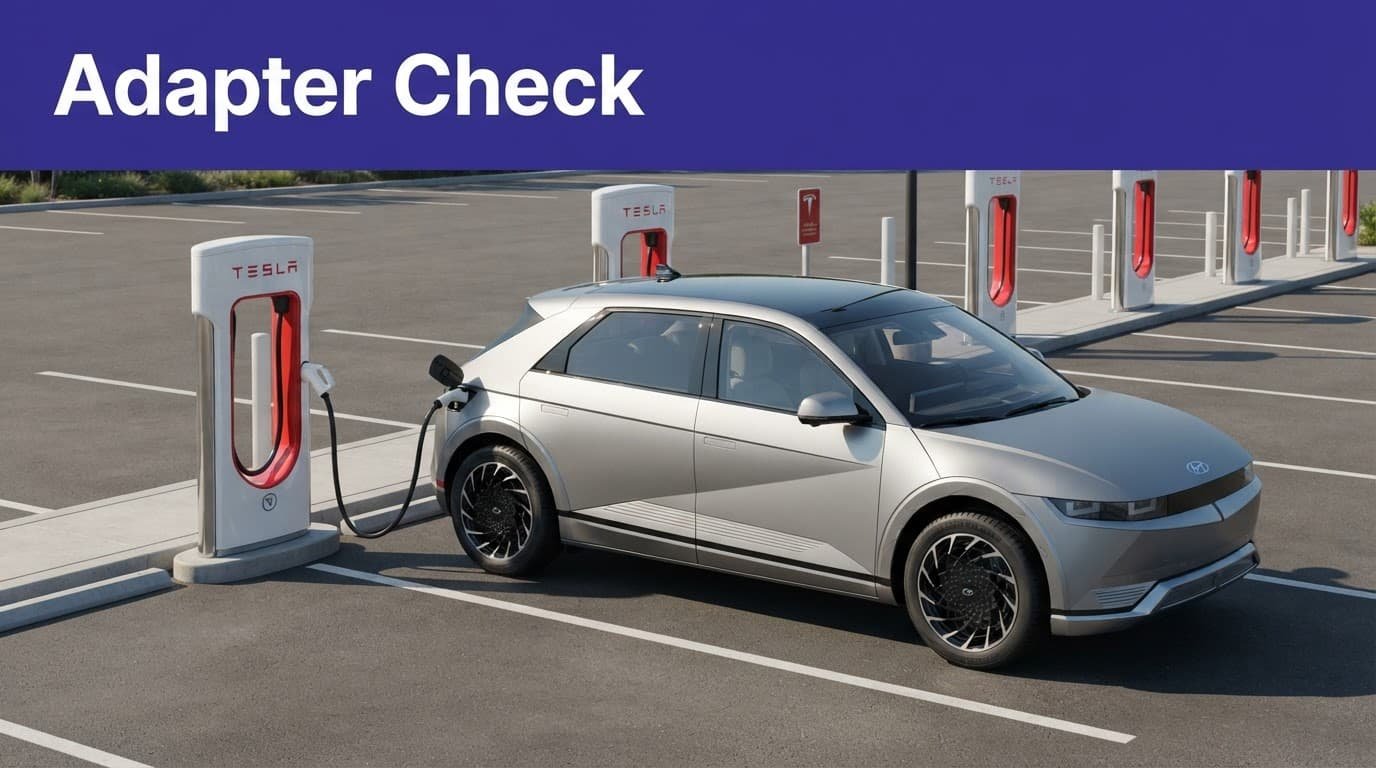
The worst time to discover your adapter is wrong is beside a charger, at 2 percent battery, with a line of cars behind you. Before leaving, verify your automaker’s participation in the Tesla Supercharger network, then check your vehicle, adapter, and station.
Confirm your automaker’s access program
As of August 2026, Tesla’s official NACS information identifies Ford, Rivian, and General Motors as supported automaker programs in North America.
Ford EVs use the Ford Fast Charging Adapter at designated Tesla Superchargers in the United States and Canada. Ford’s charging guidance for Tesla Superchargers covers the adapter requirement and site restrictions.
GM owners use a GM-approved NACS DC adapter with compatible Chevrolet, Cadillac, and GMC EVs. GM’s instructions point drivers toward the myChevrolet, myCadillac, or myGMC app for public charging setup. Chevrolet’s Tesla charging instructions explain the process.
If your vehicle has a CCS1 port, confirm the approved charging adapter for your model and market. Verify whether the Lectron Vortex Plug is approved for your vehicle before using it.
Hyundai and Kia also publish NACS adapter guidance for eligible vehicles. Model year, country, software, and automaker enrollment can all affect Supercharger access. Even the Lectron Vortex Plug doesn’t provide that access by itself, so don’t rely on a random compatibility list that hasn’t seen daylight since 2024.
Check the station, not only the brand
Open the Tesla app and search for the destination before leaving. Look for a site marked as available to non-Tesla vehicles. If the location doesn’t show that option, assume it won’t work.
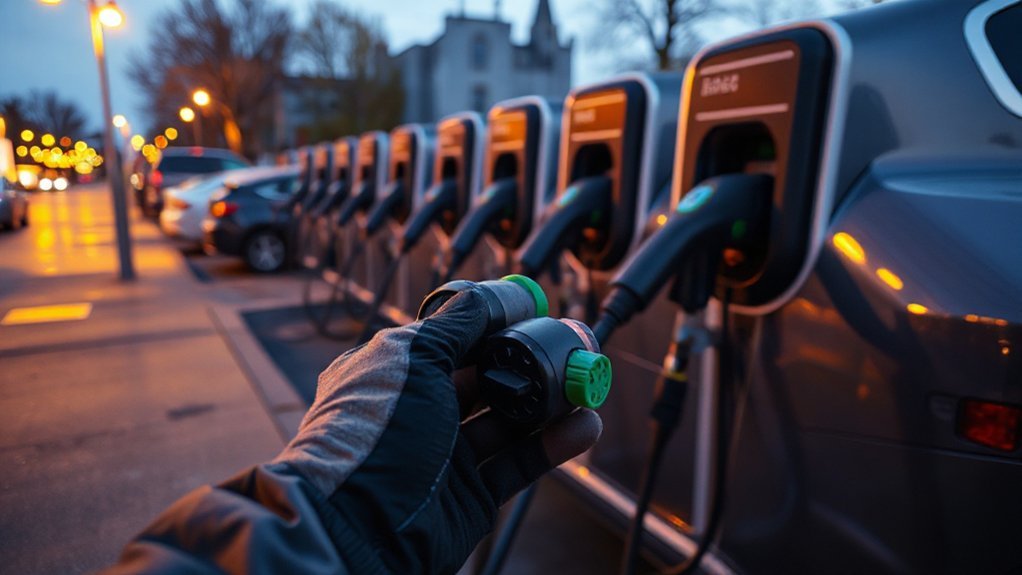
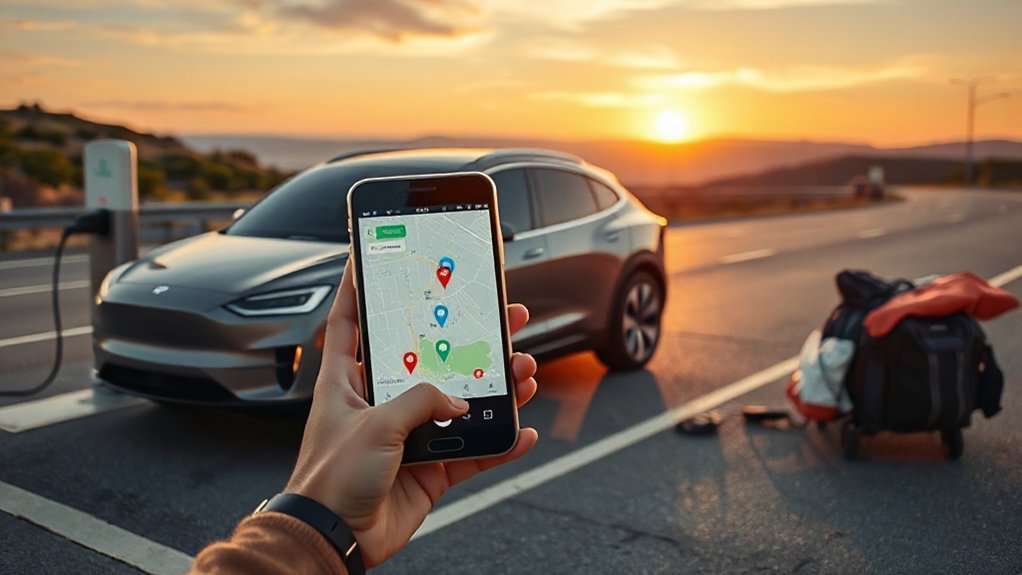
The Tesla app may display the station, stall count, and general availability. The exact non-Tesla permission may appear only after you select the location, so compare compatible charging stations in your automaker’s app or network map.
A charger being newer isn’t enough by itself. The site must also be enabled for non-Tesla access, and your vehicle must meet the program requirements. Hardware age isn’t a permission slip. It’s only part of the compatibility story.
How to start a Tesla charging session
Once your vehicle and station check out, the actual process is fairly ordinary. The app is the fussy part.
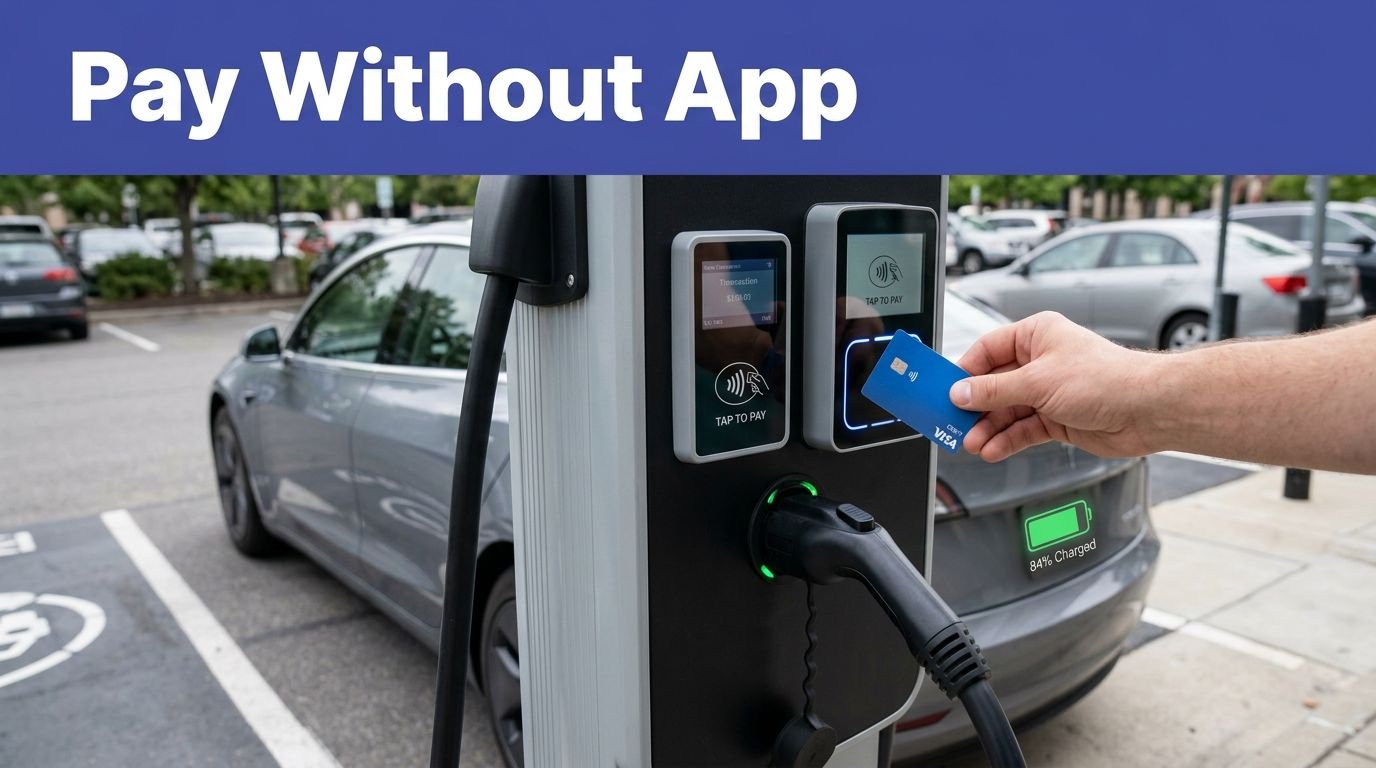
- Create or update your account. Install the Tesla app if Tesla’s direct payment system controls the visit. Add a valid payment method before arriving. Your automaker or an integrated charging service may handle the visit instead.
- Find an eligible Supercharger. Search the Tesla app for the location, or use your automaker’s app or integrated service. Confirm that non-Tesla charging is available, then check the site’s live status if provided.
- Park beside the correct stall. Note the stall number. Tesla sites usually place the charger close to a Tesla’s rear-left corner, so another EV may need a different angle or an end stall.
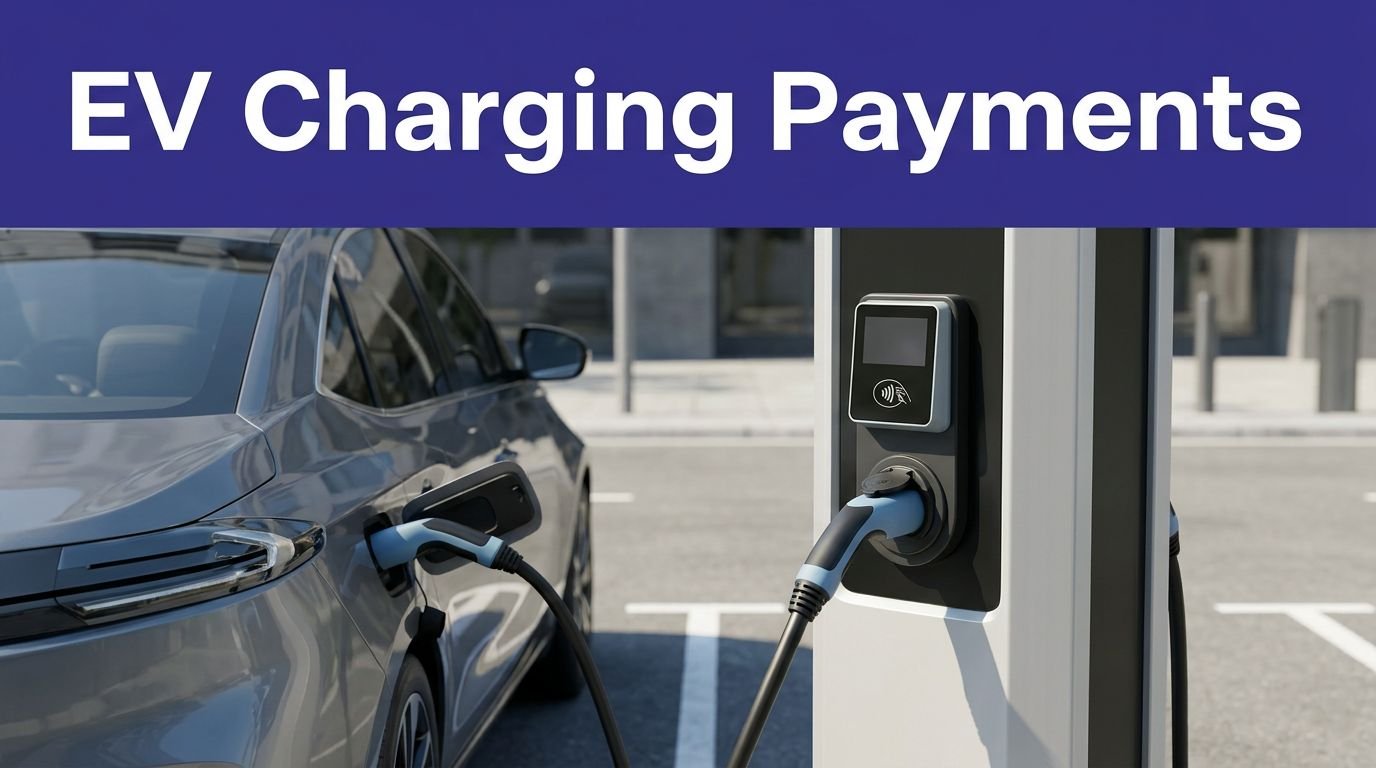
- Connect the hardware. With a CCS1 vehicle, connect the NACS handle to the approved charging adapter, then connect that adapter to the vehicle. Follow the adapter’s instructions, and check the approval status of third-party products such as the Lectron Vortex Plug. With Magic Dock, use the built-in CCS connector.
- Select the stall in the app. Choose the non-Tesla option for your vehicle, select the stall number, and start. The car and charger may take a few seconds to complete their handshake. That’s normal. Repeatedly tapping start isn’t a technical strategy.
- Watch the session. The app should show charging status, energy delivered, time, and estimated cost. When you’re finished, stop charging in the app, wait for the connector to release, then unplug and return the handle.
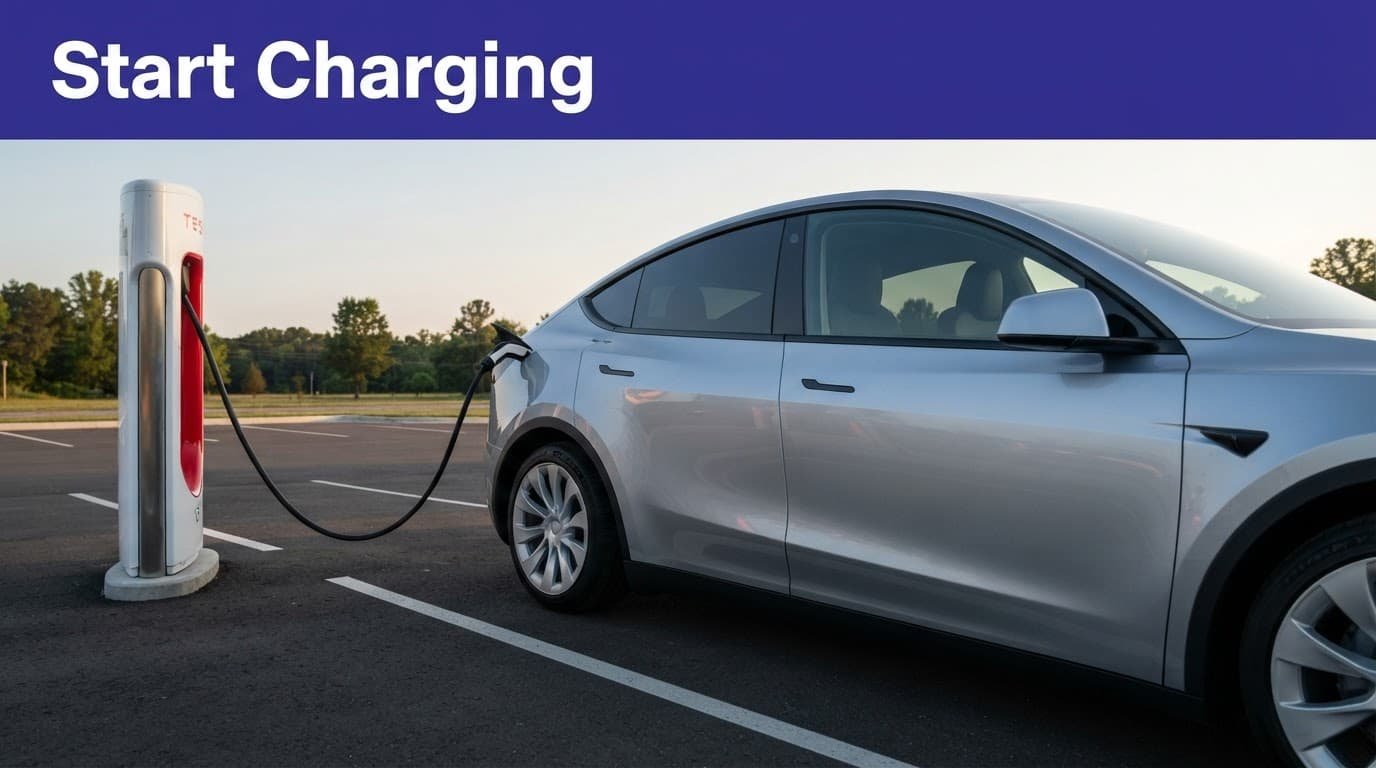
Ford, GM, and other automakers may combine station discovery with their own apps. GM, for example, directs drivers to configure public charging in the brand app and save billing details. Rivian’s NACS adapter guide covers the physical connection for its vehicles.
The rule is simple: use the app or integrated service named by your vehicle program. Don’t assume a Tesla account, FordPass, or your car’s built-in screen controls the same session. Different programs may show different charging options, and plug and charge may not work across every automaker program.
Deal with cable reach, charging speed, and cost
The charging session can be technically successful and still feel like parking a shopping cart with one bad wheel. The main trouble spots are cable length, port position, vehicle voltage, and pricing.
Cable length can decide the whole visit
Tesla cables were designed around Tesla vehicles with a predictable charge-port location. A Ford F-150 Lightning, Rivian R1T, Hyundai Ioniq 5, or another EV may need a different parking angle because of its charging port position.
Pull in close enough for the connector to reach without stretching the cable across a driving lane. Use an end stall when it gives you more room. Don’t occupy two spaces unless the site’s layout and posted rules clearly allow it.
Newer V3 and V4 chargers may have longer cables, but don’t count on that at every site. If the cable won’t reach, move. Forcing the connector at an angle is how a charging stop becomes an expensive repair appointment.
Your peak charging speed is not guaranteed
The number printed on a charger is not a promise made personally to your battery. Your vehicle’s actual charging rate depends on the vehicle, battery temperature, state of charge, adapter rating, site hardware, and voltage conversion.
An 800-volt EV may not reach its usual peak at a 400-volt charging site. That charging rate can fall as the battery fills, or when temperatures and adapter limits hold it back. Charging speed varies by stop, so treat the first few minutes as useful information, not a performance review.
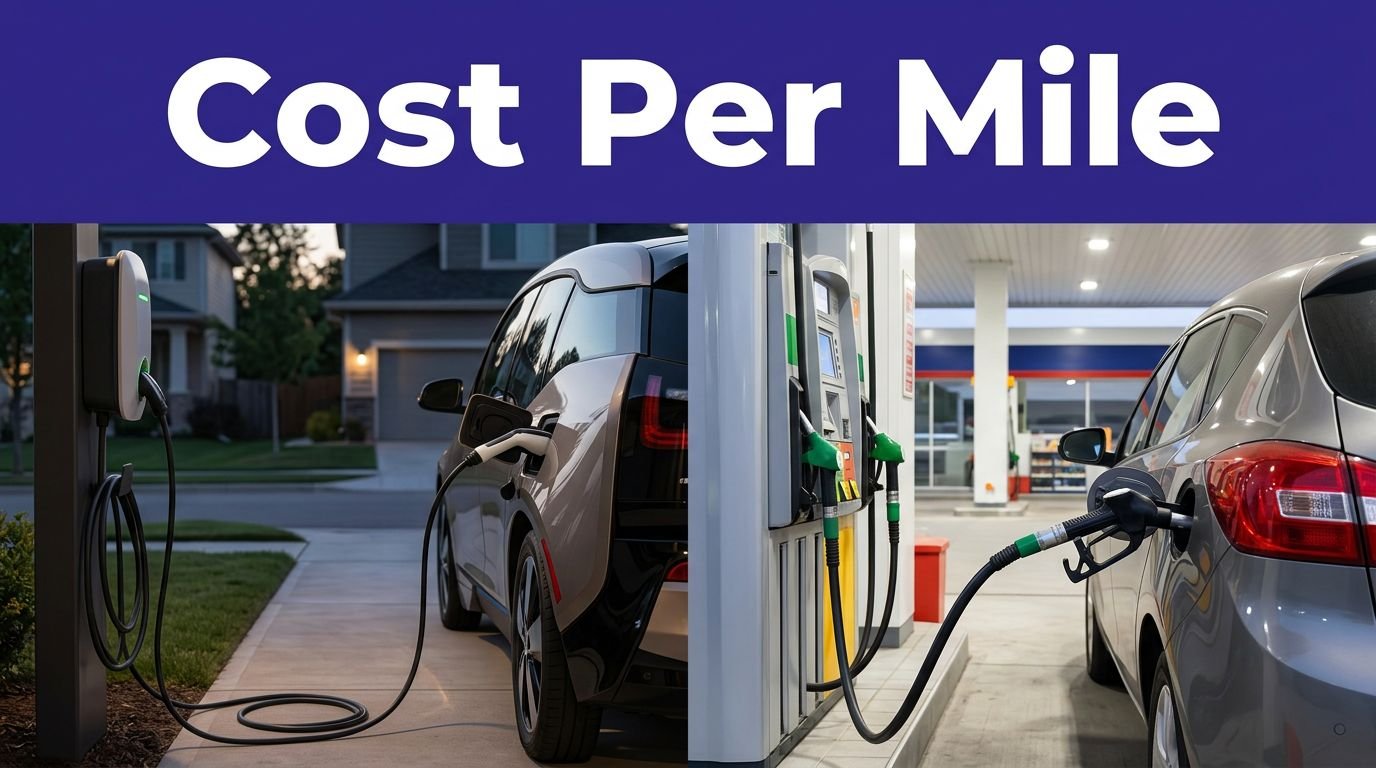
Pricing can vary by location and time. Non-Tesla drivers may also face different pricing from Tesla owners, along with idle or congestion fees where those charges apply. Check the price details before pressing start.
What to do when the charger refuses to cooperate
Trouble usually comes from one of three places: site eligibility, account or payment settings, or a hardware fault.
If compatible charging stations aren’t visible in the app, the site may be Tesla-only, your vehicle may not be enabled, or the automaker program may restrict the model. That points to limited Supercharger access, not necessarily a broken charger. Check the vehicle manufacturer’s current charging page before assuming the site is unavailable. If the Tesla site isn’t suitable, Electrify America can be a practical backup.
If a charging session won’t start, work through the account and hardware basics below:
- Confirm your adapter, including a Lectron Vortex Plug when applicable, is fully seated and latched at both ends. Follow the vehicle and adapter instructions.
- Put the vehicle in Park and follow any charging-preparation instructions in the owner’s manual.
- Select the correct stall number in the app.
- Check that your payment method is valid.
- Stop the session in the app before unplugging and trying again.
- Move to another stall if the cable, handle, or charger screen shows a fault.
A payment error may come from the Tesla app, your automaker’s app, or the account linked to the charging program. Having both apps installed can help, even if you expect to use only one.
Don’t force a connector that won’t release. End the session through the app, wait briefly, and use the vehicle’s manual release procedure only if the owner’s manual instructs you to do so. If the equipment looks damaged, report the stall and leave it alone. The charger has already had a bad day.
Frequently Asked Questions
Can any non-Tesla EV use a Tesla Supercharger?
No. Your vehicle must be part of an approved access program, use a compatible NACS or CCS1 setup, and visit a Supercharger enabled for non-Tesla charging. CHAdeMO vehicles and most plug-in hybrids generally aren’t compatible.
Do I need an adapter to use a Tesla Supercharger?
A CCS1-equipped EV needs an approved NACS DC adapter unless you’re using a Magic Dock site with its built-in CCS connector. Vehicles with a native NACS port can connect directly, but the vehicle and station still need to be eligible.
Can I start charging with the Tesla app?
Often, yes, but your automaker’s app or an integrated charging service may control the session instead. Check the instructions for your vehicle program, select the correct stall, and add a valid payment method before you arrive.
Why is my non-Tesla EV charging slowly?
Charging speed depends on the vehicle, battery temperature, state of charge, adapter rating, and Supercharger hardware. An 800-volt EV may also charge below its usual peak at a 400-volt site, so the number on the charger isn’t a guarantee.
The practical answer for your next road trip
For electric vehicle drivers, using the Tesla Supercharger network comes down to three checks: the right car, the right adapter, and the right site. Vehicles with a native NACS port connect directly. CCS1 vehicles need an approved DC adapter or a Magic Dock location. CHAdeMO vehicles and most plug-in hybrids generally can’t use the network.
Check access in the app before you leave, confirm cable reach before blocking a stall, and verify the displayed price before starting. Once those details are handled, a Tesla Supercharger stop is less mysterious than it looks, even when your vehicle isn’t wearing the badge.