EV charging apps are meant to prevent the classic road-trip surprise: arriving with 8% battery and discovering three charging stations, all occupied, one broken, and one being used as a parking space by a gasoline SUV. The right smartphone app can show open stalls, connector types, charging speed, current pricing, and whether a session is already running. For an electric vehicle driver, that visibility can reduce range anxiety.
The catch is that no single app sees everything perfectly. The smartest setup combines a strong station map with the network app you’ll use to start, pay for, and monitor charging.
This post may contain affiliate links. If you make a purchase through these links, I may earn a small commission at no extra cost to you.
Key Takeaways
- Use PlugShare or another broad map to discover nearby charging stations, then verify status with the network’s own app before driving over.
- Live availability is useful but not perfect, so check timestamps, recent driver reports, working connectors, and outage information.
- Always confirm the connector type, charging speed, current in-app price, idle fees, and payment requirements before starting a session.
- For road trips, combine a route planner with an arrival buffer, a backup charging stop, and at least one backup payment method.
- Charging subscriptions can save money for frequent users, but pay-as-you-go charging is often simpler for occasional trips.
What live availability and pricing really mean
A charging app can list charging stations on a map without confirming that a stall is usable. Those are separate data points, and confusing them is how drivers end up conducting a battery-powered scavenger hunt.
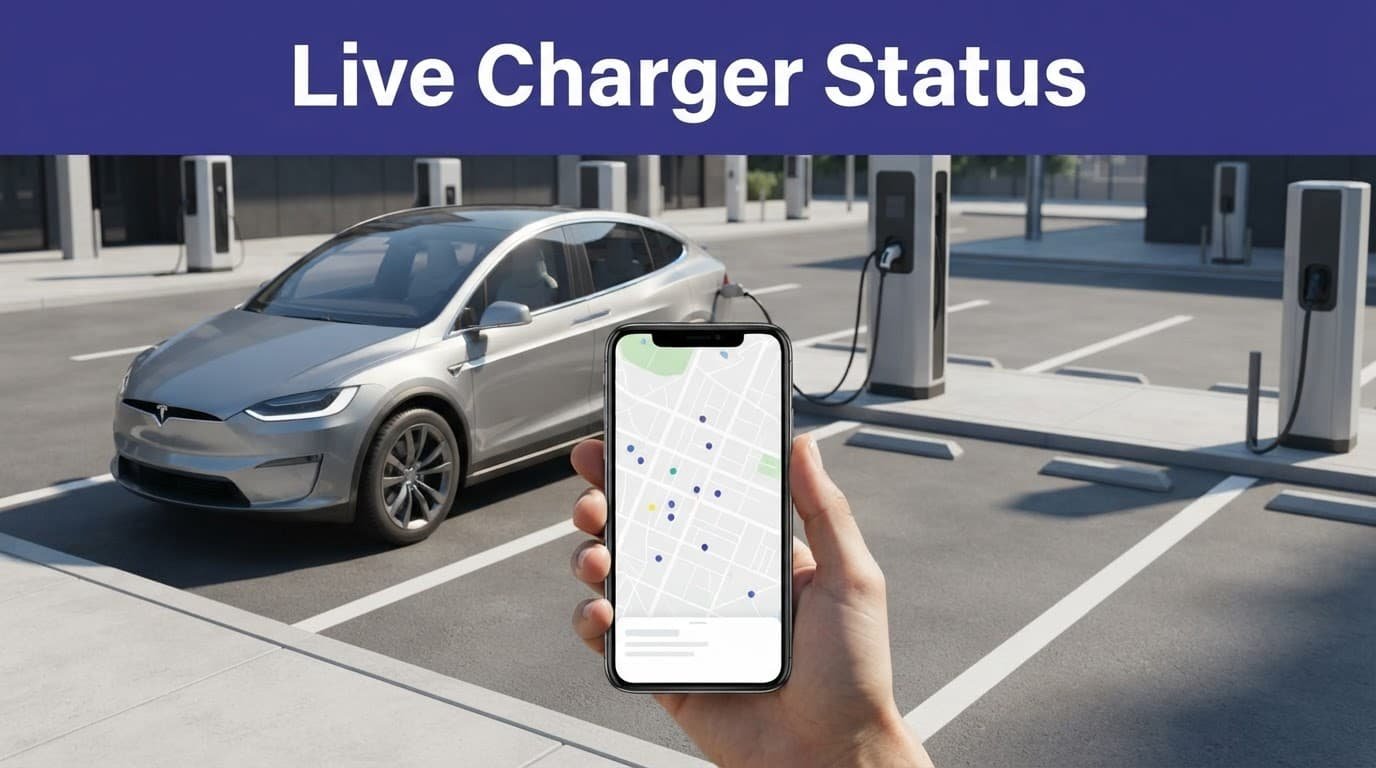
The station map tells you where the hardware is. For an electric vehicle driver, real-time availability should show whether a connector is open, occupied, offline, or unavailable. The current charging status indicates whether a session is actually progressing.
A green dot isn’t a promise
Live data usually comes from the charging network’s software. If the station loses its internet connection, fails to report correctly, or has a physical problem, the app may show information that is a few minutes behind reality.
PlugShare adds a useful driver community layer through check-ins, photos, and comments. That helps you spot a broken cable or a station hidden behind construction. Still, a user report is not the same as a direct occupancy feed from the network.
Treat the status as a strong clue, not a legally binding contract with the charger. Check the timestamp, recent comments, and the number of working connectors before you drive across town.
Pricing can change at the plug
Public charging prices may be based on kilowatt-hours, time, a flat session fee, or a combination of charges. Some locations also add idle or overnight fees after your vehicle finishes charging.
The price can change by location, time of day, and membership status. At roaming stations, the price shown in the app may come from a partner network rather than the company whose logo is on the charger.
That means the in-app price is the number to check before starting. Don’t assume the rate at one ChargePoint or EVgo station applies to every station in the same network.
Which EV charging apps are best for live station data?
Think of EV charging apps as a small crew. PlugShare scouts nearby charging stations. Network apps handle transactions and help locate DC fast chargers. A Better Routeplanner sits in the front seat shouting about elevation changes nobody asked for, but secretly needed.
| App | Live availability | Pricing and payment | Best use |
|---|---|---|---|
| PlugShare | Real-time availability varies by network, plus driver reports | Pay with PlugShare only at participating locations | Finding charging stations and checking reliability |
| ChargePoint | Live status on supported stations | In-app pricing, payment, history, and roaming details | Everyday public charging |
| Electrify America | Live charger status | Pricing, payment, session start, and progress tracking | DC fast charging |
| EVgo | Live availability at supported sites | Pricing, payment, monitoring, and some reservations | Fast charging and route stops |
| Tesla | Supercharger status and pricing | Tesla app payment, with eligible non-Tesla access | Tesla charging |
| Shell Recharge | Availability and station discovery vary by site | Session and payment features, with roaming limits | Regional and roaming access |
| A Better Routeplanner | Route-aware charger data | Not a universal payment app | Long-distance trip planning |
PlugShare is the best discovery tool
The PlugShare charging map is usually the best first stop when you want to see every nearby option, not only one company’s stations. Its filters can narrow results by connector, charging speed, network, access, and reported reliability.
The community information is the real advantage. A recent photo can reveal that a charger is blocked, difficult to reach, or located behind a locked gate. PlugShare supports payment at some participating locations, but it isn’t a universal wallet for every station.
Network apps control the actual session
ChargePoint, Electrify America, and EVgo matter most when you’re standing beside the charger with the cable in your hand. Their apps can show current charging status and display pricing and payment options where available. They can start a charging session, send notifications, and show session progress.
Electrify America’s official mobile app lists current availability, contact-free payment, session controls, and charging progress. EVgo’s charging app also focuses on live station access, pricing, and starting a session.
For a broader overview of how these apps differ, Kelley Blue Book’s EV charging app guide is a useful comparison.
Tesla and ABRP do different jobs
Electric vehicle owners generally use the Tesla app for Tesla Superchargers, billing, and charging history. Many Supercharger stalls in North America are also available to eligible non-Tesla vehicles through the Tesla app and a manufacturer-approved adapter, but access varies by site and vehicle.
A Better Routeplanner is better at answering, “Where should I stop, and how much battery should I have left when I arrive?” It isn’t a universal payment app. Google Maps is a useful navigation app for directions and basic station discovery, but it shouldn’t be your only source for live stall information.
Do you need multiple EV charging apps?
Usually, yes. Not because electric vehicle owners enjoy collecting account passwords like baseball cards, but because public charging is split among network operators, roaming partners, vehicle brands, and site owners.
One app may show charging stations without letting you start the session. Another may let you pay but show limited pricing details. A third may have the most accurate status because it receives the station’s direct data.
Roaming helps, but it isn’t magic
Roaming lets one app provide access to another network’s station. ChargePoint, for example, may show partner stations and process payment for eligible sessions. The charging network still controls the hardware, local rates, idle rules, and sometimes session authorization.
A roaming connection can also carry less information than the operator’s own app. You might see that a station exists but not get every connector’s status, reservation option, or fee detail.
The practical setup is simple: use PlugShare or another broad map for discovery, then keep the operator’s app installed for the networks along your regular routes.
Keep a backup payment method
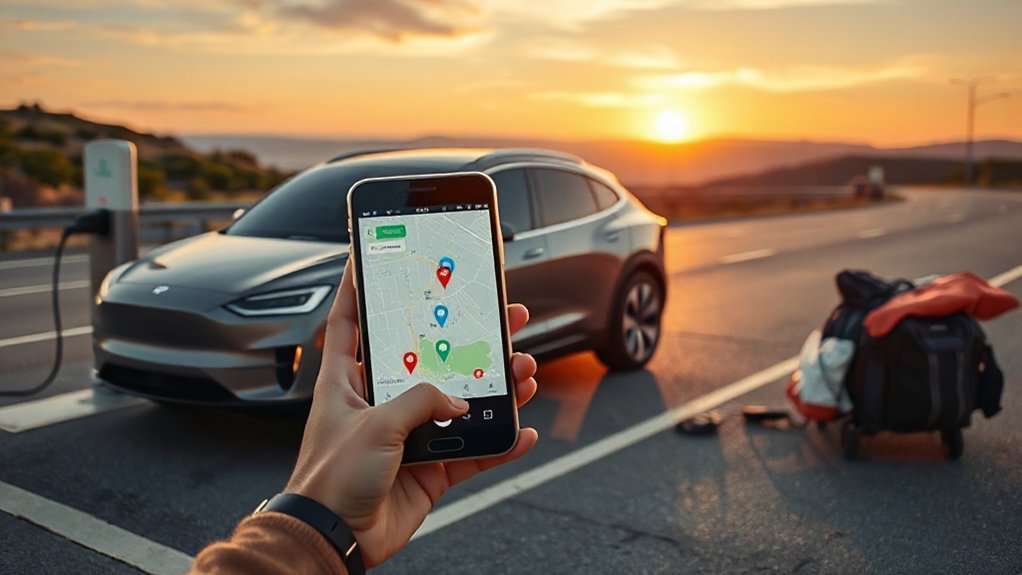

App authentication can fail for reasons that have nothing to do with your car. The charger may have weak cellular service. Your account token may expire. The station may reject a roaming request. Your phone may decide that this is the exact moment it needs an update.
Keep at least two payment options available:
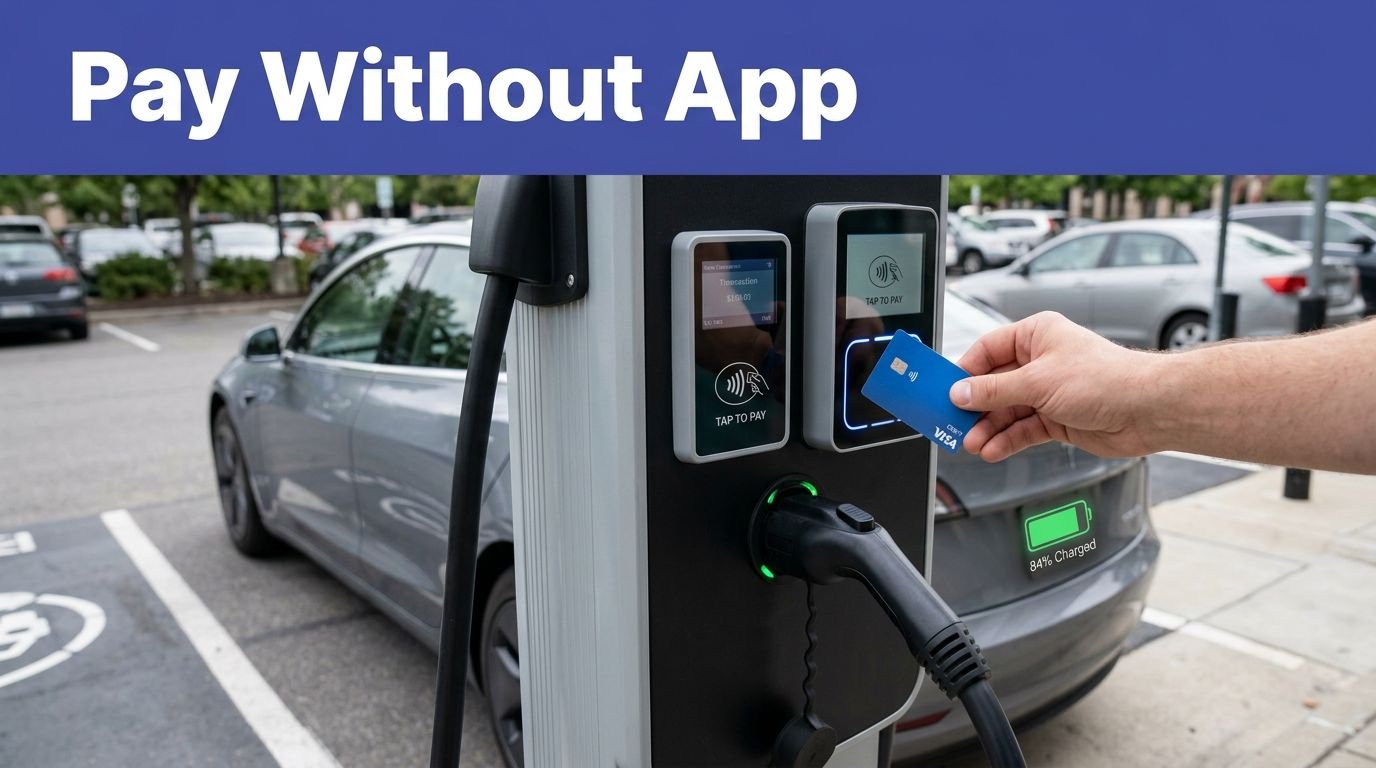
- A contactless credit or debit card, if the station accepts tap-to-pay.
- An RFID card linked to your charging account, where supported.
- A second network app with a saved payment method.
- Enough battery range to reach another compatible station.
Never make your final miles depend on one app, one charger, and blind optimism.
Match the app to your vehicle and charger
Availability means little if the connector won’t fit or the station delivers power your vehicle can’t use. Filter charging stations by hardware before you filter by distance.
Level 2 charging or DC fast charging?
Level 2 charging uses alternating current and is common at workplaces, apartments, hotels, shopping centers, and for home charging. It usually makes sense when your car will sit for an hour or several hours.
DC fast chargers send direct current to the electric vehicle’s battery through the charging equipment. People often call it Level 3, but “DC fast charging” is the clearer industry term. The vehicle, battery temperature, state of charge, and charger output all affect the real charging speed.
Your app should let you filter by connector type and power level. In North America, that may include J1772 for Level 2, CCS1 or NACS for DC fast charging, and CHAdeMO on some older vehicles.
A 350-kilowatt charger doesn’t force 350 kilowatts into a car. Your vehicle accepts what its charging system can handle. The biggest number on the cabinet isn’t a promise.
Can a Tesla use Electrify America?
Yes, many Tesla drivers can use Electrify America, EVgo, and other third-party networks when the connector and adapter are compatible. You may need the network’s app, an approved CCS1 adapter, or a newer vehicle and site combination that supports NACS directly.
The app matters because compatibility isn’t only physical. The station may support your connector but require its own account, payment method, or authorization process. Check the vehicle settings, network app, and station listing before arriving.
Third-party access also works in the other direction. Some non-Tesla EVs can use eligible Tesla Superchargers through the Tesla app, but Tesla’s access rules are site-specific. “Supercharger nearby” doesn’t automatically mean “available for every EV.”
Build a reliable road-trip setup
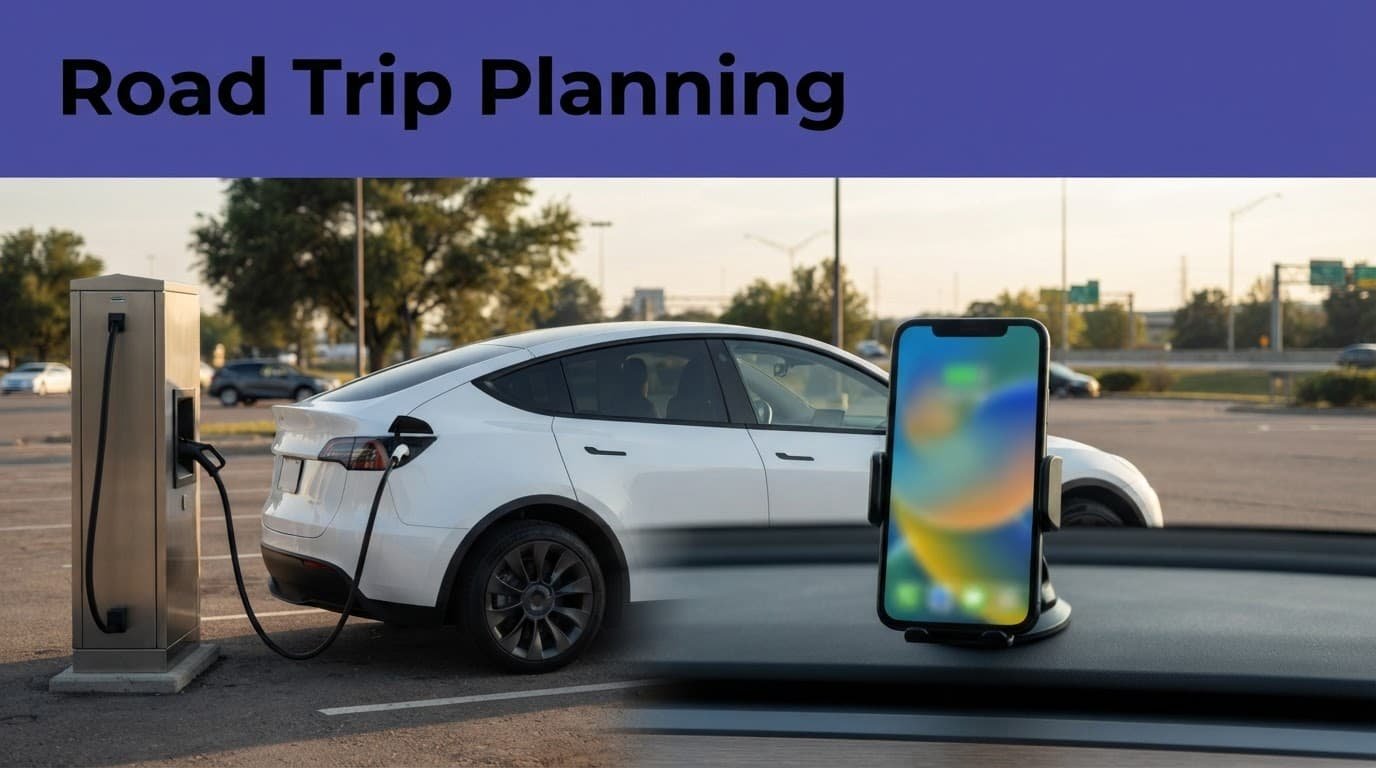
A long-distance electric vehicle road trip needs more than a comparison of available charging stations and a cheerful battery icon. It needs an arrival buffer, a backup stop, and enough information to decide before the highway exit disappears behind you. This preparation helps limit range anxiety when conditions change.
Plan with charger-aware routing
Use A Better Routeplanner or your vehicle’s built-in road trip planner to account for battery size, weather, elevation, speed, and charging time. A route that works on a mild day may look different in freezing temperatures or strong headwinds.
Before leaving, compare the next two charging stations in the network app. Check each for the number of working stalls, connector type, current price, and recent outage reports. If the next station has only two compatible stalls, identify a second option before you need it.
Charging to 100% at every stop isn’t always the fastest plan. Many drivers save time by charging enough to reach the next reliable stop with a sensible reserve.
Monitor the charging session, then move
Network apps can show charging status, energy delivered, estimated charging cost, and whether the session has ended. Notifications are useful when you’re buying food or walking into a restroom, which is where every charging stop eventually leads.
Remote monitoring doesn’t fix a loose connector or a stalled payment authorization. When the app says charging has started, look at the vehicle and charger for confirmation. When the session ends, move the car promptly to avoid idle fees and leave the stall for the next driver.
Do charging subscriptions save money?
Monthly membership plans can reduce the energy rate, session fee, or both. They only save money when you use that network often enough to recover the monthly charge.
Compare the membership fee with how often you use that charging provider’s charging stations. Then compare it with your expected monthly charging cost. Check whether the discount applies everywhere or only at selected locations. Some plans use different rates for roaming sessions, peak periods, or specific charger types.
Even free charging can come with idle or overnight fees. A lower energy price can disappear quickly if your car stays connected after charging finishes. Also check whether the station bills by time, kilowatt-hour, or a fixed session amount.
For occasional road trips, pay-as-you-go charging is often simpler than relying on home charging alone. A driver who uses the same fast-charging network several times each month may benefit from a plan. The app should show member and non-member prices before you begin.
Frequently Asked Questions
Which EV charging app shows the most stations?
PlugShare is usually the best discovery tool because it combines a broad station map with connector filters, network information, photos, and driver reports. Its live availability can vary, so confirm important details in the operator’s app.
Can EV charging apps show live charger availability?
Many network apps show whether supported connectors are available, occupied, offline, or unavailable. The information can be delayed, so check the timestamp and recent comments before relying on a station.
Do I need more than one EV charging app?
Usually, yes. A broad map can help you find charging stations, while operator apps are often better for payment, session authorization, pricing, and live charging progress.
Can a Tesla use Electrify America or EVgo?
Many Tesla vehicles can use third-party networks when the connector and adapter are compatible. You may need the network’s app, an approved adapter, and a separate payment method or account.
Are EV charging subscriptions worth the cost?
A membership can reduce charging rates or session fees when you use that network regularly. Compare the monthly fee with your expected charging costs, including roaming, peak-period, and idle fees.
The reliable EV charging app setup
There isn’t one perfect app that guarantees open, affordable charging stations everywhere. The strongest setup pairs a broad discovery tool such as PlugShare with operator apps for regular networks and a route planner for longer drives.
Use live status as information, not prophecy. Confirm the connector, check the current price, carry a backup payment method, and identify another station when the route matters.
That turns the public charging experience from “please let this work” into a plan with an actual second option. Much less dramatic. Your battery will appreciate the lack of theater.