EV Charger Payment Failed? Check These Before Retrying
EV charger payment failed? Check the unit, app connection, card, and bank hold—then make one informed retry or contact the charging operator.
As an Amazon Associate, EV Charging may earn from qualifying purchases. This helps support our independent guides at no extra cost to you. Learn more.
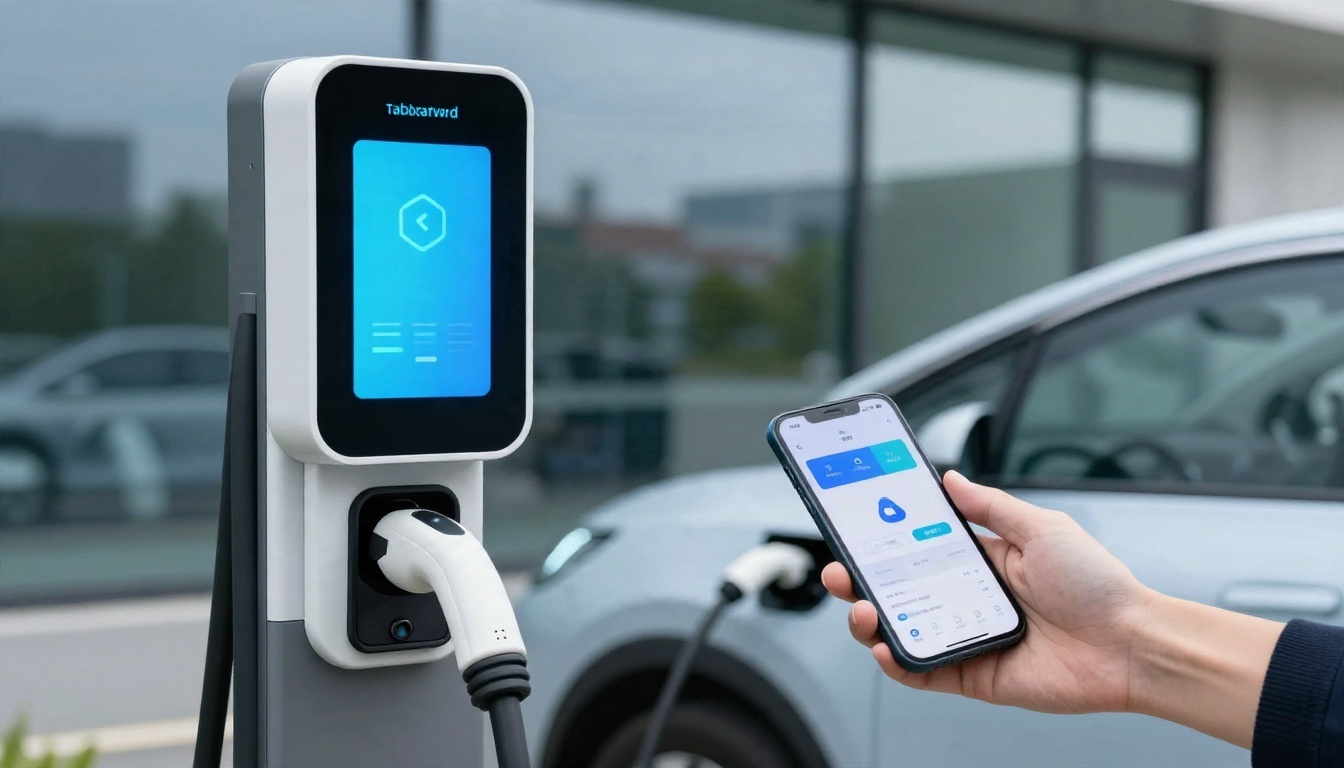
If your screen says "EV charger payment failed," check the selected charger, your app connection, and your stored card before starting again. A failed authorization, a weak phone connection, and a charger fault can look similar, but they need different fixes.
Okay, so pause before tapping Pay again. One controlled retry after fixing a clear problem is more useful than several attempts that might leave you with extra pending holds.
Use this troubleshooting guide to compare what the charger, app, and bank account are telling you before making one controlled retry.
This post may contain affiliate links. If you make a purchase through these links, I may earn a small commission at no extra cost to you.
Key Takeaways
- Match the charger's unit number and supported start method before authorizing payment. Finding a station in an app doesn't always mean that app can start it.
- Replace expired card details, restore connectivity, and distinguish a bank decline from a temporary authorization hold.
- If payment succeeds but charging doesn't begin, move on to connector, vehicle, and station checks. Save the session details before switching chargers or requesting a billing correction.
And one important boundary: the station's equipment belongs to the operator. Don't open cabinets, reset its breakers, or try to bypass a fault.
1. Read the Error Before You Retry
At the charging station, first take a screenshot or photograph of the message. Include the station identifier and connector number, because one location can have several separate units.
The DOE's charging-network guidance explains that network software handles access, station status, session starts, and payment. So a charger can have power while its payment or communications service isn't working.
Use the message to choose your next move.
| What You See | What to Check Next |
|---|---|
| Card declined or payment rejected | Card details, available funds, and bank alerts |
| App spinning or unable to connect | Phone connectivity and app status |
| Authorization accepted, but no charging | Selected connector, vehicle settings, and station error |
| Blank screen or equipment fault | Another unit or the operator's support number |
| Pending bank transaction, no session | Authorization status and the session record |
The useful distinction is where the process stopped. A pending transaction doesn't prove that energy was delivered, and a connected cable doesn't prove that payment worked.
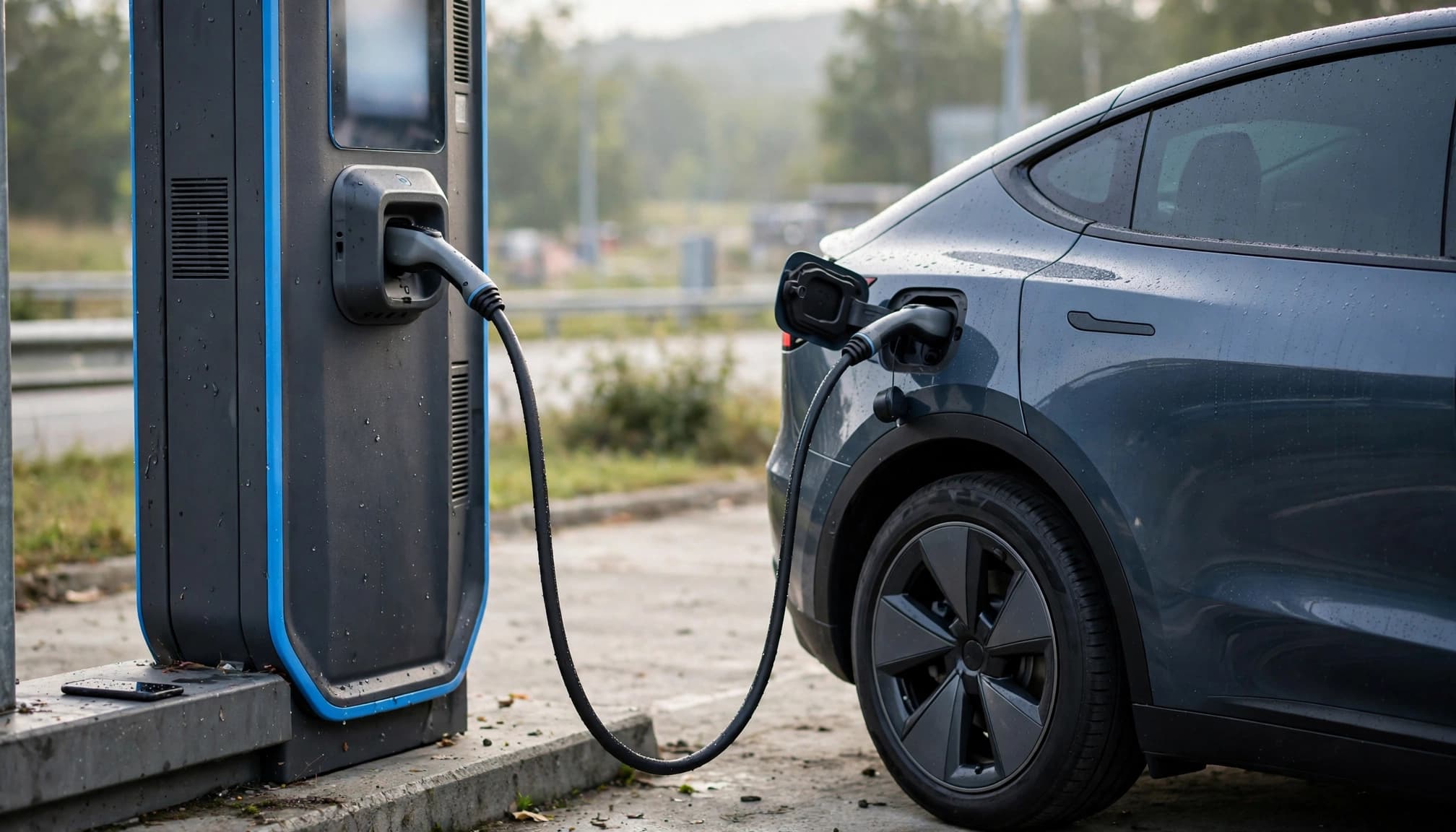
If your remaining range is tight, identify a backup station now. You don't need to finish every troubleshooting step before moving.
2. Match the Unit and Start Method
Now look at the number on the equipment beside your car. Match both the station and connector in the app. Authorizing the neighboring unit won't start yours.
Follow that charger's displayed sequence, too. Some workflows ask you to connect first; others begin with authentication.
App Access and Charging Keys Are Different
A charging key is a physical RFID card or fob that identifies your account when presented to the reader. An app start sends the request through the network's software.
Plugsurfing says some chargers require its physical charging key rather than an app start. Its map's "Accessible with app" filter identifies stations that don't require the key.
That's an easy detail to miss, especially when the station appears on the map. Our guide to charging payment apps separates finding a charger from paying for a session.
Automatic Authentication Needs Its Own Setup
Plug and Charge also needs support on both sides, the vehicle and charger, plus valid enrollment and billing details. Plugging in alone doesn't establish eligibility.
The Joint Office of Energy and Transportation identifies stored-card problems, network issues, and certificate problems among possible Plug and Charge failures.
If automatic authentication fails, use a supported alternative shown by the operator. First let the failed attempt end. Starting another request through a different account while the first is still processing makes the result harder to untangle.
3. Restore the App and Replace Stale Payment Details
The Plugsurfing app lists six causes of charging failures: poor internet, an incorrect or malfunctioning charger, cable issues, an expired payment method, an outdated app, and a required charging key.
Okay, so payment is one possibility. Start with the two checks you can make on your phone.
Get a Working Connection
If the app is stuck, see whether your phone can load another page. A Wi-Fi connection without internet access won't help.
Switch to a working connection, close and reopen the charging app, and look for an active session before requesting another. Update an outdated app when connectivity allows.
Your phone and the charger also have separate connections. Restoring mobile data won't repair an offline station.
If the charger remains unavailable, use another unit or its posted support number. Don't keep submitting the same request through a frozen screen.
Update the Stored Card
Open the app's account or payment settings. Replace an expired card and select the replacement for charging. A newly added card may not become the default automatically.
Plugsurfing supports Visa and Mastercard, entered manually or through Google Pay or Apple Pay. Other networks have different options: ChargePoint's supported payment methods include credit and debit cards, PayPal, Apple Wallet, and Google Pay.
Follow the app's verification prompts and complete any bank authentication request.
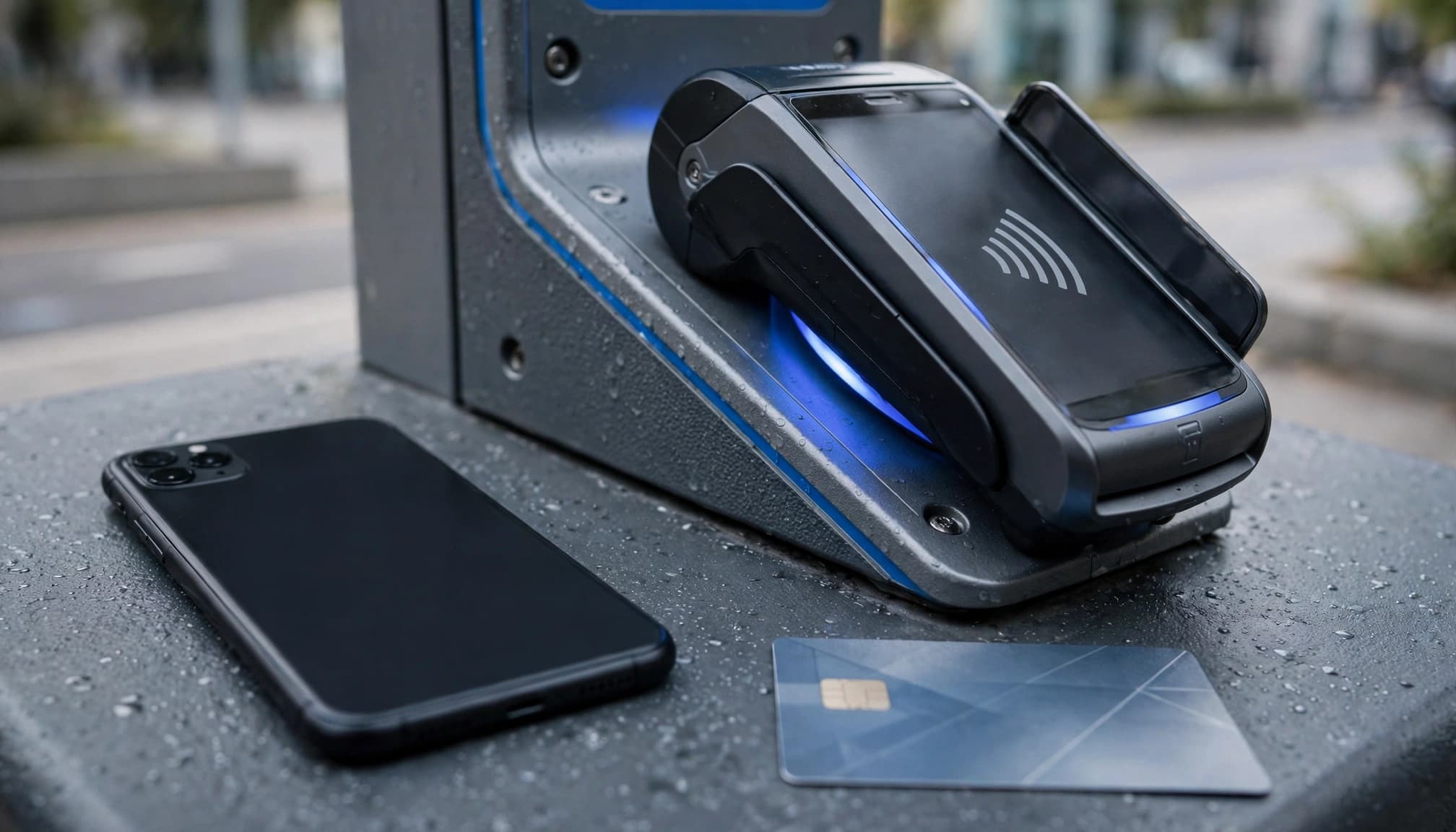
Once the correct payment method is saved, return to the selected charger and make one fresh attempt.
4. Separate a Bank Decline From a Pending Hold
This is where the bank notification can get confusing. Money appearing in your activity doesn't always mean you've paid a completed charging bill.
When the Bank Rejects Authorization
Open your banking app and look for a declined transaction or fraud alert. Available funds or credit must cover the requested authorization, which may exceed the eventual session cost.
For a foreign-issued card, an international transaction restriction can also interfere. A currency-conversion fee affects cost, but doesn't by itself explain every decline.
If the bank requests approval, complete that step before retrying. If no reason appears, contact the issuer or use another supported card after the first attempt ends.
Changing apps won't fix a restriction imposed by your bank.
When the Transaction Is Pending
ChargePoint describes a pre-authorization hold as a temporary reservation placed before charging begins.
Pending and posted are different states. A hold can reduce available funds even when the session never starts. The release timing depends on payment processing and the issuer, so don't treat a pending entry as a settled duplicate charge.
Repeated attempts can also create multiple pending authorizations. That's another reason to pause.
A bank authorization tells you that funds were reserved. The charging record tells you whether the station delivered energy.
Before another attempt, save the transaction status and check the app for a session record. If a charge later posts without the expected service, use those records to request a billing review.
5. Rule Out a Connector or Charger Fault
Payment accepted, still no power? Move away from the card and check the connection.
Check the vehicle display for a charge limit, schedule, or other message. Look at the charge port for a visible alert. If the battery has reached its configured limit, another payment attempt won't make it accept more energy.
Where the session has ended and the equipment allows normal disconnection, unplug and reconnect according to the vehicle and station instructions. Make sure the charging cable connector seats properly. Never force a locked connector or use visibly damaged equipment.
Compatibility matters here. J1772 is an AC charging interface, while CCS supports DC fast charging. NACS supports AC and DC, but an adapter approved for one charging mode doesn't automatically support the other.
On compatible AC equipment, a pilot signal helps the vehicle and charger coordinate connection and charging readiness.
An adapter also doesn't grant network access by itself. Our plug and access compatibility guide covers those separate requirements.
An EV charger not working after payment authorization may still have a connector or station fault. If the charger displays an error, has a blank screen, or won't respond, Plugsurfing recommends trying another charger or calling the charge point operator's posted support number.
Try another suitable unit if available. For a different location, the DOE's station locator can help identify nearby station options.
A working app can't repair a damaged connector, and another card won't clear an equipment fault. Once the screen points to hardware, stop repeating the payment step.
6. Confirm Energy Is Flowing and Keep the Receipt
You got past the payment screen. Great, but give it another moment before walking away.
Look for an active charging session and charging power or delivered energy on the charger, vehicle, or app. A payment approval alone isn't enough. Some vehicles also show that they're connected while waiting for a schedule or authorization.
Read the price attached to the method you used. An app membership, roaming service, and direct terminal payment may have different terms. Our explanation of station costs and fees covers energy, time, and possible additional charges.
If you're billed for a session that never delivered energy, keep the station identifier, timestamp, error screenshot, session record, and bank transaction status.
Request a billing review from the company that billed you. That may be the roaming app provider rather than the brand printed on the charger.
Share only the payment information support needs, such as the card's last four digits. Never send a full card number or security code. If a posted error remains unresolved, contact your card issuer about its dispute process.
7. Recover a Session That Won't Stop
Now the opposite problem: charging started, but the app won't end it.
In Plugsurfing, tap "Stop Charging" or present the charging key to the RFID reader. For other networks, follow the session's displayed stop instructions and supported authentication method.
If the request doesn't go through, check your internet connection and restart the app. Reopen the active session rather than beginning another one.
Then compare the displays. Your phone may show a stale status while the vehicle or charger shows that power has stopped. Don't assume either display has updated immediately.
If the session remains active or the charging cable connector stays locked, call the charge point operator using the number on the equipment. Give the unit number and explain whether energy is still flowing, billing appears active, or the cable won't release.
Don't pull hard on the cable or use an emergency stop as an ordinary billing control. Follow the vehicle's release instructions only after charging has ended.
Keep the final session record, too. If the recorded end time doesn't match what happened, that timestamp gives support something concrete to investigate.
8. Keep Home Electrical Faults Separate
A home charger that loses power needs a different diagnosis. Level 1 or Level 2 charging doesn't change the distinction: public-network payment authorization usually isn't involved unless you're using a paid shared charger.
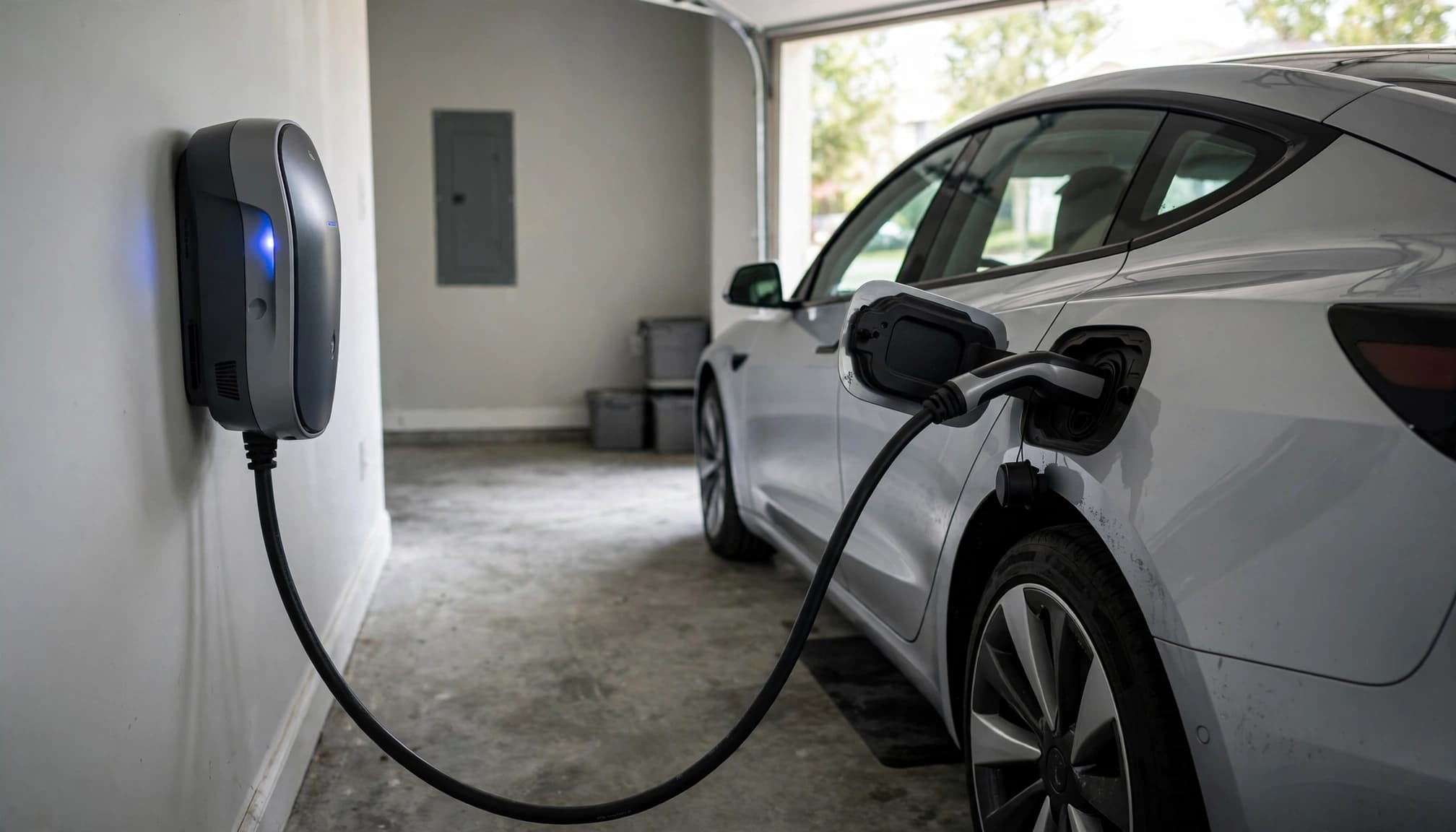
Start with the vehicle and charger messages. A charging schedule, configured battery limit, smart charger setting, supply fault, or vehicle warning can stop a home session without any card problem.
A weak 12V auxiliary battery can also prevent an EV's control systems from operating normally. If the car has broader electrical warnings or fails at multiple working stations, get vehicle service rather than cycling through payment methods.
For a home charger reset, follow the manufacturer's model-specific procedure. There isn't one reset sequence that fits every installation.
Repeated circuit breaker or GFCI trips need professional attention. Stop using damaged equipment, an overheating connection, or a charger that repeatedly faults. Contact the manufacturer and a qualified electrician as appropriate. Any electrical work must follow locally adopted code, including the applicable NEC edition where adopted.
Don't open electrical equipment or take live voltage measurements to troubleshoot a public payment message. Keep those two problems separate.
Sources for Network and Payment Details
The DOE's public charging guidance covers public charging infrastructure and its role alongside home charging.
For account-specific payment and session questions, ChargePoint's driver support FAQs cover payment methods, authorizations, and charging support. Plugsurfing's troubleshooting guidance provides the app, charging-key, and stop-session steps described above.
Frequently Asked Questions
Can I Use Another Card After Payment Fails?
Yes, if the charger supports it and the first attempt has ended. First address any clear cause, such as an expired card or bank restriction.
Another card won't solve an offline charger or incompatible start method. If the bank already shows a pending authorization, save that record before making another attempt. It may remain visible separately from the successful session.
Why Does a Roaming App Show a Charger It Can't Start?
A map listing and session authorization are separate functions. The location may be visible even when that connector requires another supported access method, such as a physical charging key.
Match the unit number and access details before paying. If you switch to the operator's own app or terminal, close out the earlier attempt first and read the price for the new method.
Should I Keep Trying if My Battery Is Almost Empty?
Move to a backup sooner when repeated attempts aren't producing new information. A different suitable unit at the same site may be the quickest option.
If the location appears offline, use another compatible station within your remaining range. If you can't reach one safely, contact roadside assistance. Don't spend your remaining margin repeating a payment request that hasn't changed.
Make the Next Attempt Count
A failed public charging payment becomes easier to untangle once you identify where the session stopped. Match the unit, restore connectivity, and fix the payment method before trying again.
Then confirm energy is flowing and keep the session record. A pending hold isn't proof of charging, and a payment retry won't fix a hardware fault.
Make one informed retry after a clear fix. If nothing changes, switch units or contact the operator instead of repeating the same failed request.
Sources & further reading

Written by
LarryLeoLarryLeo started EV Charging while researching his own next car purchase. He digs into the pros, cons and real cost savings of going electric — using government, standards-body and manufacturer sources — and shares what he finds so other buyers can decide with confidence.
Why trust EV Charging Guide
Our guides are researched from government, standards-body and manufacturer sources, reviewed for accuracy, and updated when rules or products change. Brands cannot pay for placement. Read our editorial policy.