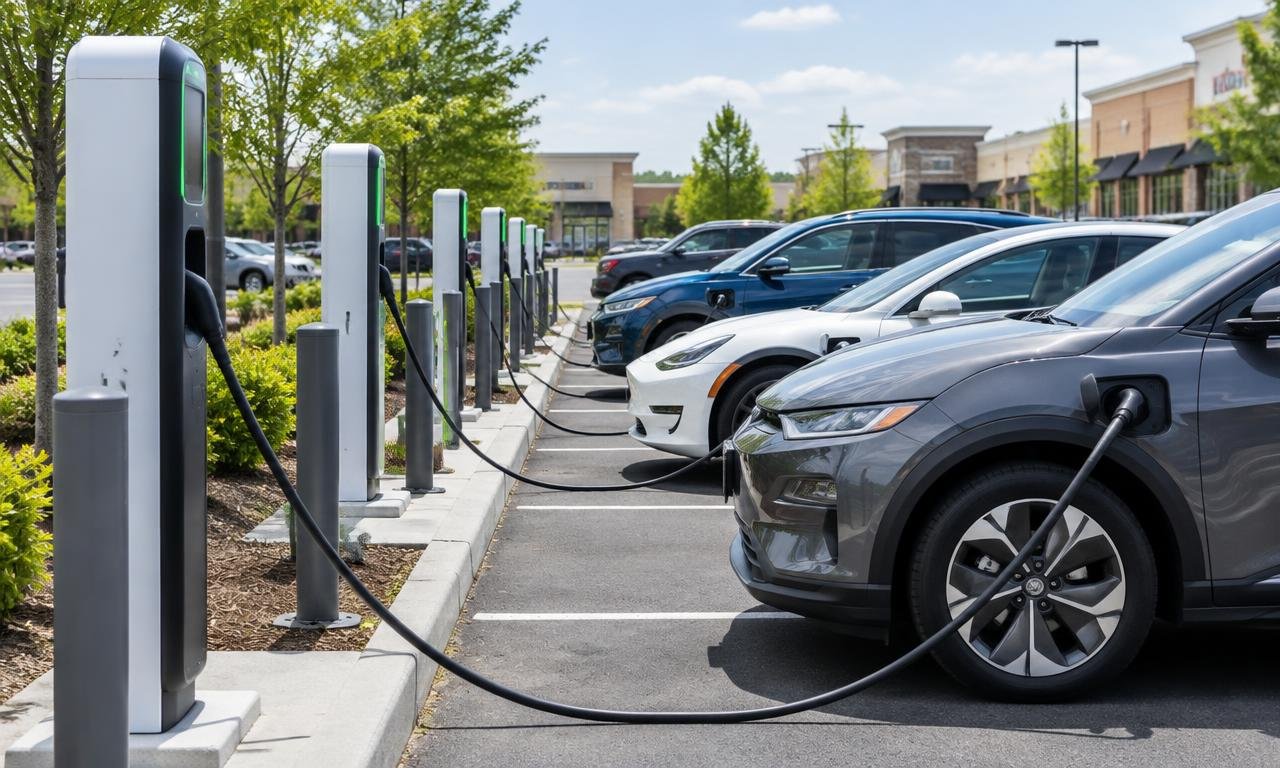
EV Road Trip Planning: How to Find Fast Chargers and Avoid Range Anxiety
Plan your EV road trip with compatible fast chargers, useful route-planning apps, payment backups and an arrival reserve that keeps your options open.
As an Amazon Associate, EV Charging may earn from qualifying purchases. This helps support our independent guides at no extra cost to you. Learn more.
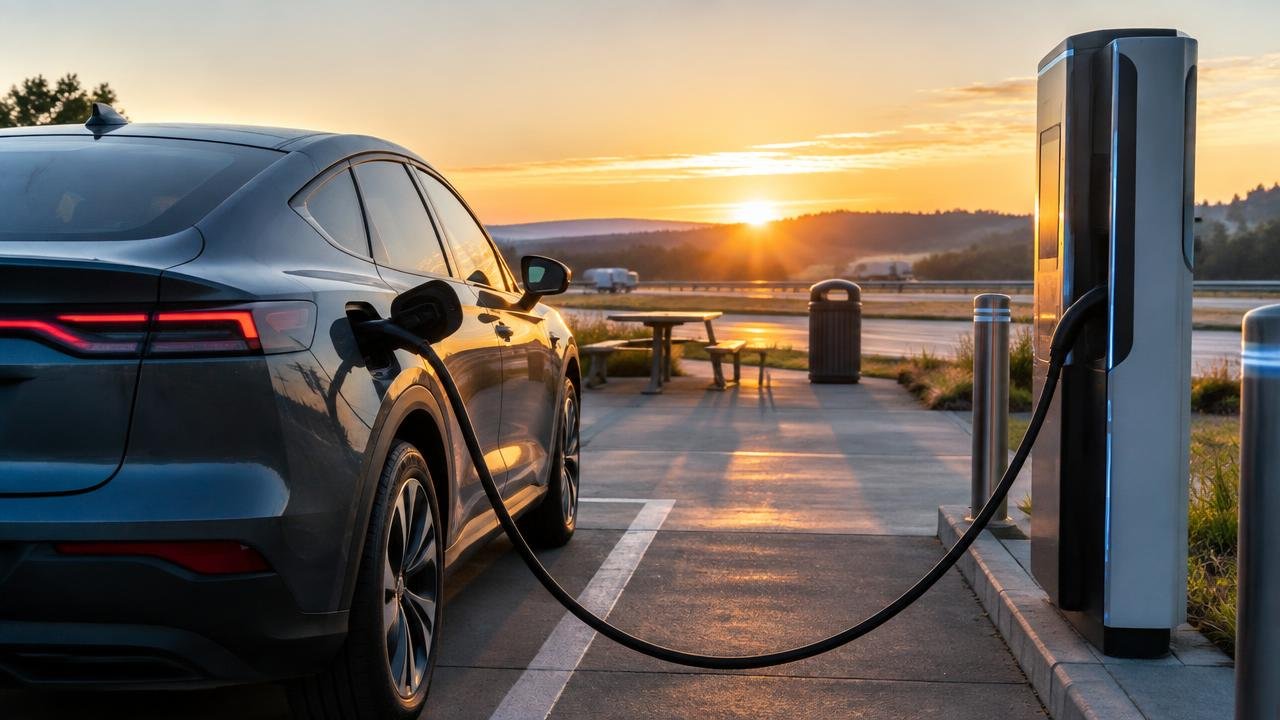
Key takeaways
- Plan around compatible DC fast chargers, then check station access, payment and a reachable backup before departure.
- Use vehicle navigation, a route planner and operator information for different jobs; live status is not a reservation.
- Choose departure charge and arrival reserve for the next leg and conditions, not a universal percentage or advertised peak power.
A good EV road trip starts with options, not optimism
You’ve picked a destination. Now the charging map looks like a bowl of confetti, and you’re wondering which dots will actually get you there. The useful question isn’t just where you can plug in. It’s where your particular car can charge quickly, how you’ll start the session, and where you’ll go if that stop doesn’t work out.
I’m LarryLeo, a prospective EV buyer researching charging rather than reporting from a trip I’ve personally driven. My approach is to check vehicle compatibility first, build a route around suitable fast chargers, then give each important stop a reachable alternative. That turns an intimidating map into a manageable sequence of decisions.
This guide focuses on U.S. road-trip planning. Network access, payment rules and vehicle features can change, so check your exact vehicle’s manual and the operator’s current station information before leaving. A saved plan is useful; a plan you can update is better.
Shop this guide
Compare current options and prices
First, separate fast charging from overnight charging
DOE’s Alternative Fuels Data Center distinguishes AC Level 1, AC Level 2 and DC fast charging. DC means direct current: the fast-charging equipment supplies it to the vehicle for battery charging. On a highway trip, start by looking for compatible DC fast chargers, not just anything marked EV charging.
Level 2 is useful when the car will sit for a longer stretch, such as at a hotel. Level 1 uses a household-style 120-volt connection and is slower still. Neither belongs in your plan as a quick substitute for a highway fast charger. An overnight stop and a lunch stop have very different charging jobs.
Read the connector details as carefully as the map pin. AFDC lists CCS, CHAdeMO and J3400, also called NACS, among DC charging connectors. J1772 is associated with AC charging. A plug that works at a hotel does not establish compatibility with a fast-charging station.
Also distinguish a station location from a charging port. AFDC defines a port as serving one vehicle at a time, even when it has multiple connectors. Two cables hanging on one unit do not necessarily mean two available charging spaces. Count usable ports for your car, not dangling handles.
Use apps and route planning as a small team
Give each tool a job rather than asking one app to handle everything. Use the car’s navigation for its vehicle-specific trip guidance, a route planner to compare charging itineraries, and station information from the charging operator to check the actual stop. For discovery, AFDC’s Station Locator supports searches by location or along a route.
A Better Routeplanner, or ABRP, is one option for comparing routes with charging stops. Its developer, Iternio, describes vehicle-specific planning, plug and network filters, and calculations that account for terrain and conditions. Its site also distinguishes core planning from subscription features such as live traffic, weather and charger availability. Check the current feature tier instead of assuming every screen is free.
Enter the exact vehicle version where supported, along with your starting charge and desired arrival reserve. A nearly matching model is not necessarily a nearly matching battery or charging profile. If you’re renting, confirm the actual vehicle before treating the itinerary as settled.
Then open each critical stop in the network’s own app. Electrify America, for example, says its app and Google Maps show charger status, connector type and charging speed. That’s useful current information, but an available port now is not a reservation for later. Keep the alternative in your plan.
Save the station address, entrance notes and backup address somewhere you can read without mobile data. Download road maps in your navigation app if it supports that. Offline notes preserve directions; they do not guarantee that a charging app can authorize payment without service. Set up accounts and check sign-in before the driveway becomes the departure lounge.
For a closer look at these different jobs, see our guide to EV charging apps for finding and paying for chargers. Primary references: Iternio’s ABRP feature guide, DOE’s Station Locator, and Electrify America’s charging instructions.
Check access before trusting a connector or adapter
Treat compatibility as three questions: does the connector fit, does the vehicle support this charging arrangement, and does the operator permit your vehicle to use this site? An adapter addresses a physical connection. It does not, by itself, answer every access question.
Tesla’s support page distinguishes Tesla-only Superchargers, sites with an integrated Magic Dock adapter, and NACS Superchargers opened to other manufacturers. It directs drivers to enter their vehicle details in the Tesla app or use its interactive map to find compatible sites. Don’t build a route around a Supercharger solely because it appears beside the highway.
For access requiring an adapter, follow the vehicle manufacturer’s and network’s requirements for the exact adapter. Tesla specifies an adapter provided by the vehicle manufacturer for the relevant NACS access arrangement. Avoid treating an AC charging adapter as interchangeable with a DC fast-charging adapter.
Before committing to a stop, consider the physical setup, too. Can you reach the charge port from a marked space without stretching the cable or blocking another bay? If you’re carrying bikes or towing, check parking arrangements rather than assuming an ordinary space will accommodate your whole setup.
Verified access guidance: Tesla’s Supercharging Other EVs support page [1].
Choose a reserve that keeps your backup reachable
A reassuring arrival percentage is one that leaves you options. There isn’t one universal reserve that suits every vehicle, road and weather forecast. Instead of treating a percentage as a magic shield, ask whether your remaining energy will cover the alternative charger if the planned station is unusable.
Here’s a deliberately hypothetical example. Your route planner predicts arrival at the main stop with 18% charge. It estimates the drive from there to your backup will use another eight percentage points. On those assumptions, you’d reach the backup with about 10%. That arithmetic is not a promise: changing conditions or a different detour can change the result.
If that leaves too little room for your comfort or the conditions, charge earlier or choose a different stop. In a sparse corridor, identify the last useful charging opportunity before the long gap. Your backup should be a genuinely reachable alternative, not just the next pin when you zoom out.
Recheck the car’s arrival estimate during normal breaks. If it is falling, adjust the plan while you still have choices. Don’t wait until the original stop becomes the only reachable option. If you cannot reach a charger safely, stop somewhere safe and contact roadside assistance rather than trying to improvise an electrical connection.
Plan charging time around the car, not the biggest number
The number on a charger describes available power, not a guaranteed charging rate for your car. Electrify America explicitly notes that a vehicle unable to accept a charger’s maximum power will receive only what it can handle. A larger number on the cabinet cannot upgrade the vehicle parked beside it.
Kilowatts, abbreviated kW, measure charging power: think of the rate at which energy flows. Kilowatt-hours, or kWh, measure the energy delivered, like the amount poured into a container. AFDC says charging time depends on battery charge level, capacity, battery type, equipment and vehicle capabilities. That’s why a single advertised charging time is a poor itinerary.
Use the planner’s suggested departure charge as a starting point, then check it against your next leg and reserve. Don’t turn the familiar advice to leave around 80% into a rule that overrides the route. Charging behavior varies, and your car may reduce power as the battery fills. Sometimes leaving sooner fits the itinerary; sometimes the next gap justifies staying longer.
For a simple planning illustration, adding 30 kWh at an average 75 kW would take 24 minutes. That is arithmetic using invented example inputs, not a forecast for any model. A peak rate is not an average, and this calculation excludes waiting, parking and starting the session. Give those ordinary logistics a place in your schedule.
Check your manual for battery preparation features, sometimes called preconditioning: bringing the battery toward a suitable charging temperature. Follow the documented procedure for your model rather than assuming that opening a charger address in any phone app activates it. Vehicle-specific advice beats a universal shortcut.
Prepare payment before arriving hungry
Check prices for the actual station, not a remembered network-wide figure. Electrify America says its pricing depends on location, plan and energy delivered; time-of-use pricing applies at selected stations. Its app and charger screen show current information, including possible idle fees after charging ends.
Install the apps for your planned networks, add a valid payment method and carry a physical payment card. Electrify America supports guest credit or debit card payment at the charger as well as app-based options. Don’t assume another network has the identical process. Read its instructions before making it your only stop.
At arrival, match the charger number in the app to the equipment beside your car and follow the screen prompts. Confirm that energy is actually flowing before heading off for food. A connected cable is encouraging, but session details are the useful confirmation.
Be cautious with payment stickers. Electrify America specifically says it will never ask you to pay by scanning a QR code. Use the official app or the equipment’s documented payment process, and report a suspicious sticker through the operator’s support channel. After the session, move your vehicle when practical so the next driver can charge.
Payment, pricing and QR-code guidance: Electrify America’s pricing and payment page.
Heading somewhere with more campsites than fast chargers? Our guide to choosing a portable EV charger for road trips and camping covers plug types, cable reach and campground outlet etiquette.
Make weather and overnight charging part of the itinerary
FuelEconomy.gov advises checking the owner’s manual because energy-management advice differs across models. It also notes that heating and air conditioning use energy, and that warming or cooling the cabin while plugged in can extend electric range. Comfort still matters; build the route around the conditions rather than planning to be uncomfortable.
When reviewing the route, enter relevant conditions and accessories where your planner supports them. Iternio describes accounting for elevation, temperature, wind and accessories such as a roof box. Treat those calculations as planning help, then compare them with the vehicle’s changing arrival estimate.
For overnight charging, ask the property about connector type, access hours, payment, parking restrictions and whether a space can actually be reserved. A hotel listing that says EV charging does not answer those questions. Plan the next morning’s departure assuming the charger might be occupied, unless you have a dependable alternative.
Pack your phone charging cable, payment card and any specifically approved charging adapter your itinerary requires. A portable charging unit is optional equipment for an identified, permitted outlet—not a universal rescue device. If the electrical supply needs assessment or alteration, use a licensed electrician and follow manufacturer instructions, permits and local code. Don’t improvise with damaged outlets or unapproved extension cords.
For seasonal planning, see how cold weather affects EV range and charging. If your destination offers an outlet rather than a charger, read our portable EV charging guide for trips and camping. Efficiency reference: FuelEconomy.gov’s EV driving tips.
Frequently asked questions
How do I find fast chargers along my route?
Start with vehicle-specific routing, then use DOE’s Station Locator or a planner such as ABRP to inspect charging options along the route. Filter for compatible DC connectors and check each critical stop in the operator’s app. Save a reachable alternative, not just a second map pin.
Should I always stop charging at 80% on a road trip?
No. Choose departure charge for the next leg and your reserve, following the vehicle’s guidance. Charging power can vary as the battery fills, so waiting for more charge may or may not fit your schedule. A long gap with few alternatives can justify a higher departure charge.
Can a non-Tesla EV use any Tesla Supercharger with an adapter?
No. Tesla distinguishes different access categories and directs you to check compatible sites using your vehicle details in its app or map. Where an adapter is required, follow the network’s and vehicle manufacturer’s exact requirements. Physical fit alone does not establish access.
What should I do if my planned charger is busy or unavailable?
Compare waiting with driving to your saved alternative while that option remains reachable. Check the alternative’s current status and the vehicle’s arrival estimate before leaving. If no charger is safely reachable, contact roadside assistance. A portable charging unit only helps where a suitable, permitted electrical supply is available.
Do I need a separate app for every charging network?
Not necessarily. Payment methods vary by operator; Electrify America, for example, accepts guest card payment at its chargers. Apps can still help with status, pricing and session management. Verify the options for your planned stops, set up needed accounts beforehand and carry a payment card.
Sources & further reading
- DOE AFDC — Electric Vehicle Charging Stations
- DOE AFDC — Alternative Fueling Station Locator
- Iternio — A Better Routeplanner
- Electrify America — Charging Your EV
- Tesla — Supercharging Other EVs
- Electrify America — What to Expect
- Electrify America — Pricing and Payments
- DOE/EPA FuelEconomy.gov — EV Driving Tips

Written by
LarryLeoLarryLeo started EV Charging while researching his own next car purchase. He digs into the pros, cons and real cost savings of going electric — using government, standards-body and manufacturer sources — and shares what he finds so other buyers can decide with confidence.
Why trust EV Charging Guide
Our guides are researched from government, standards-body and manufacturer sources, reviewed for accuracy, and updated when rules or products change. Brands cannot pay for placement. Read our editorial policy.
Related Posts
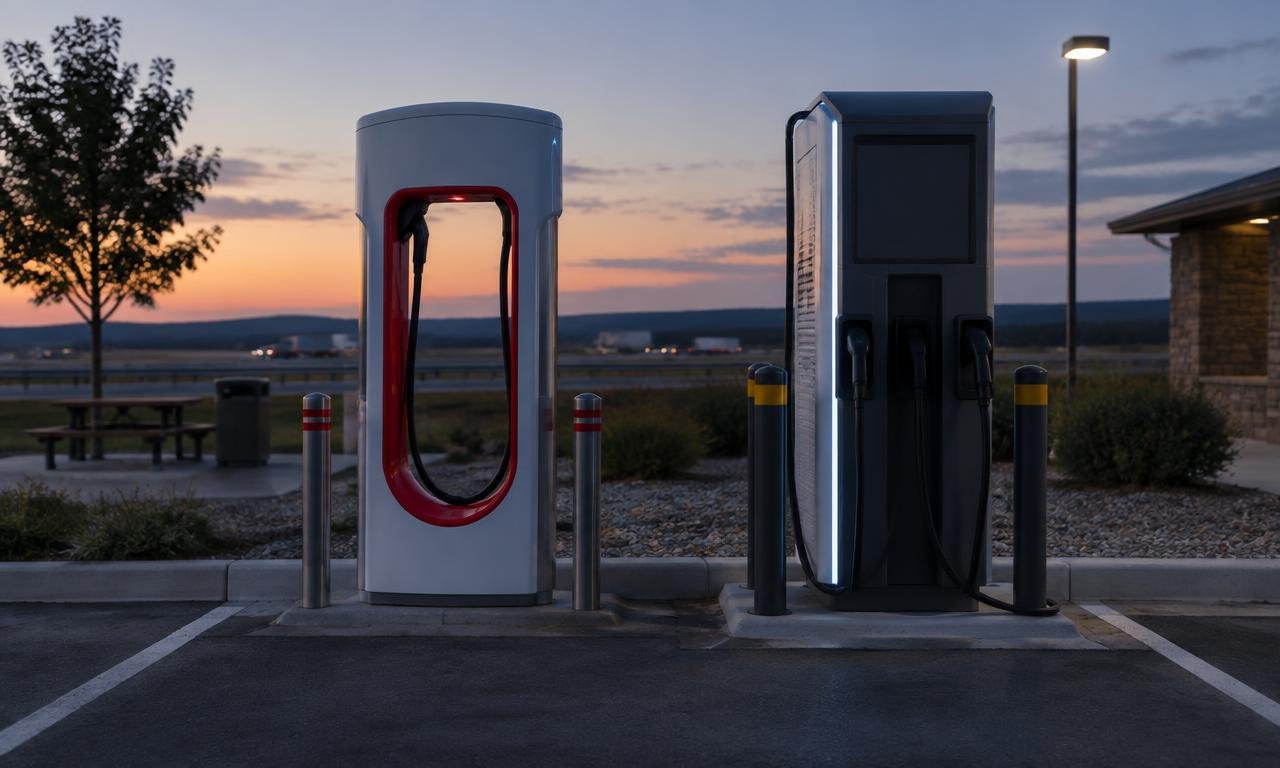
Tesla Supercharger vs Electrify America: Cost, Speed and Reliability Compared
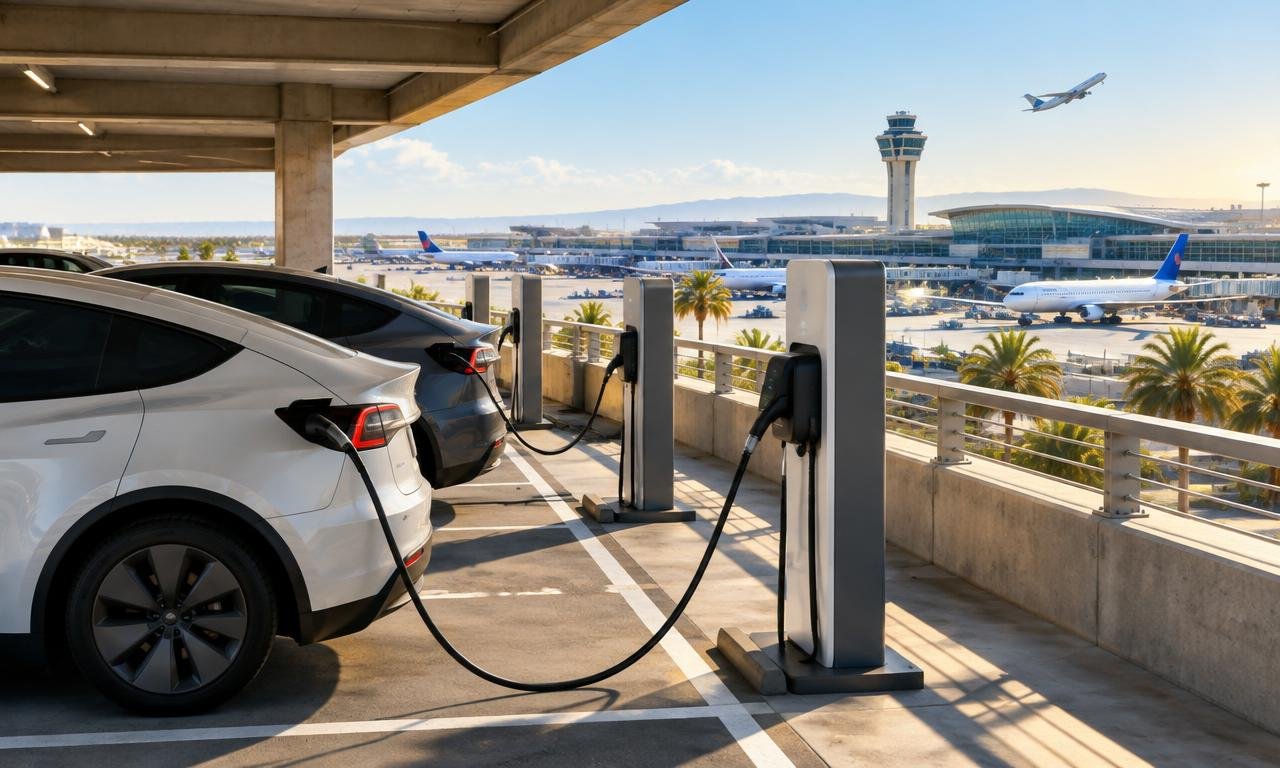
EV Charging at San Jose Airport (SJC): Locations and Parking Rules