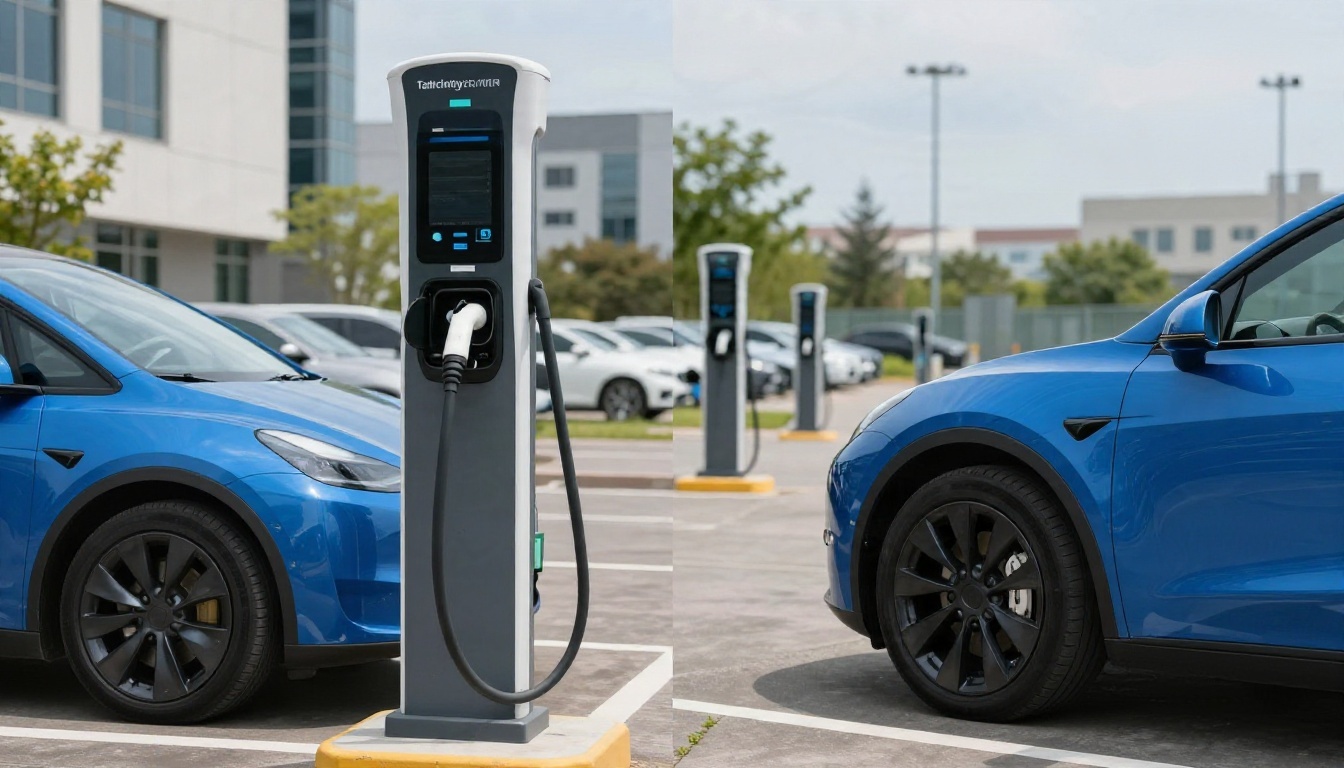
Does Your EV Charger App Show the Full Cost?
EV charging app costs can include more than the energy rate. Compare time-based fees, parking, idle charges, memberships, and your final receipt.
As an Amazon Associate, EV Charging may earn from qualifying purchases. This helps support our independent guides at no extra cost to you. Learn more.
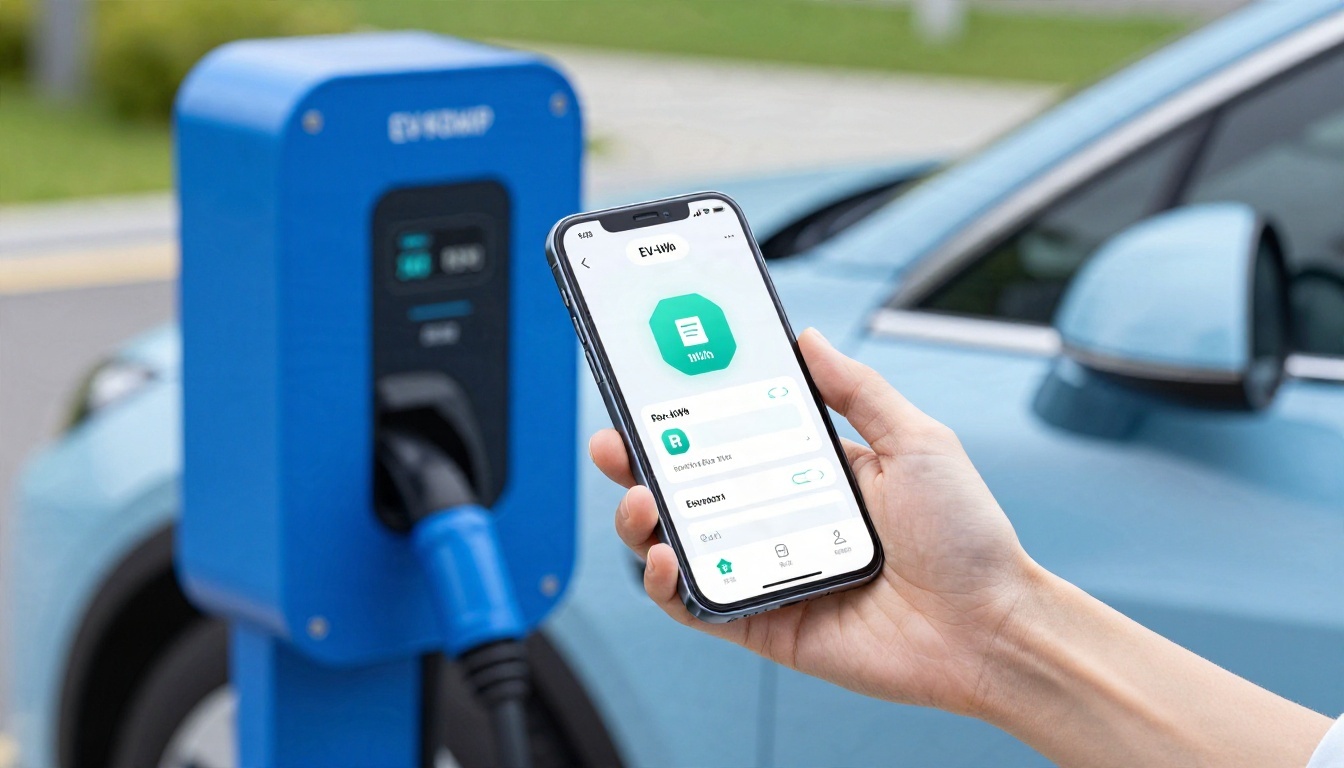
Your EV charger app may show the electricity rate without showing everything you'll pay. The full session cost can include time-based charges, parking, idle fees, taxes, and part of a monthly subscription.
And that's where the little number on the map gets complicated. An app quoting $0.48 per kilowatt-hour gives you a starting point, but your arrival time and account can change the math.
Start by separating the advertised rate from the amount that actually lands on your receipt.
This post may contain affiliate links. If you make a purchase through these links, I may earn a small commission at no extra cost to you.
Key Takeaways
- Compare the price for your arrival time and membership, rather than the lowest rate advertised.
- Discovery apps help you find chargers, while the app handling payment shows the price for that transaction.
- Home and shared charging can lower your average cost, but access charges and equipment expenses belong in the wider budget.
A cheap charger that's broken, incompatible, or behind a paid parking gate can become an expensive little adventure. Price matters. So does getting charged and getting on with your day.
What Your Charging App's Cost Estimate Leaves Out
The Energy Rate Is Only One Charge
A kilowatt-hour, or kWh, measures energy. A kilowatt, or kW, measures power. The distinction matters because apps display both, sometimes right beside each other.
At $0.50 per kilowatt-hour, 40 kilowatt-hours costs $20 before extra charges. A charger rated at 150 kW doesn't tell you that session's price or guarantee that charging speed.
Some stations use time-based pricing, or combine energy and time charges. Others add a session fee. Parking may be charged separately by the property owner, entirely outside your charging receipt.
Fees Can Arrive After the Estimate
Idle fees apply when a vehicle occupies a charger beyond the network's permitted period. Congestion fees can follow different rules, so those terms aren't interchangeable.
Electrify America's published FAQ describes a 10-minute grace period after charging ends, followed by a $0.40-per-minute idle fee.
Tax treatment also varies. The network says normal taxes and fees are included in its displayed Supercharging price. Electrify America says applicable taxes and idling can affect the final charge.
A monthly membership can lower the rate shown before charging while raising your effective cost if you barely use it.
That subscription payment belongs somewhere in your calculations, even when it doesn't appear on individual receipts.
Why a GasBuddy-Style Charging Comparison Is Hard
Gas stations have pricing complications, too. Reddit commenters pointed to cash prices running 10 to 20 cents below card prices. A crowdsourced listing can show the cheaper number without explaining who qualifies.
EV charging adds another layer: the same plug can have different prices by time, account, and payment provider.
One Reddit driver cited nearby prices of $0.68 per kWh at Tesla, $0.64 at Electrify America during peak hours, roughly $0.48 at EA off-peak, and $0.80 flat at Evolv.
Other commenters reported off-peak rates around $0.42 to $0.44 per kWh at some locations on that network, another network, and EA. They also described subscription discounts beyond time-of-use savings.
Those are driver-reported snapshots, not current nationwide tariffs. They show why one price attached to one map pin isn't enough.
A useful comparison needs your arrival time, charging plan, connector compatibility, and applicable fees. Time-of-day pricing breaks a simple gas-price database design because the lowest stored number may be irrelevant when you arrive.
Our public charging cost comparison covers the broader network picture. Here, the important question is what an app's number includes.
Which US Charging Apps Show Useful Prices?
This researched comparison separates finding a charger from knowing what the transaction will cost.
| App | Useful Cost Information | Main Limitation |
|---|---|---|
| Tesla | Site prices and applicable membership rates | Access and price depend on vehicle, site, and payment route |
| Electrify America | Station rates, plan rates, and applicable fees | No single nationwide per-kWh rate |
| EVgo | Station and plan rates | Time, location, and account affect comparisons |
| ChargePoint | Host-set rates and session history | Property owners set rates; the logo doesn't imply one price |
| PlugShare | Station details, driver reports, and available rates | Rate information can be incomplete or outdated |
| Presto | Price filters for supported locations | Coverage doesn't include every network |
| Chargeway | Vehicle-focused station discovery | A discovery result doesn't establish the final bill |
Use a discovery app to find charger locations, then open the network app you pay through to compare prices and check the final rate. A charging stations map may not show the full bill, since account choice can change the cost. EVgo's pricing and plans illustrate why account selection belongs in that comparison.
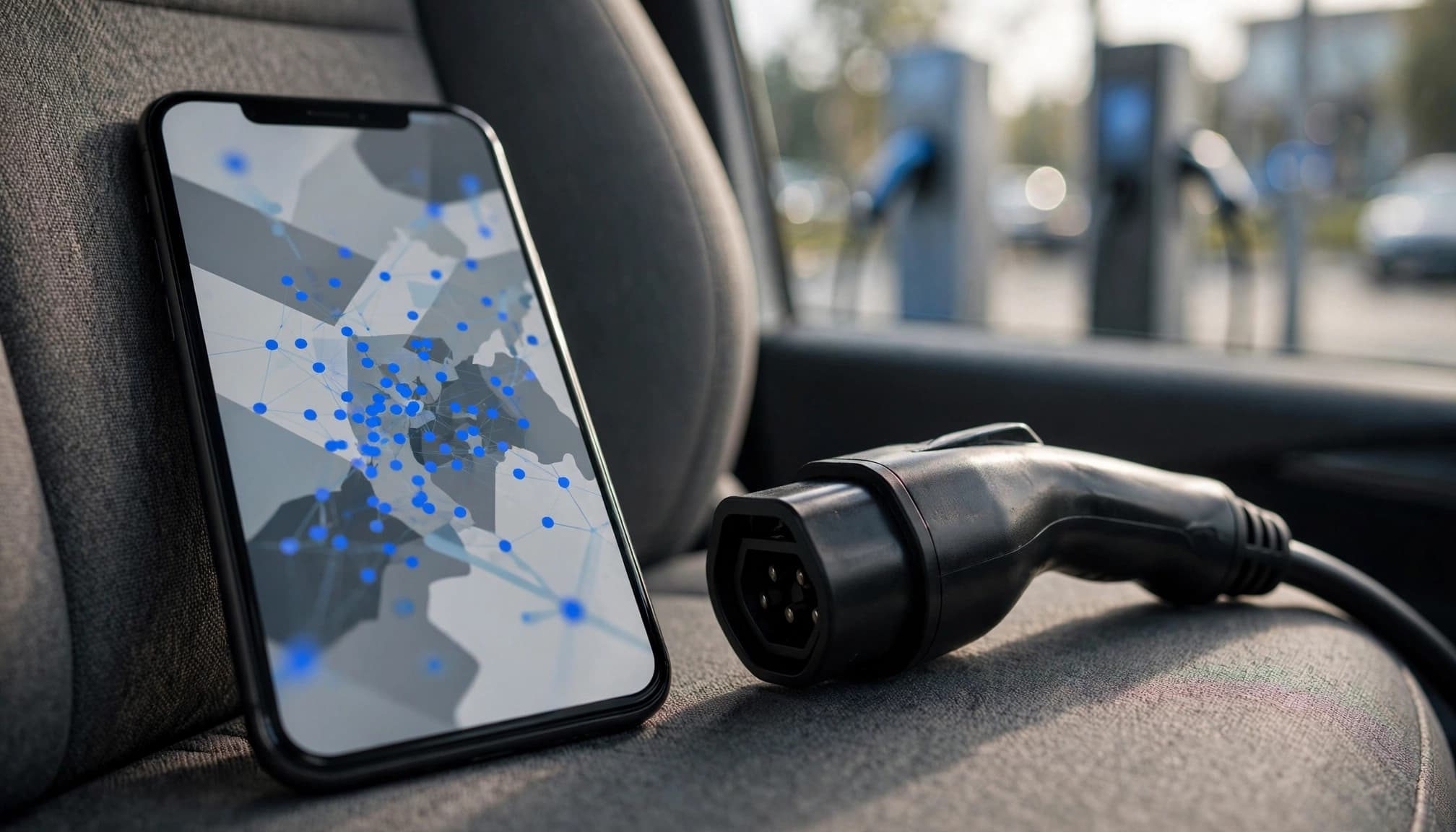
Reddit users reported that PlugShare lost useful rate data when networks replaced figures with "see app for pricing." That doesn't mean every listing lacks rates. It means the map isn't a dependable universal cost comparison.
One Presto user said its $0.40-per-kWh price filter revealed two unfamiliar locations. That helps with discovery, but coverage still limits the results.
Chargeway's vehicle-focused discovery features help identify compatible stations, while our charging app comparison covers availability and payment features beyond price alone.
Chargeprice and Evlante Solve Different Problems
Chargeprice Compares European Charging Offers
Chargeprice compares charging prices across providers in Europe. It lets drivers filter by preferred charging cards and includes blocking fees, the charges associated with occupying a charger beyond permitted conditions.
Its Google Play listing reports more than 200,000 users and describes the service as independent and unbiased. Those are the app publisher's claims, rather than an independent assessment.
The geographic limit matters for American readers: Chargeprice isn't a US charging-price comparison tool. Its premium ad-free option doesn't change that coverage boundary.
Evlante Focuses on Shared Charging
Evlante was described in the Reddit discussion as an app for scheduling and tracking shared or private charging. Think apartment arrangements, neighborhood access, and workplace charging.
That's a different job from comparing public fast-charger prices.
The potential savings come from access to a lower-priced charger, not from downloading an app alone. Scheduling and usage records can help people share that access and account for electricity.
A shared-charging app also doesn't make someone's driveway or workplace charger publicly available. Permission and access terms still matter.
How Time-of-Use Rates and Memberships Change the Bill
Compare the Hours You'll Actually Use
Time-of-use pricing changes the energy rate by charging period. A station's low overnight rate won't describe an afternoon stop, so compare rates for the time of day you expect to charge.
Electrify America says off-peak hours and TOU prices vary by station. That rules out one universal "cheap charging hour" for the entire network.
The network's app also displays site-specific pricing. For eligible non-Tesla vehicles, it distinguishes member and non-member rates. The app says third-party apps can show different prices, so the payment route matters.
A useful comparison is the rate available to your account at your expected arrival time.
Give the Subscription Its Own Calculation
Electrify America’s Pass+ plan offers member charging rates. Compare the station’s current member and guest rates with the monthly fee before subscribing.
Tesla offers a monthly Supercharging Membership for non-Tesla drivers at eligible sites. Vehicles from the network don't need that additional membership to receive network pricing.
For any plan, calculate subscription pricing with this formula:
Break-even energy (kilowatt-hours) = monthly fee divided by savings per kilowatt-hour.
Using assumed rates of $0.64 without membership and $0.48 with membership, the saving is $0.16 per kWh. A $7 fee breaks even at 43.75 kilowatt-hours, or about 44 kilowatt-hours monthly. This subscription pricing calculation shows whether a plan pays off.
Below that usage, the lower displayed rate can cost more overall. Above it, the discount starts paying for itself.
Home and Shared Charging Can Lower Your Average
Access Can Matter More Than Another App
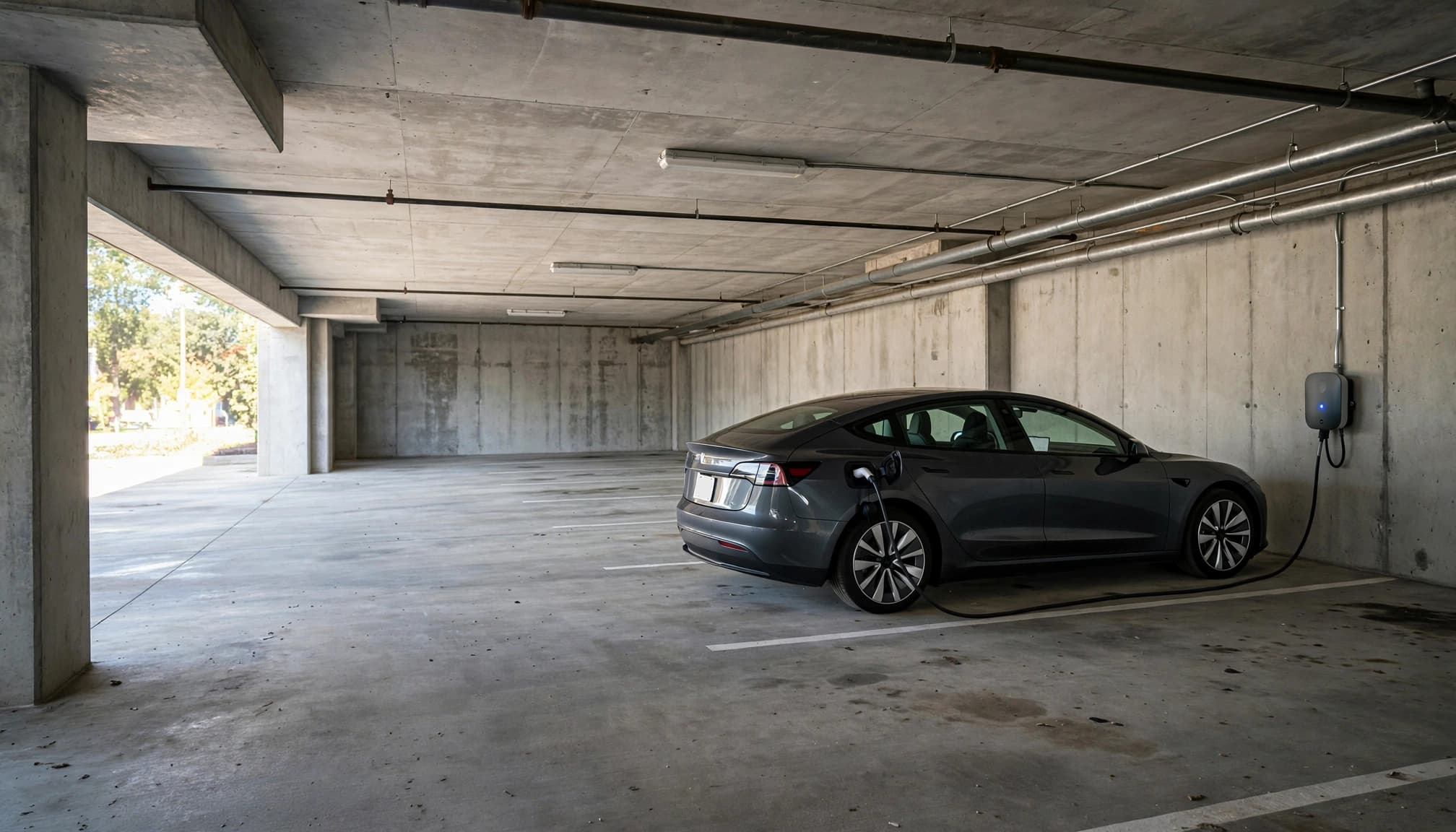
Reddit commenters described apartment, neighbor, and workplace chargers as usually cheaper than public charging. One reported an apartment charger at $0.25 per kilowatt-hour, although it was sometimes broken.
That last detail deserves attention. A lower rate has limited value when the charger isn't working.
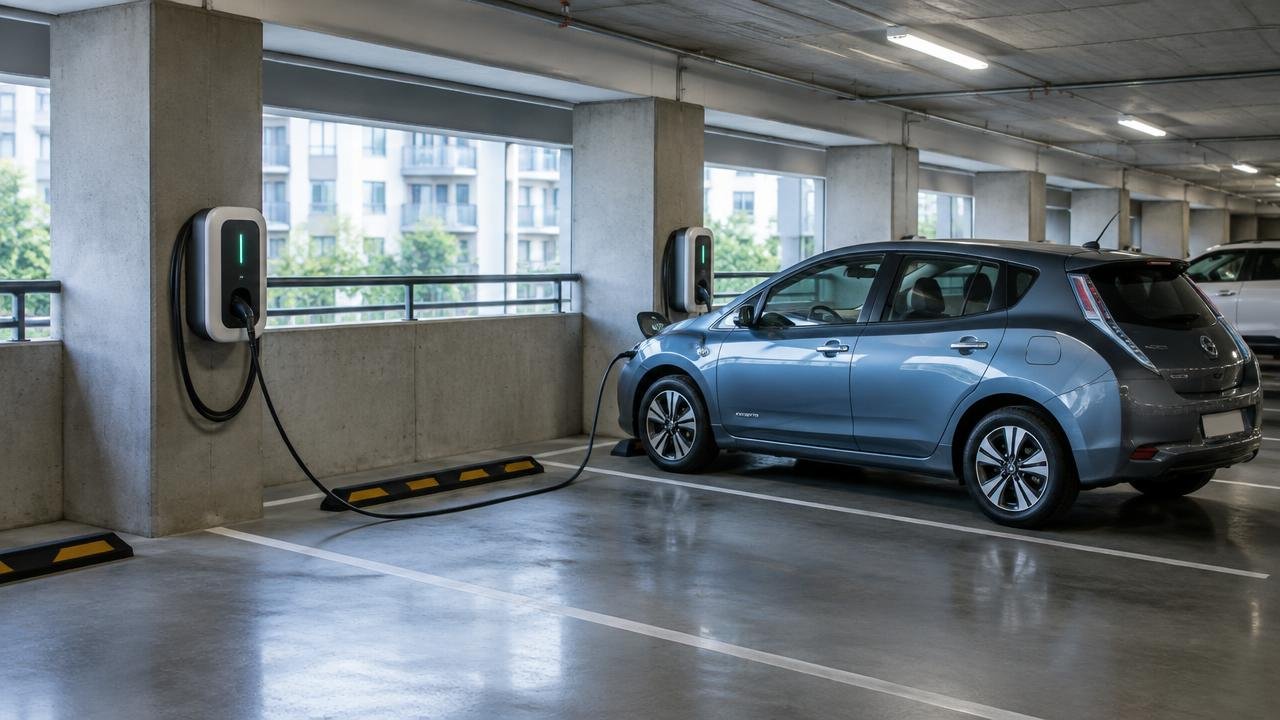
Shared charging can include parking charges, access restrictions, or host markups. For a home charger, the relevant electricity price includes the tariff's applicable usage charges. Time-of-use scheduling can help when your utility offers a cheaper overnight period.
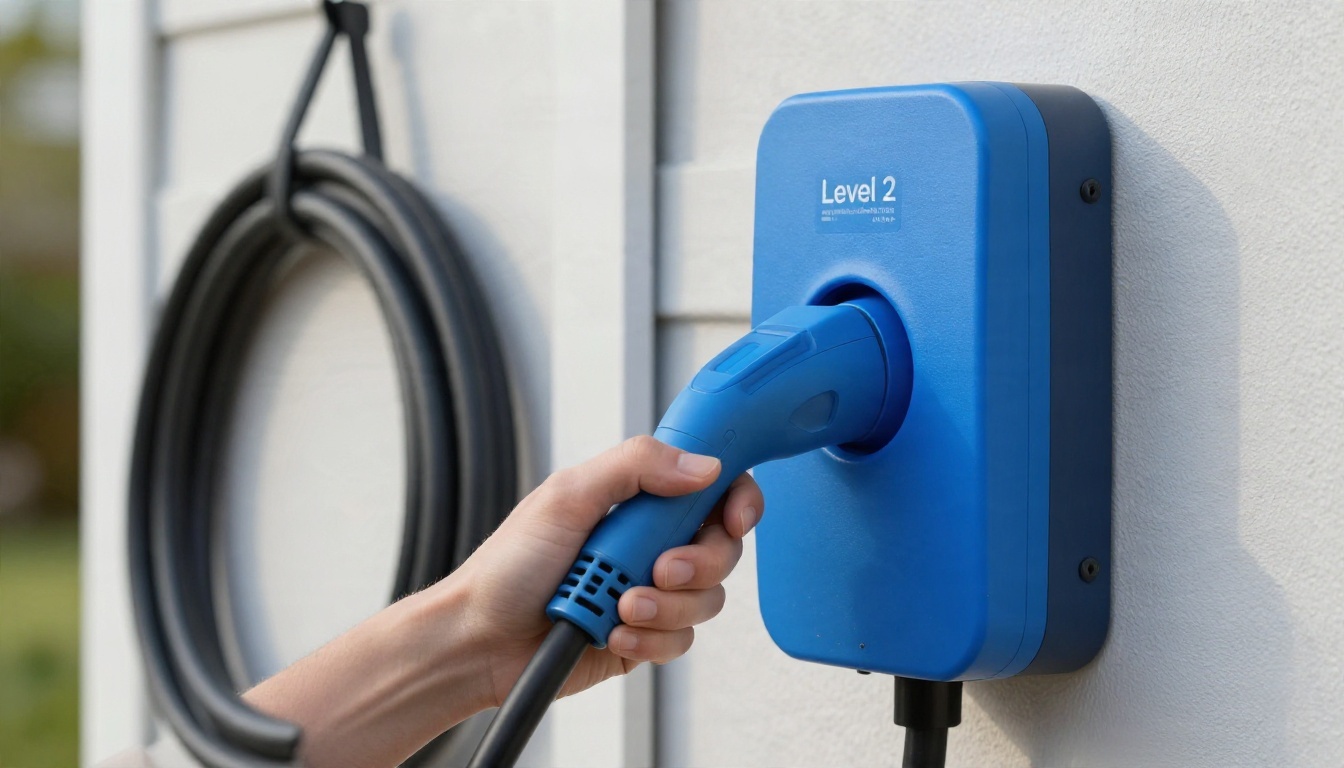
A level two charger has separate equipment and installation costs. Electrical installation belongs with a qualified electrician.
Calculate Your Blended Charging Cost
Your monthly average tells you more than your most expensive road-trip stop.
Assume you buy 200 kilowatt-hours at home for $0.16 per kilowatt-hour and 50 kilowatt-hours publicly for $0.60. These are calculation inputs, not claimed national averages.
Home electricity costs $32. Public electricity costs $30. Together, that's $62 for 250 kilowatt-hours, or $0.248 per billed kilowatt-hour before additional fees.
That average changes with your charging mix, even if neither rate changes. Our EV versus gas savings calculator lets you vary the home-charging share alongside electricity prices.
Worked Examples: What a 40-kWh Session Costs
These examples use assumed rates, not live offers. Each row includes 40 kWh billed at the relevant charging meter, with taxes and parking excluded.
| Charging Scenario | Calculation | Allocated Cost |
|---|---|---|
| Home charging | 40 kilowatt-hours × $0.16 | $6.40 |
| Shared residential charger | 40 kilowatt-hours × $0.25 | $10.00 |
| Public off-peak charging | 40 kilowatt-hours × $0.48 | $19.20 |
| Public peak charging | 40 kilowatt-hours × $0.64 | $25.60 |
| Membership charging, four equal monthly sessions | $19.20 + one-quarter of a $7 subscription | $20.95 |
| Off-peak session plus five chargeable idle minutes | $19.20 + (5 × $0.40) | $21.20 |
The membership row allocates the subscription across four sessions. With only one session that month, the same assumed charging rate would cost $26.20 after allocating the whole $7 fee.
The idle example assumes five minutes that are actually billable, after any grace period. Five minutes parked doesn't automatically mean five minutes charged.
Also, billed energy isn't identical to energy stored in the battery. Charging losses and thermal management affect that relationship. Equal billed kilowatt-hours across AC and DC charging won't necessarily deliver equal driving range.
For an everyday driving comparison, divide your total charging spending by miles driven. Our cost-per-mile guide explains that calculation without treating battery capacity as the amount you purchase.
How to Compare Charging Costs Before a Stop
A short routine beats juggling six apps while your battery gets lower.
- On a charging stations map, filter public chargers by supported connector, suitable power, and location access. Include fast chargers if you need them.
- Compare prices for your arrival time and account in the app handling payment.
- Include session charges, parking, subscription allocation, and potential idle fees in the estimate.
- Read recent station reports, then weigh the savings against the detour and likely charging time.
Several Reddit commenters put reliability, speed, and amenities ahead of price. That's a reasonable choice when the cheaper stop adds uncertainty or leaves you waiting without a bathroom nearby.
Keep the savings in proportion. At 40 kilowatt-hours, a $0.05-per-kilowatt-hour difference saves $2. A $0.20-per-kilowatt-hour difference saves $8.
You decide what those dollars are worth against an extra stop or longer drive. The cheapest rate on the app isn't always the best overall choice.
Keep the final receipt, too. It shows which charges were applied, rather than merely possible.
Frequently Asked Questions
Is an EV Charging Subscription Worth It?
It's worth paying when your eligible charging savings exceed the monthly fee. Use your expected usage on that network, not all your charging combined. Home charging doesn't help you recover a public-network subscription.
Is There an App for Free EV Charging?
PlugShare and other station-finding apps can surface free charging locations. Access may depend on business hours, customer status, or parking rules. Free electricity can still come with a parking bill.
Is ChargePoint Cheaper With the App?
Using the app doesn't automatically lower the charging price. ChargePoint station owners set pricing, which can include energy, time, or session charges. Access groups and site-specific arrangements can affect what a particular driver pays.
Which Charging App Is Best for Comparing Costs?
For a US driver, the strongest combination is usually a cross-network discovery app and the payment app for the chosen station. No app in this comparison provides a guaranteed, all-network final price covering every account, parking charge, and eventual fee.
Sources and Pricing Limits
Network-policy details here draw on Electrify America's pricing and support information, the automaker's Supercharging support, and EVgo's published plan information.
The quoted neighborhood prices, Presto experience, and shared-charging observations come from Reddit user reports. Chargeprice's user count and independence statement come from its Google Play listing.
Worked examples use labeled assumptions. None of those example rates is a promised price at a particular charger.
Compare the Receipt, Not Just the Map Pin
Your charging app can help you spend less, but the displayed energy rate is only part of the calculation. The useful number is your total cost for the charging you need, including fees and membership spending.
Compare the right time, account, and payment route. Then give reliability and convenience their place in the decision.
A lower price feels better when the final receipt agrees.
Sources & further reading

Written by
LarryLeoLarryLeo started EV Charging while researching his own next car purchase. He digs into the pros, cons and real cost savings of going electric — using government, standards-body and manufacturer sources — and shares what he finds so other buyers can decide with confidence.
Why trust EV Charging Guide
Our guides are researched from government, standards-body and manufacturer sources, reviewed for accuracy, and updated when rules or products change. Brands cannot pay for placement. Read our editorial policy.